
The Allen-Bradley 2711-B6C1 is a rugged, legacy Human-Machine Interface (HMI) from the PanelView Standard 600 product family. Featuring dual-input capability, it provides both a Keypad and a Touchscreen interface for ultimate control flexibility in demanding factory floor applications. This unit relies on Remote I/O (RIO) protocols for direct PLC communications and is powered by an universal AC input supply.
Product Specifications
Technical Parameters
- Model Line: PanelView 600 Standard
- Catalog Number: 2711-B6C1
- Manufacturer: Allen-Bradley (Rockwell Automation)
- Operator Input Type: Dual Control (Mechanical Keypad + Analog Resistive Touchscreen)
- Keypad Grid Matrix: 10 Configurable Stainless Steel Domed Function Keys (F1…F10)
- Touch Cells: 128 actuation cells (rated for 1 million presses)
- Display Architecture: 5.5-inch Color Active Matrix TFT Screen
- Display Resolution: 320 x 234 pixels (Effective area: 115 mm x 86 mm)
- Backlight Lifespan: 50,000 hr \frac{1}{2}-life at 25°C (Field replaceable)
- Internal Memory: 170 KB Application Runtime RAM | 240 KB Non-Volatile Flash (Expandable up to 32 MB via external ATA Flash Cards)
- Input Operating Voltage: 85–264 V AC (Universal Power), 47–63 Hz
Communication Interfaces
- Primary I/O Port: Dedicated Remote I/O (RIO) interface (supports networking up to 32 active nodes per segment using Belden 9463 blue hose cables).
- Auxiliary Network Port: RS-232 configuration/printer interface for localized logging extraction and alarm streaming.
Physical Datasheet
- External Dimensions: 192 mm Height x 290 mm Width x 116 mm Total Depth
- Panel Cutout Requirements: 167 mm Height x 264 mm Width
- Terminal Weight: 1.81 kg (4.00 lbs)
- Enclosure Rating: NEMA Type 12, 13, 4X (Indoor Industrial Use Only), IEC IP54 / IP65
Application Fields
The 2711-B6C1 is heavily relied upon to manage processes running on heritage Allen-Bradley control platforms:
- PLC-5 & SLC 500 Infrastructure: Serving as the localized machine monitor linked via blue-hose networks to 1771-ASB or 1747-SN scanner modules.
- Material Handling: Driving multi-lane sorters, transfer conveyor sequences, and tracking stations where gloves necessitate heavy keypad usage.
- Food and Beverage Packaging: Providing color-coded alarm visualization for filling, capping, and sealing machines.
- Water treatment Scanners: Processing level telemetry, loop pressure profiles, and pump statuses via sealed, washdown-ready fascias.
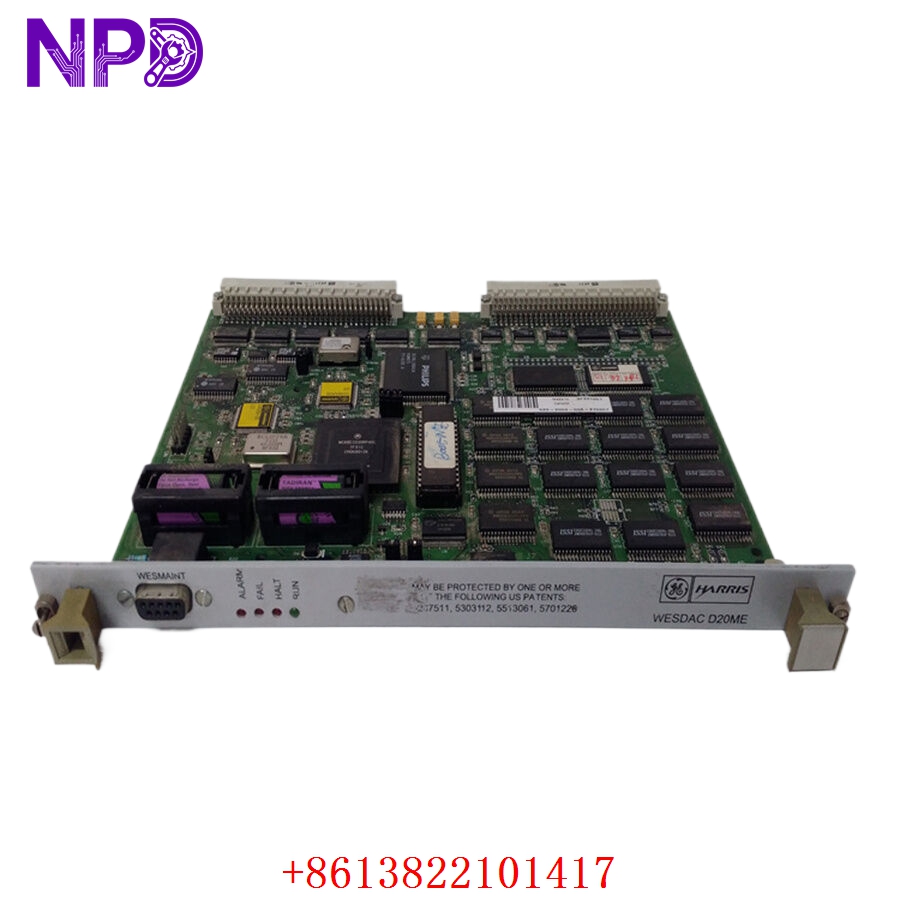
GE WESDAC D20ME 526-2004-03A-270957
Product Usage Instructions
- Panel Cutout Installation: Ensure your cabinet layout meets the strict cutout specifications (167 mm \times 264 mm). Slip the HMI through the front panel, slide the specialized mounting clips into their perimeter slots, and torque them evenly to preserve the front NEMA 4X environmental seal.
- RIO Network Setup: Connect the Belden 9463 cable into the 3-pin physical phoenix block plug. Set up your specific physical station address, rack address, and starting quarter using PanelBuilder32 programming software to align cleanly with the PLC program configuration block.
- Power Connection: Route the AC lines into the internal terminal plate (L1, L2/Neutral, and Chassis Ground). Ensure the line layout meets isolated industrial grounding practices to prevent high-frequency common-mode noise from corrupting display registers.
- Application Maintenance/Downloads: Establish a direct serial interface from your engineering workstation to the auxiliary RS-232 port using a straight-through data link cable (such as the 2711-NC13 loop). Use RSLinx Classic to mount a standard DF1 point-to-point driver layer.
- Firmware Restoration (No Default Button): Unlike the PanelView Plus range, standard PanelView 600 units do not contain a physical factory default micro-switch. To trigger a full diagnostic default override, connect an external USB/serial keyboard to the interface port, cycle the main AC supply lines, and hold down any character key during initial boot execution to command the safe-boot engineering menu overlay.
Q&A – Frequently Asked Questions
Q: What programming software is required to build or modify screens for the 2711-B6C1?
A: This standard platform is configured using legacy PanelBuilder32 software. It cannot be configured or modified with FactoryTalk View Studio (which is designed for PanelView Plus, Plus 6, and Plus 7 architectures).
Q: My HMI is showing a flashing red FAULT LED. What does this mean?
A: A flashing red FAULT LED on an RIO-based PanelView indicates a communication breakdown. Check that the RIO address configured in your PanelBuilder32 file perfectly matches the scanner settings inside your PLC rack, and inspect the blue hose wiring layout for broken connections or loose pins.
Q: Can I replace a 2711-B6C1 with a 2711-K6C1 or a 2711-T6C1?
A: Partially. The “B” in B6C1 stands for Both (Keypad and Touch). A 2711-K6C1 has only a keypad, and a 2711-T6C1 has only a touchscreen. To ensure your operators maintain identical system interaction capabilities without modifying screen layouts, it is best to use a direct “B6C1” substitution.
Q: Where can I buy a replacement backlight or get a quote for a refurbished terminal?
A: For live component inventory validation, immediate commercial price scheduling, and 12-to-24 month comprehensive warranty programs, please check out our Allen-Bradley PanelView Standard Procurement Portal.
Product Related News
In mid-2026, the 2711-B6C1 continues to see significant activity within the MRO (Maintenance, Repair, and Operations) pipeline. Since Rockwell Automation discontinued the PanelView Standard family several years ago, maintaining these devices has become vital for factories looking to postpone massive, disruptive system retrofits. Modern testing facilities have standardized component-level restoration strategies, focusing specifically on replacing the aging internal power supply capacitors and refreshing the ccfl backlight rails with crisp, energy-efficient drops. This approach enables plant engineers to maintain active field networks, preserve old PanelBuilder32 architectures, and maximize the return on investment of older PLC-5 and SLC processing systems.


