
Description
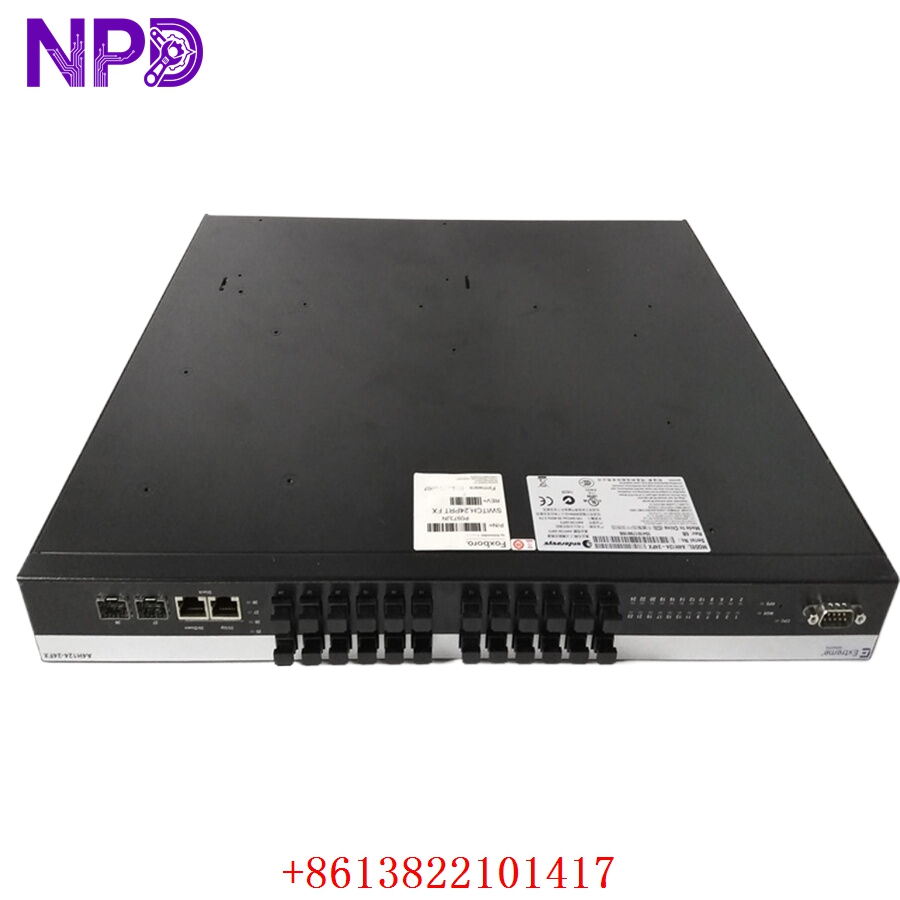
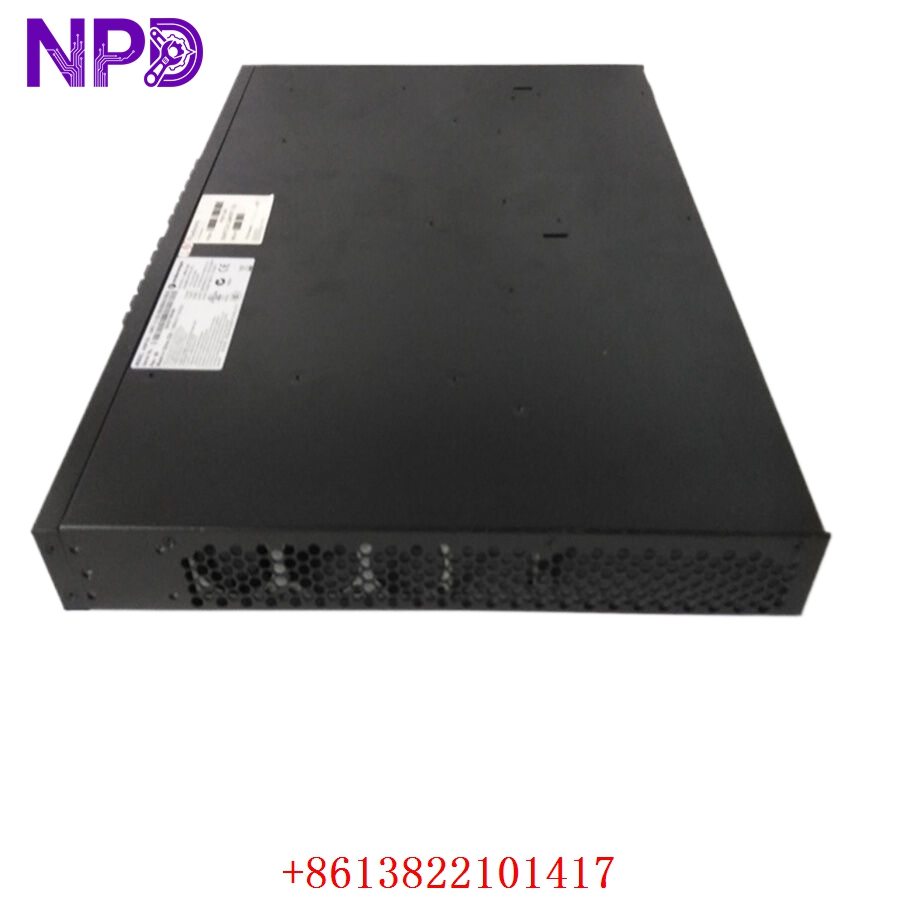
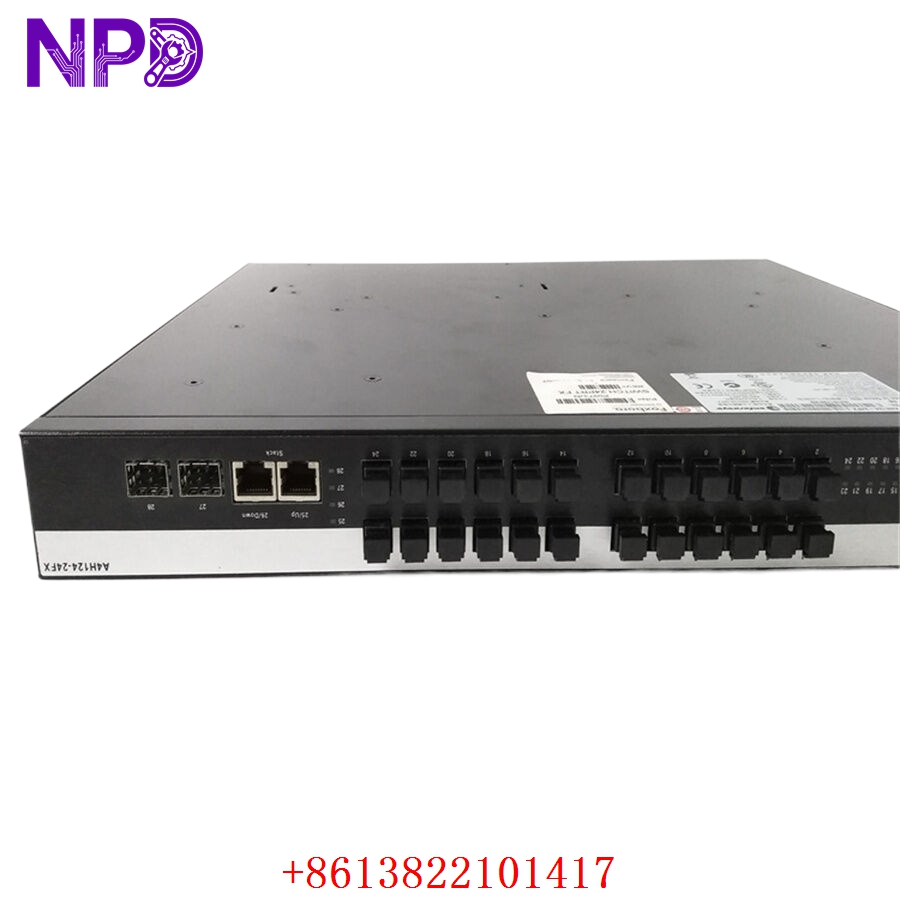
The Enterasys A2H124-24FX is a high-performance, stackable Fast Ethernet switch belonging to the Enterasys Matrix A2 product family. Designed for enterprise edge deployments and branch offices requiring high-density fiber connectivity, this managed switch features 24 dedicated 100Base-FX fiber ports alongside 2 combo Gigabit uplink ports. The A2H124-24FX is engineered with advanced Layer 2 switching capabilities, robust Quality of Service (QoS) features, and integrated security policies such as multi-user authentication and rate limiting. Its non-blocking architecture ensures wire-speed performance, making it an excellent choice for fiber-to-the-desktop (FTTD) applications and secure industrial or government networks.
To source high-availability enterprise networking equipment and genuine spare modules, visit the Enterasys Network Solutions portal.
Technical Specifications
- Manufacturer: Enterasys Networks (Extreme Networks)
- Series: Matrix A2 Series
- Model Keyword: Enterasys A2H124-24FX Managed Switch
- Port Density: 24 x 100Base-FX fiber ports (MT-RJ or SC connector variants)
- Uplink Ports: 2 x Combo Gigabit ports (10/100/1000Base-T RJ45 or 1G SFP slots)
- Dimensions: 44.0 cm x 36.8 cm x 4.4 cm (1U Rack-mountable)
- Weight: 4.82 kg (10.63 lbs)
- Country of Origin: United States (USA) / China
- Switching Capacity: 8.8 Gbps non-blocking
- MAC Address Table: 16,000 entries
- Power Supply: 100-240 VAC auto-sensing internal power supply
- Power Consumption: 45 Watts maximum
Extreme Networks A2H124-24FX
Extreme Networks A2H124-24FX
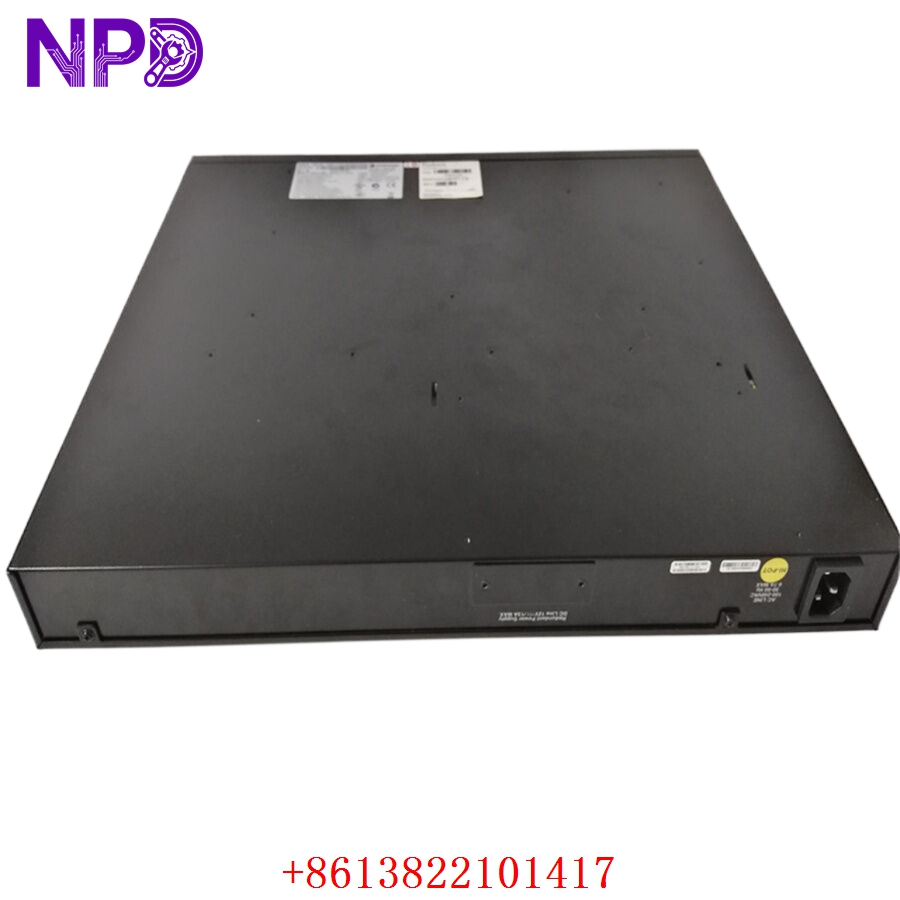
Extreme Networks A2H124-24FX
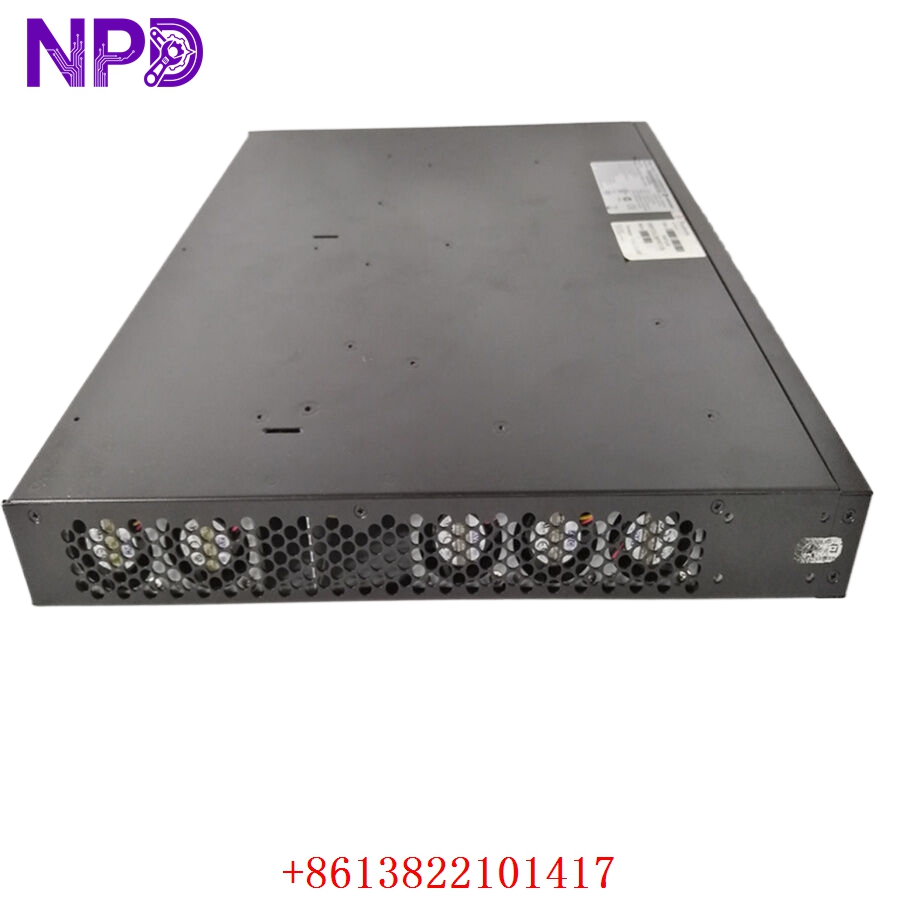
Extreme Networks A2H124-24FX
Application Fields
The A2H124-24FX is highly favored in environments where copper cabling is susceptible to interference or where long-distance data transmission is mandatory:
- Secure Government & Military Networks: Fiber-to-the-desk infrastructure to eliminate electromagnetic radiation emissions and prevent data tapping.
- Industrial Automation Systems: Connecting remote PLC cabinets and human-machine interfaces (HMIs) across high-EMI factory floors.
- Campus Backbone Aggregation: Serving as an aggregation point linking multiple distributed branch buildings to a main data center over multi-mode fiber.
- Transportation Infrastructure: Powering trackside communications and signaling telemetry networks for rail systems.
Product Installation and Usage Instructions
- Rack Installation: Mount the A2H124-24FX into a standard 19-inch equipment rack using the provided L-shaped mounting brackets and screws. Ensure adequate ventilation clearance around the intake and exhaust fans.
- Powering the Hardware: Connect the standard AC power cord into the rear IEC receptacle and plug it into an active, grounded surge protector or UPS outlet. Verify the front panel “PWR” LED illuminates green.
- Connecting Fiber Ports: Remove the protective dust caps from the 100Base-FX ports. Insert clean multi-mode fiber patch cables into the ports, ensuring matching TX-to-RX polarities with the downstream devices.
- Uplink Configuration: Utilize the combo Gigabit ports to connect to your core switch or router. Note that inserting an SFP module into a combo port will automatically disable the corresponding copper RJ45 port.
- Initial Management Setup: Connect a standard serial console cable from your administration PC to the front DB9 or RJ45 console port. Initialize a terminal session (9600 baud, 8 data bits, no parity) to configure the system IP address, management VLAN, and secure SSH credentials via the Command Line Interface (CLI).
Frequently Asked Questions (Q&A)
Q: Can the A2H124-24FX be stacked with other Matrix series switches? A: Yes. The Matrix A2 architecture supports stacking. Multiple units can be connected using dedicated stacking cables on the rear panel, allowing them to be managed as a single logical device with a unified IP address.
Q: Does this switch support Power over Ethernet (PoE)? A: No. The “FX” designation in the model name specifies fiber-optic interfaces. Fiber-optic ports transmit data via light pulses and cannot conduct electrical current to power external PoE devices like IP cameras or VoIP phones.
Q: What is the maximum transmission distance supported by the standard fiber ports? A: The integrated 100Base-FX multi-mode fiber ports typically support a maximum distance of up to 2 kilometers (1.24 miles) over standard 50/125µm or 62.5/125µm multi-mode fiber cabling.
Q: How do I restore the switch to factory default settings if the password is lost? A: Connect a console cable to the switch and reboot the unit. During the initial boot sequence, press the escape key (or specified key combination prompted on screen) to enter the bootloader menu, where you can select the option to clear the configuration files.
Recommended Hot Stock Models
- ENTERASYS C2G124-24
- ENTERASYS B3G124-24
- ENTERASYS A2H124-24
- ENTERASYS C2G124-48
- ENTERASYS 7G206-03
- EXTREME NETWORKS X440-G2-24T
- EXTREME NETWORKS X450-G2-24P
- EXTREME NETWORKS X460-G2-48T