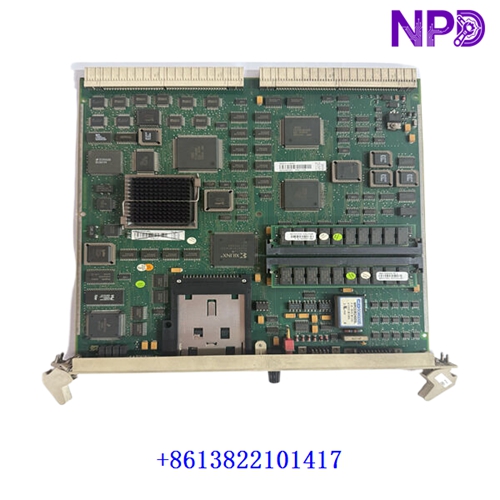

Description
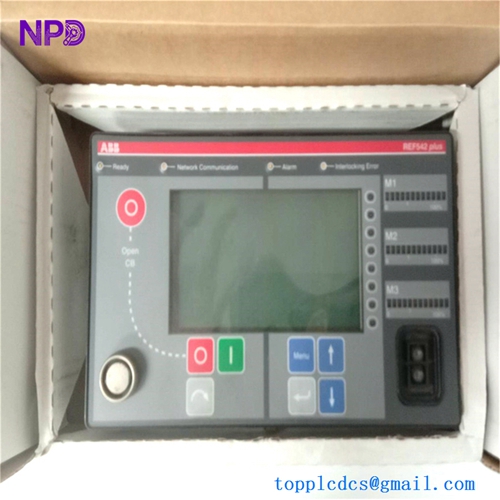
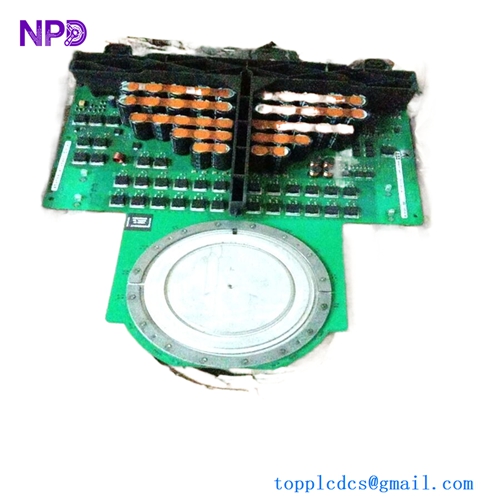
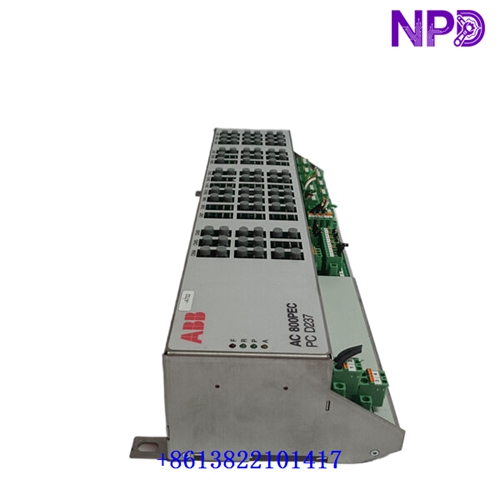
The following parameters outline the core technical specifications and physical characteristics of the high-performance ABB network control unit, designed for industrial automation communication and networking architectures.
- 1. Brand: ABB
- 2. Model: 1KHL015107R0001 (Part Identifier: 1KHL015109P2)
- 3. Series: NETWORK PARTNER P4LR System Line
- 4. Product Name: Communication and Control Module
- 5. Place of Origin: Sweden / Germany
- 6. Physical Status: Factory New / Industrial Spare Part
- 7. Dimensions: Standard modular rackmount enclosure format
- 8. Weight: 1.20 kg
- 9. Original Region: European Industrial Manufacturing Hub
- 10. Power Rating: Rated operational power input P = 18W (24V DC system supply)

Initial Operation Checklist
- 🔹 Inspect the module packaging and exterior enclosure for any physical transit damage prior to installation.
- 🔹 Verify that the part numbers
1KHL015107R0001and1KHL015109P2match network architecture engineering lists and rack slot allocations. - 🔹 Ensure the system rack power supply is completely de-energized before inserting or securing the hardware module.
- 🔹 Check backplane connector pins for cleanliness, straight alignment, and absence of oxidation.
- 🔹 Confirm proper grounding continuity between the subrack chassis and the main industrial control cabinet ground bus.
Daily Maintenance & Servicing
- 🔸 Monitor operational ambient temperatures continuously, ensuring environment conditions stay within standard limits (-10^\circC \le T \le +55^\circC).
- 🔸 Inspect front-panel communication and diagnostic LED indicators regularly for normal network heartbeat and link integrity.
- 🔸 Keep cabinet ventilation fans functional and airflow paths unobstructed to prevent localized heat buildup.
- 🔸 Perform periodic checks on network cable connectors to ensure communication plugs remain securely locked.
Troubleshooting & Common Issues
- 🔻 Symptom: Module fails to power on or front status LEDs remain completely dark.
Action: Check backplane supply voltages using a calibrated multimeter and verify slot power distribution fuses.
- 🔻 Symptom: Network communication dropouts or failure to connect with the supervisory station.
Action: Inspect fiber-optic or copper communication cables, verify port configurations, and check network switch parameters.
- 🔻 Symptom: System error or watchdog fault indicator active on the front panel.
Action: Perform a controlled system reset, check firmware/hardware configuration consistency, and review event log files.
Safety Precautions
- ⚠️ Only certified automation and network engineers familiar with ABB control systems should perform hardware installation and servicing.
- ⚠️ Observe strict electrostatic discharge (ESD) protection protocols, including wearing a grounded wrist strap when handling printed circuit boards.
- ⚠️ Never insert or remove communication modules from an active, powered backplane to avoid electrical arcing or data corruption.
Frequently Asked Questions (Q&A)
- Q1: What is the primary function of the ABB NETWORK PARTNER P4LR module?
A1: It serves as a specialized communication and control processing node within industrial automation and substation network architectures.
- Q2: What type of power supply is required for this unit?
A2: The unit operates on a standard industrial DC power supply architecture (\pm 10\% voltage regulation tolerance).
- Q3: How should communication link errors be diagnosed initially?
A3: Check the physical link status via the front-panel diagnostic LEDs and inspect the integrity of the connected network cabling.