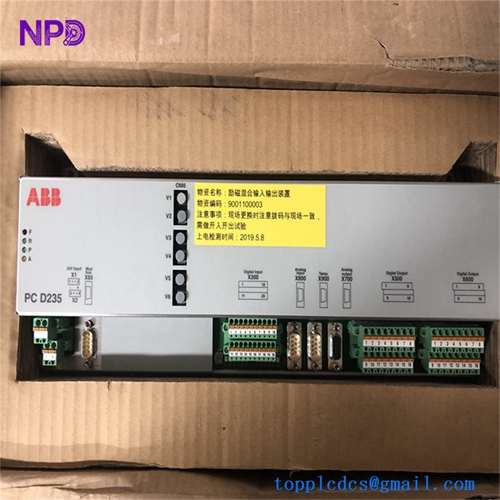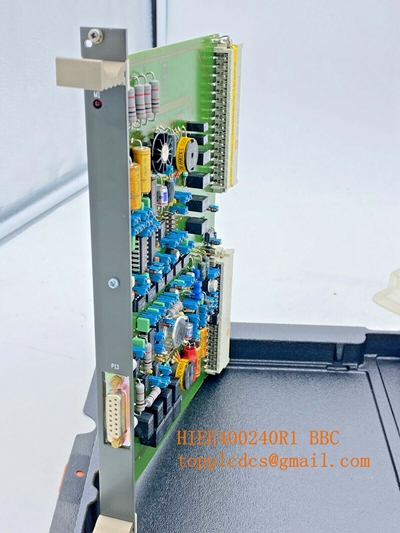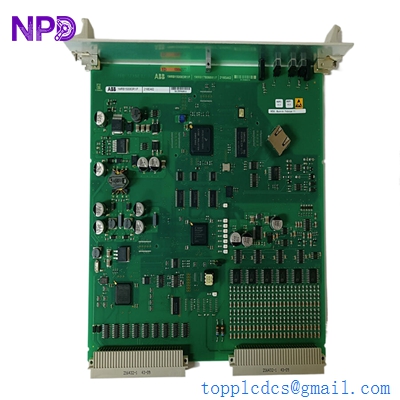

Description
- Model: ABB 216EA62 (1MRB150083R1F / 1MRB178066R1F)
- Brand: ABB (Switzerland)
- Series: Procontrol P13 / 200 Series
- Core Function: Binary/Digital Input and Output processing for large-scale automation
- Product Type: I/O Interface Module
- Key Specs: 24 V DC logic, high-density signal handling, rack-mount architecture
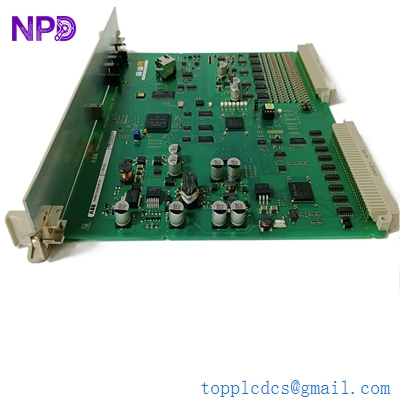
ABB 216EA62 1MRB150083R1F 1MRB178066R1F
Key Technical Specifications
- Part Numbers: 1MRB150083R1F (Main) / 1MRB178066R1F (Revision/Sub-board)
- Signal Type: Binary Input/Output (Digital)
- Operating Voltage: 24 V DC (nominal)
- Mounting: ABB P13 / 216 Rack System
- Isolation: Optically isolated inputs for noise rejection in high-voltage environments
- Internal Bus: Connection via backplane for integration with 216DB or 216VC controllers
- Status Indication: Front-panel LEDs for “Module Active” and “Fault”
- Diagnostics: Integrated monitoring of internal supply voltages and bus communication
- Packaging: Standard ABB Procontrol metal-frame module
- Temperature Range: 0 to +55 °C operating environment
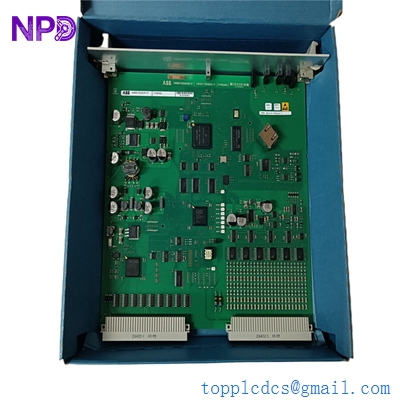
ABB 216EA62 1MRB150083R1F 1MRB178066R1F
Installation & Configuration Guide
Phase 1: Pre-Installation (Estimated time: 10 minutes) ⚠️ Safety First:
- Ensure the P13 rack power is switched off before inserting or removing the module to prevent arcing on the backplane pins.
- Verify the “1MRB” suffixes. ABB revisions are strict; using an “R1F” where an “R1A” was originally installed is usually fine (backward compatible), but check your system documentation.
- Use a grounded wrist strap. The logic chips on the 216EA62 are sensitive to static buildup.
Phase 2: Removal (Estimated time: 5 minutes)
- Unscrew Fasteners: Loosen the top and bottom retaining screws on the module faceplate.
- Extraction: Use the pull-handles to withdraw the 216EA62 straight out of the rack.
- Inspect Connectors: Check the backplane for “pin-push” where a previous module may have damaged the female socket.
- Jumper Identification: Record the positions of any jumpers on the PCB surface (often labeled X1, X2, etc.) as these define the address or signal logic.
Phase 3: Installation (Estimated time: 15 minutes)
- Set Jumpers: Match the jumper configuration of the new 1MRB150083R1F to the unit being replaced.
- Alignment: Slide the module into the card guides until you feel the backplane connectors touch.
- Seating: Apply firm, even pressure to seat the module. The faceplate should be flush with the rack rails.
- Secure: Tighten the faceplate screws. This isn’t just for mechanics; it often serves as the module’s frame ground.
Phase 4: Power-On & Testing (Estimated time: 20 minutes)
- Restore power to the rack.
- LED Check: The green LED should light up. If the red “Fault” LED is on, it may indicate a bus address conflict.
- Signal Verification: Trigger a digital input (e.g., a switch or relay contact) and verify that the corresponding status bit changes in your Procontrol diagnostic software.
- Communication Check: Ensure the central CPU (216VC/DB) recognizes the module without reporting a “Peripheral Missing” error.
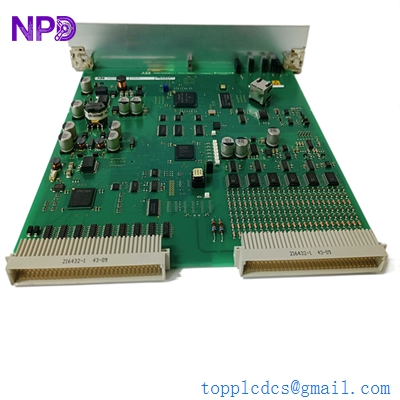
ABB 216EA62 1MRB150083R1F 1MRB178066R1F
Customer Cases & Industry Applications
Case 1: Power Station Signal Restoration A thermal power plant in Eastern Europe faced a loss of digital feedback from its turbine lubrication system. The cause was a failed 216EA62 I/O module that had been in service for 15 years. Since the P13 series is in its “Classic” or “Limited” lifecycle phase, the plant couldn’t find a new unit through local channels. We delivered a New Surplus module in 4 days, allowing the plant to restore critical safety monitoring without a costly system-wide upgrade.
Case 2: Industrial Process Control Stability A paper mill used the ABB 216 series for its drive control logic. After a localized power surge, several I/O modules began reporting “Internal Fault” errors. By utilizing our stock of New Surplus 1MRB150083R1F modules, they replaced the damaged hardware during a 2-hour scheduled maintenance window, avoiding an unplanned outage that would have resulted in tons of wasted paper stock.
Frequently Asked Questions (FAQ)
Q: What is the difference between 1MRB150083R1F and 1MRB178066R1F? A: Usually, one refers to the complete module assembly while the other refers to the specific PCBA (Printed Circuit Board Assembly) inside. When ordering, the 1MRB150083R1F is the primary part number you should use to ensure a complete, working module.
Q: Is the 216EA62 “hot-swappable”? A: To be honest, I don’t recommend it. While the P13 backplane is robust, a slight misalignment during a hot-swap can cause a transient that trips the bus controller. It’s always safer to power down the specific rack branch if possible.
Q: My module has a red LED but the jumpers are correct. What’s wrong? A: Check the 24 V field power. If the module isn’t receiving the external wetting voltage for its I/O points, it may report a fault even if the logic side (from the backplane) is powered.
Q: Can I use this in a 200 series Procontrol rack? A: Yes, the 216 series is the evolved version of the earlier Procontrol hardware. It fits the same mechanical footprint and uses the same signaling protocols, making it an ideal choice for maintaining older installations.
Q: Does New Surplus mean the warranty is already expired? A: Not with us. Even though these parts are no longer in active production at ABB, we provide a full 1-year warranty from the date we ship it to you. We stand by the reliability of our “zero-hour” surplus stock.
I’m always open to corrections if I get something wrong; the best way to handle that is to just tell me what I missed or what I need to know! You can also always turn off the use of this personal context in your settings.