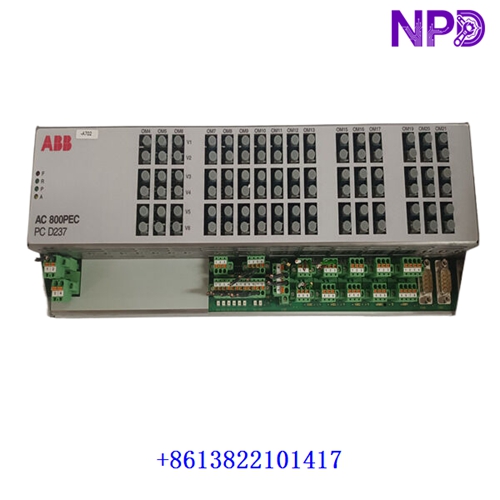
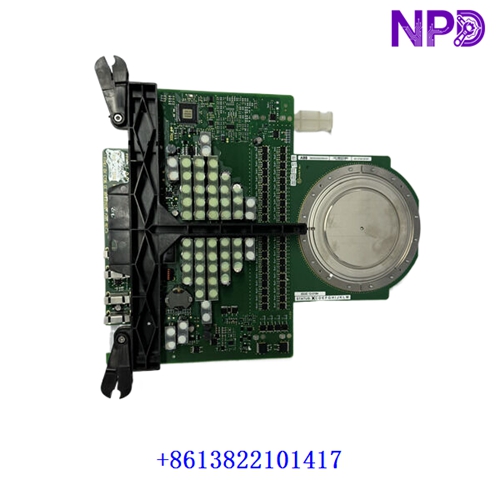

Description
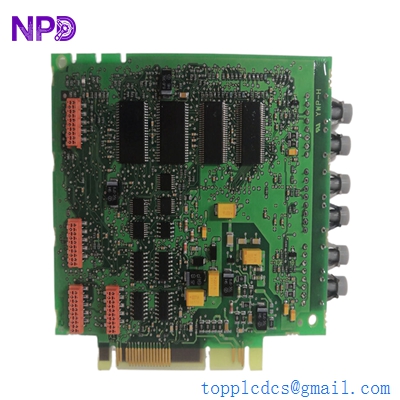
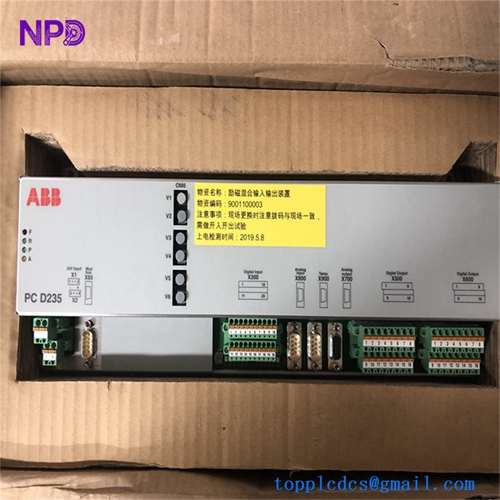
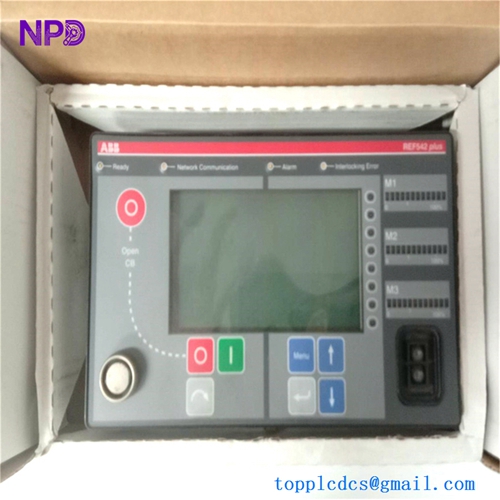
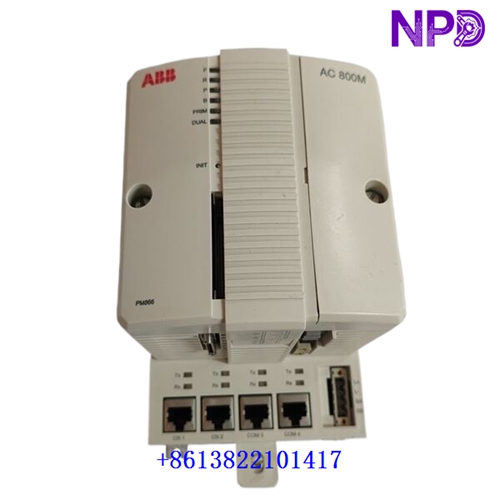
The ABB 3BHE017628R0102 (PPD115A102) is a high-performance industrial controller driver module engineered for rigorous distributed control systems (DCS). It delivers exceptional precision, reliable communication throughput, and robust electrical insulation, making it ideally suited for demanding automation environments such as power generation, chemical processing plants, and heavy manufacturing infrastructure.
- Brand: ABB
- Model: 3BHE017628R0102 (PPD115A102)
- Series: Advant Controller / Symphony Harmony
- Product Name: Processor / Driver Module
- Place of Production: Sweden / Germany
- Lifecycle Status: Active / Mature Industrial Line
- Dimensions: Standard DIN / Rack Mount Module Form Factor
- Weight: Approx. 1.2 kg
- Original Origin: European Union
- Power Consumption: 24V DC / Max 15W
📋 Initial Startup Inspection Checklist
- 🔍 Visual Integrity: Verify that the module housing, connectors, and pins show no signs of shipping damage, corrosion, or mechanical warping.
- 🔍 Firmware & Configuration: Confirm that the programmed memory and firmware revision match the operational requirements of the target control node.
- 🔍 Power Supply Validation: Measure incoming supply voltages with a calibrated multimeter to ensure strict adherence to the 24V DC nominal range before engagement.
- 🔍 Grounding Continuity: Check grounding lugs and rack earth connections to guarantee low-impedance paths for electromagnetic interference (EMI) suppression.
- 🔍 Environmental Parameters: Confirm that cabinet internal temperature and humidity levels reside safely within specified operational thresholds.
🛠️ Routine Maintenance and Servicing
Regular maintenance ensures optimal operational longevity and minimizes unexpected downtime in critical plant workflows.
- 🔧 Dust and Particulate Removal: Periodically clear cabinet air filters and use filtered, oil-free compressed air at low pressure to keep cooling vents unobstructed.
- 🔧 Terminal Torque Inspection: Annually check screw terminals and plug-in connectors to prevent loosening caused by continuous thermal expansion and plant vibration.
- 🔧 Diagnostic Status Monitoring: Regularly review LED indicator states and system diagnostic logs via the engineering workstation to detect early warning anomalies.
- 🔧 Backup Verification: Maintain up-to-date archives of configuration parameters and module software images in secure off-site storage.
🔍 Troubleshooting and Common Faults
Prompt diagnosis of driver faults prevents cascading automation failures across the wider control network.
- ⚠️ Fault Symptom 1 (Power LED Off): Check external DC power feeds, input fuses, and reverse-polarity protection circuits. Replace blown protection elements only with identical factory ratings.
- ⚠️ Fault Symptom 2 (Communication Loss): Inspect fiber optic or copper network cables for physical damage, correct termination, and proper bus address settings.
- ⚠️ Fault Symptom 3 (Intermittent Processing Errors): Inspect backplane connector pins for oxidation or dust buildup. Clean gently with electronic-grade contact cleaner if necessary.
⚡ Safety Precautions
- 🛡️ Qualified Personnel Only: Installation, configuration, and servicing must be performed strictly by certified electrical and automation engineers.
- 🛡️ Electrostatic Discharge (ESD): Always wear a grounded wrist strap and handle printed circuit boards strictly by their non-conductive edges.
- 🛡️ Lockout/Tagout (LOTO): Completely de-energize the rack and isolate all associated power sources before inserting or removing the hardware module.
❓ Frequently Asked Questions (Q&A)
- 💡 Q1: Can this driver module be hot-swapped during active plant operation?
- A1: Hot-swapping is generally not recommended unless explicitly supported by the specific rack backplane architecture and system redundancy configuration. Always consult system documentation before module extraction.
- 💡 Q2: What should I do if the module fails self-diagnostic tests upon power-up?
- A2: Power down the unit immediately, inspect all seating and cable connections, and verify power supply stability. If the error persists, replace the unit with a verified spare and return the faulty module for professional factory repair.