Description
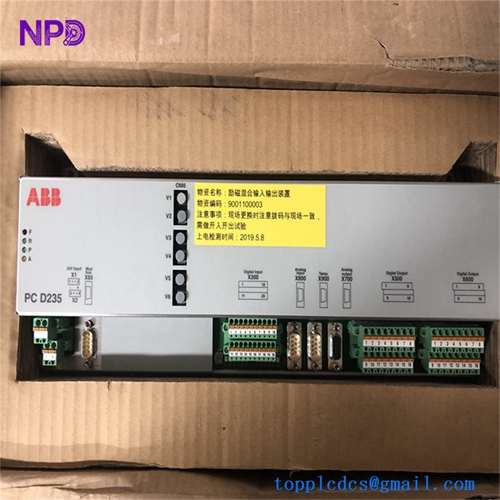
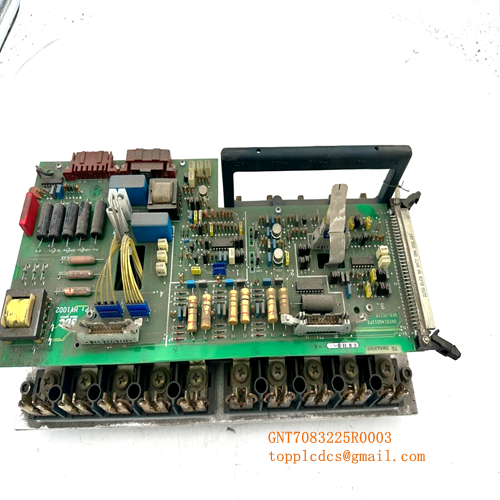
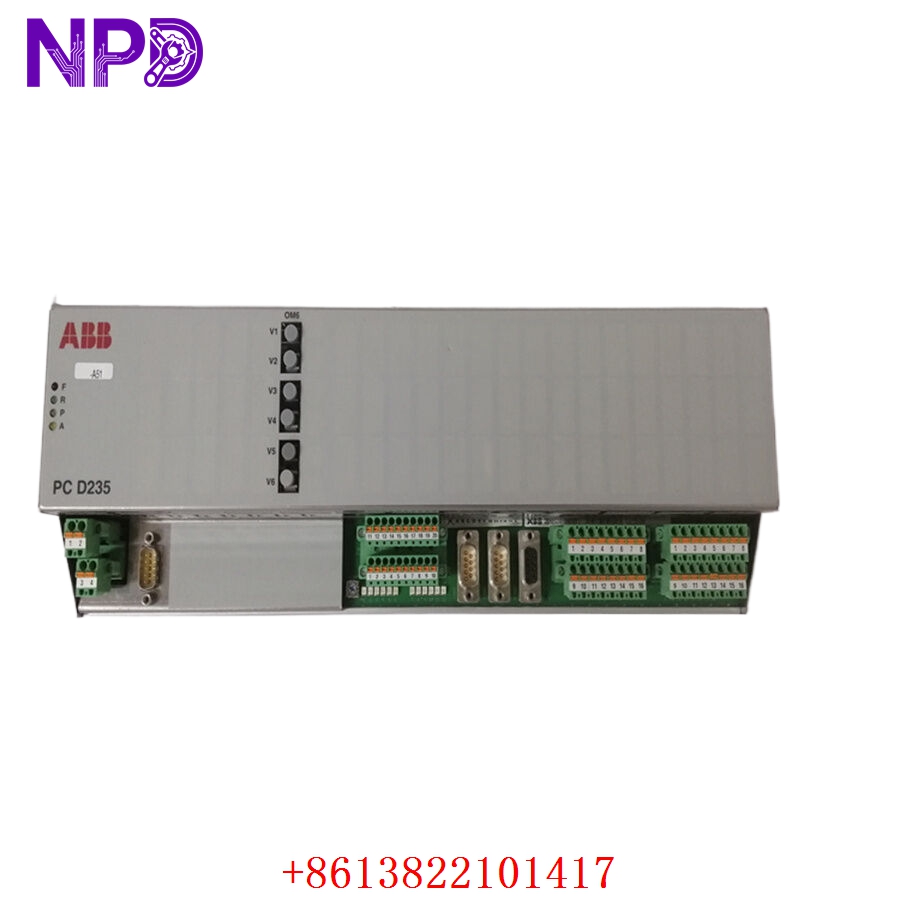
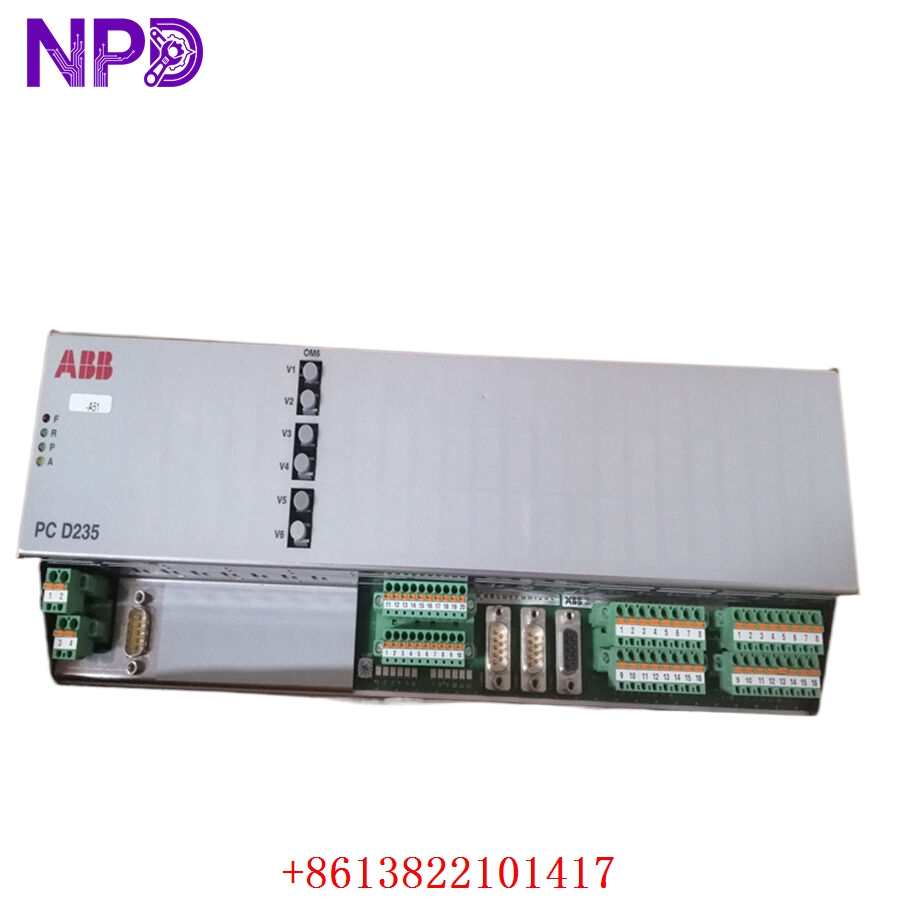
- Model: 3BHE032025R0101 (PCD235A101)
- Brand: ABB
- Series: PCD235A Series Controller
- Core Function: High-performance process control and logic execution for industrial DCS
- Product Type: Controller Module
- Key Specs: Advanced RISC processor, high-speed fieldbus connectivity, enhanced memory
- Processor Type: High-speed RISC architecture for real-time task handling
- Memory: Optimized for large-scale application logic and data buffering
- Communication Protocols: Integrated support for primary industrial fieldbus networks
- Operating Temperature: 0°C to 55°C (extended range available with proper ventilation)
- Power Requirement: 24 V DC (standard industrial rail supply)
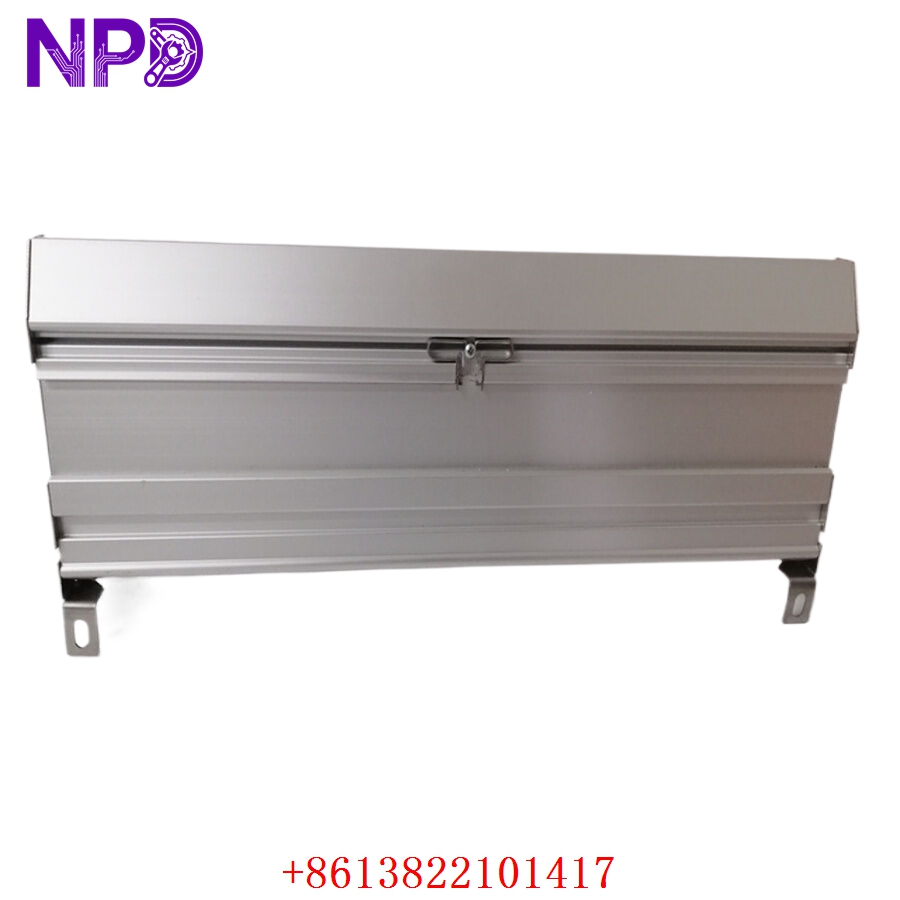
- Mounting: Secure rack-mount interface
- Diagnostic LEDs: RUN, ERR, DIAG, COM (Status and error monitoring)
- Isolation: Galvanic isolation on all communication ports
- MTBF: > 80,000 hours
- Firmware Version: Latest factory-standard firmware compatible with PCD235A series
4. Installation & Configuration Guide
Phase 1: Preparation (15 Minutes)
⚠️ Safety First: Ensure the process is in a safe, locked-out state before proceeding. Switch the control system to “Manual” or “Hold” mode to prevent unintended actuation.
- Essential Tools: Flat-head screwdriver, antistatic wrist strap, ABB engineering software, and an Ethernet/communication cable.
- Backup: Perform an “Upload” of the current project and configuration files from the existing module. Record all DIP switch settings and jumper positions (a high-resolution photo is recommended).
Phase 2: Deployment (20 Minutes)
- Physical Swap: Loosen the retaining screws and gently extract the module from the chassis. Align the new 3BHE032025R0101 module with the backplane connectors and insert it until it sits flush.
- Configuration Transfer: Once secured and powered, initiate the download of your backed-up project file via the engineering software.
- Address Setting: Verify that any hardware-level node or address switches match the original unit to prevent network conflicts.
Phase 3: Testing & Validation (15 Minutes)
- Self-Check: Observe the LED status. “RUN” should be steady green; “ERR” should be off.
- I/O Verification: Use the HMI to monitor a few known I/O points to ensure real-time data integrity.
- Final Documentation: Record the serial number and installation date in your maintenance log for future traceability.
5. Customer Cases
Case 1: Emergency DCS Controller Recovery A high-volume manufacturing plant suffered a failure in their PCD235A controller. With production throughput hitting its peak, every minute of downtime translated to significant revenue loss. They contacted us and confirmed we had the 3BHE032025R0101 in stock. We expedited the shipment; upon arrival, the local maintenance team replaced the module and restored the project configuration in under 40 minutes, successfully averting a planned multi-day shutdown.
Case 2: Proactive System Maintenance A regional water facility planned a system upgrade and needed a reliable source for critical spares to prevent aging-related failures. They chose to procure two PCD235A101 units from our surplus stock. When one of their controllers began exhibiting communication instability, they replaced it immediately during a scheduled window. This move saved them from the risk of an unplanned outage, and they expressed relief at having a trusted, responsive supply partner.
6. Frequently Asked Questions (FAQ)
Q1: Is this module compatible with older ABB controller generations? A: The PCD235A101 is specific to its series. Please verify your backplane and current firmware revision. While this module is a direct replacement for 3BHE032025R0101, ensure your system architecture supports the specific boot-loader/firmware combination.
Q2: How do I know if the module is genuinely new and not refurbished? A: We provide manufacturer-original packaging/labeling photos and our internal quality test report. We do not sell refurbished, used, or repaired electronics. Our “New Surplus” status means these items were sourced from audited, original equipment inventories. We encourage you to run your own diagnostic tests upon receipt.
Q3: Can I “hot-swap” this module? A: Unless your chassis is explicitly rated for hot-swapping in your specific power configuration, we strongly advise against it. Always follow the “Power-Off” procedure to protect the backplane pins from electrical arcing.
Q4: What if I have trouble loading my project file? A: First, check your cable connections and software drivers. If the software cannot “see” the module, double-check the IP/Node address configuration. If the error persists, contact our support team; we can help walk you through the diagnostic steps.
Q5: What is the benefit of the 12-month warranty? A: It provides you with a full year of protection against internal hardware defects. We want to be your long-term partner for critical spares. If anything goes wrong, we provide a replacement immediately, ensuring your operation remains stable.