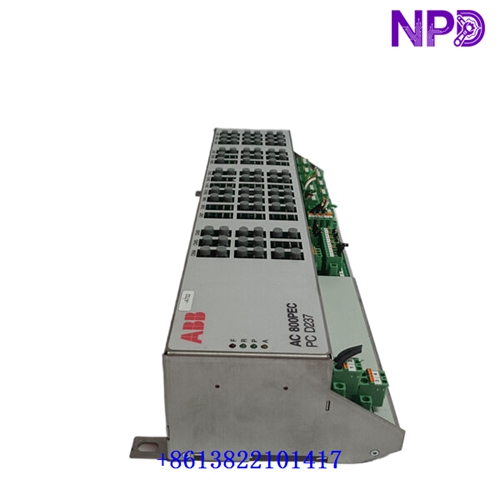
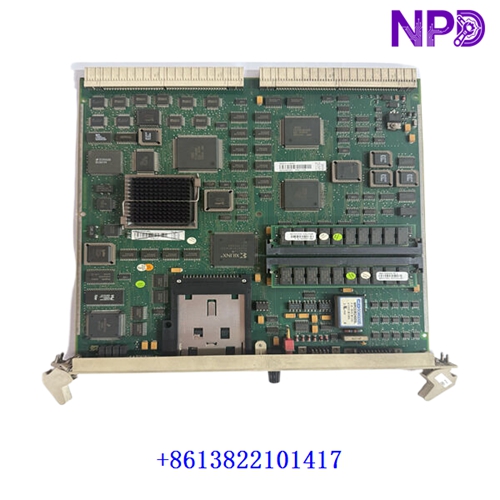

Description
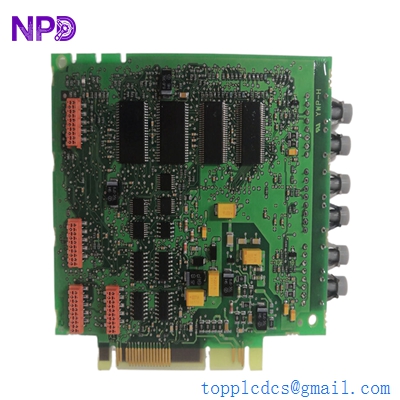
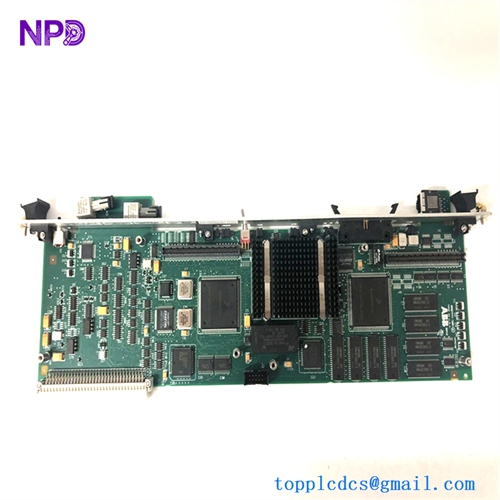
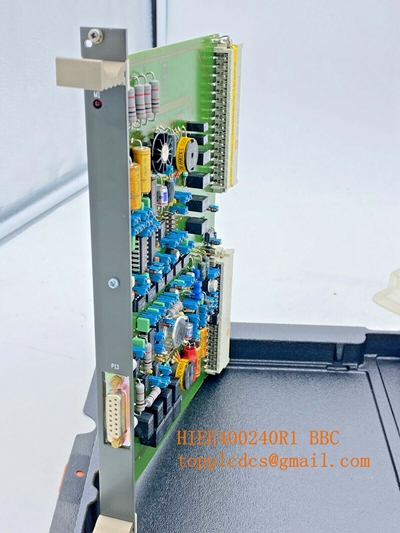
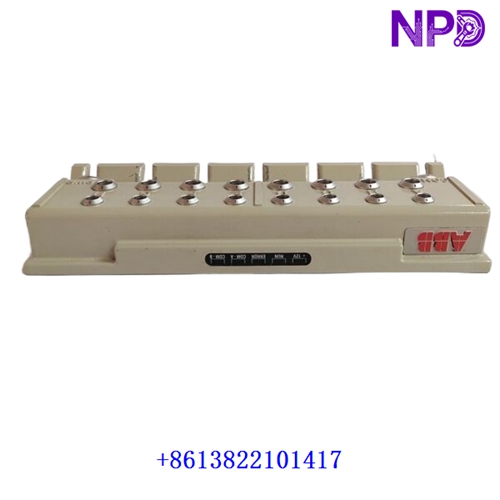
The ABB Bailey INIIT13 (also known as the Network Interface Module) is a vital hardware component designed for the Bailey Infi 90 and Symphony Enterprise control systems. It acts as a high-speed communication gateway, linking local module bus nodes to the broader INFI-NET redundant peer-to-peer communication network. This ensures seamless data exchange, robust plant-wide coordination, and high-availability supervision across demanding power generation and heavy industrial process environments.
Product Datasheet
| Parameter | Specification |
| Brand | ABB (Bailey / Symphony / Infi 90 Series) |
| Model / Part ID | INIIT13 |
| Product Name | Network Interface Module (INFI-NET Interface) |
| Place of Production | United States / Global Manufacturing Facilities |
| Operational Status | Industrial Automation Spare Part / Legacy High-Reliability Platform |
| Network Compatibility | INFI-NET Communication Highway |
| Operating Voltage | Powered via Rack Backplane Rails (Standard low-voltage DC rails) |
| Dimensions | Standard Infi 90 Modular Printed Circuit Board Form Factor |
| Weight | Approximately 0.5 kg to 0.8 kg |
Initial Operation Checklist
✓ Ensure the target module slot in the Infi 90 rack chassis is clean, dry, and correctly addressed before physical insertion.
✓ Inspect all backplane connector pins, edge contacts, and coaxial or fiber-optic network cable interfaces for signs of oxidation or wear.
✓ Confirm that system power supply voltage rails operate strictly within nominal design parameters prior to energizing the rack.
✓ Monitor front-panel LED status indicators during startup to verify successful hardware initialization and network handshake clearance.
✓ Verify that network node address configurations match the system plant layout and communication schematics.
Routine Maintenance
⚙ Periodically check board fastening hardware, locking levers, and module extraction handles to ensure secure seating against industrial vibrations.
⚙ Clean cabinet ventilation paths and cooling filters routinely to maintain safe thermal operating thresholds.
⚙ Review network communication health, error logs, and node status registers using the Bailey engineering toolset.
⚙ Verify shield grounding continuity on network cabling and coaxial/optical links to protect against electromagnetic interference (EMI).
Troubleshooting & Common Issues
⚡ Network Communication Dropouts: Check coaxial cable or fiber-optic connections, verify node address settings, and inspect transceiver health.
⚡ Module Initialization Failure: Verify that the board is completely seated in the backplane and check rack power supply rails.
⚡ Bus Error Alarms: Inspect network terminator integrity and check for conflicting node addresses on the INFI-NET loop.
Safety Precautions
⚠ Always completely de-energize, isolate, and lock out system power supplies before installing, removing, or servicing the module.
⚠ Observe strict electrostatic discharge (ESD) safety protocols—such as utilizing a grounded wrist strap—when handling electronic circuit boards.
⚠ Do not attempt component-level field repairs on the interface board to preserve hardware safety certifications and system integrity.
⚠ Strictly comply with local electrical codes, plant safety mandates, and manufacturer instructions during all handling procedures.
Frequently Asked Questions (Q&A)
Q: What is the primary function of the ABB Bailey INIIT13 module?
A: It serves as a Network Interface Unit connecting local Infi 90 control racks to the plant-wide INFI-NET communication highway for peer-to-peer data sharing.
Q: Is this module compatible with newer Symphony Plus platforms?
A: It is primarily engineered for legacy Infi 90 and Harmony ecosystems, though it integrates into plants utilizing bridged network architectures.
Q: What precautions should be taken when replacing an INIIT13 card?
A: Standard ESD safety rules must be followed, and node configuration jumpers or settings must match the exact address of the unit being replaced.