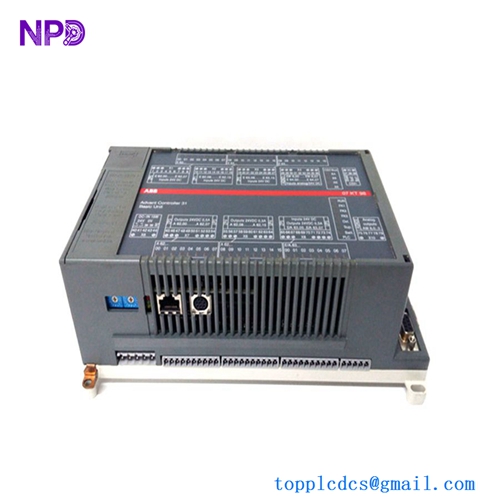
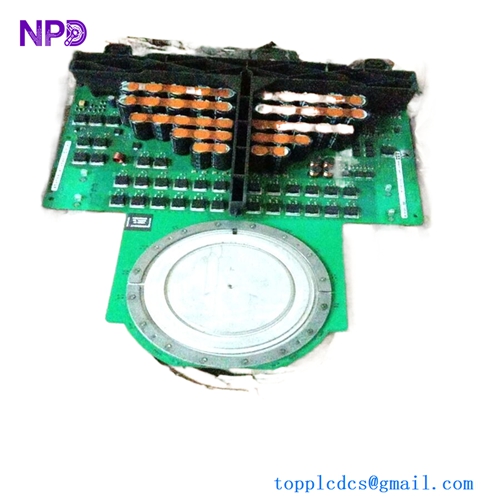
Description
- 🔢 Model: CI840A (Part Number: 3BSE041882R1)
- 🏢 Brand: ABB
- ⛓️ Series: S800 I/O System
- 💡 Core Function: Profibus DP communication interface for distributed I/O
- 🛠️ Type: Communication Interface Module
- ⚡ Key Specs: Supports Profibus DP-V1, redundant configuration capable
- 🌐 Communication: Profibus DP (RS485)
- 🔌 Voltage: 24 V DC (Power derived from the MTU)
- ⏱️ Data Rate: Up to 12 Mbps
- ⚙️ Mounting: Mounted on a Modular Termination Unit (MTU)
- 🌡️ Operating Temp: -40°C to +70°C
- 🛡️ Protection: IP20
- 💡 Indicators: RUN, ERR, DIAG LEDs for real-time status monitoring
- 🛠️ Redundancy: Supports fully redundant communication (requires two CI840A modules)
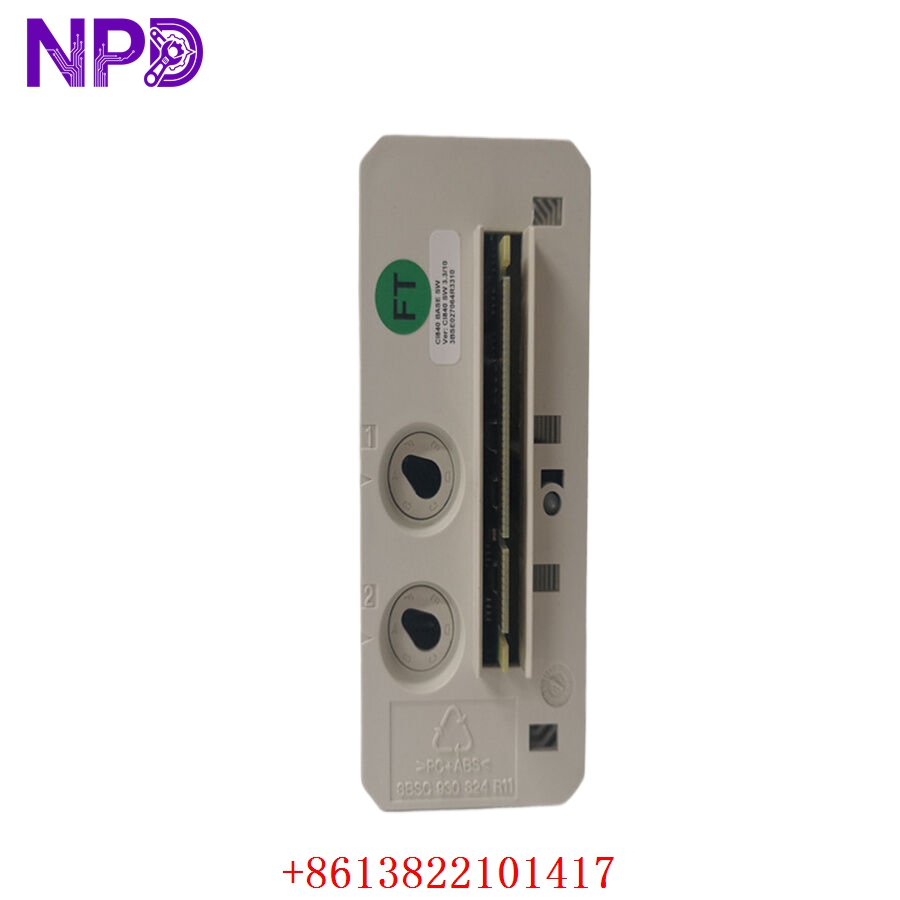
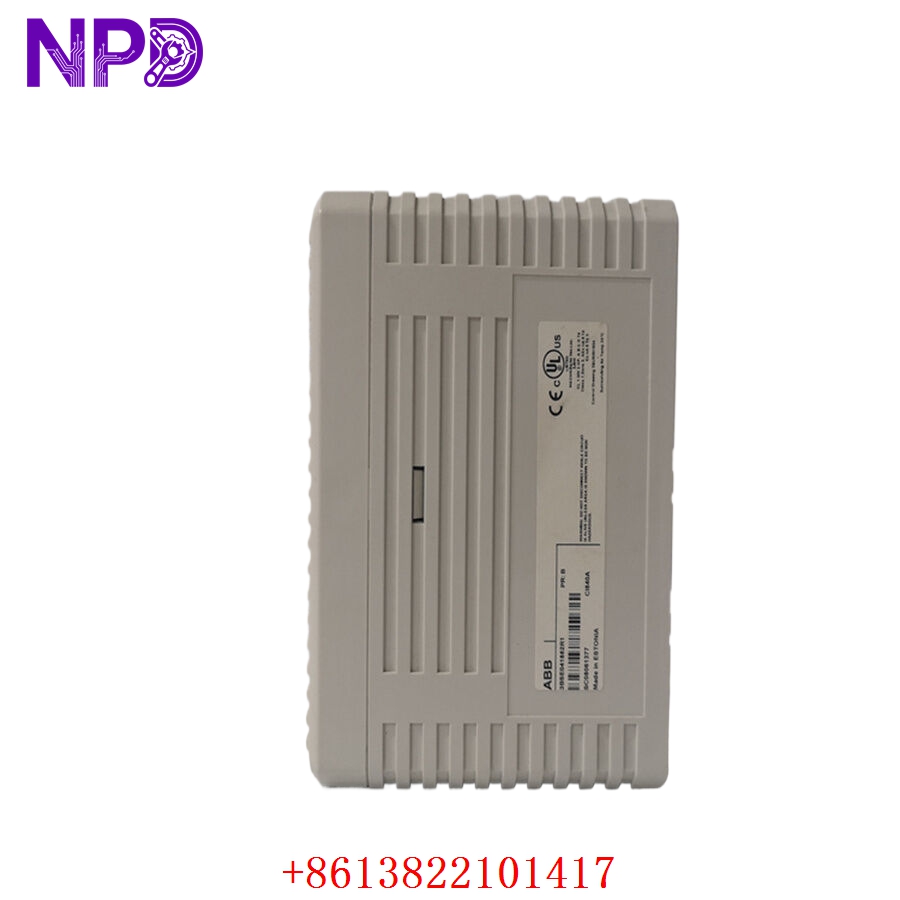
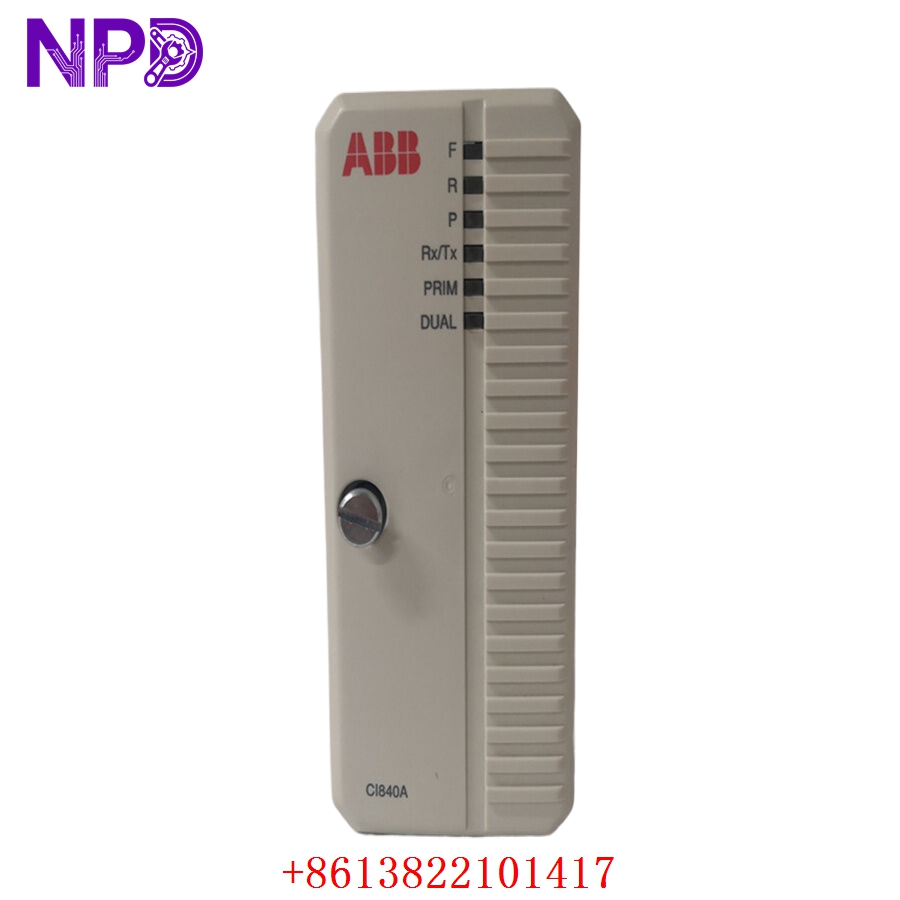
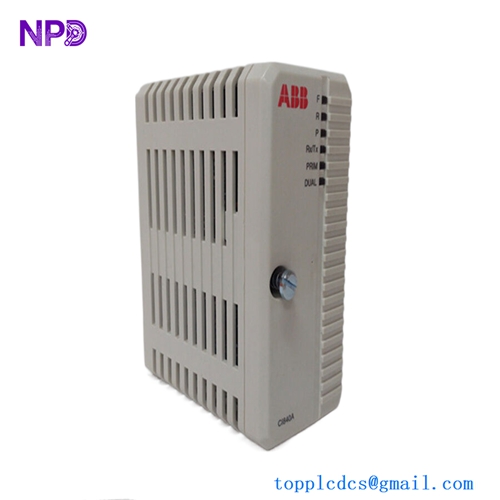
ABB CI840A 3BSE041882R1
Installation & Configuration Guide
Phase 1: Preparation (10 mins)
⚠️ Safety First:
- Ensure the S800 I/O cluster is powered down before module insertion.
- 🧤 Use an anti-static wrist strap; the internal circuitry of the CI840A is highly sensitive.
- Check that your MTU (Modular Termination Unit) is properly mounted and keyed for the CI840A.
Phase 2: Installation (15 mins)
- 📥 Mounting: Align the module with the dedicated slot on the MTU.
- 🔒 Locking: Press the module firmly into the MTU until the locking mechanism engages. A distinct “click” ensures proper backplane connection.
- 🔌 Wiring: Connect the Profibus cable to the corresponding terminals on the MTU. Ensure the shield is properly grounded at the terminal to mitigate EMI interference.
Phase 3: Testing & Commissioning (15 mins)
- 🟢 Power-Up: Apply 24 V DC power. The RUN LED should turn solid green.
- 💻 Configuration: Use ABB’s Control Builder software to define the module in the project tree. Ensure the GSD file matches the CI840A version.
- 🔄 Communication Check: Confirm the ERR LED is off and that the Profibus master station detects the module’s presence.
- 🩺 Redundancy Test: If using redundant modules, perform a “hot swap” test by disconnecting the primary module to verify that the secondary takes over without dropping the fieldbus link.
Customer Cases & Industry Applications
Case: S800 I/O Fieldbus Reliability Upgrade
- Situation: A pulp and paper mill utilized an aging fieldbus controller that frequently dropped I/O signals due to noise and timing drifts.
- Task: Upgrade the communication interface to the CI840A to allow for high-speed Profibus DP-V1 data transfer and redundant reliability.
- Action: The engineering team installed dual 3BSE041882R1 modules in a redundant configuration.
- Result: Fieldbus communication stabilized immediately. The Profibus DP-V1 protocol allowed for enhanced diagnostics, enabling the mill to identify sensor faults before they caused a process shutdown. The system has since operated for over 3,000 hours without a single communication alarm.
Frequently Asked Questions (FAQ)
Q: Can the CI840A be used in a non-redundant system? A: Yes, it functions perfectly as a standalone module. Redundancy is an optional configuration that requires two modules and a redundant MTU setup.
Q: Is the CI840A compatible with the older CI840? A: The CI840A is an enhanced version. It is generally backward compatible, but always verify your controller firmware version in Control Builder to ensure support for the “A” variant features.
Q: My “ERR” LED is blinking—what does that mean? A: A blinking ERR LED usually indicates a Profibus configuration mismatch or a bus fault (such as a broken cable or incorrect termination resistor). Check the Profibus network termination (the last device must have the resistor ON) and verify your project node addresses.
Q: Where can I find the GSD file for this module? A: The GSD file is typically included in your ABB Control Builder installation package. If not, you can download the latest version directly from the ABB support portal using the part number 3BSE041882R1.