
Description
Product Core Brief
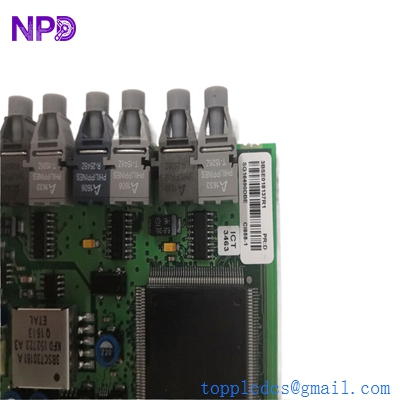
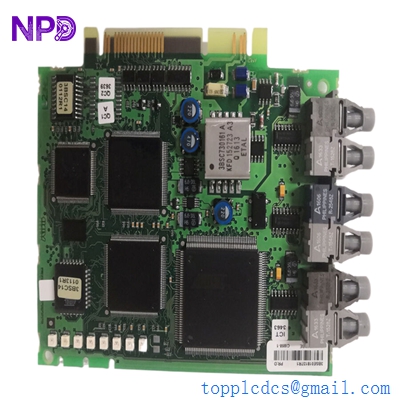
- Model: ABB CI858-1 (3BSE018137R1)
- Brand: ABB (Sweden)
- Series: AC 800M Controller Hardware
- Core Function: High-speed communication interface between AC 800M and ABB Drives via DriveBus.
- Product Type: Communication Interface Module
- Key Specs: Supports DriveBus protocol | 8 Mbit/s transfer rate | Optical fiber connection
Key Technical Specifications
- Power Consumption: 24 V DC (typical 160 mA)
- Communication Protocol: DriveBus (Proprietary ABB high-speed link)
- Transmission Rate: 8 Mbit/s fixed
- Connection Type: Optical Fiber (Toslink)
- Max Drives Supported: Up to 24 drives per module
- CPU Compatibility: AC 800M (PM861, PM864, PM866, etc.)
- Hot Swap: Supported (S800 I/O Station or ModuleBus)
- Operating Temperature: 5°C to 55°C
- Isolation: Galvanic isolation via fiber optics
- Dimensions: 186 mm x 45 mm x 115 mm
Application Scenarios & Pain Points
In large-scale industrial plants, especially those using coordinated drive systems like paper machines or rolling mills, synchronization is everything. If the communication bridge between your PLC and your motor drives fails, the entire process loses its “heartbeat.” Getting a replacement CI858-1 isn’t just about buying a circuit board; it’s about restoring the deterministic control required to prevent material tears or equipment damage.
Typical Application Scenarios:
- Pulp & Paper – Sectional Drive Control Used to link AC 800M controllers to ACS600 or ACS800 drives to manage wire sections, presses, and dryers where precise speed matching is critical.
- Metals – Rolling Mills Handles the high-speed data exchange needed for tension control and load sharing between multiple drive units in a production line.
- Mining – Conveyor Systems Manages multi-drive setups on long-distance conveyors, ensuring all motors ramp up and down in perfect synchronization to avoid belt stress.
Case Study: The Midnight Mill Crisis
Background: A major paper mill in East China was running a legacy AC 800M system. During a routine shift change, the DriveBus link dropped, causing a “Link Failure” alarm on the DCS. The paper web snapped instantly, resulting in 4 hours of downtime and a massive cleanup.
The Problem: The onsite maintenance team identified the CI858-1 as the culprit—the optical transmitter had weakened over 15 years of service. Their local stores were empty, and the official lead time quoted was nearly 10 weeks because this is an older generation part.
The Solution: We received the frantic call at 10:00 PM. We pulled a 3BSE018137R1 from our tested stock, verified the firmware matched their existing V5.x system, and hand-carried it to the airport for the first morning flight.
The Result: The module was installed by 2:00 PM the next day. The mill was back in production 18 hours after the failure, saving an estimated $120,000 in additional lost production compared to waiting for standard procurement channels.
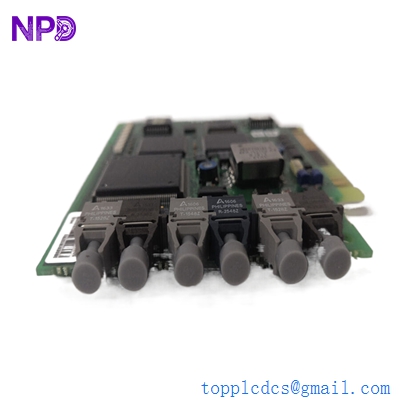
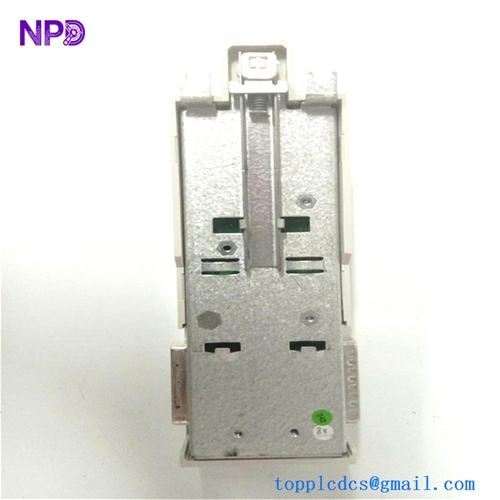
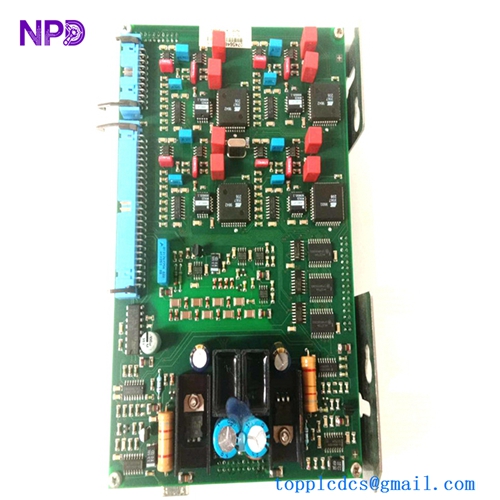
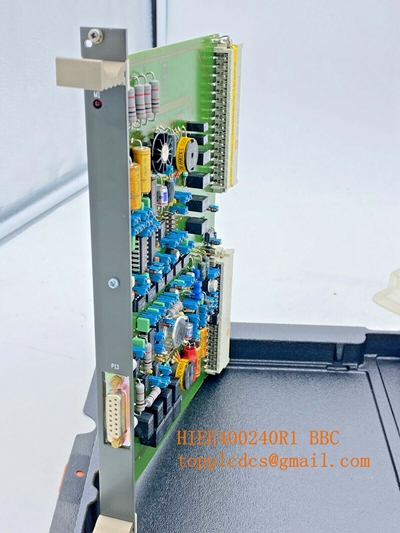
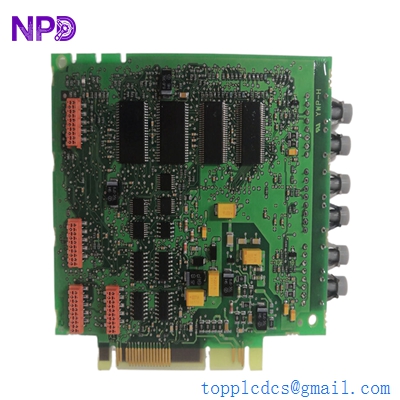
ABB CI858-1 3BSE018137R1
Compatible Replacement Models
If you are looking to replace or upgrade, here is how the landscape looks for this specific module:
| Original Model | Replacement | Compatibility | Key Differences | Change Required |
| CI858-1 | CI858-1 | ✅ Drop-in | None (Exact Match) | None |
| CI858-1 | CI858 | ⚠️ Software | Older revision | May require firmware downgrade/match |
| CI858-1 | CI861 | ❌ Incompatible | Uses EtherNet/IP / Profinet | Complete redesign of drive comms |
Note from the Field: Be very careful with the “R1” suffix in the part number 3BSE018137R1. In my experience, mixing R1 and non-R1 versions in a redundant setup can sometimes cause synchronization jitters. Always try to match the full part number for peace of mind.
Troubleshooting Quick Reference
| Symptom | Likely Cause | Spare Related? | Quick Check | Action |
| F (Fault) LED Steady Red | Internal Hardware Failure | ✅ High | Cycle power. If it stays red, the module is toasted. | Replace module |
| R (Run) LED Off | No Power or Baseplate issue | ❌ Low | Check 24 V DC at the baseplate terminals. | Inspect power supply/fuses |
| Drives “Not Found” | Fiber Link Break | ⚠️ Medium | Check optical ports for light (don’t look directly!). Check fiber bends. | Replace fiber cables first |
| Intermittent Comms | Dust in Optical Ports | ⚠️ Medium | Clean Toslink connectors with compressed air/isopropyl. | Clean and re-test |
| Module Not Configured | Firmware/HW ID Mismatch | ✅ High | Check Control Builder M hardware tree version vs physical module. | Update HW version in software |
❗ Technical Trap: The Fiber Bend Radius
I’ve seen this a dozen times: an engineer replaces a CI858-1, zips the fiber cables too tight with cable ties, and then wonders why the drives keep dropping off the bus. These optical links are sensitive! Ensure your bend radius is at least 30 mm. If you see the “Err” light flickering, check your cable management before blaming the hardware.