Description
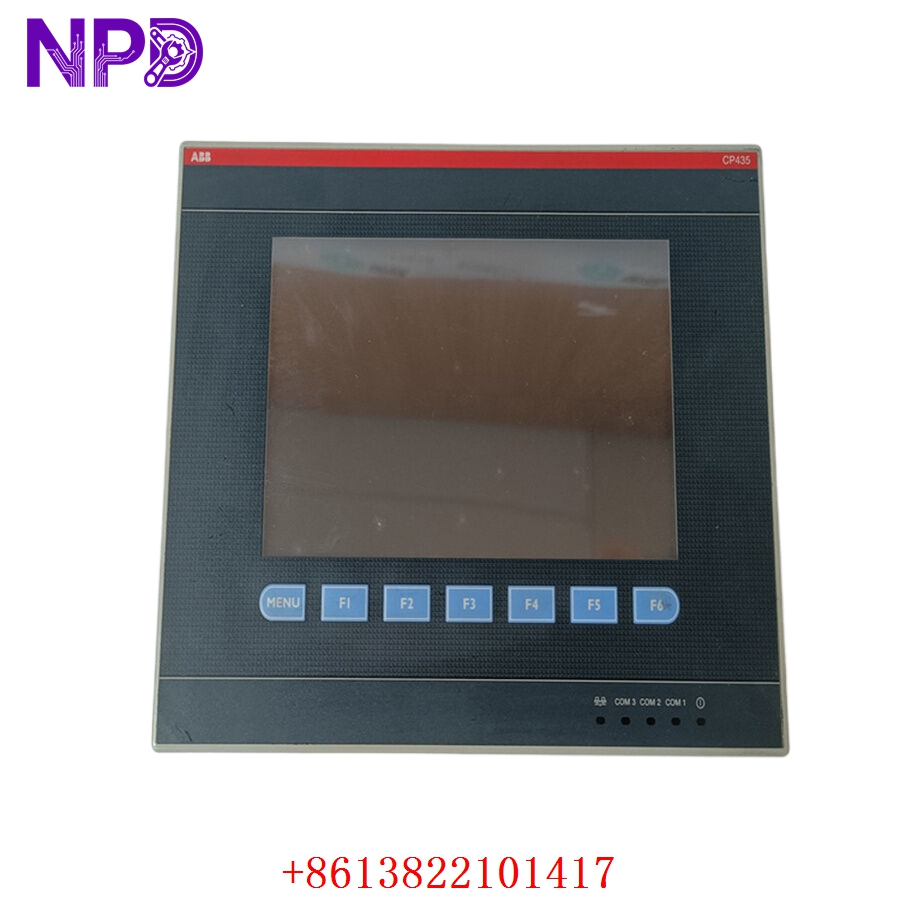
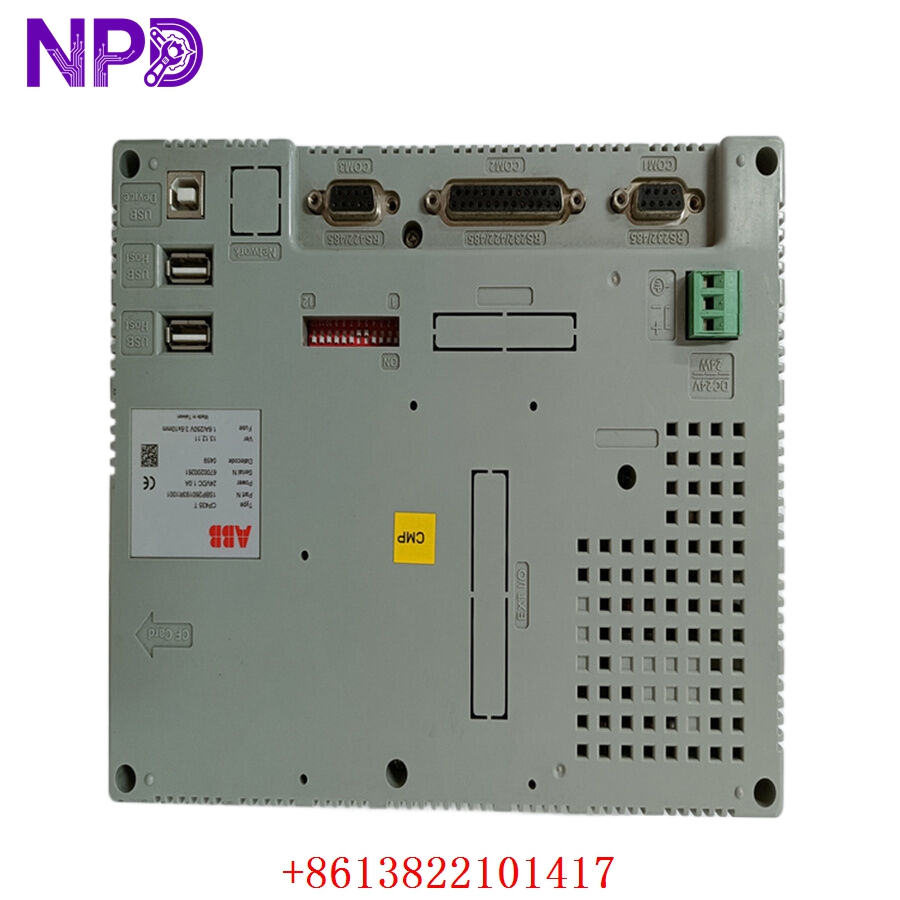
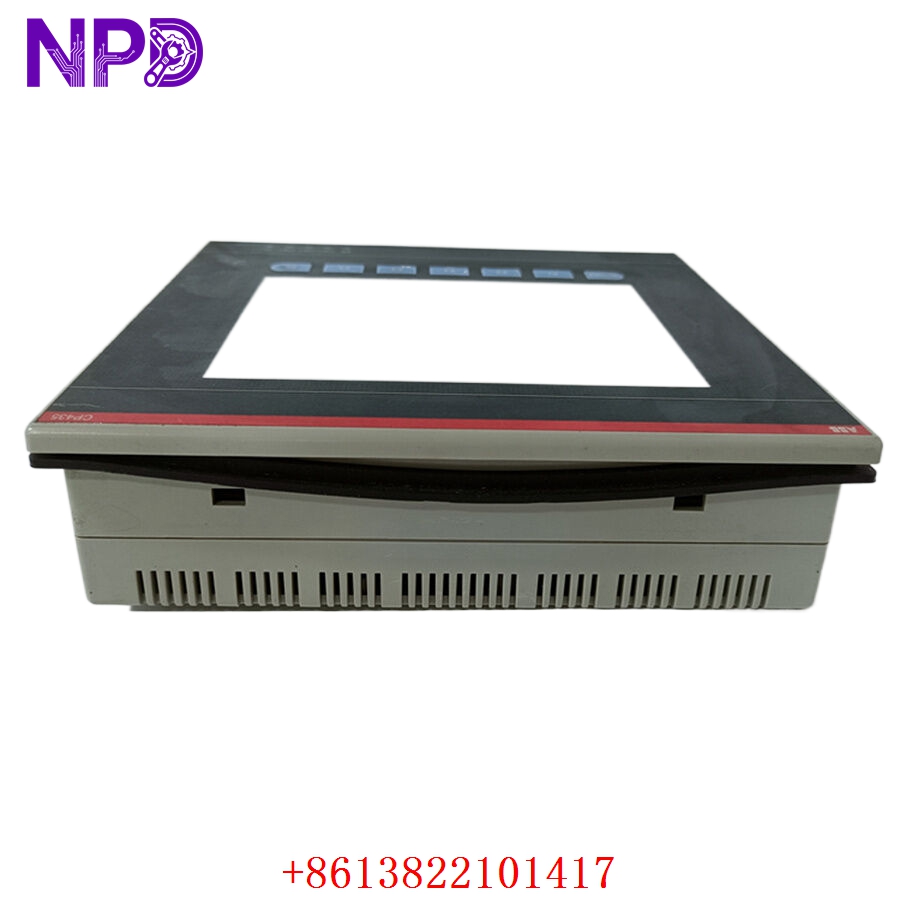
- 🔢 Model: CP435T (Part Number: 1SBP260193R1001)
- 🏢 Brand: ABB
- 💡 Core Function: Operator interface and visualization panel for machine control
- 🛠️ Type: HMI (Human-Machine Interface) / Touch Panel
- ⚡ Key Specs: 10.4″ color TFT display, integrated communication ports
- 🖥️ Display: 10.4″ Color TFT LCD, Touch-sensitive
- 🖥️ Resolution: 640 x 480 (VGA)
- 🔌 Connectivity: Ethernet, RS232/RS485, USB
- ⚡ Input Voltage: 24 V DC (±15%)
- 🌡️ Operating Temp: 0°C to 50°C
- 🛡️ Protection Rating: IP65 (Front panel)
- 💡 Memory: Expandable via SD card slot
- 🛠️ Configuration: Compatible with Panel Builder software
Installation & Configuration Guide
Phase 1: Preparation (15 mins)
⚠️ Safety First:
- Ensure the control cabinet is de-energized.
- Clean the mounting surface to ensure a proper IP65 gasket seal.
- 🧤 Use an anti-static wrist strap; HMI touch layers are sensitive to discharge.
Phase 2: Removal & Installation (20 mins)
- 📸 Record Settings: Before removing the old unit, export the HMI project file (.hmi or equivalent) to a USB drive if the screen is still functional.
- 🔩 Detachment: Unscrew the mounting clamps from the rear. Disconnect the power and communication cables.
- 📥 Insertion: Slide the CP435T into the panel cutout. Tighten the rear clamps evenly to ensure the gasket is compressed uniformly.
- 🔌 Wiring: Connect the 24 V DC supply and communication cables. Verify that the cable strain relief is adequate.
Phase 3: Testing & Commissioning (15 mins)
- 🟢 Power-Up: Apply power and watch the boot sequence. The ABB logo should appear.
- 💻 Project Download: Connect your PC to the HMI via Ethernet or USB. Download the project file from your backup.
- 🔄 Touch Calibration: Access the system menu to perform a touch-screen calibration if the “touch” points feel offset.
- 📡 Communication Verification: Confirm the HMI is communicating with the PLC by checking the status lights or the main operational screen.
Customer Cases & Industry Applications
Case: Machine Operator Panel Replacement
- Situation: A packaging machine used the CP435T (1SBP260193R1001) for operator control. After a decade of service, the touch-screen membrane degraded, making it impossible for operators to select cycle parameters.
- Task: Replace the broken unit without requiring a full machine software rewrite.
- Action: We provided a verified New Surplus unit from our legacy inventory.
- Result: The replacement was installed and the project file was restored in under an hour. Because the hardware was an exact match, the customer avoided downtime for “re-learning” or software migration. The production manager noted that the clarity of the new display was a significant improvement for the operators.
Frequently Asked Questions (FAQ)
Q: Is the 1SBP260193R1001 the same as the CP435T? A: Yes, CP435T is the model name, while 1SBP260193R1001 is the unique ABB part number.
Q: Is the unit new? A: We supply New Surplus units. They are original ABB parts that have never been used, ensuring you don’t inherit a screen that is already near the end of its backlight life.
Q: What if the touch screen is unresponsive? A: First, ensure the screen is clean and free of oily residues. If it remains unresponsive, try a soft reboot. If the issue persists, enter the system menu (usually accessible during startup) to recalibrate the touch coordinates. If it still fails, the touch-film layer may have been damaged by a sharp object.
Q: Can I use this with any PLC? A: The CP435T supports a wide range of drivers (Modbus, Profibus, etc.). Check your project configuration file to ensure the correct PLC communication driver is selected.