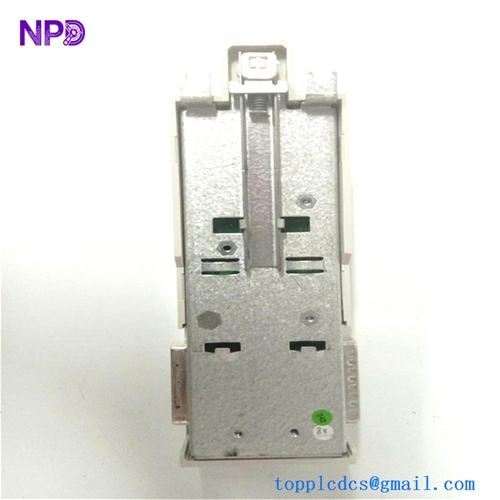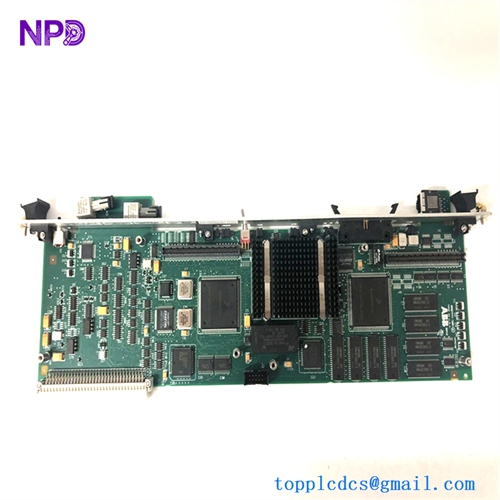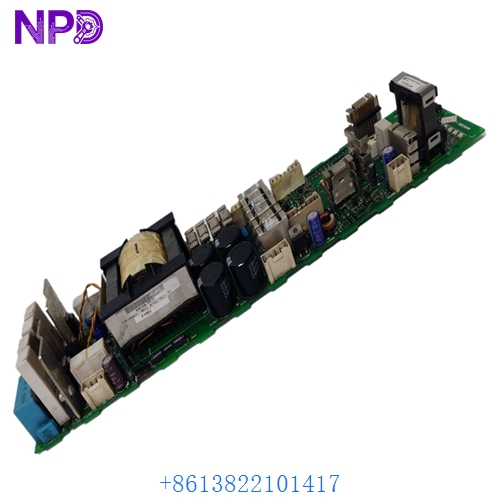

Description
Product Core Brief
| Attribute | Detailed Information |
| Model | ABB DSMB-01C |
| Part Number | 64691929 |
| Brand | ABB |
| Series | ACS800 Frequency Converters / Industrial Drives |
| Core Function | Door Service & Control Panel Interface |
| Product Type | Control Board / Interface Module |
| Key Specs | Panel Link Connector / Fiber Optic Connectivity / Status LEDs |
Key Technical Specifications
- Functionality: Acts as the communication bridge between the ACS800 main control board (RMIO) and the CDP 312R Control Panel located on the drive door.
- Interface Connectors:
- X1: Connection to the Drive Control Unit.
- X2: Connection to the CDP Control Panel.
- Fiber Optic Channels: Supports DDCS (Distributed Drives Communication System) for high-speed data transfer.
- Power Supply: Typically powered via the drive backplane (Internal 24V/5V DC).
- Mounting: Usually mounted on the inside of the drive cabinet door or within the control frame assembly.
- Compatibility: Exclusively for ABB ACS800 high-power industrial drives.
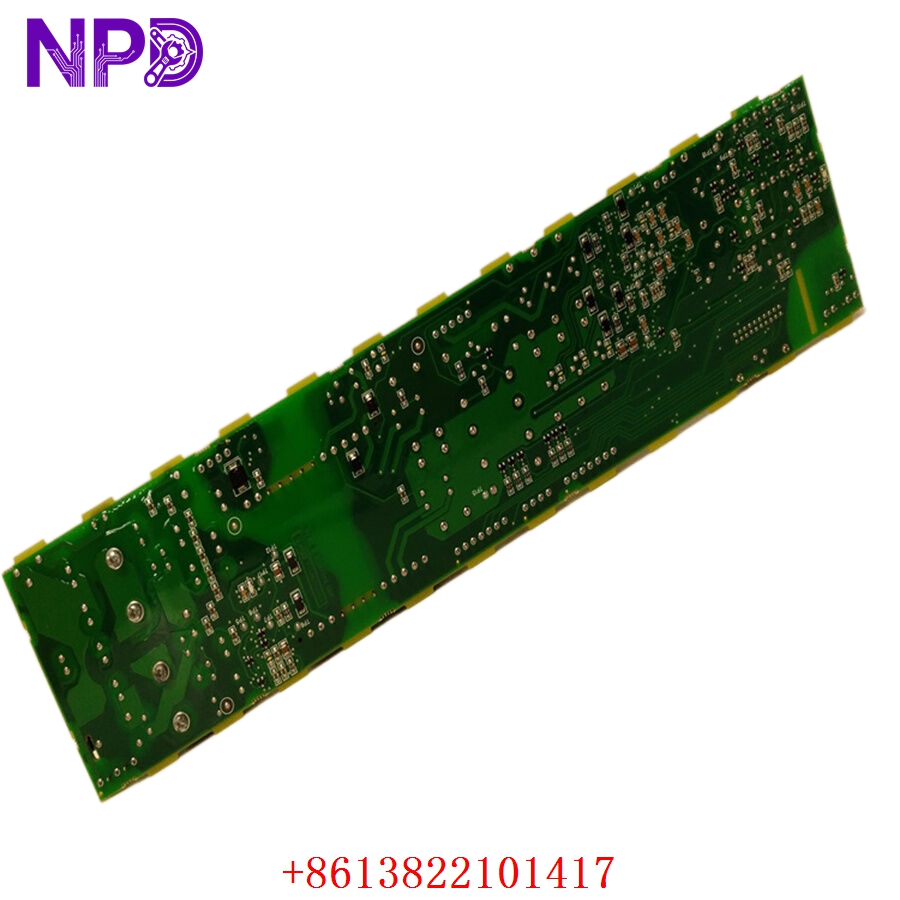
ABB DSMB-01C 64691929
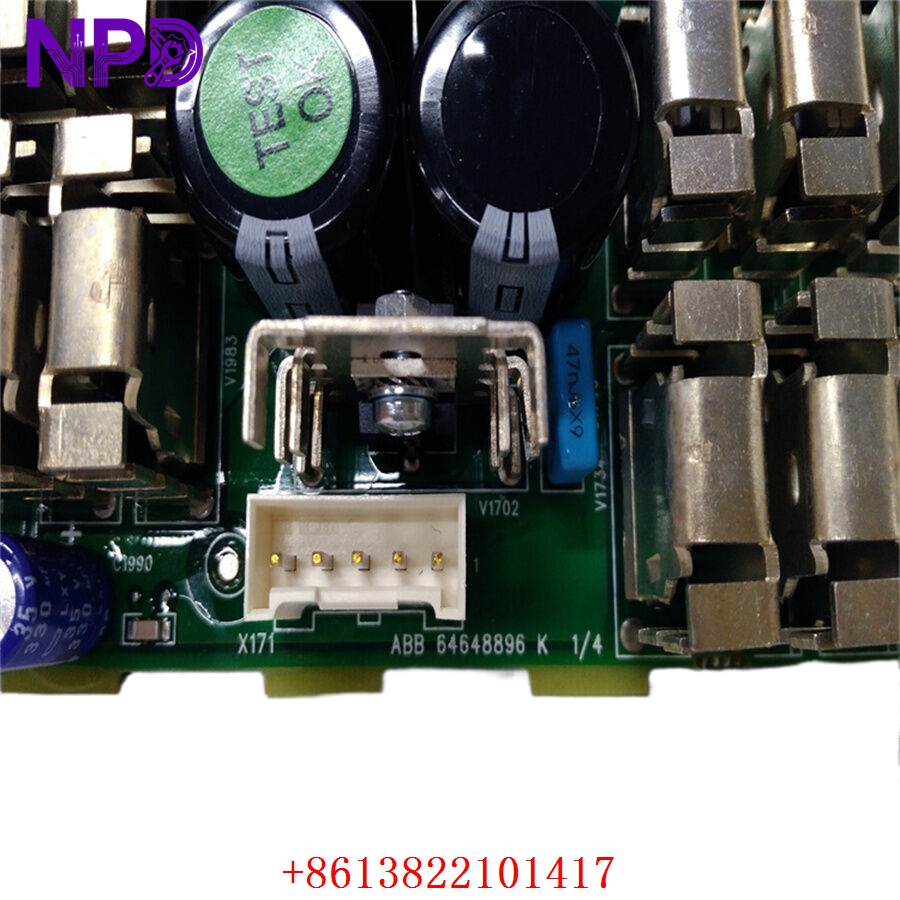
ABB DSMB-01C 64691929
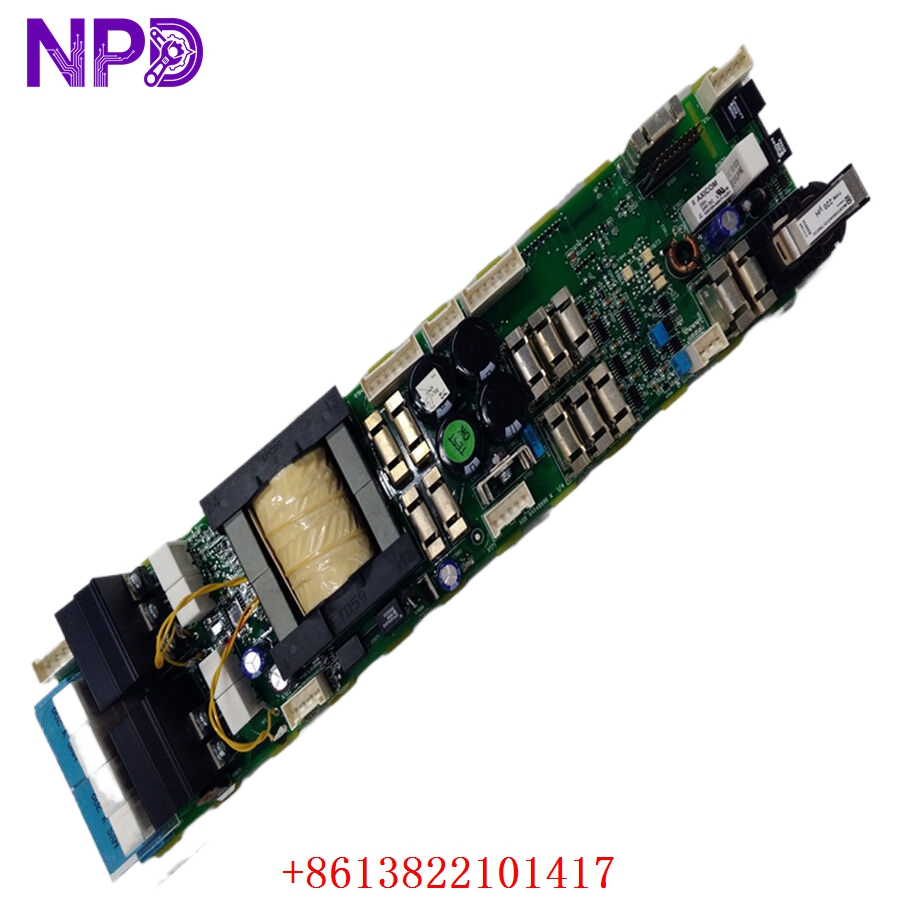
ABB DSMB-01C 64691929
Application Scenarios & Pain Points
The DSMB-01C is the unsung hero of the ACS800 drive interface. While it doesn’t process the heavy motor logic, it is responsible for everything you see and do at the drive cabinet door. If this board fails, your control panel goes dark, and you lose the ability to perform local starts, stops, or parameter adjustments.
The Engineering Challenge:
In many ACS800 installations, the DSMB-01C is the most frequent victim of “door stress.” Constant opening and closing of the cabinet can fatigue the ribbon cables or the connectors on the DSMB board. Additionally, since these drives are often in dusty or humid environments, the exposed connectors on this board can oxidize, leading to intermittent “Comm Loss” errors between the panel and the drive. Replacing this board is often the only way to restore local operator control when the panel remains blank despite being replaced.
Typical Application Scenarios:
- Industrial Pump & Fan Control
Providing a local interface for operators to monitor flow rates and adjust setpoints on the fly.
- Mining & Conveyor Systems
Acting as the interface for remote troubleshooting when a field engineer needs to plug in a DriveWindow PC to the door port.
- Marine Propulsion & Thrusters
Serving as the critical interface in bridge-controlled drive cabinets where local manual override is a safety requirement.
- Oil & Gas Refining
Monitoring drive health and motor temperature directly from the cabinet exterior without opening the high-voltage door.
Case Study: The “Blind” Drive in a Steel Mill
Background: A steel mill used an ACS800-07 cabinet drive to control a cooling fan. The operators relied on the door-mounted CDP panel for daily operations.
Problem: The control panel suddenly went blank. The plant team replaced the panel and the cable, but the display still would not power up. The drive was running, but they had no way to monitor its status or change parameters.
Solution: Diagnostic testing revealed that the 5V power rail on the DSMB-01C (64691929) interface board had failed. We provided a replacement DSMB-01C.
Result:
- Immediate Recovery: As soon as the new board was installed, the CDP panel powered up and established a link with the RMIO board.
- Safety Maintained: The operators regained the ability to perform an Emergency Stop from the local panel.
Compatible Replacement Models
The DSMB series is specific to the ACS800 lineage; newer ACS880 drives use a completely different interface (ZCON/ZMU).
| Original Model | Alternative Model | Compatibility Level | Notes |
| DSMB-01C | 64691929 | ✅ Direct Match | This is the specific part number you need. |
| DSMB-01C | DSMB-01 | ⚠️ Hardware Compatible | Earlier version; verify connector pin-outs for your specific sub-revision. |
| DSMB-01C | RMIO-01C | ❌ Incompatible | This is the Main Control Board; the DSMB is only the interface. |
Troubleshooting Quick Reference
| Symptom | Possible Cause | Relevance | Quick Check | Action |
| Panel is Blank | No Power from DSMB | ✅ High | Measure for 5V DC at the X2 connector pins. | If 5V is missing, replace the DSMB-01C. |
| “Panel Loss” Alarm | Communication Interruption | ✅ High | Inspect the fiber optic cables (V1/V2) for kinks or cracks. | Clean fiber ends; if alarm persists, the DSMB chip is likely failed. |
| DriveWindow won’t connect | Front Port Failure | ⚠️ Medium | Try connecting directly to the RMIO board inside. | If direct connection works, the DSMB-01C port is damaged. |
| Intermittent Flickering | Loose Ribbon Cable | ⚠️ Medium | Reseat the ribbon cable at the X1 connector. | If reseating fails, check the board for dry solder joints. |
Field Engineer’s Insight:
When you replace a DSMB-01C, be extremely careful with the fiber optic ports. These use plastic “Toslink” style connectors that are very easy to snap. If you are in a high-vibration environment, ensure the fiber optics have enough slack so they aren’t pulling on the DSMB board. Also, if your panel still won’t talk after a board swap, check the “Node ID” settings in the ACS800 parameters—sometimes the drive expects the panel at a specific address that might have been reset.
❗ Pro-Tip: If you’re seeing “Panel Loss” errors in a humid environment, apply a small amount of non-conductive dielectric grease to the ribbon cable pins to prevent future oxidation.
Need the specific wiring diagram for the 64691929 board to verify your fiber optic routing? Let me know, and I can provide the technical drawing.