
Description
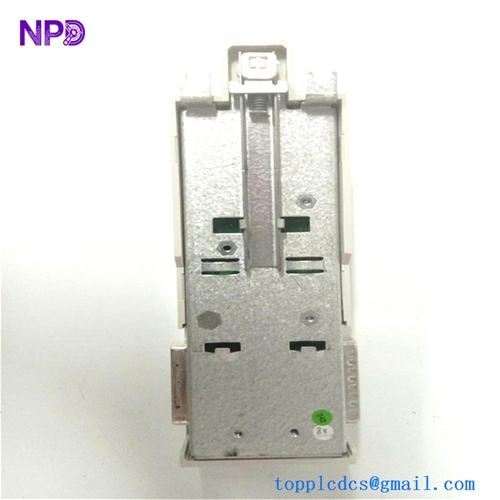
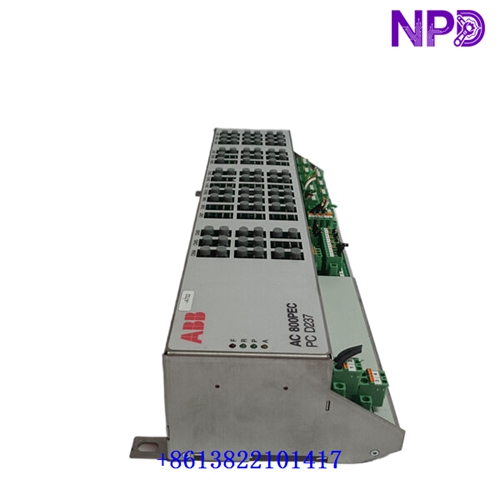
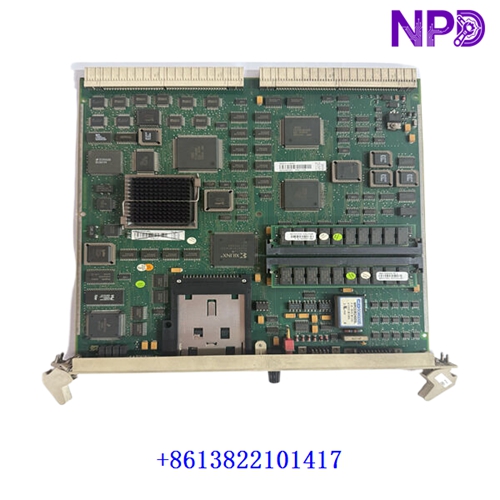
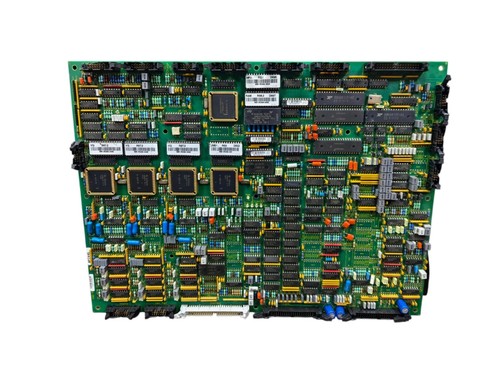
The following parameters outline the core technical specifications and physical characteristics of the high-performance ABB memory module, engineered for industrial control and automation memory expansion.
- 1. Brand: ABB / ASEA
- 2. Model: DSMB 133 (Part Number: ASEA 2668 180-524/1)
- 3. Series: Industrial Automation Memory Component Line
- 4. Product Name: Memory Module / Storage Board
- 5. Place of Origin: Sweden
- 6. Physical Status: Factory New / Industrial Spare Part
- 7. Dimensions: Standard modular PCB enclosure format
- 8. Weight: 0.60 kg
- 9. Original Region: European Industrial Manufacturing Hub
- 10. Power Rating: Standard low-voltage logic power supply input (5V DC / 24V DC system bus-powered)
Initial Operation Checklist
- 🔹 Inspect the anti-static packaging and physical board layout for any transit-induced damage or component stress prior to unboxing.
- 🔹 Verify that part numbers
DSMB 133andASEA 2668 180-524/1match system equipment manuals and replacement requisition lists exactly. - 🔹 Ensure system cabinet power supplies are completely disconnected and locked out/tagged out before handling internal electronics.
- 🔹 Check edge connector pins and socket interfaces for cleanliness, secure seating, and absence of oxidation.
- 🔹 Confirm proper grounding continuity between the subrack housing and the main cabinet ground bus.
Daily Maintenance & Servicing
- 🔸 Monitor operating ambient temperatures continuously, ensuring environment conditions remain within recommended limits (-10^\circC \le T \le +55^\circC).
- 🔸 Inspect board status LED indicators regularly for normal memory access signaling and operational readiness.
- 🔸 Keep cabinet ventilation filters clean and airflow paths unblocked to prevent localized thermal stress.
- 🔸 Perform periodic visual checks on plug-in connectors and memory socket locks to ensure tight mechanical seating.
Troubleshooting & Common Issues
- 🔻 Symptom: Memory fault alarm triggered or system fails to recognize memory module.
Action: Power down the system, carefully unseat and re-seat the module to clear potential contact oxidation, and verify connector pins are clean.
- 🔻 Symptom: Intermittent data corruption or system boot halts during memory initialization.
Action: Check backplane power supply rails using a calibrated multimeter to ensure stable voltage levels without excessive ripple.
- 🔻 Symptom: Parity error or checksum failure registered in the system diagnostic logs.
Action: Run system diagnostic routines, verify configuration jumper settings, and replace the module if hardware memory failure persists.
Safety Precautions
- ⚠️ Only certified automation and electrical technicians familiar with industrial control systems should perform board replacement and testing.
- ⚠️ Observe strict electrostatic discharge (ESD) prevention protocols, including the mandatory use of grounded wrist straps when touching sensitive circuit paths.
- ⚠️ Never insert or remove electronic memory modules from an active, energized rack to prevent data loss, electrical arcing, or component destruction.
Frequently Asked Questions (Q&A)
- Q1: What is the primary function of the ABB DSMB 133 memory module?
A1: It serves as a dedicated memory storage and expansion board designed to store critical system data or application software within industrial control systems.
- Q2: What precautions are necessary before handling the module?
A2: Always ensure the control rack is fully de-energized and wear an anti-static wrist strap to protect sensitive electronic components from electrostatic discharge.
- Q3: What immediate action should be taken if a memory read/write error occurs?
A3: Check the system logs to identify error patterns, verify power supply stability, and re-seat the module to ensure proper electrical contact.