Description
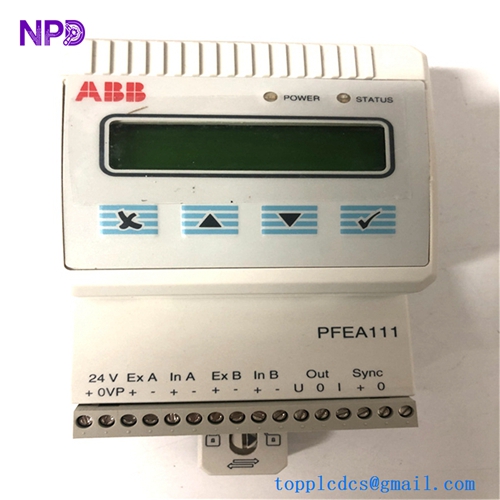
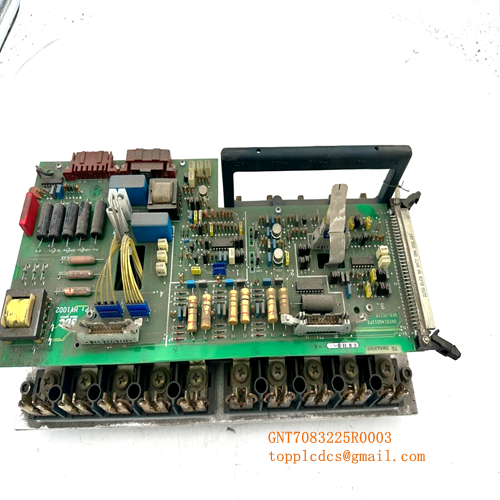
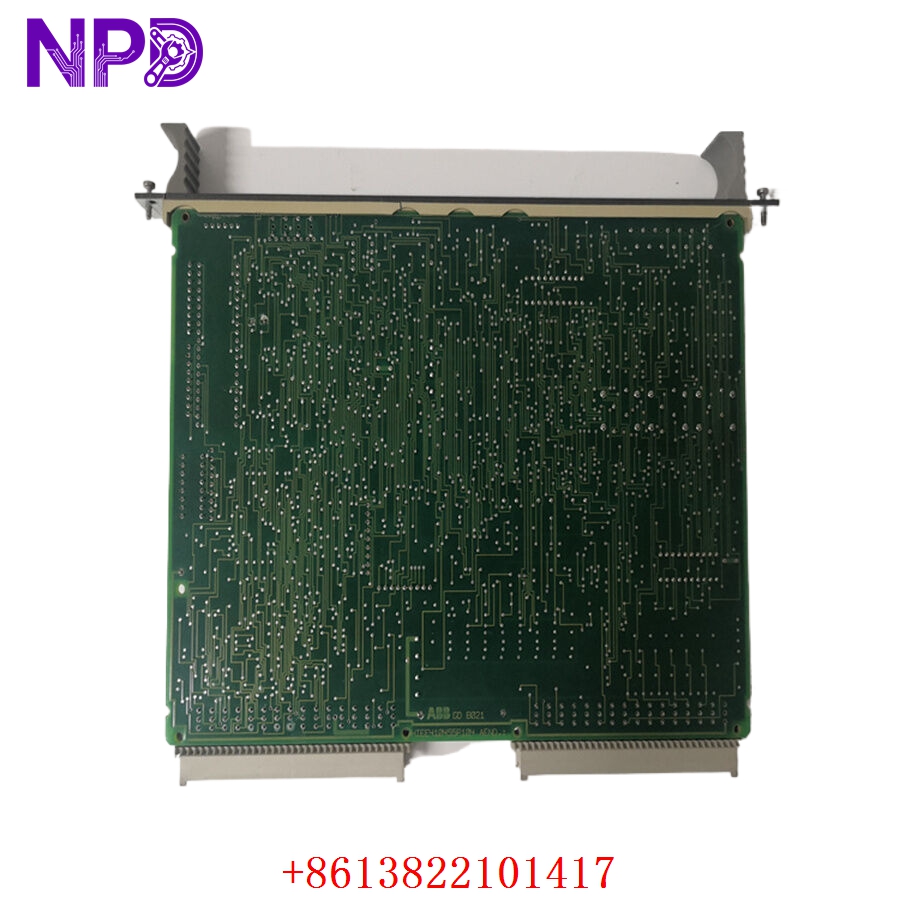
- 🔢 Model: GDB021BE05 (Part Number: HIEE300766R0005)
- 🏢 Brand: ABB
- ⛓️ Series: Industrial Control/Interface Series
- 💡 Core Function: Specialized signal processing and control logic for automated systems
- 🛠️ Type: Control Interface Module
- ⚡ Key Specs: High-precision logic throughput, robust interface handling
- ⚙️ Input/Output: Configurable industrial signal interface
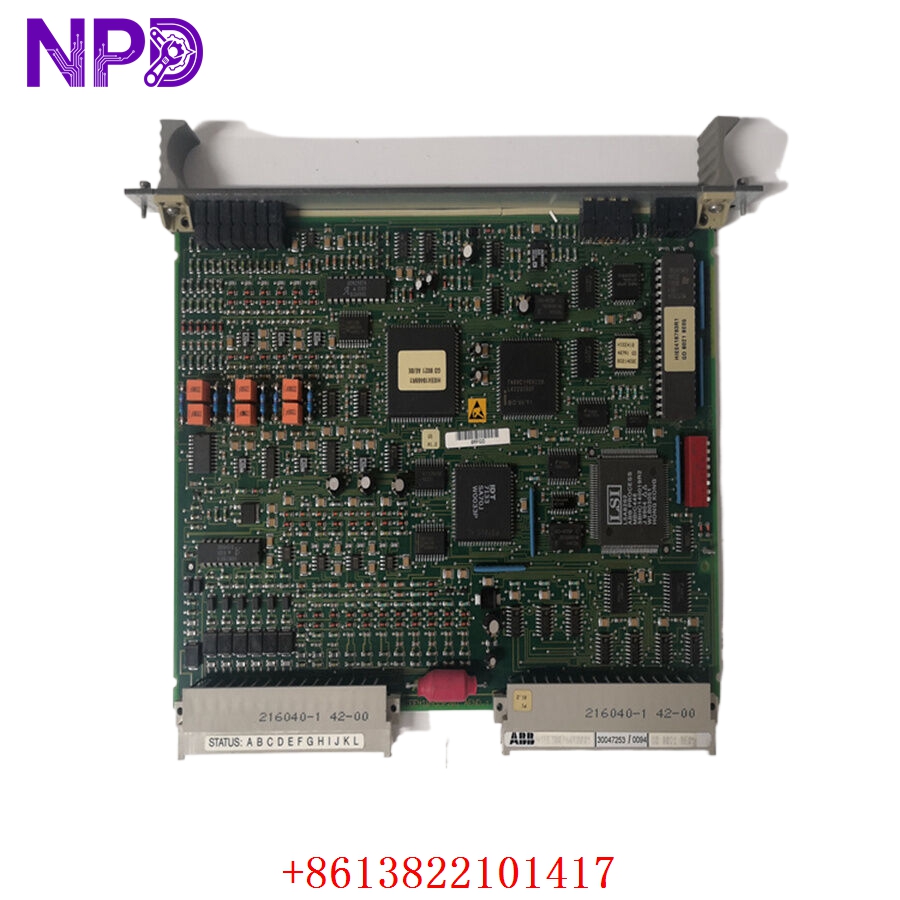
- 🖥️ Processor: Integrated high-speed logic processing
- 🌡️ Operating Temp: 0°C to 55°C
- 🛡️ Protection Rating: IP20
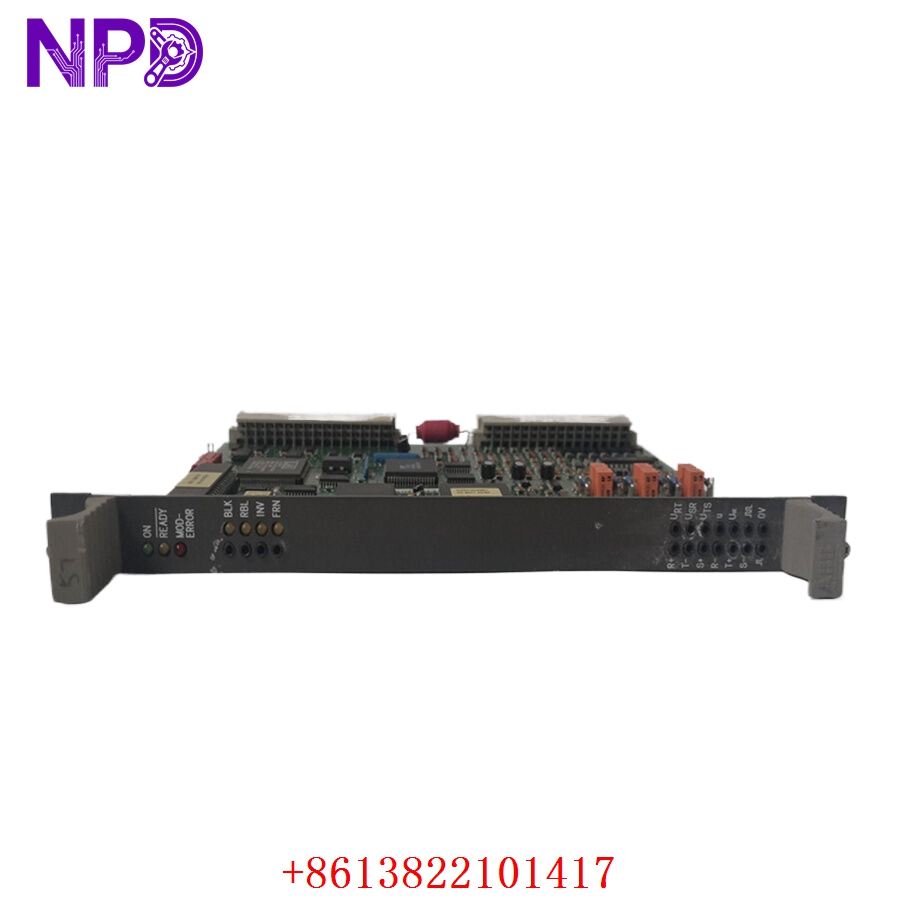
- 💡 Status Indicators: Power, Run, and Fault LED array
- 🛠️ Connectivity: Multi-pin industrial terminal blocks for reliable signal integrity
- 🔩 Mounting Type: DIN rail or cabinet-chassis mount
Installation & Configuration Guide
Phase 1: Preparation (15 mins)
⚠️ Safety First:
- Ensure the control panel is completely de-energized.
- Verify the 24 V DC power supply is stable and within the specified range.
- 🧤 Use an anti-static wrist strap to protect the module’s sensitive internal PCB from electrostatic discharge.
Phase 2: Removal & Installation (20 mins)
- 📸 Record Settings: Document the terminal connections and any jumper/switch positions. These settings are specific to your process logic and must be duplicated exactly.
- 🔩 Detachment: Disconnect the terminal blocks. Release the DIN rail or mounting clips to remove the GDB021BE05.
- 📥 Insertion: Align the module in the chassis and secure it firmly.
- 🔌 Wiring: Reconnect the terminals. Ensure wires are seated deep in the terminal clamps to prevent signal intermittency, which is often mistaken for module failure.
Phase 3: Testing & Commissioning (10 mins)
- 🟢 Power-Up: Apply power and check the Power LED; it should be steady.
- 🔄 Link Check: Verify that the “Run” indicator stabilizes, confirming the module has successfully performed its internal power-on self-test.
- 📡 Signal Validation: Use a multimeter to verify input signal levels and confirm that the controller processes these inputs correctly.
Customer Cases & Industry Applications
Case: Legacy Controller Failure in Automated Assembly
- Situation: A production line relied on the GDB021BE05 (HIEE300766R0005) for high-speed signal processing between sensors and the PLC.
- Task: After 15 years, the module suffered an internal logic fault, resulting in erratic machine behavior and production line stoppages.
- Action: We provided a New Surplus unit from our inventory, verified for logic integrity and connectivity.
- Result: The replacement was installed and calibrated within one hour. Because the hardware was a direct, authentic match, the customer avoided weeks of expensive system re-programming or hardware migration, effectively extending the life of their existing assembly line infrastructure.
Frequently Asked Questions (FAQ)
Q: Is HIEE300766R0005 the same as the GDB021BE05? A: Yes, GDB021BE05 is the model name, and HIEE300766R0005 is the ABB manufacturing part number. They are completely interchangeable.
Q: Is this unit new? A: We supply New Surplus units. These are genuine ABB parts, sourced from reliable legacy inventories and stored in controlled, static-free environments to ensure they are ready for immediate deployment.
Q: What if I have a “Fault” LED? A: First, check your input signals for shorts or unexpected voltage spikes. If the fault persists after power-cycling, verify that the module’s jumper settings are identical to your original unit. If the error remains, contact our technical support—we can help isolate whether the fault is in the module or the external field wiring.
Q: Does this require software programming? A: Typically, these modules are part of an integrated control system. If you are replacing an existing unit in a running system, the new module should inherit the configuration from the existing system PLC. No new programming is required provided your current controller is functioning correctly.