
Description
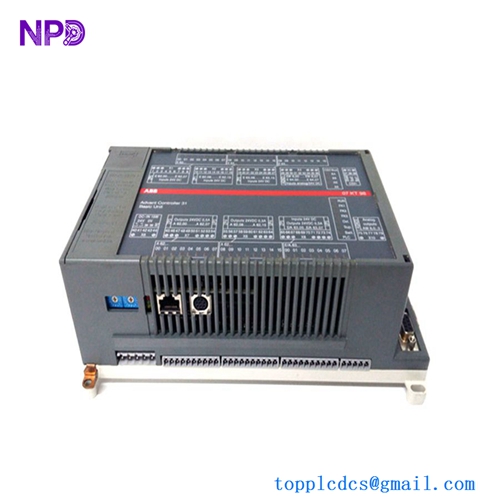
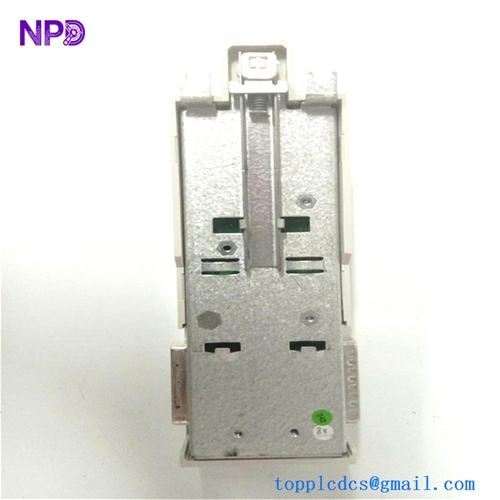
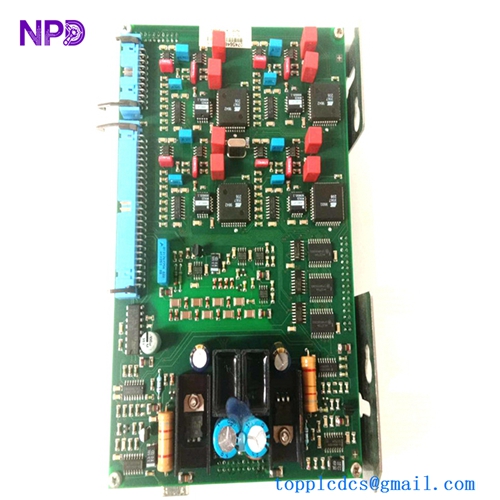
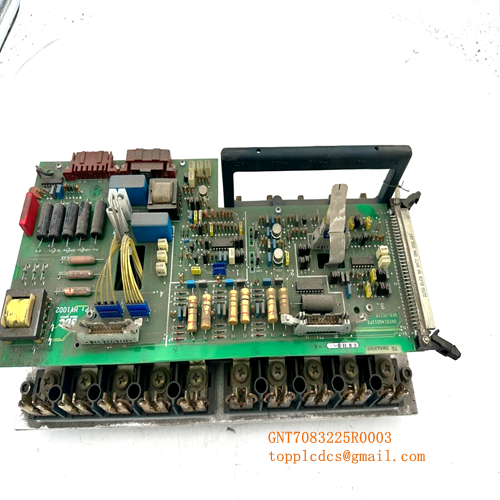
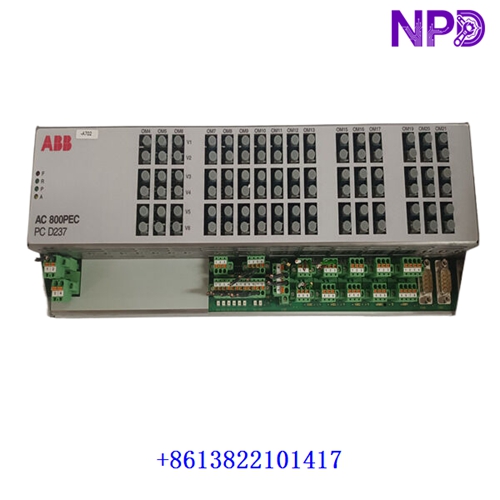
The ABB GOP2 (also referred to as GOP-2) is a legacy industrial graphic operator panel and human-machine interface (HMI) designed for monitoring, configuration, and control tasks in industrial automation environments. Featuring an integrated physical keypad configuration (such as an 18-key layout) and display capabilities, it acts as a local operator interface for interacting with connected PLCs and control systems.
- Brand: ABB / ASEA BROWN BOVERI
- Model: GOP2 / GOP-2
- Category: HMI / MMI / OIT (Operator Interface Terminal)
- Design Feature: Graphic display panel combined with physical function/navigation keys (e.g., 18-key layout variants)
- Lifecycle Status: Discontinued by Manufacturer / Mature Industrial Spare Part
- Approximate Weight: ~13.27 lbs (6.0 kg)
🔍 Initial Operation Checklist
- Visual and physical inspection: Inspect the enclosure, display screen, and membrane keypad for any physical wear, scratches, or transit damage.
- Check mounting integrity: Ensure the panel is securely flush-mounted or bracketed into the control cabinet door or console cutout, maintaining proper environmental seals.
- Verify communication cabling: Confirm that serial or industrial network communication cables linking the operator panel to the controller are firmly seated and pinned out correctly.
- Power supply validation: Check that input voltage requirements from the cabinet power supply match the panel’s operational specifications prior to startup.
🛠️ Routine Maintenance & Care
- Display and keypad cleaning: Wipe the graphic screen and membrane overlay using a soft, lint-free cloth dampened with a mild, non-abrasive industrial cleaner. Avoid harsh chemical solvents.
- Environmental checks: Ensure cabinet cooling fans or filters are functioning properly to maintain appropriate ambient operating temperatures around the panel unit.
- Terminal connection audits: Periodically check power and communication terminal blocks behind the panel for secure mechanical fastening and immunity to machine vibration.
⚠️ Troubleshooting & Common Issues
- Panel display failure or blank screen: Verify that incoming power terminals are energized and that internal power supply links are stable.
- Communication loss/timeouts: Check protocol settings, baud rates, and physical cable integrity if the operator panel loses connection with the host controller or PLC.
- Unresponsive membrane keys: Inspect key overlays for physical damage or wear, and check internal board connections if specific buttons fail to register inputs.
🛡️ Safety Precautions
- Qualified technicians only: Installation, panel cutout mounting, and wiring modifications must be handled by certified electrical or automation specialists.
- Power isolation: Always disconnect main electrical power to the control cabinet and operator interface before servicing wiring or performing internal inspections.
- Electrostatic safeguards: Follow standard ESD handling procedures when accessing internal electronic components or replacement membrane sub-assemblies.
❓ Frequently Asked Questions (Q&A)
Q1: Is the ABB GOP2 panel still actively manufactured?
A1: No, the GOP2 series has been officially discontinued by the manufacturer. Replacement units, spare membrane keypads, or repair services are typically sourced through specialized industrial automation surplus and legacy reconditioning suppliers.
Q2: What is the primary use case for the GOP2?
A2: It serves as a localized human-machine interface (HMI) terminal enabling operators to view process states, input configurations, and manage alarms directly on industrial shop floors.
Q3: Can individual parts like the membrane keypad be replaced?
A3: Yes, replacement overlay films and membrane keypads are often available separately for maintenance repairs when keys wear out or face environmental damage.