
Description
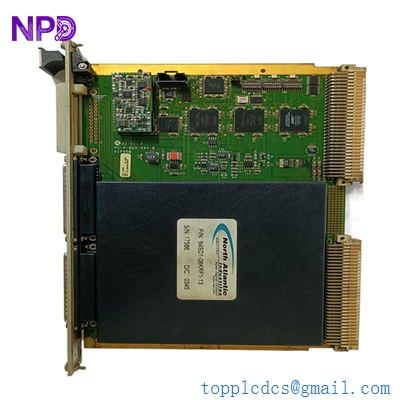
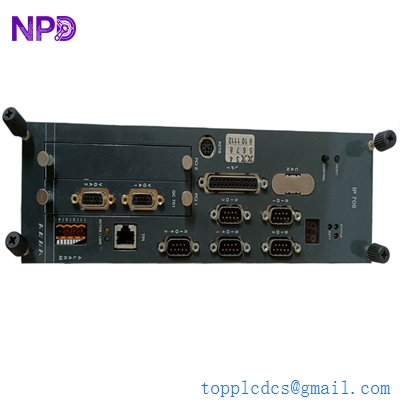
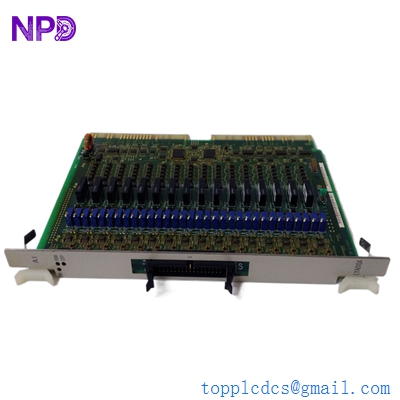
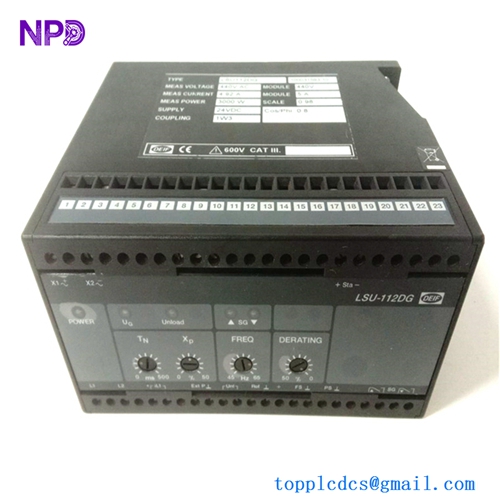
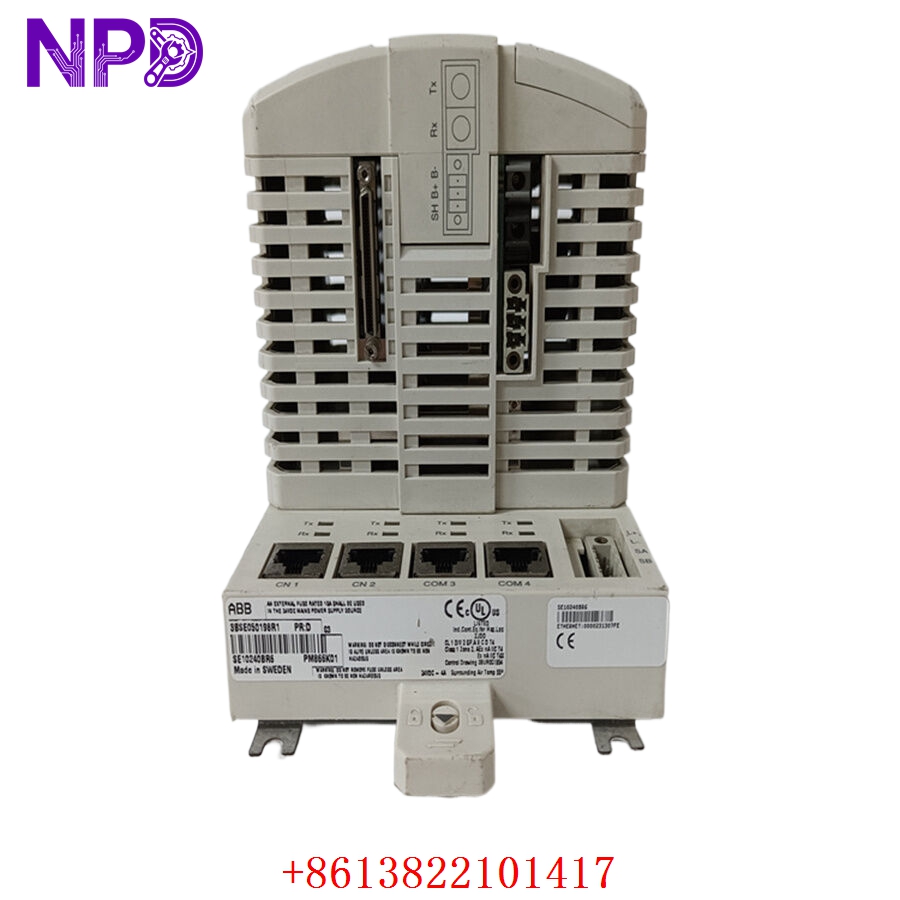
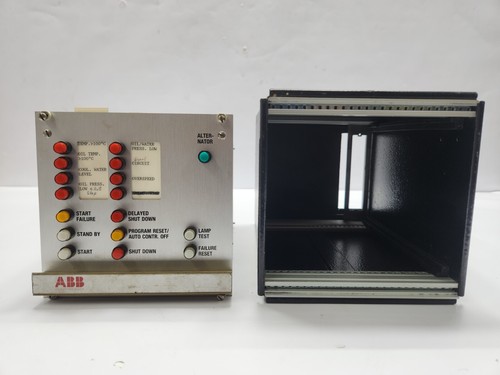
The ABB GVT7750307R3 is a high-performance control module engineered for demanding industrial automation and power distribution applications. As part of ABB’s robust controller ecosystem, this unit is designed to facilitate high-speed data processing, reliable logic execution, and seamless integration within complex distributed control systems (DCS). It serves as a vital link in managing system stability and operational efficiency in industrial environments.
⚙️ Technical Specifications
- Dimensions: 175 mm x 125 mm x 45 mm
- Weight: 0.60 kg
- Country of Origin: Sweden / Germany
- Supply Voltage: 24 VDC (Nominal)
- Operating Temperature: -10°C to +55°C
- Protection Class: IP20 (Indoor use)
🏗️ Application Areas
- Power Generation and Distribution Control
- Industrial Process Automation
- Automated Manufacturing Lines
- Energy Management Systems
- Large-scale Infrastructure Control
📖 Product Usage Instructions
This controller must be installed in a standard DIN-rail or rack-mounted configuration within a controlled, dust-free electrical cabinet. Ensure all communication cables are shielded to prevent signal noise. Always disconnect power before inserting or removing the module from the backplane to prevent electrical arcing or damage to the communication pins.
🌐 Communication Configuration Steps
- IP Address: Connect via the engineering console, access the “Network Setup” menu in the configuration software, and assign a static IP, Subnet Mask, and Gateway.
- Station Number: Configure the device identifier through the “Hardware Configuration” software tab; ensure no two controllers on the same network share the same Station ID.
- Baud Rate: Match the baud rate settings (e.g., 115200 bps or higher depending on the fieldbus protocol) in the port configuration menu to synchronize with your existing communication bus.
⚡ Power-Up Debugging Flow
- Verify the 24VDC power input using a multimeter to ensure steady voltage.
- Ensure all field-bus connectors and terminal blocks are seated firmly.
- Toggle the power supply; observe the front-mounted status LEDs.
- Confirm the “System OK” LED turns green, indicating a successful boot sequence and software load.
- Utilize the ABB engineering tool to verify the online status of the module.
✅ Initial Run Checklist
- Perform a “Ping” test to verify communication between the controller and the engineering station.
- Inspect the error log for any initialization alarms or hardware interrupts.
- Validate that all I/O cards mapped to this controller are recognized by the system.
- Conduct a full backup of the configuration file to both the controller and your PC.
- Test the emergency shutdown (ESD) link to ensure safety interlocks are triggered correctly.
❓ Frequently Asked Questions (Q&A)
Q: What should I do if the “Comm Error” LED remains lit? A: Check the integrity of your network cabling and verify that the station numbers on the network do not conflict. Also, confirm that the communication protocol selected in the software matches the field network.
Q: Can I replace this module without shutting down the entire system? A: This depends on the specific backplane configuration. If the system is designed for “hot-swapping,” it is possible, but extreme caution is advised to ensure the new module is configured correctly before being brought online.
Q: Where can I find the latest firmware? A: Firmware updates should be sourced directly from the official ABB support portal using the specific model and revision numbers.
Q: Is this controller compatible with legacy ABB DCS platforms? A: The GVT7750307R3 is designed for high compatibility, but always refer to the compatibility matrix in the device datasheet to confirm version requirements for your specific legacy system.