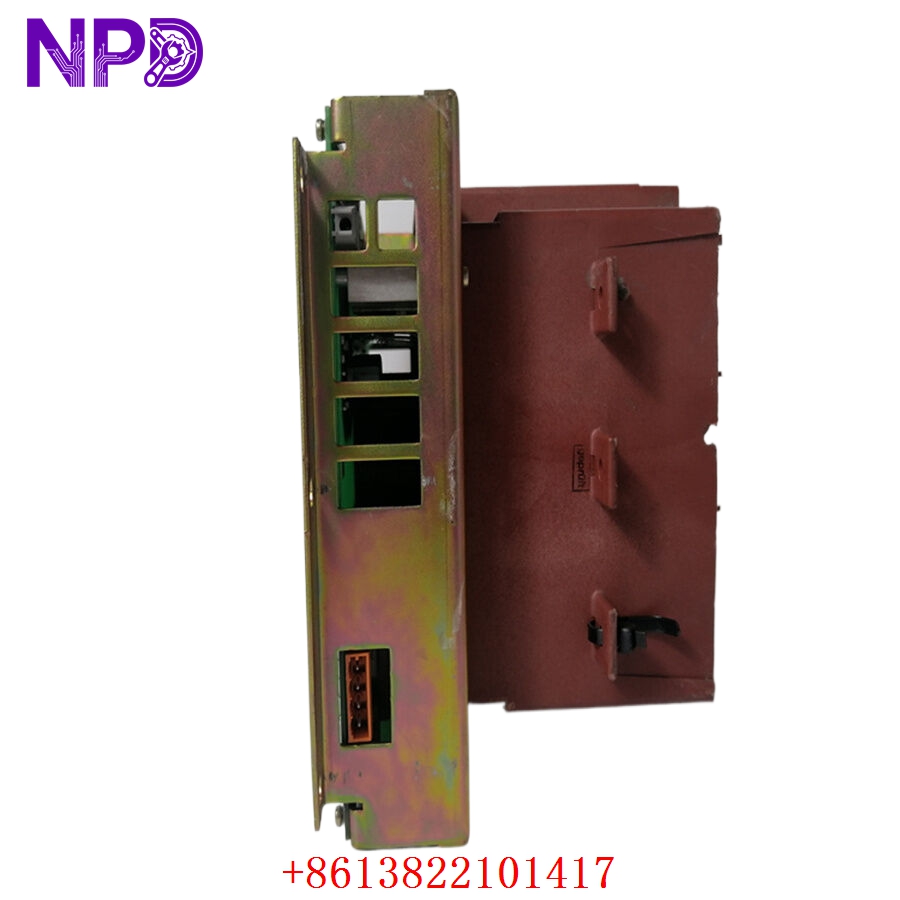
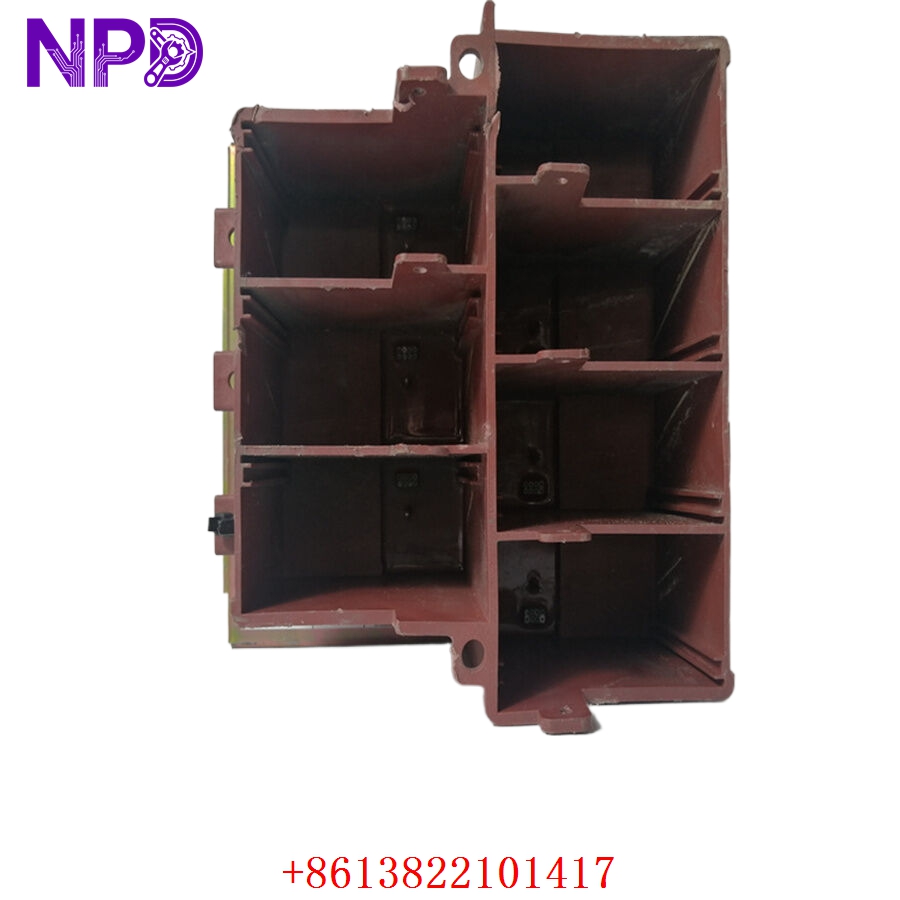

Description
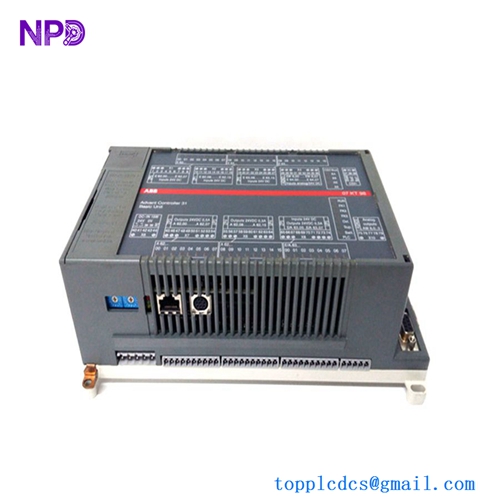
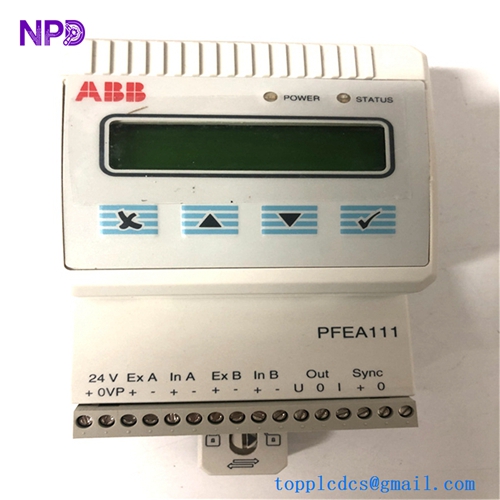
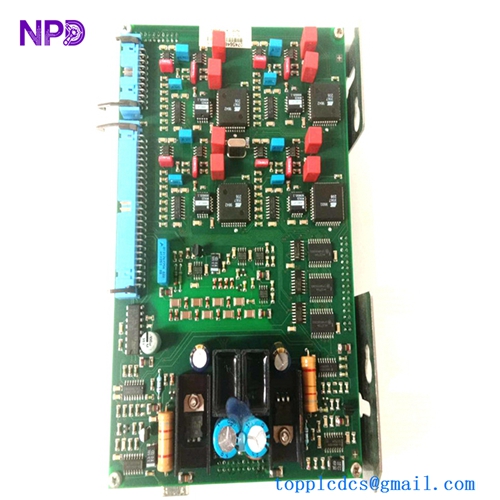
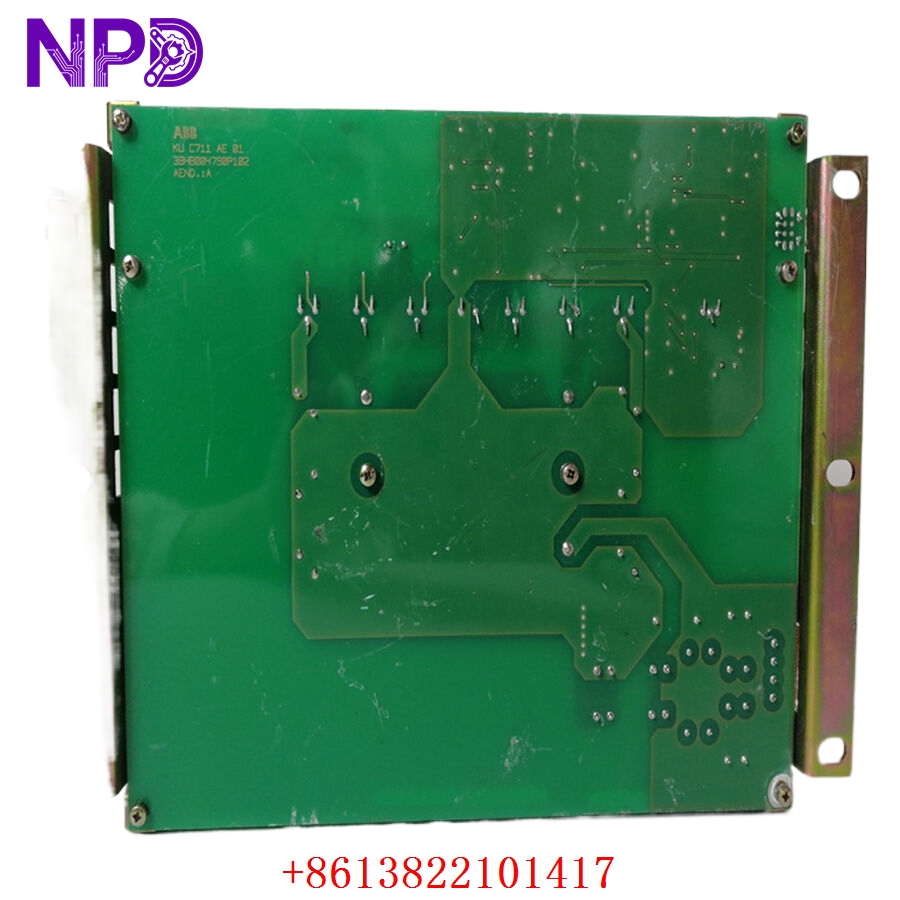
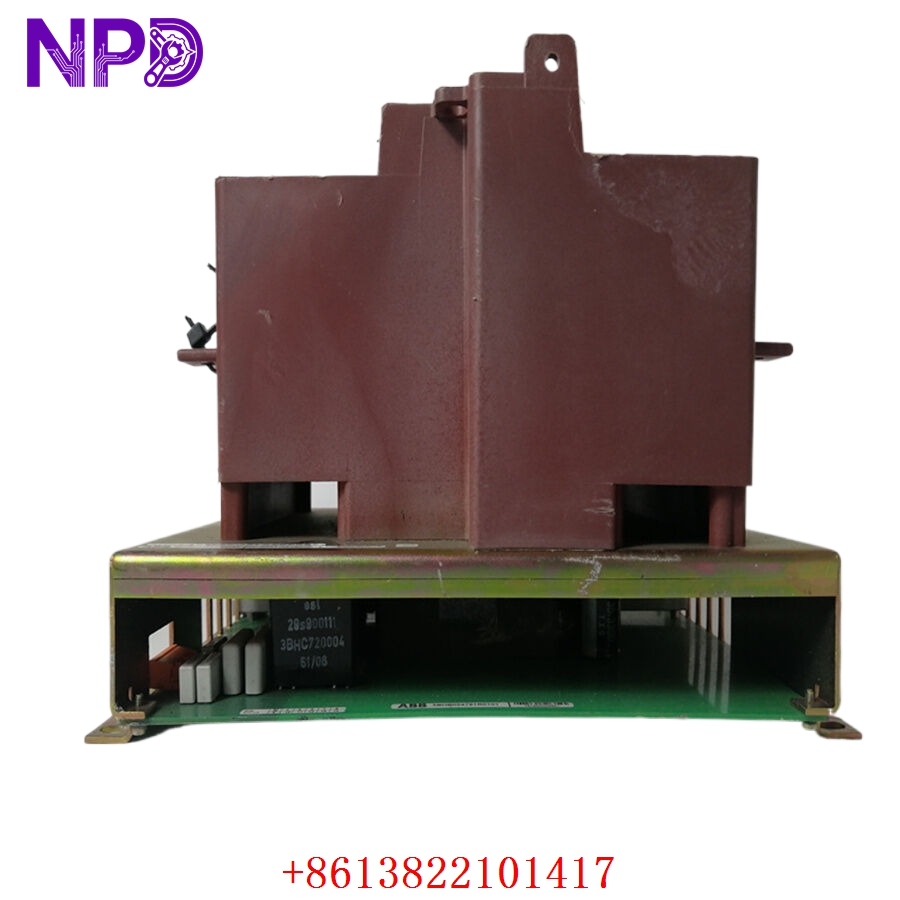
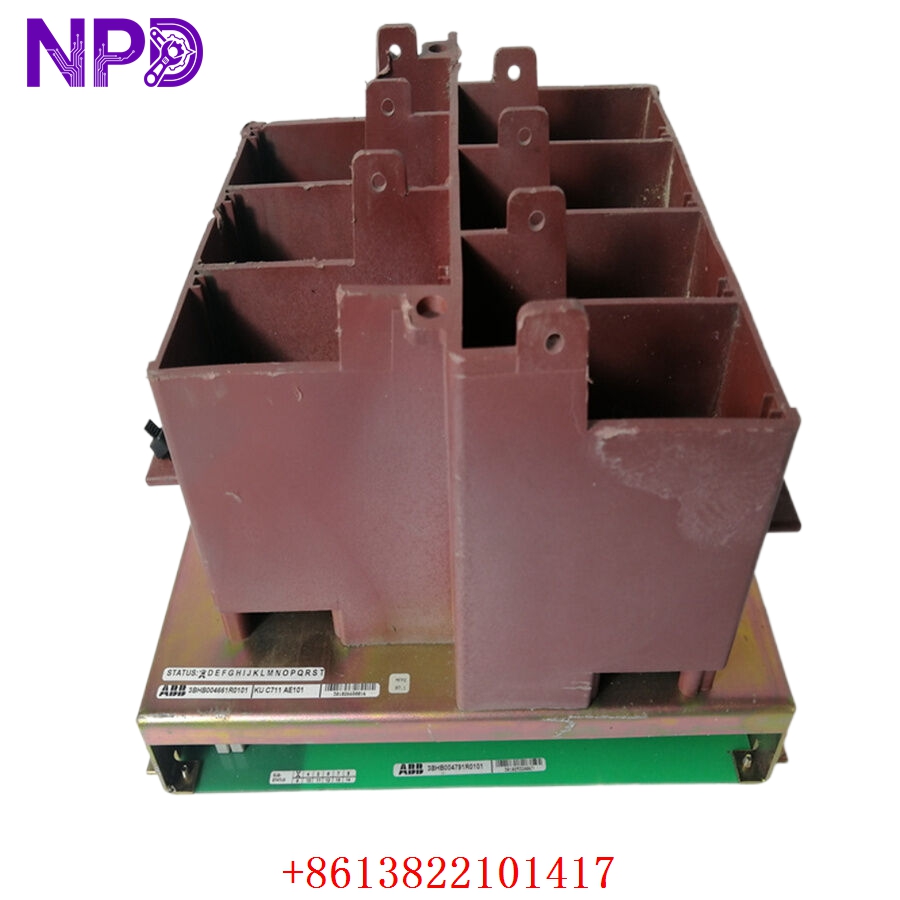
The ABB KUC711AE101 3BHB004661R0101 is a high-performance main processor and control unit board developed for specialized ABB industrial drives and automation systems, including the AC 800PEC and related medium voltage power electronics application families. Engineered to handle high-speed calculation loops, complex control algorithms, and rapid communication protocols, this board serves as the central intelligence unit for high-power converter systems. It manages real-time system monitoring, synchronizes power semiconductor firing sequences, and processes rapid diagnostics to ensure reliable operation and precise control within demanding industrial environments.
Product Specifications
- Model Number: KUC711AE101 3BHB004661R0101
- Manufacturer: ABB
- Product Series: AC 800PEC / Power Electronics Controller Hardware
- Function: Central Processor and Control Unit Module
- Dimensions: 265 mm x 35 mm x 220 mm
- Weight: 0.85 kg (1.87 lbs)
- Country of Origin: Switzerland / Estonia
- Processor Architecture: High-speed integrated microprocessor and FPGA fabric
- Communication Interface: Fiber optic links, Ethernet channels, and dedicated internal bus interfaces
- Operating Temperature: 0°C to +55°C (32°F to 131°F)
- Cooling Requirement: Forced air cooling via standard chassis fan tray
Applications
- Medium Voltage Drive Systems: Acts as the primary control brain for high-capacity motor drives (such as ACS 1000 or ACS 5000 series) in heavy-industry setups.
- Excitation Systems: Implemented within UNITROL excitation systems to govern the magnetic field configuration of large synchronous generators in power stations.
- Wind Power Converters: Deployed inside megawatt-scale wind turbine converter cabinets to manage grid synchronization and active/reactive power generation loops.
- Static Var Compensators (SVC): Used within power grid quality systems to process high-speed calculations for reactive power compensation and harmonic filtering.
Product Usage Instructions
- Static Protection: This board contains sensitive electronic components. Always wear a grounded ESD wrist strap before removing the module from its anti-static packaging or handling the circuitry.
- Chassis Installation: Slide the KUC711AE101 board smoothly into its designated slot inside the controller subrack. Ensure the rear multi-pin DIN connectors seat fully into the backplane, then lock the front-panel captive screws to secure it.
- Fiber Optic Connections: Carefully connect the high-speed fiber optic lines to their respective transmitter/receiver ports on the front panel. Observe proper bend radius limits for the fiber cables to avoid signal degradation.
- Firmware and Loading: Connect to the module using the specific ABB system tool (such as Control Builder M or system loader utilities). Verify that the system firmware version matches the required software baseline of your drive or excitation system before executing system startup.
Frequently Asked Questions (Q&A)
- Q: What is the main purpose of the fiber optic ports on the front panel of the KUC711AE101? A: The fiber optic interfaces provide high-speed, noise-immune communication channels. They are used to transmit precise firing commands directly to individual phase modules and to gather rapid current and voltage feedback from isolated sensor loops.
- Q: Can this processor module be swapped while the drive system is actively running? A: No, the KUC711AE101 is the central processing core of the system. Removing it while operational will break all control loops, trigger an immediate emergency stop (E-stop), and potentially disrupt upstream communication networks.
- Q: What do the status LEDs on the front faceplate indicate during startup? A: The LEDs provide structural diagnostic readouts. A green “Run” or “Ready” light signifies normal processing state, while a red “Fault” or flashing “Error” light indicates a hardware self-test failure, missing configuration file, or communication timeout.
- Q: Is the 3BHB004661R0101 part number fully compatible with all older KUC711 revisions? A: While hardware dimensions match, the specific suffix (R0101) dictates the component version and underlying memory layout. Always verify with your drive documentation or ABB support that your software version supports this specific revision.