
Description
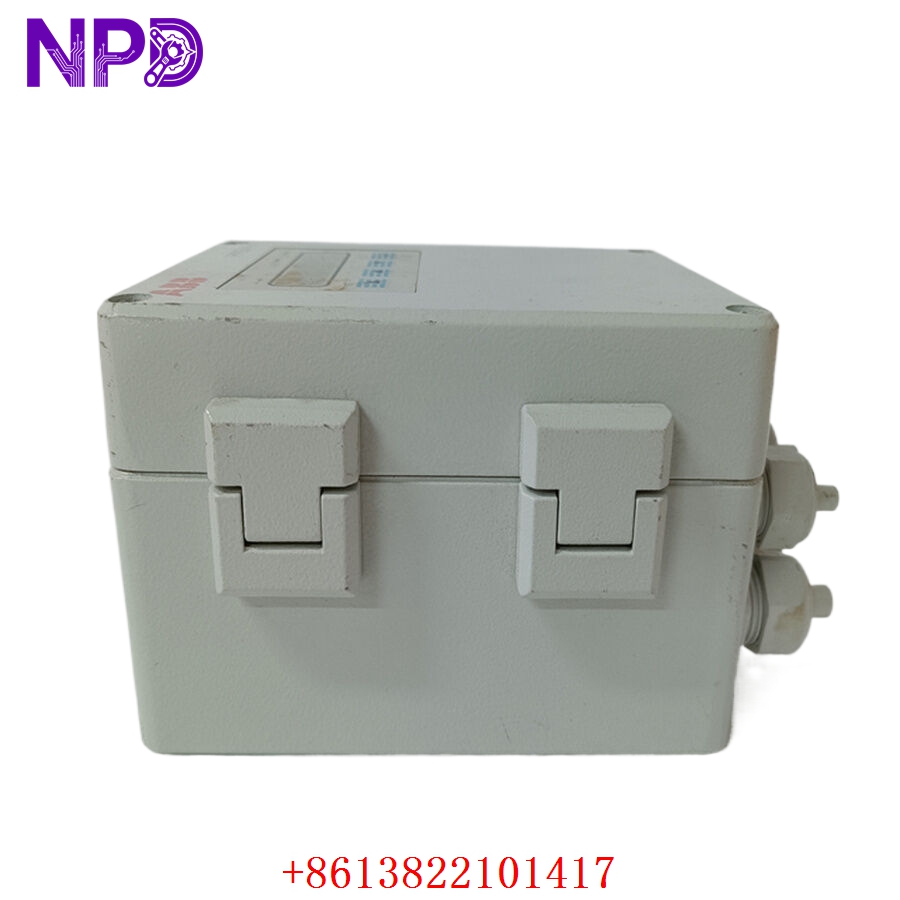
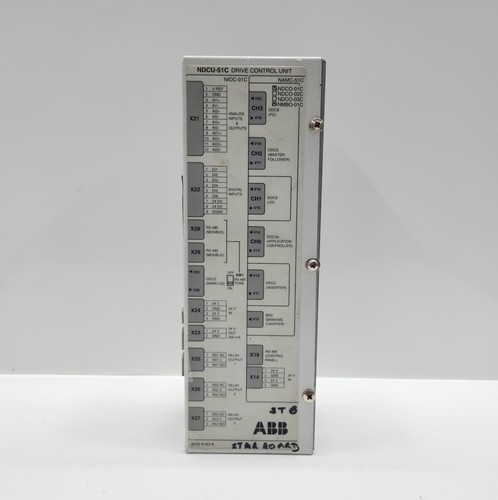
The ABB NDCU-51C (specifically the NDCU-51CKFB variant) is a sophisticated Drive Control Unit (DCU) designed to serve as the central intelligence hub for ABB industrial drive systems. It acts as the primary interface between the higher-level automation network and the power electronics of the drive, managing complex motor control algorithms, communication protocols, and real-time monitoring. This unit is essential for maintaining precision, efficiency, and safety in high-demand industrial motor applications.
📋 Technical Specifications
- Model Number: NDCU-51C
- Variant: NDCU-51CKFB
- Manufacturer: ABB
- Primary Function: Drive Control and Communication Management
- Dimensions: 150 mm x 100 mm x 45 mm (Approximate unit dimensions)
- Weight: 0.5 kg (Approximate)
- Country of Origin: Finland / Estonia / EU Origin (Varies by manufacturing batch)
⚙️ Application Areas
- High-Performance Variable Frequency Drives (VFDs)
- Heavy-Duty Manufacturing Conveyor Systems
- Industrial Robotics & Motion Control
- Paper and Steel Rolling Mill Drives
- Large-scale HVAC and Pumping Systems
🛠️ Operating Instructions & Guidelines
- Installation: Mount the unit in a climate-controlled enclosure with adequate air circulation. Ensure the unit is properly grounded to the drive cabinet chassis to mitigate electromagnetic interference (EMI).
- Environmental Requirements: Keep the operating environment within -10°C to +50°C. Protect the control board from conductive dust, moisture, and vibration which can cause communication errors or hardware failure.
- Maintenance: Regularly audit fiber optic connections for dust or damage, as these are critical for the high-speed communication between the DCU and the power modules.
⚡ Power Sequence & Operation
- Power-On Sequence: 1. Ensure the auxiliary 24VDC supply for the control electronics is stable. 2. Verify all fiber optic cables are securely locked into the DCU ports. 3. Energize the main DC/AC bus. 4. Wait for the control unit to complete its internal diagnostic self-test (LEDs will transition from initialization to “Run” status).
- Power-Off Sequence: 1. Send a software-based stop command to the drive to bring the motor to a controlled zero-speed state. 2. Verify that the power section has discharged. 3. Power off the main supply. 4. Disconnect the 24VDC auxiliary control power last.
- Step-by-Step Operation: 1. Connect the programming cable to the control interface. 2. Use the ABB drive configuration software to upload/download parameters. 3. Perform a signal check for I/O mapping. 4. Initiate the auto-tuning sequence if required by the motor configuration.
❓ Frequently Asked Questions (Q&A)
- What does the “KFB” suffix signify? The KFB suffix usually refers to specific hardware configurations or firmware board revisions tailored for compatibility with specific drive series or integrated fieldbus interfaces.
- How do I troubleshoot a communication failure? Check the status of the fiber optic link LEDs. If they are dark or flashing irregularly, clean the fiber optic tips and ensure the cables are not bent beyond their minimum bend radius.
- Can this unit be hot-swapped? No. The NDCU-51C must be de-energized before removal to prevent potential damage to the backplane connectors and sensitive internal circuitry.
- What if the drive displays an “Internal Fault” code? This often indicates a communication loss between the DCU and the power module. Check all internal ribbon cables and fiber optic connections for loose physical contact.