
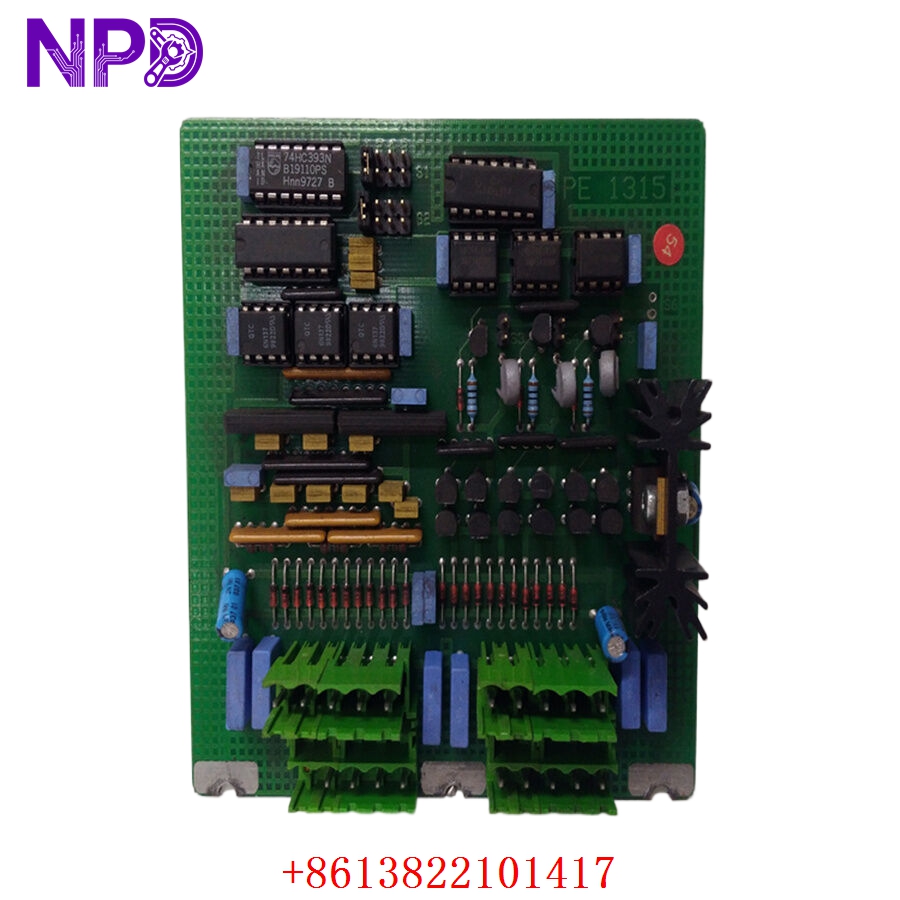

Description
- Model: ABB PE1315A (Part No. HIEE300690R0001)
- Brand: ABB (Switzerland)
- Series: Advant OCS / MasterView 320 / MasterPiece 200
- Core Function: Internal Power Supply / Converter Board
- Condition: Brand New Surplus (Original New), Non-refurbished
- Type: Power Electronics Board
- Key Specs: Multi-rail DC output Integrated in MV320 units High MTBF
- Input Voltage: Typically 24 V DC (System Bus)
- Output Rails: Multiple regulated DC outputs for processor and display logic
- Form Factor: Dedicated PCB for MasterView 320 operator stations
- Efficiency: Optimized for low heat dissipation in enclosed consoles
- Protection: Over-current and short-circuit protection per rail
- Compatibility: Specifically designed for ABB Advant Controller 400 series (AC410, AC450)
- Mounting: Internal chassis mount with multi-pin header interface
- Operating Temperature: 0 °C to +55 °C
- Humidity: Max 95% non-condensing
- Design Standard: ABB Master hardware platform specs
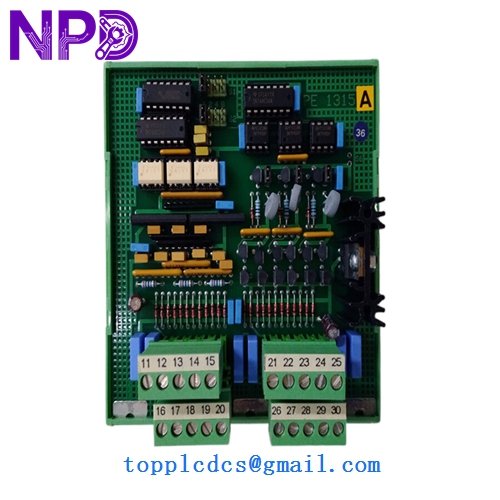
ABB PE1315A
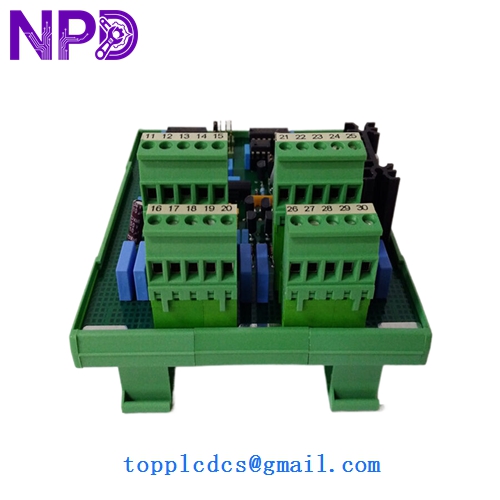
ABB PE1315A
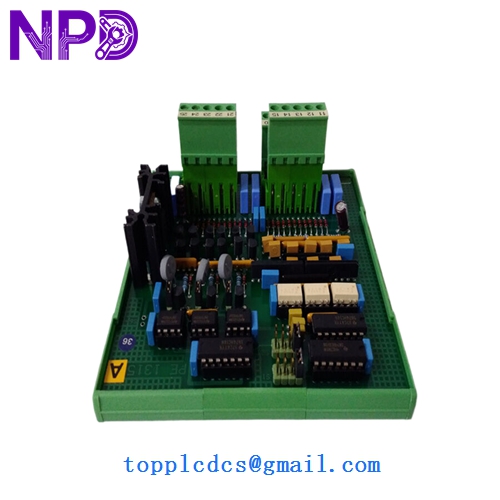
ABB PE1315A
Installation & Configuration Guide
Phase 1: Preparation (15 Minutes)
⚠️ Safety First:
- This board is an internal component of the MasterView 320. Ensure the operator station is fully powered down.
- The Advant OCS system is sensitive to grounding issues. Ensure you are working on an ESD-safe mat.
- Keep a backup of the station’s configuration. While the PE1315A is a power board, a sudden loss of power during a faulty swap can sometimes corrupt local memory.
Tools & Protection:
- Anti-static wrist strap (Mandatory).
- Small Torx or Phillips screwdriver (depending on the MV320 revision).
- Cleaning kit (compressed air) to remove dust from the internal chassis.
Phase 2: Removal (10 Minutes)
- Access: Open the rear or side panel of the MasterView 320 unit.
- Cabling: Gently disconnect the ribbon cables and power looms connected to the PE1315A. Use a label maker to tag them if they aren’t already marked.
- Hardware: Remove the mounting screws holding the PCB to the internal frame. Slide the board out, being careful not to snag any of the delicate pins on the backplane connector.
Phase 3: Installation (20 Minutes)
- Inspection: Compare the revision of your old board with the new PE1315A. Most HIEE300690R0001 boards are direct drop-in replacements.
- Seating: Align the multi-pin connector with the internal bus. Press firmly but evenly.
- Securing: Reinstall the screws and reconnect all cables. In my experience, double-checking the ribbon cable orientation is the most critical step—getting it backward can damage the logic boards.
Phase 4: Power-On & Testing (30 Minutes)
- Initial Start: Power on the MV320.
- Diagnostics: Watch the boot-up sequence on the display.
- If the screen remains dark but fans spin, check the connection between the PE1315A and the display driver.
- If the unit boot-loops, check for a loose connection on the 24 V DC input rail.
- Verification: Once the MasterView software loads, check the “System Status” page to ensure all internal voltages are reported within normal tolerances.
Customer Cases & Industry Applications
Case 1: Restoring a Legacy Operator Station
Situation: A chemical plant in Germany was still using MasterView 320 stations for their reactor monitoring. One station went black overnight—no power, no LEDs. Task: The plant needed to fix the station without upgrading the whole DCS, as a system-wide upgrade was scheduled for two years later. Action: The maintenance team identified the PE1315A power board as failed. We shipped a New Surplus unit the same day. Result: The station was back in service within 48 hours. The customer saved over $50,000 in immediate “emergency upgrade” costs by simply replacing the legacy power board.
Case 2: Proactive Replacement in a Paper Mill
Situation: During a scheduled shutdown, a paper mill noticed that several of their MV320 units had “bulging” capacitors on their power boards due to years of high-temperature operation. Task: Avoid the “ticking time bomb” of a mid-production power failure. Action: They purchased our remaining stock of PE1315A boards to refresh their most critical operator consoles. Result: By choosing New Surplus over refurbished, they ensured that the “new” boards would have a fresh lifespan, significantly reducing the risk of unplanned downtime.
Frequently Asked Questions (FAQ)
Q: Is the PE1315A compatible with all Advant systems? A: It is specifically designed for the MasterView 320 (MV320) operator stations. While those stations connect to AC410/AC450 controllers, the board itself resides inside the operator station hardware.
Q: Why should I buy “New Surplus” for such an old board? A: Refurbished PE1315A boards often have “re-capped” components of varying quality. Our New Surplus boards are original factory stock that has never been used. This means the solder joints and PCB traces haven’t been stressed by years of thermal cycling.
Q: Does it come with the mounting spacers? A: Generally, it is the board only (as shown in the part number HIEE300690R0001). You should reuse the mounting hardware from your existing unit.
Q: My board has a different suffix (e.g., PE1315B). Can I use the A version? A: Usually, ABB suffixes denote minor revisions. However, in the MasterView series, “A” and “B” versions can sometimes have different connector layouts. Please send us a photo of your current board, and we will verify compatibility within 2 hours.
Q: How do I know the board hasn’t degraded sitting in a warehouse? A: We store all our ABB electronics in a temperature and humidity-controlled environment. Before shipping, we perform a “Power-Up & Rail Test” to ensure all DC outputs are within the original factory specifications.



