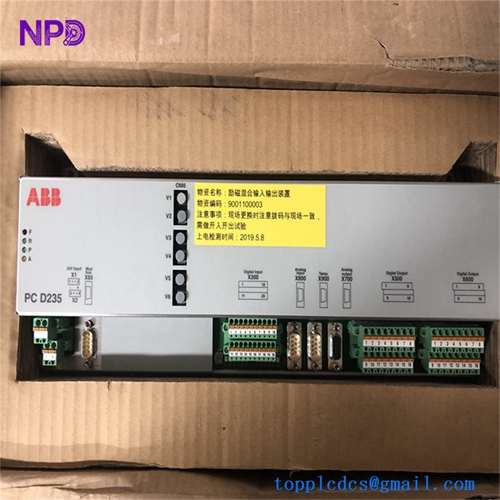
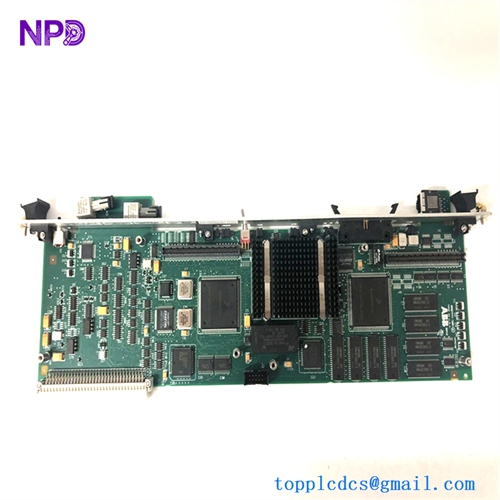
Description
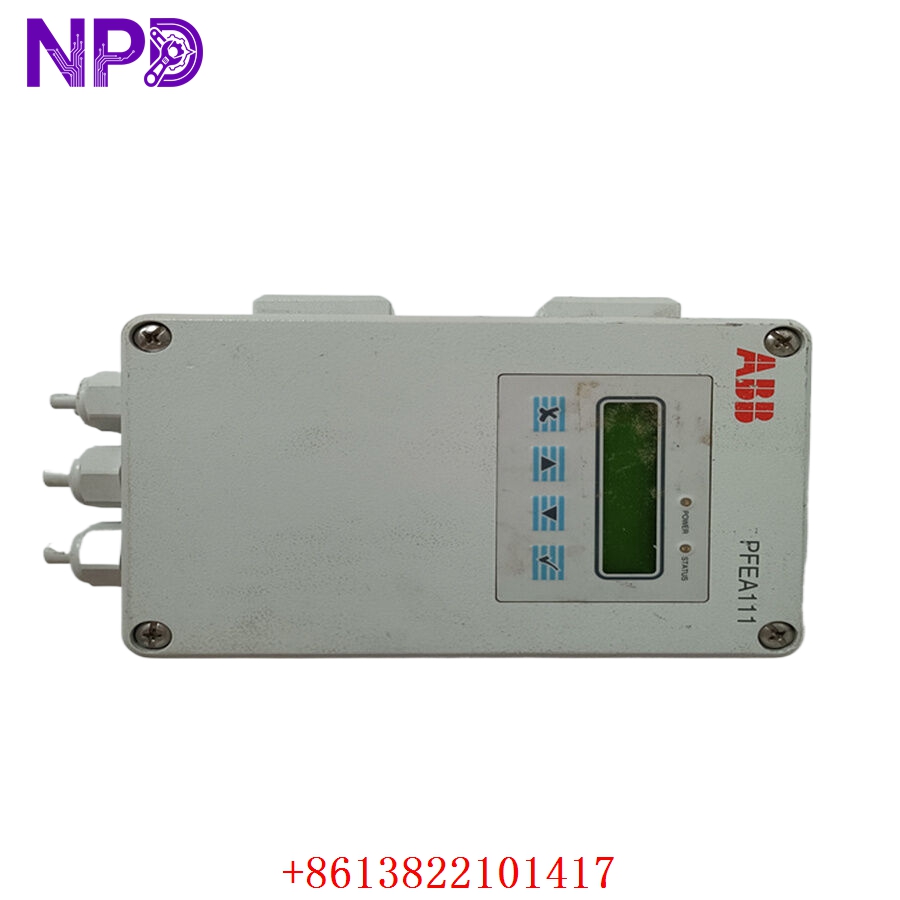
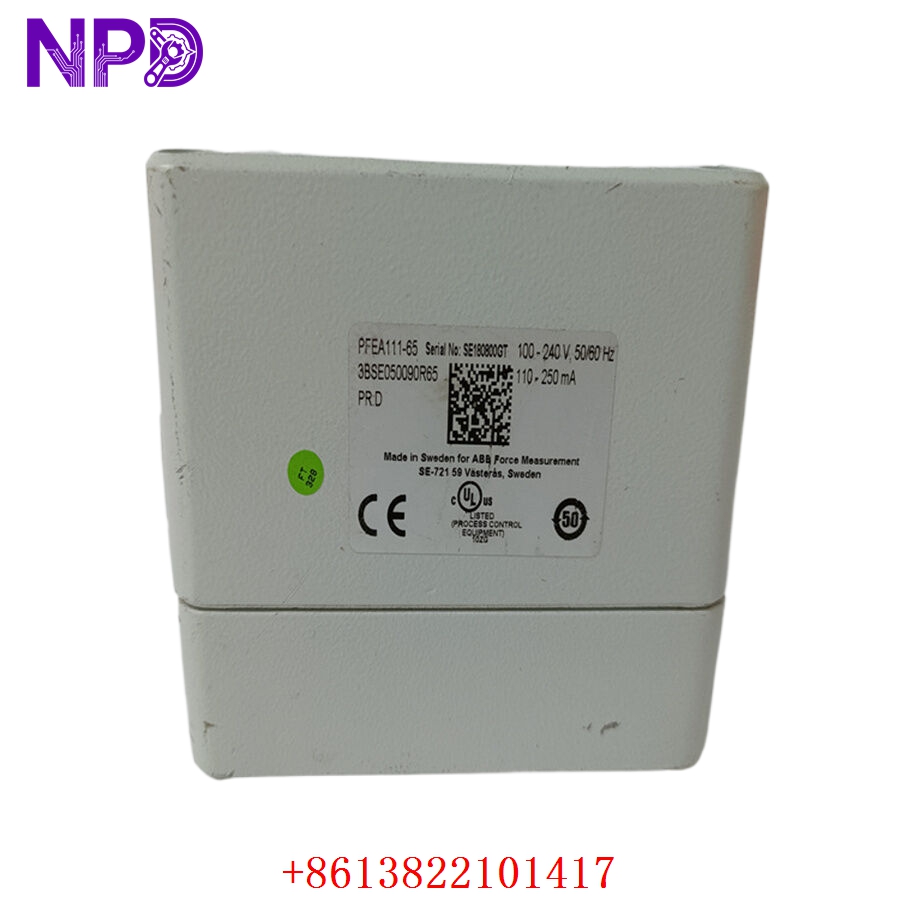
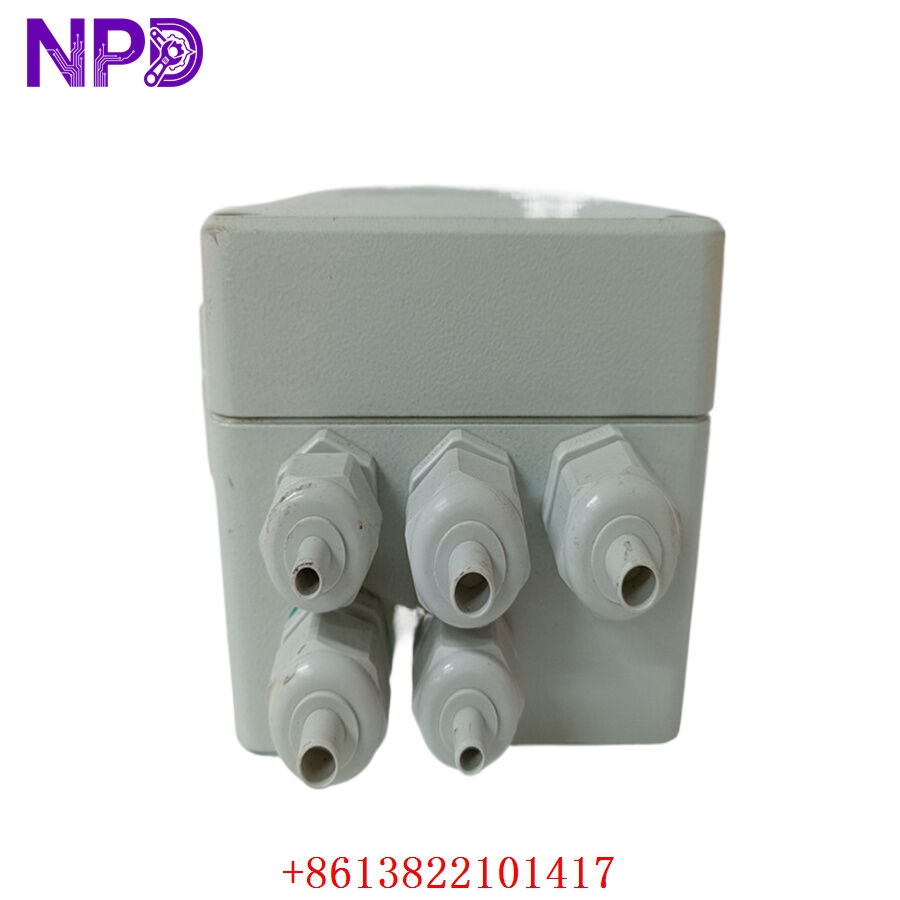
- 🔢 Model: PFEA111-65 (Part Number: 3BSE050090R65)
- 🏢 Brand: ABB
- ⛓️ Series: Tension Electronics (Web Tension Measurement)
- 💡 Core Function: High-precision tension measurement and signal processing for paper, metal, and converting lines
- 🛠️ Type: Web Tension Electronics Unit
- ⚡ Key Specs: Multi-channel load cell input, user-friendly interface, fieldbus integration
- 📡 Inputs: Supports up to 4 load cells (configurable)
- 🔌 Outputs: 4-20 mA analog outputs, relay outputs for alarms
- 🖥️ Communication: Built-in fieldbus options (e.g., Profibus/Ethernet)
- ⚡ Power Supply: 24 V DC (±15%)
- 🌡️ Operating Temp: 0°C to 55°C
- 🛡️ Protection Rating: IP65 (Front panel)
- 💡 Display: Integrated alphanumeric LCD for configuration and real-time monitoring
- 🛠️ Configuration: Menu-driven interface; no PC required for basic setup
Installation & Configuration Guide
Phase 1: Preparation (15 mins)
⚠️ Safety First:
- Ensure the web path is stopped and tension is relieved from the load cells.
- 🧤 Use an anti-static wrist strap; the internal electronics are sensitive to ESD.
- Verify that the load cell wiring is properly shielded to prevent electrical noise from causing tension measurement drift.
Phase 2: Installation (20 mins)
- 📥 Mounting: The PFEA111-65 is designed for cabinet mounting. Secure it using the integrated mounting hardware.
- 🔌 Wiring:
- Connect the load cell cables to the inputs (1-4).
- Connect the 24 V DC power supply.
- Ground the unit to the main cabinet chassis to ensure high common-mode noise rejection.
- 🔒 Shielding: Terminate the cable shields to the provided ground studs to ensure accurate low-millivolt signal reading.
Phase 3: Testing & Calibration (20 mins)
- 🟢 Power-Up: The LCD should illuminate. Confirm the “System OK” status.
- 🛠️ Calibration: Enter the configuration menu. You will need to perform a Zero/Cal procedure.
- Ensure no tension is applied to the rolls for the “Zero” step.
- Use a calibrated weight or force gauge if applying “Span” calibration.
- 📊 Validation: Verify that the displayed tension matches your physical tension reference.
- 🩺 Signal Check: If using the 4-20 mA analog output, monitor the signal at the receiving PLC to ensure linear scaling.
Customer Cases & Industry Applications
Case: Paper Mill Tension Control Upgrade
- Situation: A paper mill was experiencing frequent web breaks because their aging tension control system suffered from signal drift caused by environmental moisture.
- Task: Replace the legacy electronics with the PFEA111-65 to improve measurement stability and integrate digital diagnostics.
- Action: The installation involved retrofitting the electronics into the existing control cabinet. We provided the unit with a pre-configured profile based on their existing load cell sensitivity settings.
- Result: The “Zero” drift was effectively eliminated. The plant achieved more consistent tension, which allowed them to increase line speed by 5% without risking web breaks. The integrated fieldbus diagnostics also allowed the maintenance team to monitor load cell health remotely.
Frequently Asked Questions (FAQ)
Q: What does the “-65” in the model number signify? A: It indicates the specific communication and housing configuration. Always ensure the “-65” suffix matches your site standard to ensure compatibility with your existing fieldbus network.
Q: Can I use this with any load cell? A: The PFEA111-65 is designed for ABB Pressductor load cells. While it may work with other bridge-type strain gauges, ABB load cells are recommended for the best precision and stability.
Q: My “Tension” reading is unstable—what should I check? A:
- Electrical Noise: Ensure all cable shields are grounded at the PFEA111 end.
- Mechanical: Check for mechanical vibrations or loose bearing housings on the tension rollers.
- Calibration: If the drift happens over time, perform a fresh “Zero” calibration.
Q: Do I need a PC to program this? A: No, the unit features an intuitive front-panel menu. You can perform all setup, calibration, and alarm threshold configuration directly on the device.