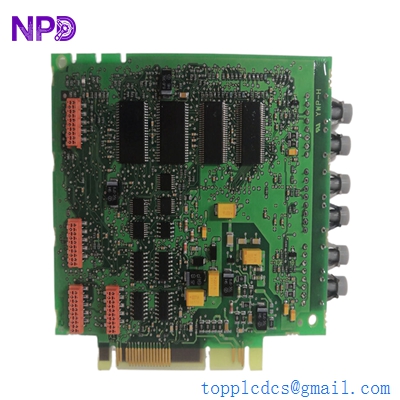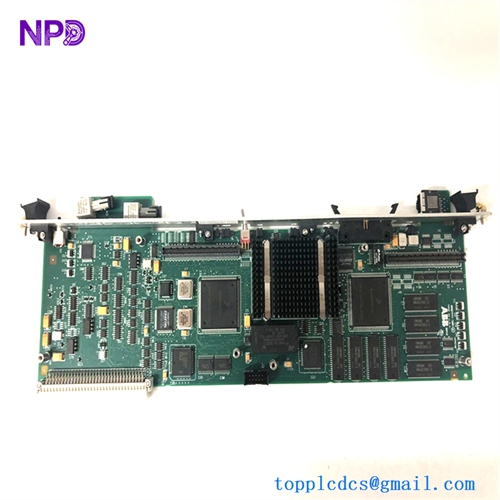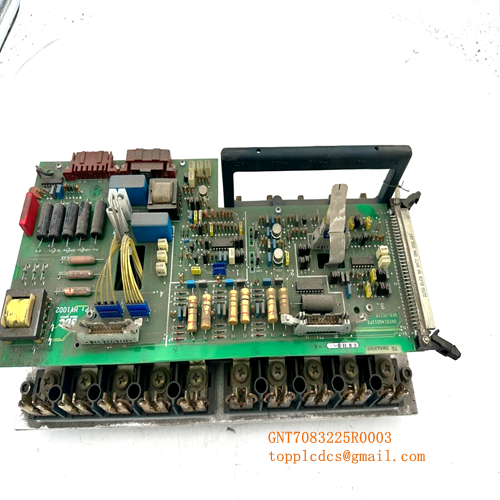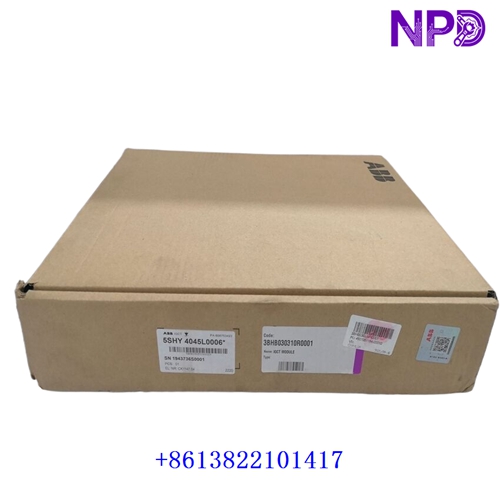

Description
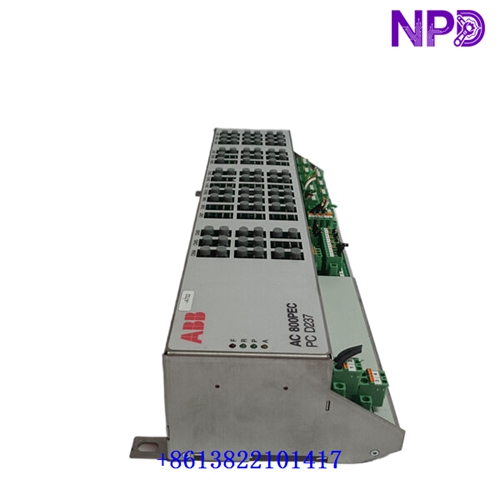
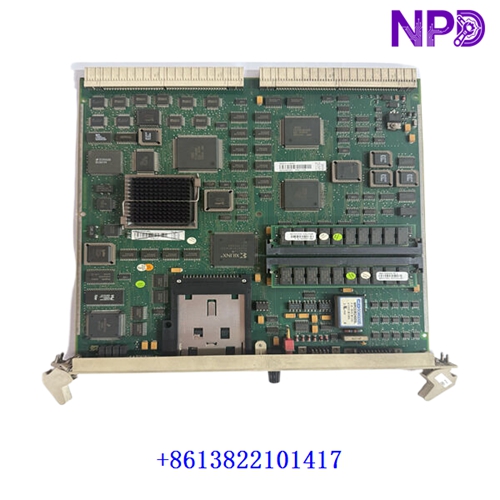
The ABB PFEA113 IP65 (Part Number: 3BSE028144R265) is an advanced, high-performance tension electronics amplifier unit designed for precision web tension measurement and control across heavy industrial processes (such as steel, paper, and converting lines). Housed in a robust, sealed enclosure rated for IP65 (NEMA 4) protection, this unit can process inputs from up to four load cells, providing extensive analog/digital input-output coordination and integrated Profibus-DP communication capabilities.
Product Datasheet
| Parameter | Specification |
| Brand | ABB |
| Model / Type | PFEA113-65 (Variant: 3BSE028144R265 / 65.2PXV) |
| Series | PFEA11x Tension Electronics Family |
| Product Name | Tension Electronics / Amplifier Unit (IP65 Enclosed) |
| Place of Production | Sweden |
| Operational Status | Industrial Automation Standard |
| Load Cell Capacity | Supports up to 4 load cells |
| Power Supply | 100 to 240 V AC (47–63 Hz) or 24 V DC (18–36 V) |
| Communication | Profibus-DP standard interface |
Initial Operation Checklist
✓ Ensure the IP65 enclosure is securely mounted to a stable, vibration-resistant surface in the target industrial environment.
✓ Verify that power supply specifications (AC or DC wiring) match the designated input thresholds prior to energizing the unit.
✓ Confirm that load cell cables and signal shields are cleanly terminated and grounded to the built-in shielding terminals.
✓ Check the multi-language digital display and operational LEDs during power-up to verify smooth hardware initialization and self-diagnostic clearance.
✓ Use the integrated interactive configuration keys to complete setup parameters and zero-balance calibrations.
Routine Maintenance
⚙ Periodically inspect external cable glands, enclosure seals, and door latches to maintain the integrity of the IP65 environmental rating.
⚙ Clean surrounding dust or debris from housing surfaces to ensure proper heat dissipation and prevent thermal buildup.
⚙ Monitor tension signal stability, error log registers, and diagnostic feedback remotely via Profibus-DP or locally via the display panel.
⚙ Verify grounding continuity and shield integrity regularly to guard against electromagnetic interference (EMI) and signal noise.
⚙ Review max load memory logs as part of routine mechanical health checks.
Troubleshooting & Common Issues
⚡ Communication Timeouts on Profibus-DP: Inspect network cable connections, check termination settings, and verify GSD file configurations (ABB_0717.GSD).
⚡ Unstable Tension Readings / Drift: Check load cell wiring terminal tightness, verify shield grounding paths, and inspect mechanical guides for binding.
⚡ Power Initialization Failure: Verify incoming supply voltages across power terminals and inspect internal fuse links or power modules.
Safety Precautions
⚠ Always isolate, lock out, and tag out primary power sources before opening the IP65 enclosure or servicing internal components.
⚠ Adhere to standard electrostatic discharge (ESD) handling procedures when touching internal circuit elements or option cards.
⚠ Ensure that safety ground wires are tightly secured to prevent electrical shock hazards.
⚠ Strictly follow manufacturer installation guidelines and local electrical safety standards.
Frequently Asked Questions (Q&A)
Q: What is the primary function of the PFEA113 unit?
A: It processes and amplifies signals received from industrial load cells to deliver precise web tension tracking, providing multiple analog outputs, limit alarms, and digital communication back to the control system.
Q: How many load cells can a single PFEA113 module manage?
A: It is engineered to support up to four individual load cells (and can scale up via multi-unit setups for segmented roll applications).
Q: What does the IP65 designation mean for this version?
A: It indicates that the unit is built inside a sealed, dust-tight and water-resistant enclosure (NEMA 4 equivalent), making it suitable for harsher factory floors outside of clean control rooms.