
Description
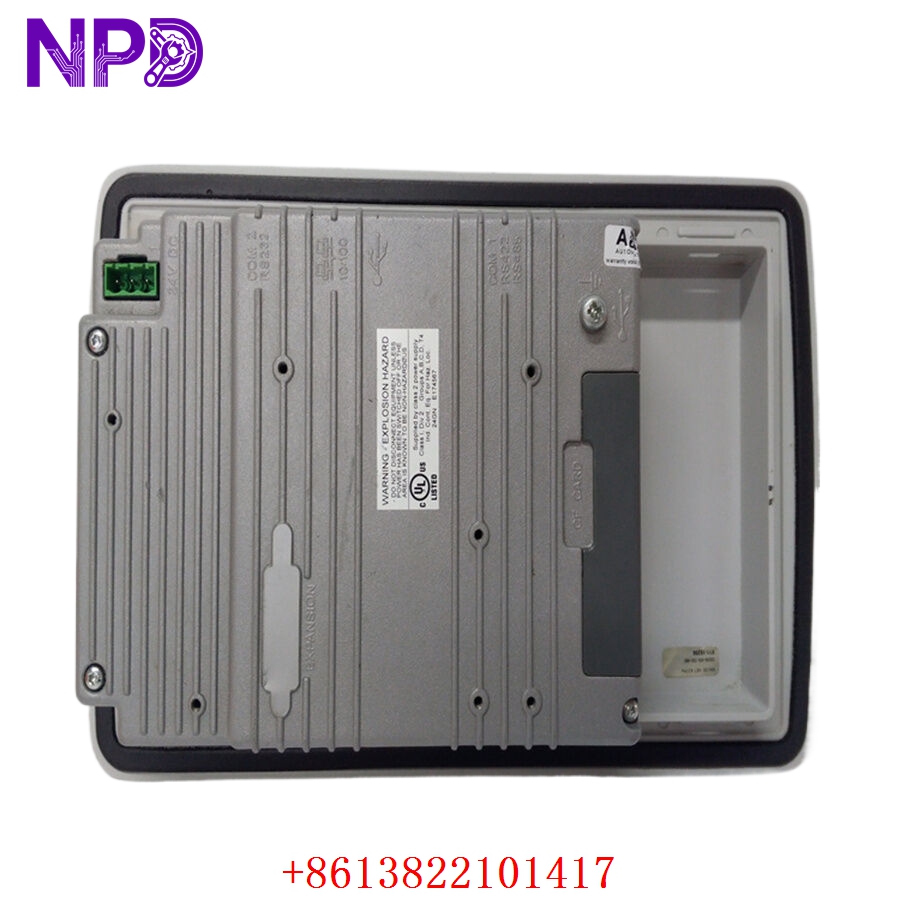
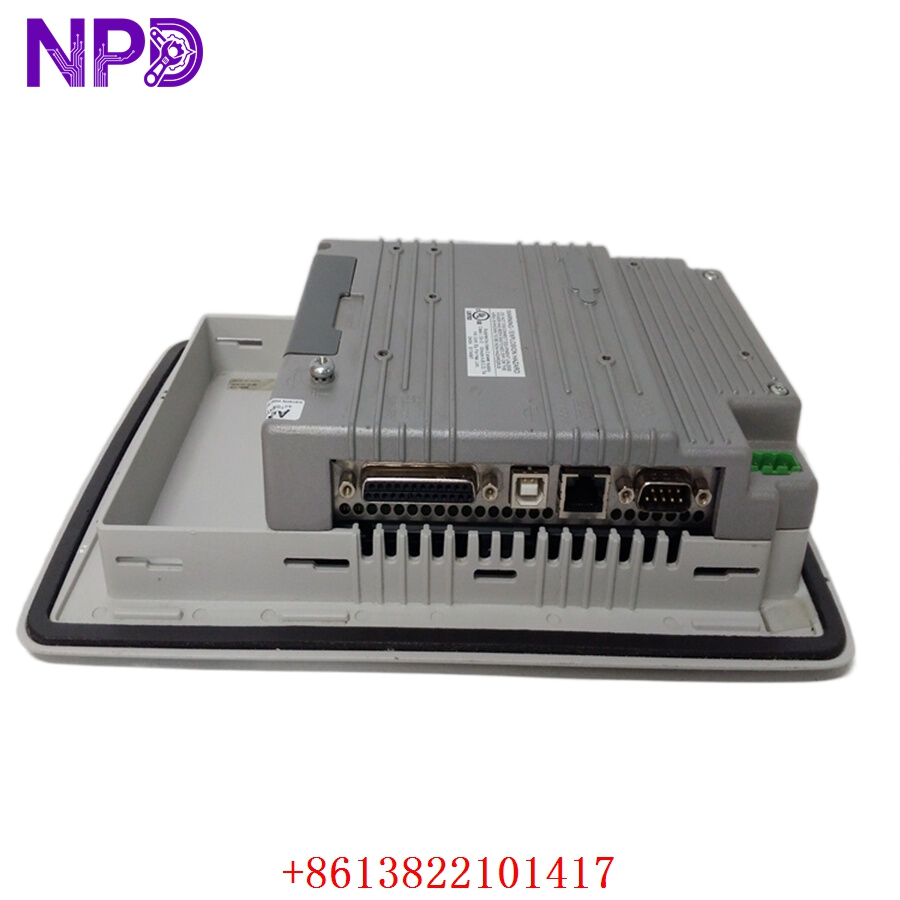
- Model: ABB PP836 (Part No. 3BSE042237R1)
- Brand: ABB (Sweden)
- Series: Panel 800 / 800xA System Components
- Core Function: Industrial Desktop PC / Operator Station Interface
- Condition: Brand New Surplus (Original New), Non-refurbished
- Type: Industrial Computer (HMI/Workstation)
- Key Specs: Core 2 Duo / i-Series (Rev dependent) Multiple LAN/USB Industrial Grade SSD/HDD
Key Technical Specifications
- Processor: High-performance industrial-grade CPU (Intel Core 2 Duo or equivalent)
- Memory: 2 GB to 4 GB RAM (Expandable per revision)
- Storage: Industrial-grade Solid State Drive (SSD) or high-reliability HDD
- Display Output: VGA / DVI for industrial monitor connection
- Connectivity:
- 2 x RJ45 Ethernet ports (10/100/1000 Mbps)
- 4 x USB 2.0 ports
- 2 x Serial RS-232/422/485 ports
- Power Supply: 24 V DC or 115/230 V AC (Integrated industrial PSU)
- Operating System: Typically pre-loaded with Windows Embedded or Industrial Pro
- Enclosure: Robust metal chassis for rack or desktop mounting
- Operating Temp: 0 °C to +50 °C (32 °F to 122 °F)
- Certifications: CE, UL, Marine certifications (select versions)
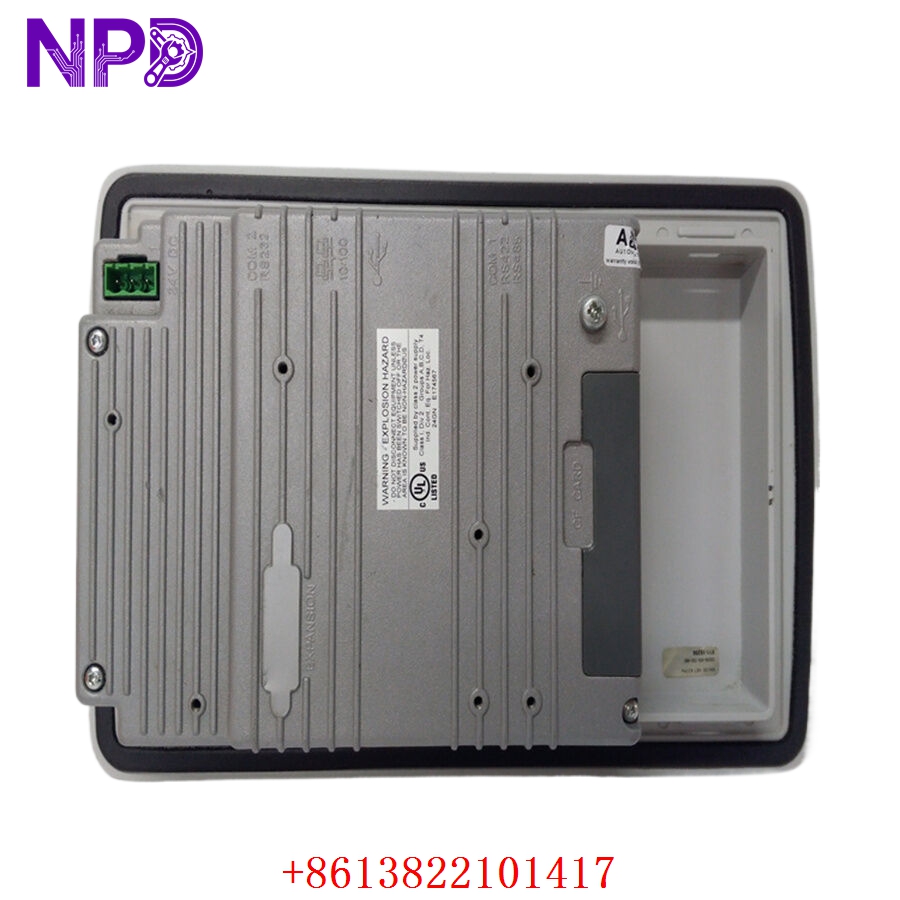
ABB PP836 3BSE042237R1
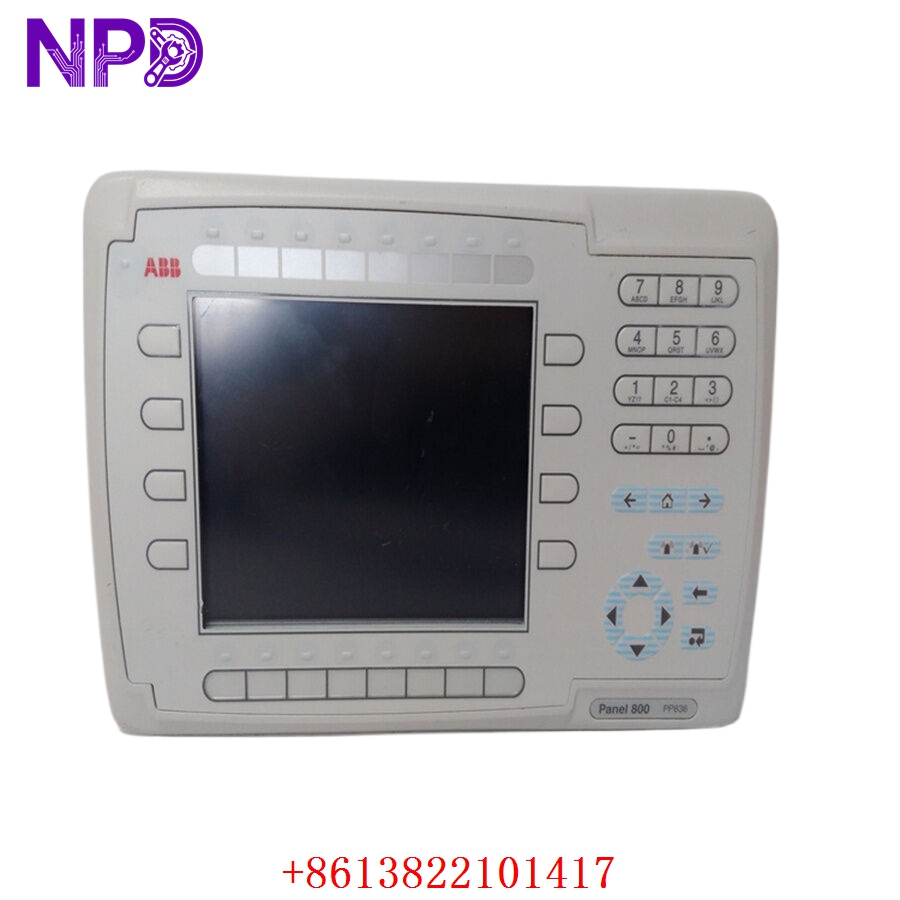
ABB PP836 3BSE042237R1
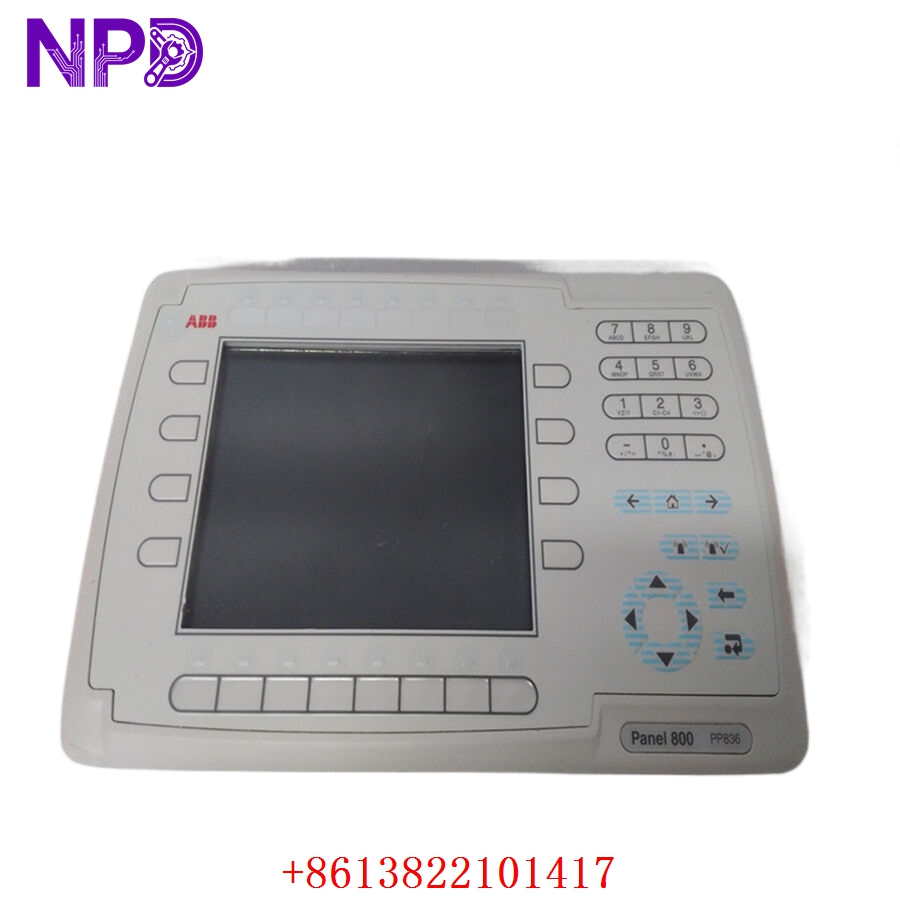
ABB PP836 3BSE042237R1
Installation & Configuration Guide
Phase 1: Preparation (20 Minutes)
⚠️ Safety First:
- This is a high-end computing device. Always ensure the power source matches the label on the PSU (Power Supply Unit).
- If this is a desktop unit, ensure it has at least 50 mm of clearance around the vents for proper airflow.
- Keep your 800xA or Compact HMI license keys ready. Hardware replacement does not automatically transfer software licenses.
Tools & Protection:
- Anti-static (ESD) wrist strap (Critical when connecting internal peripherals).
- Standard Phillips #2 screwdriver for mounting brackets.
- USB Keyboard/Mouse for initial setup.
Phase 2: Removal (10 Minutes)
- Power Down: Perform a graceful shutdown of the OS. Disconnect the power cable.
- Cabling: Label and remove all USB, LAN, and Video cables. In my experience, marking the LAN 1 and LAN 2 cables is vital, as 800xA systems often use redundant networks that are not interchangeable.
- Extraction: Unmount from the desk or sub-panel. Handle with care; even though it’s industrial, a drop can still damage the storage media.
Phase 3: Installation (25 Minutes)
- Mounting: Secure the new PP836 in the cabinet or on the workstation.
- Peripheral Connection: Connect the monitor (DVI/VGA), keyboard, and mouse.
- Network: Plug in the Ethernet cables. Ensure the MAC addresses of the new unit are recorded; you may need to update your router or domain controller’s IP reservations.
Phase 4: Power-On & Testing (45 Minutes)
- Initial Boot: Turn on the unit. Watch for the BIOS splash screen.
- OS Setup: If the unit is New Surplus, it may boot into a “First Time Setup” or a specific ABB industrial image.
- Software Integration:
- Install the Panel 800 runtime or 800xA Client software.
- Configure the IP addresses to match the old unit.
- Pro Tip: Use the “Ping” command to verify communication with the Connectivity Server before launching the HMI application.
- Final Sync: Verify that graphics are rendering correctly and that the touch screen (if used) is calibrated.
Customer Cases & Industry Applications
Case 1: Marine Propulsion System Recovery
Situation: A container ship’s bridge control station used an ABB PP836 for engine monitoring. The unit failed due to salt-air corrosion in the cooling fan, leading to a processor burnout. Task: The ship was in port for only 48 hours. A replacement from the factory had a lead time of 4 weeks. Action: We supplied a New Surplus 3BSE042237R1 from our stock and delivered it to the dock via courier. Result: The ship’s engineers swapped the unit and restored the backup image in 6 hours. The ship sailed on schedule, avoiding thousands of dollars in port delay penalties.
Case 2: Steel Mill HMI Refresh
Situation: A steel rolling mill had three aging operator stations that were becoming slow and unstable. Task: Upgrade to the PP836 to improve response times for the operators without changing the existing 800xA version. Action: The customer purchased three New Surplus units to ensure hardware consistency across the pulpit. Result: The “lag” in the operator graphics disappeared. By using New Surplus instead of a generic PC, they maintained their ABB support compliance and industrial certifications.
Frequently Asked Questions (FAQ)
Q: Is the PP836 3BSE042237R1 still supported by ABB? A: This model is currently in a “Limited” or “Obsolete” lifecycle phase depending on your region. While ABB pushes for newer Panel 800 versions, the PP836 remains the standard for many existing 800xA v5.1 and v6.0 installations.
Q: Does it come with Windows pre-installed? A: Most New Surplus units come with the factory-loaded Windows Embedded or Windows 7/10 IoT license. However, the specific ABB application software (like 800xA) usually needs to be installed by the user.
Q: Can I replace the internal HDD with an SSD? A: Yes, but only use industrial-grade SLC or pSLC SSDs. Consumer-grade SSDs often fail prematurely due to the high write-cycles of industrial logging software. Our units already feature industrial-spec storage.
Q: Why is the price higher than a high-end consumer PC? A: You aren’t just buying a PC; you’re buying an industrial component. The PP836 is designed for 24/7 operation, higher operating temperatures, and has specific certifications (like Marine or UL) that a standard Dell or HP workstation lacks.
Q: What is the warranty on a “New Surplus” unit? A: We provide a 12-month warranty from the date of shipment. This covers hardware failures. Because these are “New Surplus,” they are in pristine condition, often still in the original ABB factory box.