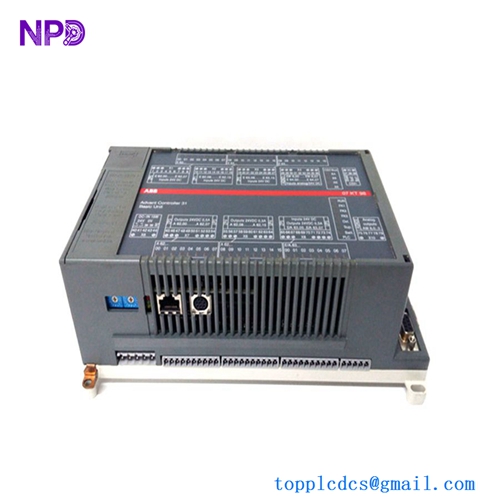
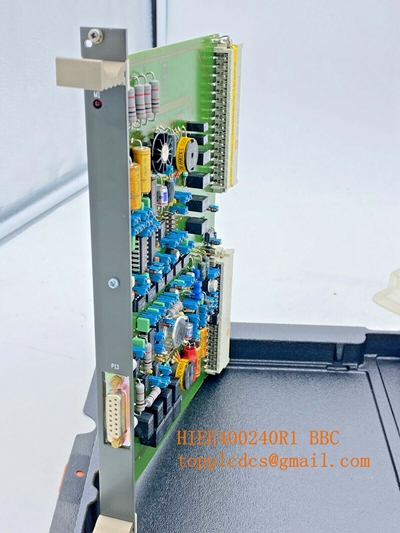
Description
- Model: PP836A
- Part Number: 3BSE042237R2
- Brand: ABB
- Series: Panel 800 (PP800 series)
- Core Function: Industrial Human-Machine Interface (HMI) terminal used for process visualization, operator control, and diagnostic monitoring in ABB automation systems (e.g., System 800xA).
- Product Type: Industrial Touchscreen Operator Panel
- Key Specs: 10.4″ TFT Color Touchscreen, High-Resolution Graphic Display, Ethernet/Serial connectivity.
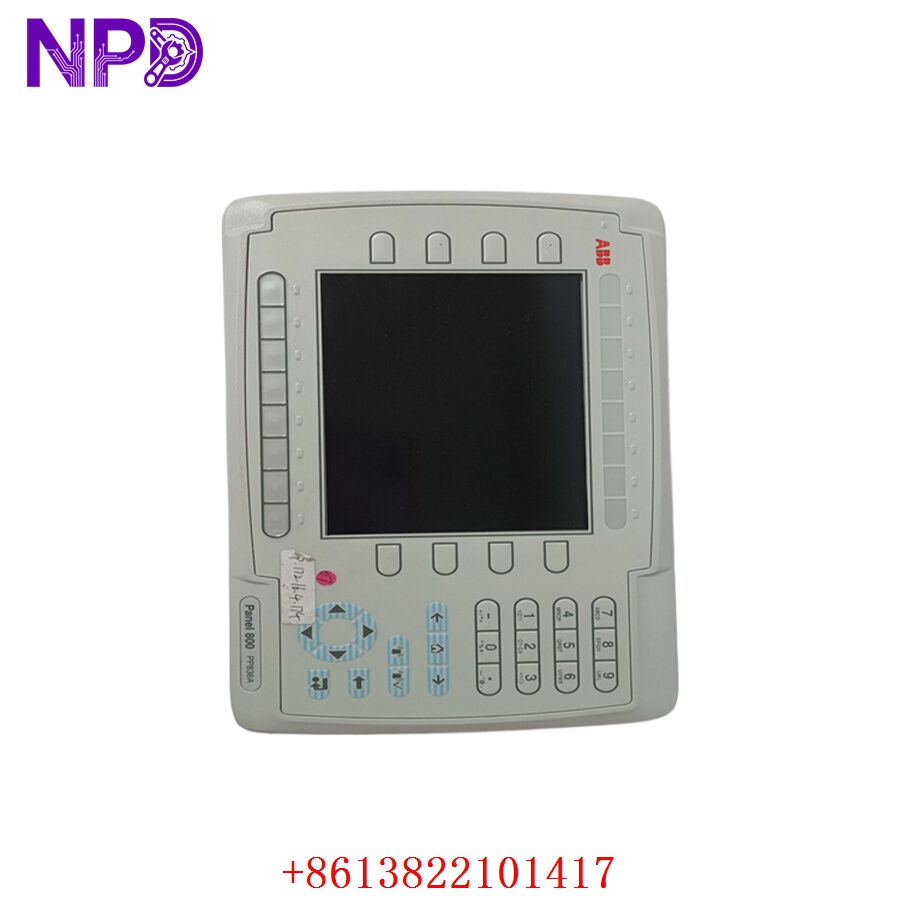
ABB PP836A 3BSE042237R2
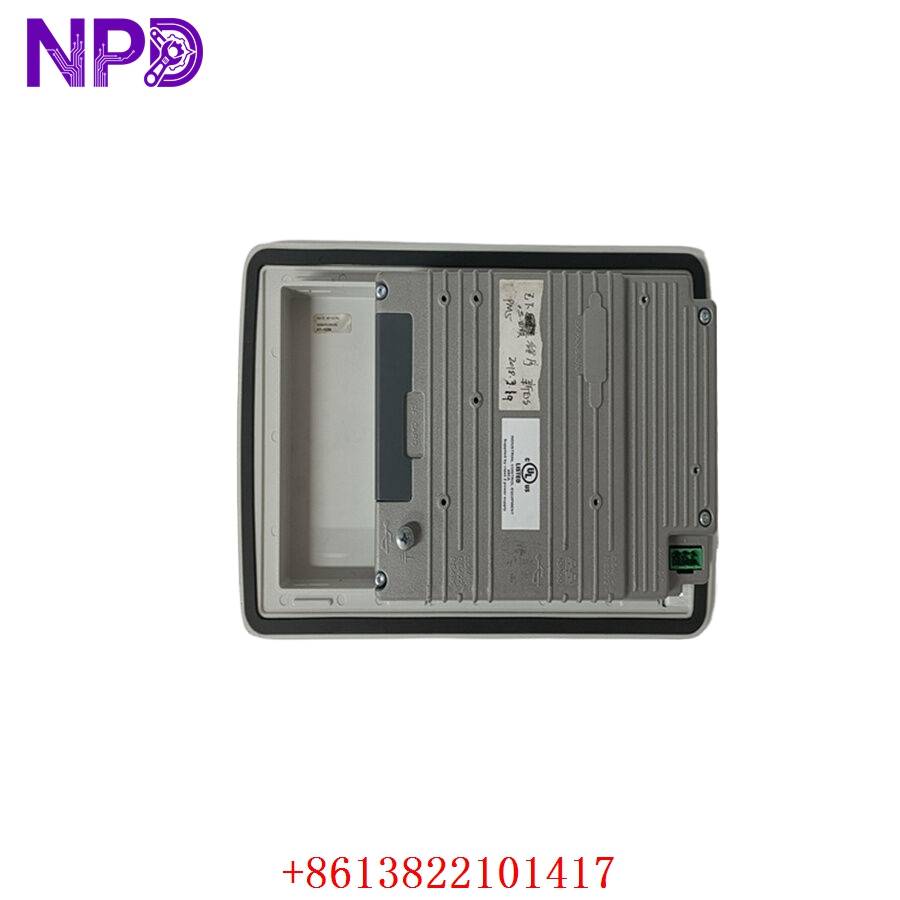
ABB PP836A 3BSE042237R2
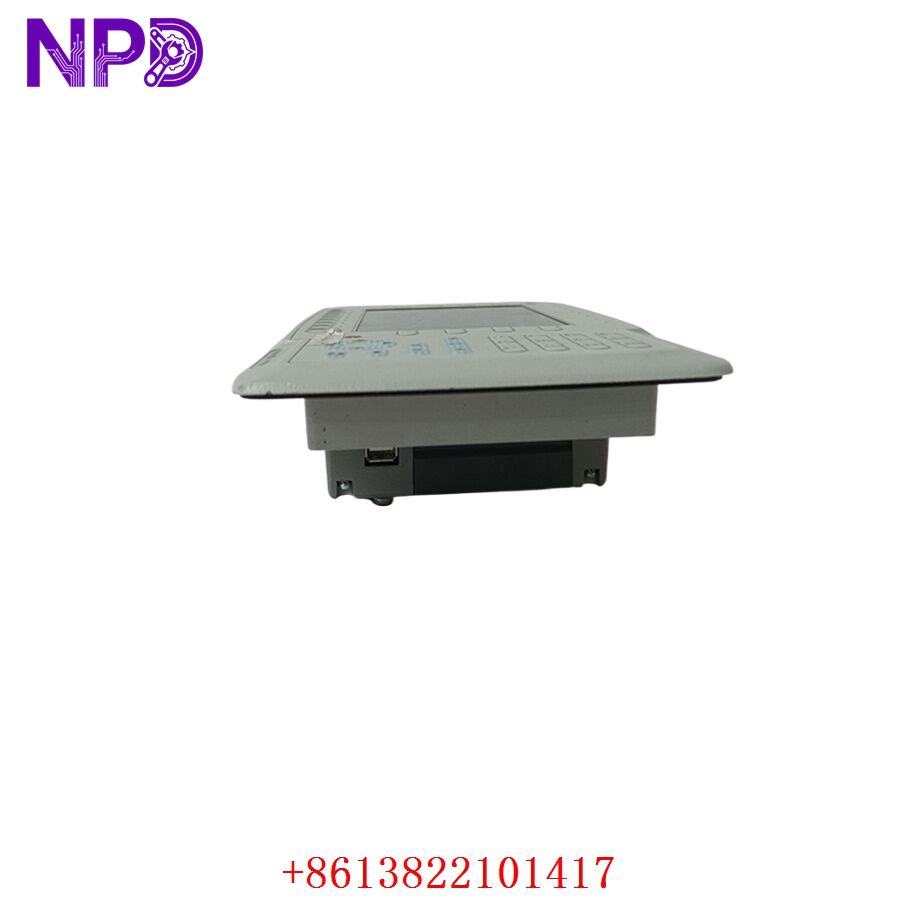
ABB PP836A 3BSE042237R2
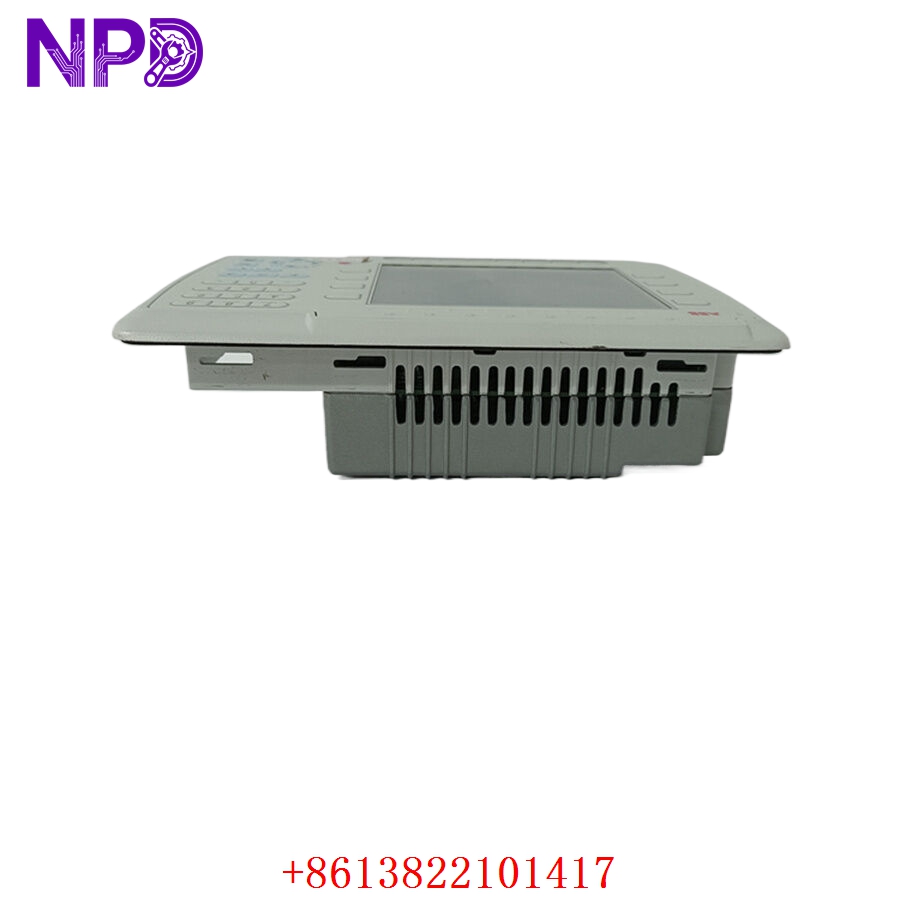
ABB PP836A 3BSE042237R2
Technical Overview
The ABB PP836A is part of the Panel 800 series, designed to provide a robust and intuitive operator interface for harsh industrial environments.
- Display: 10.4-inch high-visibility TFT color display with integrated analog resistive touch screen.
- Connectivity: Equipped with multiple communication ports, including Ethernet and serial interfaces, allowing for seamless integration with ABB PLCs and distributed control systems (DCS).
- Software: Compatible with Panel Builder software, which allows for the creation of complex graphical interfaces, alarm management, and historical data logging.
- Durability: IP65 front-panel ingress protection rating, making it suitable for wash-down areas or dusty manufacturing plants.
- Compatibility: Designed to be fully compatible with the System 800xA environment, ensuring that the HMI reflects the controller data accurately with low latency.
Engineering & Application Context
The On-Site Reality
The PP836A serves as the primary visual window for operators. In a typical ABB System 800xA deployment, if an HMI terminal fails, it can halt production oversight, forcing a manual shutdown of the process. Because these units are obsolete, many operators face the challenge of finding a direct replacement that doesn’t require a complete overhaul of the cabinet cutout or the HMI application software.
Typical Deployment Scenarios
- Process Industries: Monitoring and control of flow, pressure, and temperature loops in chemical or pharmaceutical plants.
- Energy Management: Localized control stations for substation automation and grid-tied monitoring.
- Manufacturing: Displaying machine cycle times, batch status, and error logs for high-speed assembly lines.
Troubleshooting Quick Reference
❗ SAFETY FIRST: Always verify that the power supply to the HMI is isolated before attempting to remove the unit from the cabinet door or disconnecting the communication cabling.
- Touch Screen Unresponsiveness: If the screen is unresponsive or the “touch” coordinates are shifted, perform a touch-calibration via the system menu. If this fails, the resistive touch membrane has likely reached its physical lifespan.
- Communication “Link Down” Alarm: If the terminal cannot communicate with the controller, verify the Ethernet cable integrity. Ensure the IP address, Subnet Mask, and Gateway are correctly configured in the unit’s network settings.
- Backlight Failure: If the screen is visible but extremely dark (visible only under a flashlight), the internal CCFL or LED backlight inverter has failed. This is a common age-related fault; replacing the unit is generally more cost-effective than attempting a board-level repair.
Procurement & Installation Advice
- Software Backup: Before removing a faulty PP836A, ensure you have a backup of the project application file (.pj8 or equivalent). Without this, the replacement unit will be a “blank slate.”
- Cutout Compatibility: The PP836A has specific dimensions. Ensure your cabinet cutout matches the unit’s specifications; if you are migrating to a newer series (like the CP600 series), you may require an adapter mounting plate.
- Firmware Integrity: Ensure the firmware version on the surplus unit is compatible with your current ABB PLC/DCS software environment. Minor version mismatches can sometimes cause communication driver failures.