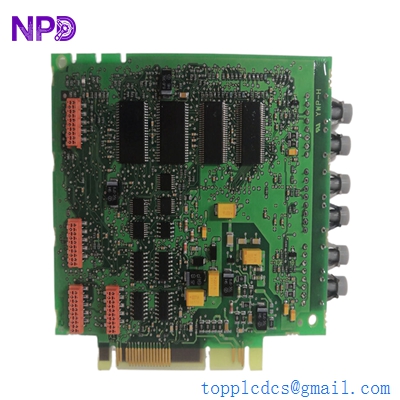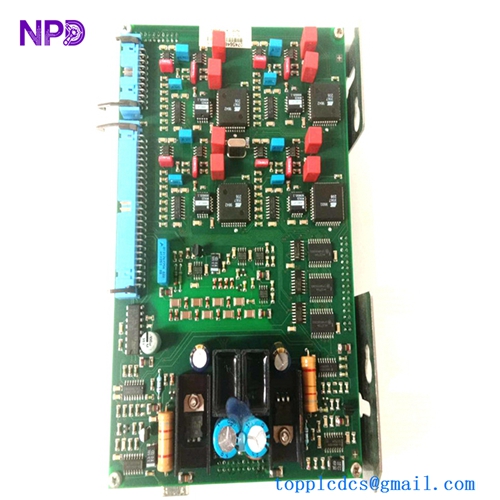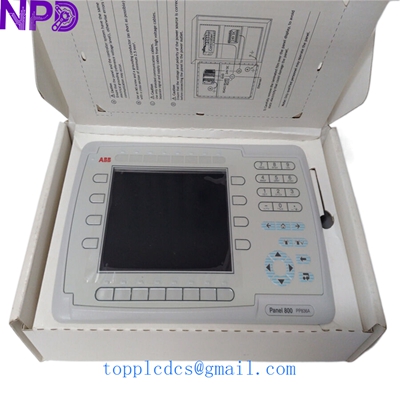

Description
- Model: ABB PP836A (3BSE042237R2)
- Brand: ABB (Switzerland-Sweden)
- Series: Process Panel 800 Series
- Core Function: High-resolution operator interface for real-time DCS visualization.
- Condition: Brand New Surplus (Original, non-refurbished)
- Type: HMI (Human Machine Interface) / Operator Panel
- Key Specs: 12.1″ TFT Display, 800 x 600 SVGA, 24 V DC Power
- Display Type: TFT-LCD with LED backlight
- Screen Size: 12.1 inches diagonal
- Resolution: 800 x 600 pixels (SVGA)
- Input Voltage: 24 V DC (18 to 32 V DC)
- Processor: Intel Celeron 600 MHz
- Memory: 64 MB Flash, 128 MB RAM
- Communication Ports: 2x Ethernet, 2x Serial (RS232/RS422/RS485), 2x USB
- Protection Class: IP66 (Front), IP20 (Rear)
- Operating Temperature: 0°C to +50°C
- Configuration Software: Panel Builder 800
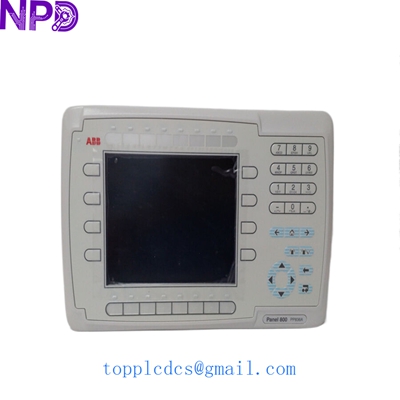
ABB PP836A 3BSE042237R2
Installation & Configuration Guide
Phase 1: Pre-Installation (Preparation: 15 minutes)
⚠️ Safety First:
- Verify the process is in a steady state; HMI removal might limit local visibility.
- Ensure you have the backup of the
.pbp(Panel Builder) project file. - Clean the mounting area of any grease or dust to ensure the IP66 gasket seats correctly.
Tools & Items Needed:
- Torx T10 and T20 screwdrivers
- 24 V DC Power supply (for bench testing)
- Anti-static cloth
- A camera to document the existing DIP switch settings and cable routing.
Phase 2: Removal of Old Panel
- Power Down: Disconnect the 24 V DC power connector at the rear. Use a multimeter to confirm zero voltage at the terminal.
- Cable Disconnect: Label and unplug Ethernet cables and Serial COMM wires.
- Unclamping: Loosen the mounting brackets located around the perimeter of the panel.
- Extraction: Gently push the panel from the front or pull from the back. Be careful not to damage the cutout gasket if you intend to reuse it (though we recommend using the new gasket provided).
Phase 3: Installing the New PP836A
- Physical Check: Inspect the new 3BSE042237R2 for any transit damage. Ensure the protective film is still on the screen.
- Mounting: Fit the panel into the 800xA console cutout. Tighten the mounting clamps to approximately 0.7 N·m. Do not over-tighten, as it may warp the plastic frame.
- Configuration:
- Check the rear-side DIP switches. In my experience, most legacy setups require these to match the original unit exactly for proper boot-up behavior.
- If you are using a CF card for the project, insert it into the slot before powering up.
- Wiring: Reconnect the 24 V DC phoenix connector. Ensure the ground (PE) wire is securely fastened to the chassis to prevent EMI issues.
Phase 4: Power-On & Live Testing
- Initial Boot: On power-up, the ABB logo should appear. Watch for any system BIOS errors.
- IP Assignment: Use the System Menu (typically accessed by holding a finger on the screen during boot) to set the IP address to match your 800xA network segment.
- Project Download:
- Connect via Ethernet using Panel Builder 800.
- Perform a “Full Download.”
- Note: If the firmware version on the new unit is newer than your software project, you may be prompted to perform a firmware update.
- Validation: Check for communication with the AC800M controllers. Verify that touch response is calibrated and alarms are populating correctly.
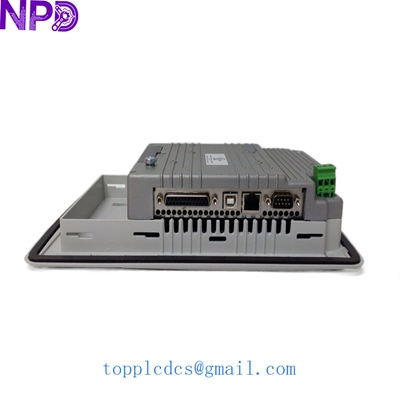
ABB PP836A 3BSE042237R2
Customer Cases & Industry Applications
Case 1: Power Plant Emergency Display Recovery
Situation: A thermal power plant in Northern China experienced a backlight failure on their primary turbine monitoring HMI. The unit was a legacy PP836A.
Task: The operator could not see critical vibration data. The plant faced a potential “blind” shutdown, costing roughly $120,000 per day in lost generation.
Action: They contacted us on a Tuesday afternoon. We pulled a new 3BSE042237R2 from our Shenzhen warehouse, verified the touch functionality on our test bench, and dispatched it via hand-carry courier the same evening.
Result: The panel arrived by 9 AM the next morning. Since it was New Surplus, the firmware was compatible with their existing 800xA v5.1 system. The unit was swapped and running within 45 minutes of arrival. Total downtime was less than 24 hours.
Case 2: Marine Vessel Automation Upgrade
Situation: A cargo vessel utilized the PP836A for ballast water control. The salt-air environment had corroded the touch membrane of the original unit.
Task: The ship was docking in Shanghai for only 48 hours. They needed a guaranteed “Original New” part, as refurbished units often fail prematurely in high-humidity maritime conditions.
Action: We provided the client with high-resolution photos of the original seal and the serial number for verification. We delivered the unit directly to the port agent.
Result: The ship’s engineer installed the unit while at berth. Because it was a Brand New unit, the IP66 seal was intact, ensuring long-term protection against the engine room’s atmosphere. The captain later noted, “The clarity of the new display made a massive difference for the night watch.”
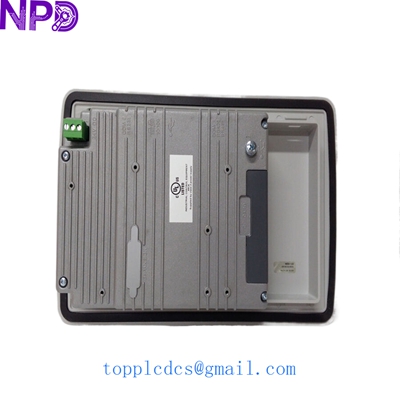
ABB PP836A 3BSE042237R2
Frequently Asked Questions (FAQ)
Q: Is the PP836A (3BSE042237R2) still in active production by ABB? A: No, this model is officially “Obsolete” or in the “Limited” phase. While ABB suggests moving to the Panel 800 Version 6, doing so often requires software conversion and potentially changing the cutout size. Our New Surplus units allow you to keep your current configuration without expensive engineering changes.
Q: Can I use the PP836A as a direct replacement for the PP836? A: Generally, yes. The “A” version (3BSE042237R2) is the improved hardware revision of the original PP836. It maintains the same dimensions and voltage requirements. However, check your firmware version; in rare cases, a minor update in Panel Builder 800 is required.
Q: How do I know this isn’t a refurbished unit? A: To be blunt, refurbished units usually have “tell-tale” signs—fine scratches on the mounting plastic or slight yellowing of the backlight. Our units come in original packaging, with pristine connector pins and factory-applied protective film. We can provide the serial number before you buy so you can verify the manufacture date with your local ABB rep.
Q: What if the screen is dead on arrival? A: It happens rarely with our testing SOP, but we’ve got you covered. We offer a 7-day DOA (Dead on Arrival) replacement policy. If it doesn’t power up, we ship a replacement immediately. After that, you are covered by our 12-month standard hardware warranty.
Q: Do I need to buy a new license for the software to replace the panel? A: No. The license for Panel Builder 800 is for the engineering station, not the hardware itself. You can download your existing project to the new hardware as many times as needed.
Current Inventory Specials
Looking for other ABB or GE parts? We maintain deep stocks of:
- ABB PM866 3BSE050200R1
- ABB DI810 3BSE008508R1
- ABB CI854A 3BSE030221R1
- ABB AI810 3BSE008516R1
- GE IS200TRLYH1B
- GE IS220PDIAH1A
- Bently Nevada 3500/22M
- Honeywell CC-PAIH01
For more technical datasheets and real-time availability, visit www.newplcdcs.com.