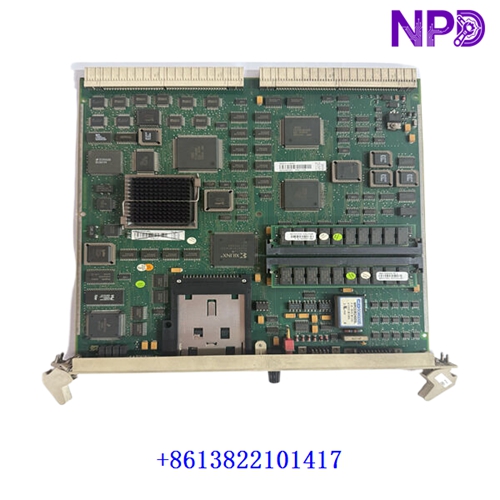

Description
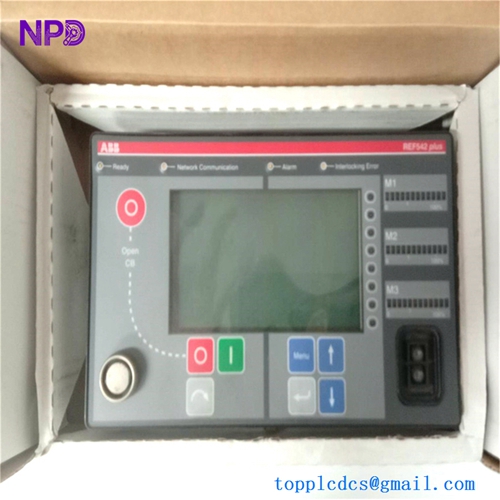
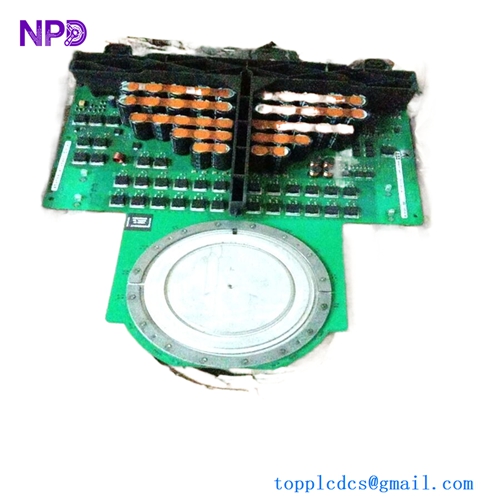
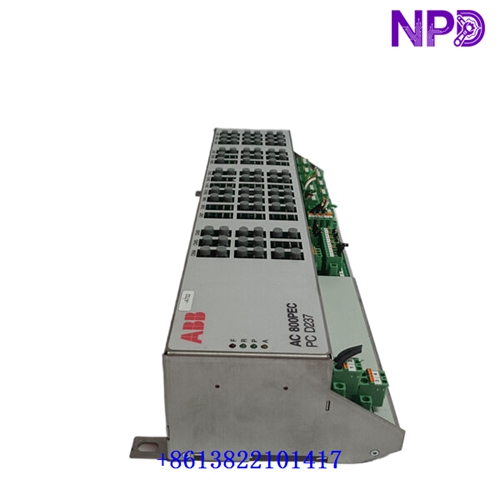
The following parameters outline the technical characteristics, physical dimensions, and operational classifications for this high-performance industrial operator interface touch screen assembly.
- 🏢 Brand: ABB
- 🏷️ Model: PP886 / 3BSE092980R1
- 📦 Series: ControlBuilder / Panel 800 Series
- ⚙️ Product Name: Operator Panel / Touch Screen Display Unit
- 🌍 Country of Origin: Sweden / Switzerland (Global ABB Manufacturing)
- 🔄 Operational Status: Active Production / Industrial Automation Grade
- 📏 Dimensions: High-Resolution Widescreen Industrial TFT-LCD Form Factor (Multi-Touch Capable)
- ⚖️ Weight: Rugged Industrial Panel Weight Class
- 🏭 Original Origin: ABB Process Automation / Control Technologies Division
- ⚡ Power Rating: Standard 24 VDC Industrial Low-Voltage Power Supply Compatibility
Initial Operation Inspection Checklist
Perform the following verification steps prior to initial panel mounting and system power-up:
- ✅ Mechanical Mounting Integrity: Inspect the panel cutout, mounting clips, and sealing gasket to ensure a secure, dust-tight and water-resistant fit (IP65/NEMA 4X standard).
- ✅ Power Supply Verification: Confirm that the incoming DC power supply voltage matches the 24 VDC requirement before applying power.
- ✅ Communication Wiring Check: Verify that Ethernet network cables and serial communication lines are securely connected to the proper interface ports.
- ✅ ESD & Handling Precautions: Ensure proper grounding procedures and clean handling practices to protect the capacitive touch screen surface during installation.
Routine Maintenance & Servicing
Adherence to scheduled maintenance protocols ensures extended operational longevity and reliable HMI performance:
- ⏱️ Screen Cleaning: Periodically clean the glass touch surface using a soft, lint-free cloth and mild industrial screen cleaner, avoiding abrasive chemicals.
- ⏱️ Ventilation & Cooling Check: Inspect surrounding panel cutouts and enclosure ventilation paths to ensure heat does not trap behind the display unit.
- ⏱️ Terminal & Cable Inspection: Periodically check power and communication terminal connections behind the panel to ensure no loosening occurs due to vibration.
Troubleshooting & Common Faults
Systematic diagnostic procedures for addressing typical operational anomalies and interface faults:
- 🔍 Touch Responsiveness Issues: Calibrate the touch screen interface via system settings or restart the panel application if touch inputs become unaligned or unresponsive.
- 🔍 Communication Timeouts: Check Ethernet cables, switch configurations, and IP address settings if the panel loses connection with the PLC or control system.
- 🔍 Display Backlight Failure: Measure the 24 VDC power input rails and inspect internal status indicators if the screen remains dark upon power-up.
Safety Precautions
Crucial safety rules to protect personnel and prevent catastrophic equipment damage:
- ⚠️ Qualified Technicians Only: Installation, wiring, and panel configuration must be performed exclusively by certified automation and electrical personnel.
- ⚠️ Power Isolation: Always disconnect the 24 VDC power supply before wiring connectors or servicing the unit.
- ⚠️ Chemical Caution: Do not use harsh solvents, strong acids, or abrasive pads to clean the touch display to prevent permanent damage to the anti-glare and touch coating.
Frequently Asked Questions (Q&A)
- ❓ Q1: What control software is used to configure the PP886 touch panel?
A1: The PP886 is configured using ABB’s Panel Builder 800 or Control Builder engineering software, designed for seamless integration with ABB control systems.
- ❓ Q2: Does the PP886 support multi-touch gestures?
A2: Yes. The Panel 800 series features high-performance projected capacitive touch technology supporting modern multi-touch gestures like pinch-to-zoom and swipe.
- ❓ Q3: How should a spare touch panel be stored?
A3: It should be stored in its original packaging within a clean, dry, climate-controlled environment protected from extreme temperatures, humidity, and direct sunlight.