
Description
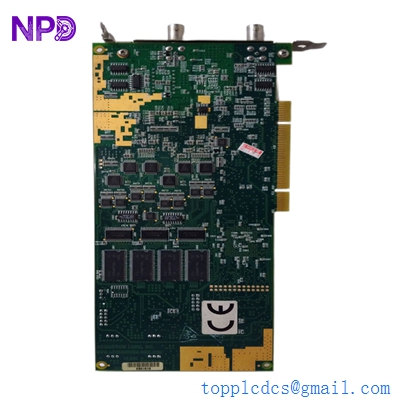
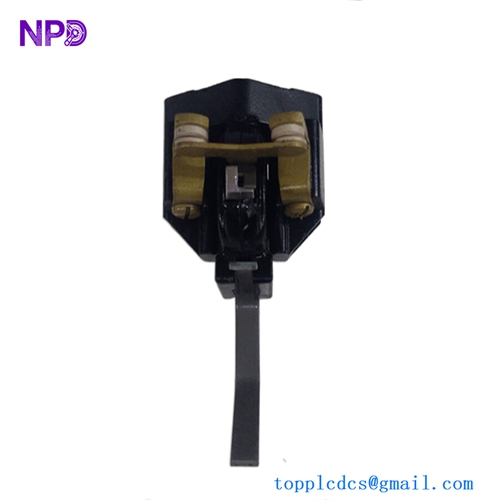
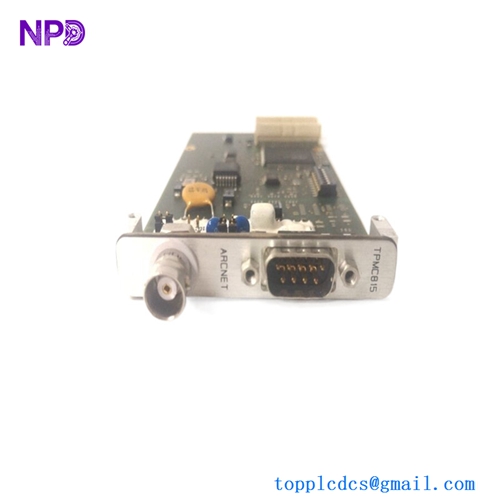
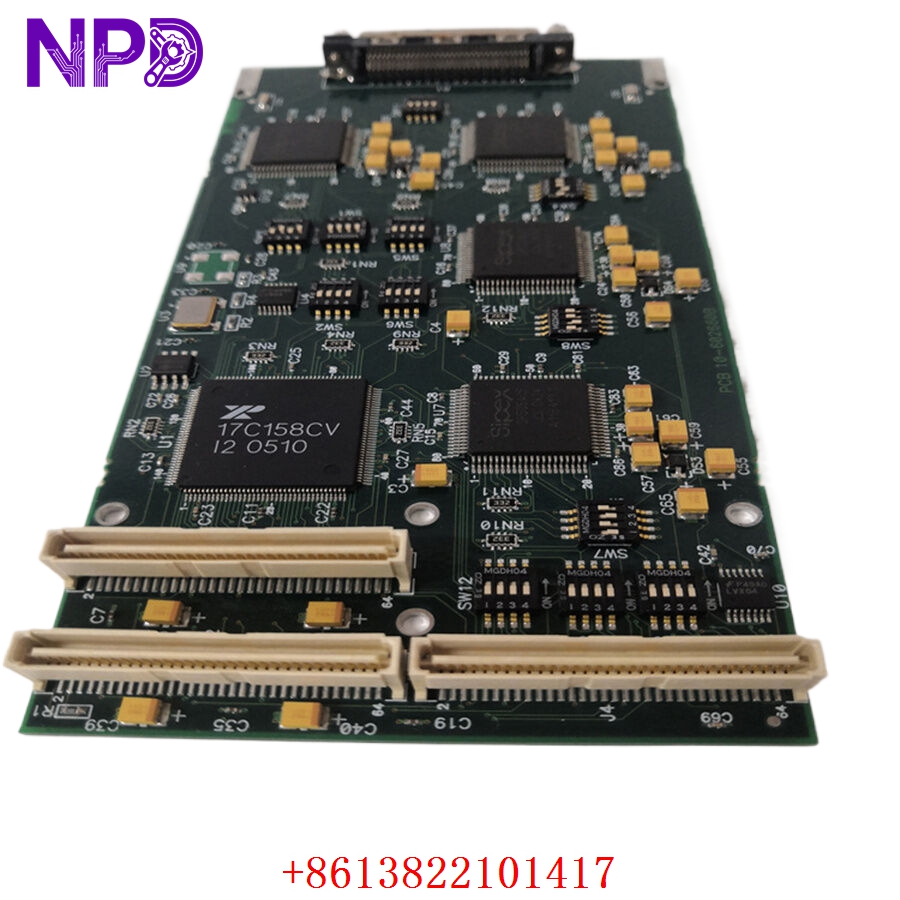
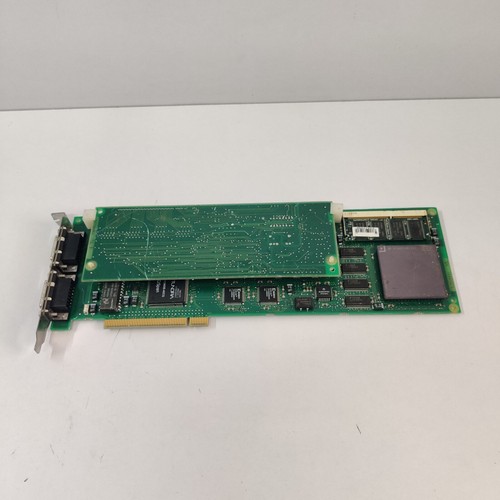
The ABB PU516 (3BSE013064R1) is a high-performance communication and interface module designed for the ABB Advant OCS (Open Control System) and MasterPiece series. This PCB module serves as a critical link in industrial automation, facilitating seamless data exchange and synchronization between various field devices and the central control processor. Engineered for reliability in mission-critical environments, the PU516 ensures high-speed signal integrity and robust connectivity for large-scale distributed control systems.
Technical Specifications
| Parameter | Description |
| Model | PU516 |
| Part Number | 3BSE013064R1 |
| Manufacturer | ABB |
| System Series | Advant OCS / MasterPiece |
| Function | Communication & Interface Module |
| Weight | Approximately 0.50 kg |
| Origin | Sweden |
Operational Guidelines & Usage
🔹 Startup Sequence
- Ensure the module is seated correctly in the Advant OCS rack, aligning it with the backplane connectors.
- Confirm that all communication cables (typically fiber-optic or shielded serial cables) are connected securely to the module’s front ports.
- Power on the rack. The PU516 will undergo a series of self-tests.
- Observe the status LEDs on the front panel; a green “Ready” or “Run” status indicates the module has initialized and established a link with the system master.
🔹 Shutdown Sequence
- Inform the control room of the intended maintenance to ensure the system is in “Standby” or “Service” mode.
- Disable the module via the system software to prevent fault logging.
- Power down the rack or isolate the power to the specific slot.
- Use an anti-static wrist strap before touching the PCB, then remove it carefully from the rack.
🔹 Normal Operational Flow
- The PU516 acts as a gateway, continuously polling field data and reporting it to the central controller.
- It manages data buffers to prevent packet loss during high-traffic intervals on the fieldbus.
- Real-time diagnostic data is monitored by the controller to detect communication degradation.
- The module converts internal system protocols into standard communication formats required for external device interaction.
🔹 Parameter Configuration
- Configure the module through the ABB Master Engineering (AdvaBuild/MasterPiece) software.
- Define the communication baud rates, address mapping, and parity settings to match the target field devices.
- Download the configuration file to the controller and verify the communication heartbeat through the software’s “Diagnostic” tab.
🔹 Mode Switching
- Active/Master Mode: The normal operating state where the module is actively directing data traffic.
- Slave/Diagnostics Mode: Used primarily during maintenance to allow for direct troubleshooting of the communication loop without interfering with the primary control logic.
Common Questions & Answers (Q&A)
💡 Q: What does a flashing “Fault” LED mean?
A: A flashing fault light generally indicates a communication break or a configuration mismatch. Verify that the communication cable is intact and that the settings in your engineering software match the address of the connected slave device.
💡 Q: Can the PU516 be swapped while the system is running?
A: Advant OCS systems vary by configuration. Generally, the PU516 is not designed for “hot-swapping.” Shutting down the rack or the specific controller channel is required to prevent electrical spikes from damaging the backplane components.
💡 Q: How does this module handle protocol conversion?
A: It utilizes onboard high-speed processors to reformat data packets between the ABB internal bus and the field-side serial/bus protocol, ensuring seamless integration of legacy and modern peripherals.
💡 Q: What is the recommended cleaning method for the module?
A: If dust accumulates, use clean, dry compressed air. For stubborn residues, use a specialized electronic-grade contact cleaner. Avoid physical scrubbing of the PCB traces, as these are fragile and sensitive to mechanical damage.