
Description
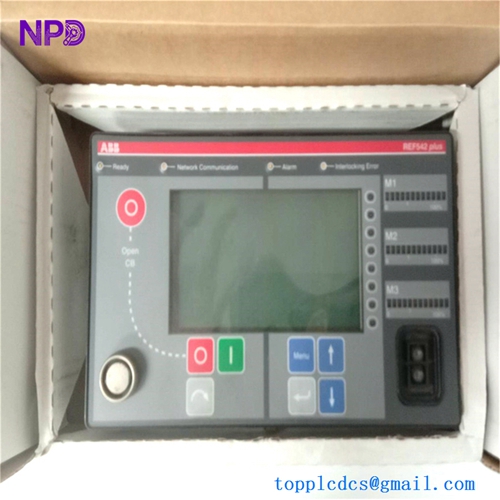
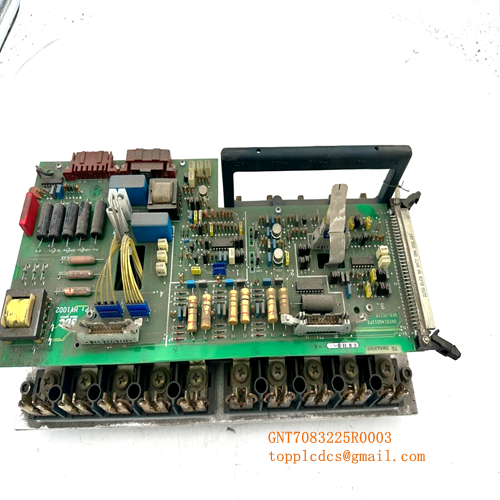
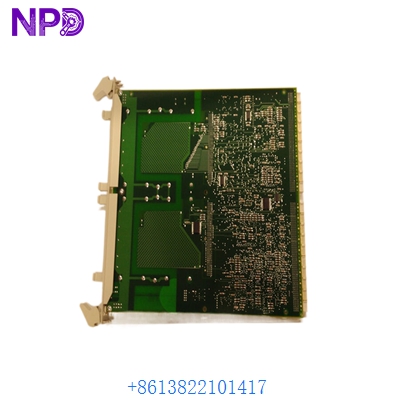
- Model: ABB SC510 (3BSE003832R1)
- Brand: ABB (Sweden)
- Series: Advant Controller 400 (AC410/AC450) / MasterPiece 200
- Core Function: A carrier base designed to house and provide interface logic for S600 I/O submodules
- Condition: Original New Surplus (New in Box), Factory Sealed
- Type: Submodule Carrier Board
- Key Specs: Supports up to 2 submodules | Modulebus interface | High-speed internal bus communication
- Module Capacity: Houses up to two (2) S600 I/O submodules (e.g., AI610, AO610, DI610)
- Interface: Connects to the Controller via the Modulebus (Optical or Electrical)
- Bus Connection: Integrates with the CI520/CI522 or CI526/CI527 communication interfaces
- Power Supply: Powered via the backplane/Modulebus connection (+5 V DC and ±15 V DC)
- Address Logic: Features a rotary switch or DIP switch for setting the hardware address in the rack
- Isolation: Optical isolation support depending on the Modulebus configuration
- Dimensions: Standard S600 form factor for rack/rail mounting
- Diagnostics: Front-panel LED status indicators (Run, Fault)
- Operating Temp: 0°C to +55°C (32°F to 131°F)
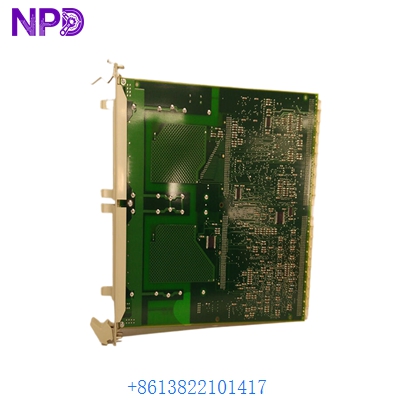
ABB SC510 3BSE003832R1
Installation & Configuration Guide
In my experience, the SC510 is a rugged piece of hardware, but it is the “bridge” between your field signals and the AC450 processor. If the carrier board fails, you don’t just lose one signal—you lose every submodule attached to it. The most common point of failure is actually the physical pins on the Modulebus connector during a rough installation.
Phase 1: Preparation (15 minutes)
⚠️ Safety First:
- Before swapping a SC510, ensure the specific I/O loop is in a “Manual” or “Safe” state in the DCS.
- Confirm the Modulebus address. If you install a new carrier with the same address as an existing one, the entire bus will crash.
- Wear an ESD wrist strap. The logic chips on the 3BSE003832R1 are highly sensitive to static discharge.
Phase 2: Hardware Setup
- Address Setting: Look at the old module you are replacing. Mirror the address switch settings on the new SC510 exactly.
- Submodule Transfer: Carefully unplug the S600 submodules from the old carrier. Inspect the pins for any signs of oxidation or bending before seating them into the new SC510.
- Mounting: Align the carrier with the rack guides. Slide it in firmly but without excessive force. You should feel the Modulebus connector seat securely.
Phase 3: Wiring & Connection
- Reconnect the Modulebus cables (Electrical or Fiber Optic).
- Ensure the locking screws are tightened. In high-vibration environments (like near turbines), loose SC510 carriers can cause intermittent “Module Missing” errors.
- Verify the field wiring connectors are snapped into the submodules.
Phase 4: System Integration
- In the Advant Engineering Workplace (builder), verify the hardware status.
- The module status should change from “OFFLINE” to “OK.”
- Pro Tip: If the module shows “WRONG TYPE,” check that the submodules are in the correct slots (Slot 1 vs Slot 2) as defined in your hardware tree.
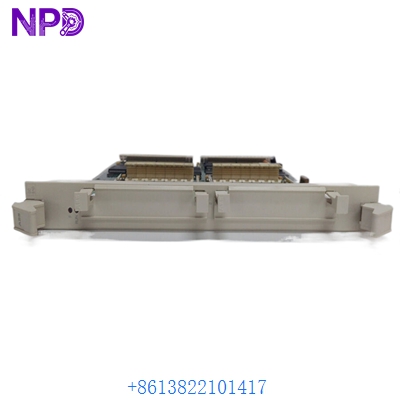
ABB SC510 3BSE003832R1
Customer Cases & Industry Applications
Case 1: Pulp & Paper Mill – Restoring Analog Control A large paper mill in Scandinavia experienced an intermittent fault where an entire rack of analog inputs would drop out every few days. After swapping submodules without success, they identified a hairline crack in the SC510 backplane. We provided an Original New Surplus unit. Result: The mill avoided a total process shutdown and restored stable control to their headbox pressure loop.
Case 2: Steel Works – Maintenance Spare Inventory A steel manufacturer still running Advant AC450 controllers realized that the 3BSE003832R1 was becoming increasingly difficult to source through official channels. They purchased two units from us as “insurance stock.” Result: Six months later, a power surge destroyed a carrier. Because the spare was on the shelf, the downtime was limited to 20 minutes instead of a 2-week wait for parts.
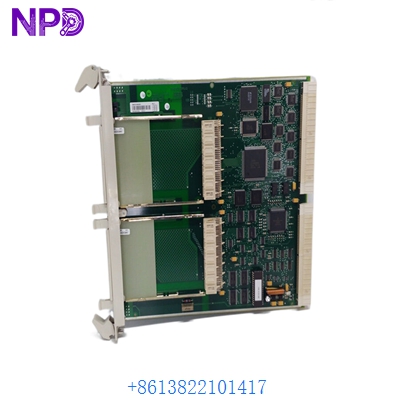
ABB SC510 3BSE003832R1
Frequently Asked Questions (FAQ)
Q: Is the SC510 compatible with the MasterPiece 200/1 system? A: Yes, the SC510 is part of the S600 I/O family which serves both MasterPiece and Advant Controller 400 series. It is a direct replacement for older 3BSE003832R1 revisions.
Q: Do I need to re-program the DCS when I replace this module? A: No. As long as the hardware address switches on the SC510 match the old unit and you put the same submodules back in the same slots, the controller will recognize it automatically upon power-up.
Q: Can I use one SC510 for just one submodule? A: Absolutely. You can have one or two submodules. If you only use one, it is usually placed in the left-hand slot (Slot 1), but verify your software configuration.
Q: What is the difference between SC510 and SC520? A: The SC510 is a standard carrier. Other versions (like the SC520) may have different bus interface capabilities or redundancy options. Always match the 3BSE003832R1 part number for an exact replacement.
Q: Why is “New Surplus” better than “Refurbished”? A: Refurbished boards have been subjected to heat and stress for years. “New Surplus” means the SC510 has zero operational hours, meaning the capacitors and solder joints have their full lifecycle remaining.