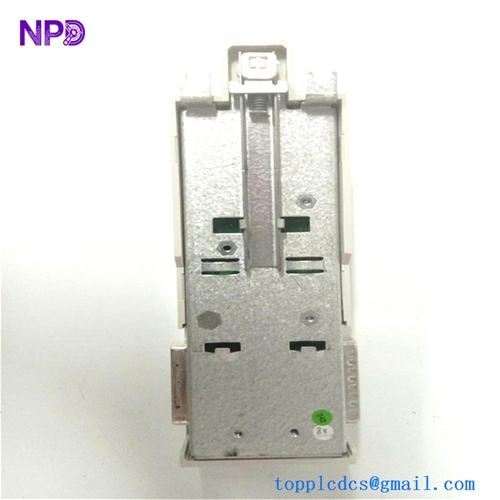
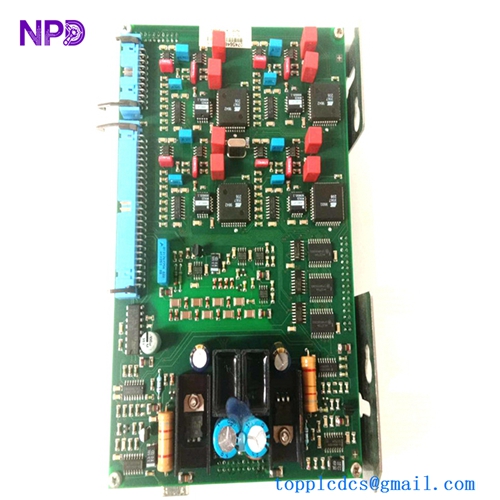
Description
- Model: ABB SCYC51010 (Also identified by assembly number 58052515G)
- Brand: ABB
- Series: Industrial Control / Communication Series
- Core Function: Serves as a high-speed communication and control interface module for industrial automation environments, Original New Surplus condition
- Type: Communication/Interface Module
- Key Specs: High-speed data bus interface, robust diagnostic support, and industrial-grade communication protocols
- Communication Bus: High-speed backplane interface for seamless integration into ABB industrial controller racks.
- Processing: Advanced logic handling for system data synchronization.
- Connectivity: Dedicated terminals for network or field device linking.
- Diagnostic Features: Onboard multi-LED status indicators for real-time monitoring of Link, Activity, and Error states.
- Environmental: Designed for rugged industrial enclosures with an operating range typically from 0 °C to 60 °C.
- Power Input: Regulated DC voltage sourced directly via the rack backplane.
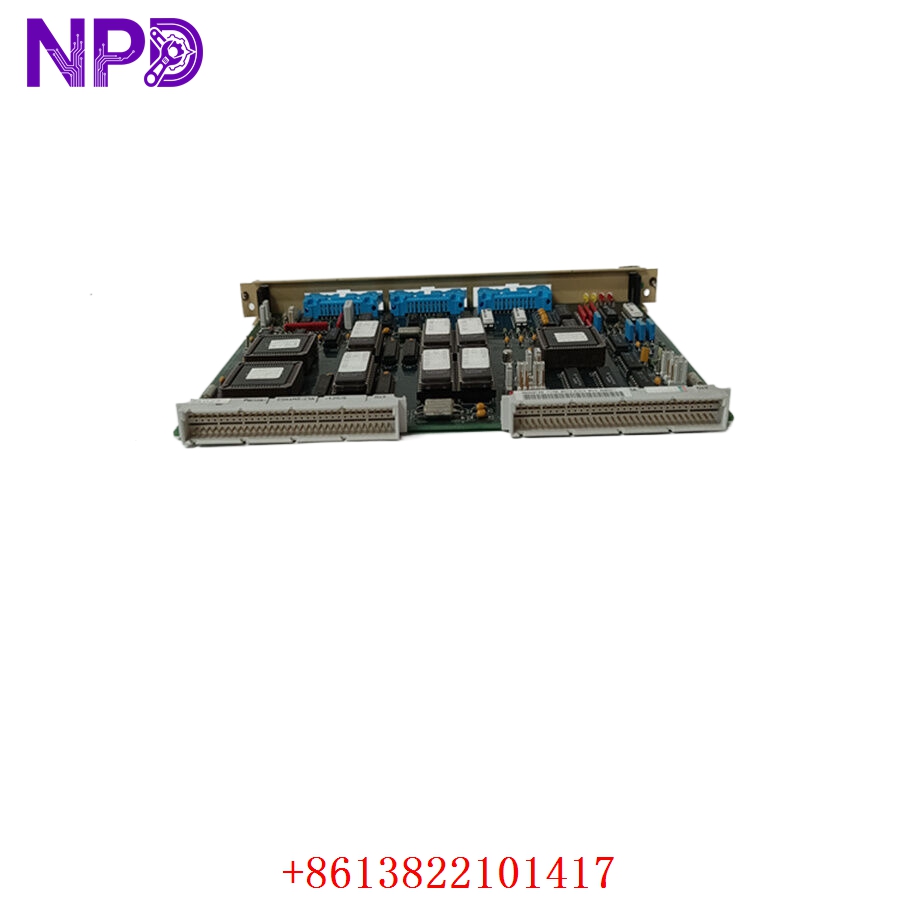
ABB SCYC51010 58052515G
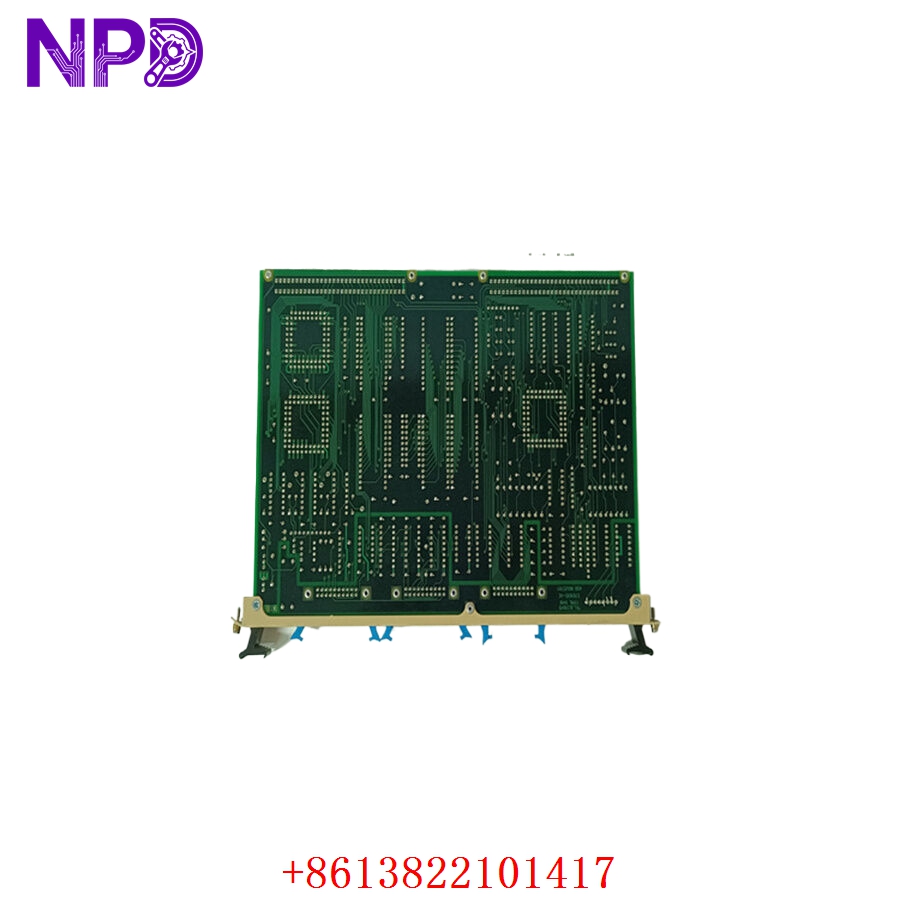
ABB SCYC51010 58052515G
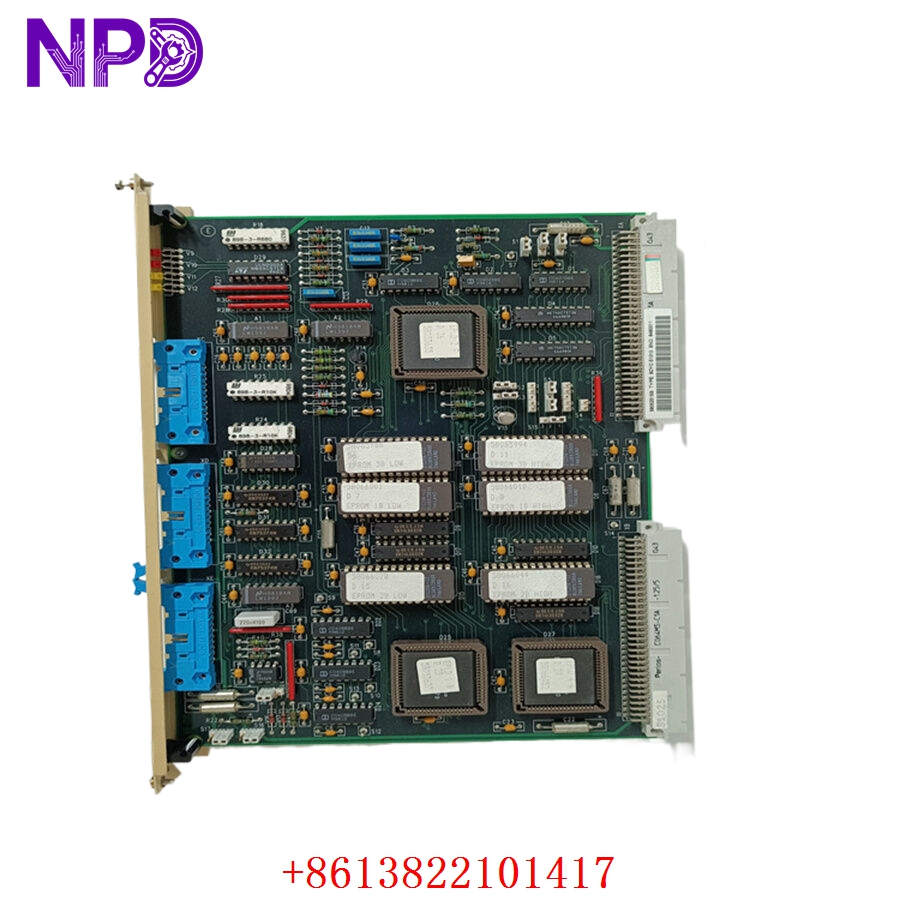
ABB SCYC51010 58052515G
Part 4: Installation & Configuration Guide
Phase 1: Pre-Installation (Estimated Time: 15 minutes)
⚠️ Safety First:
- Ensure the target controller rack is shut down and isolated from power.
- Use a wrist-worn ESD (Electrostatic Discharge) strap to protect the module’s sensitive electronics.
- Confirm the new module matches the firmware and revision requirements of your current system.
Phase 2: Removal & Installation (Estimated Time: 20 minutes)
- Detach: Carefully disconnect any communication or field-wiring cables connected to the front panel of the existing SCYC51010 module.
- Release: Undo the captive screws holding the faceplate to the rack frame.
- Remove: Gently pull the module out along the guide tracks.
- Install: Slide the new module into the rack slot. Ensure the rear connector seats perfectly into the backplane socket.
- Secure: Tighten the faceplate screws and re-attach all external cabling.
Phase 3: Verification (Estimated Time: 15 minutes)
- Restore Power: Turn the controller rack back on.
- LED Check: Observe the front panel LEDs. The system should stabilize to a “Ready” or “Communicate” state (usually steady green).
- Software Sync: Use your engineering interface tool to confirm the module is identified by the controller and that network traffic is flowing without error.
Part 5: Customer Cases & Industry Applications
Case 1: Communication Link Recovery
An automated manufacturing plant experienced a communication link drop that halted a section of their assembly line. The SCYC51010 module was identified as the failure point. Sourcing a new surplus unit allowed the maintenance team to swap the module during a short shift change, restoring full system communication and avoiding an extended outage.
Case 2: System Optimization
An industrial facility looking to reduce downtime on their legacy control systems utilized these modules as strategic spares. By maintaining original, un-used units on-site, they minimized the risk associated with relying on refurbished components for their continuous production environment.
Part 6: Frequently Asked Questions (FAQ)
Q1: What is the relationship between SCYC51010 and 58052515G?
A: These are two identifiers for the same hardware. The SCYC51010 is the functional model designation used in technical manuals, while 58052515G is the specific assembly or manufacturing ID. Both confirm you are working with the same class of industrial module.
Q2: Is this module hot-swappable?
A: While many industrial communication modules are designed to be hot-swappable, it is strictly recommended that you follow your site’s specific safety protocols and check for any active “Fault” or “Communication” alerts on the system management software before removing a module while the rack is live.
Q3: Why is New Surplus better than refurbished?
A: Communication modules rely on delicate signal integrity. Refurbished parts often suffer from “aging drift” in capacitors and internal clocking components. New Surplus parts are un-used and provide the high reliability of factory-new components, ensuring your system performs within the original design specifications.