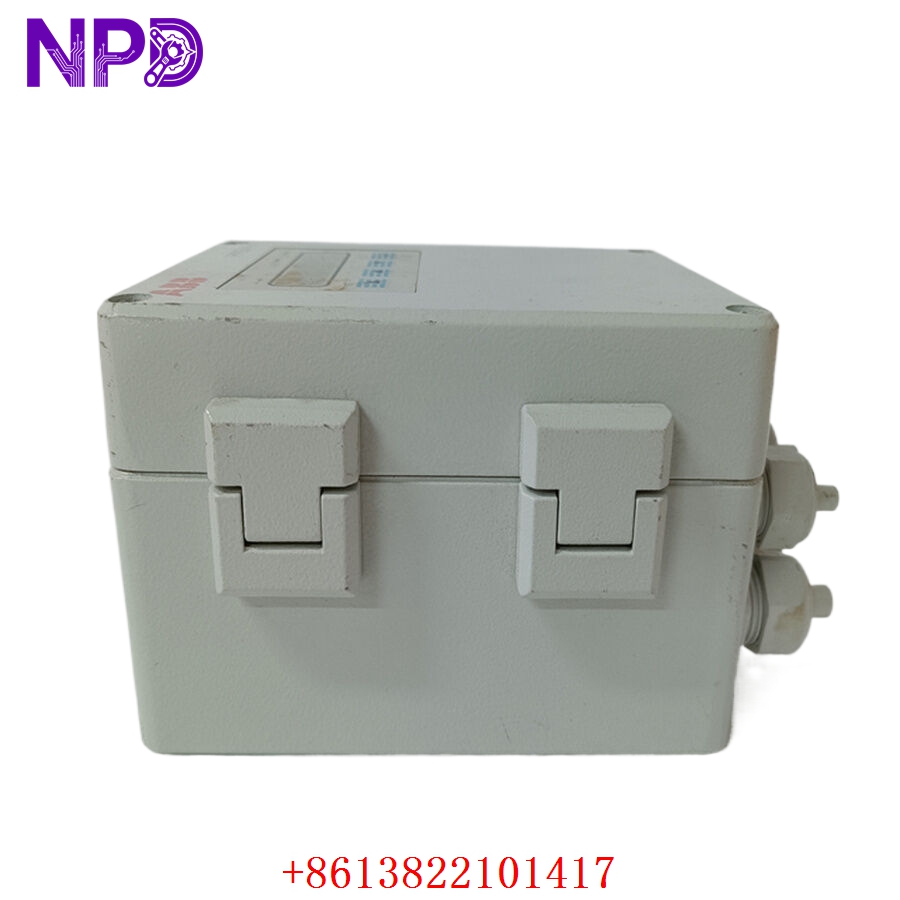

Description
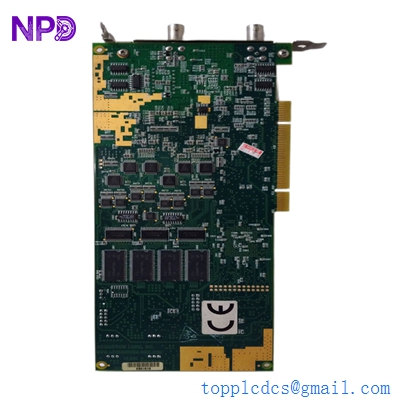
The Alfa Laval EPC50 I/O Board (Part Number: 3183045486 /3) is a critical interface module used in the EPC50 control system, commonly found in marine and industrial separators (centrifuges). This board manages the real-time input and output signals required to monitor centrifuge performance, control discharge sequences, and maintain process safety. Its robust construction is specifically designed to withstand the high-vibration and temperature-variable environments typical of shipboard engine rooms and process plants.
📋 Technical Specifications
- Model Number: 3183045486 /3
- Series: EPC50 (Electronic Process Controller)
- Function: Digital and Analog Signal I/O Processing
- Manufacturer: Alfa Laval
- Mounting: EPC50 Control Cabinet Slot
- Dimensions: Standard EPC50 modular board size
- Weight: 1.1 lbs (0.5 kg)
- Country of Origin: Sweden / International
⚙️ Application Areas
- Marine Fuel Oil and Lube Oil Separators
- Industrial Centrifugal Separation Systems
- Automated Discharge Sequence Control
- Process Monitoring and Alarm Management
- Legacy System Maintenance and Upgrades
🛠️ Operating Instructions & Guidelines
- Installation: Ensure the EPC50 cabinet is powered down and locked out. Align the I/O board carefully with the backplane guide rails. Seat the board firmly to ensure the rear connectors engage correctly. Secure the locking tabs on the top and bottom of the module.
- Environmental Requirements: Operate within an ambient temperature range of 0°C to 55°C. The cabinet should remain sealed to prevent the ingress of oil mist, moisture, and dust, which can cause intermittent connection faults on the PCB.
- Maintenance: Periodically inspect the board’s edge connector pins for oxidation. If signal drift or “ghost” alarms occur, check the ribbon cable connections between the I/O board and the main CPU board.
⚡ Power Sequence & Operation
- Power-On Sequence: 1. Ensure the EPC50 main power switch is in the OFF position. 2. Verify all peripheral sensor harnesses are connected to the I/O board terminal block. 3. Power up the EPC50 system. 4. Monitor the status indicators on the board—a steady LED usually signifies that the board is communicating successfully with the master CPU.
- Power-Off Sequence: 1. Stop the centrifuge in accordance with the standard operating procedure (SOP). 2. Turn off the EPC50 cabinet power. 3. Allow a few moments for the internal voltage rails to discharge before opening the cabinet.
- Step-by-Step Operation: 1. Initialize the board via the EPC50 operator panel. 2. Configure I/O parameters (e.g., discharge time, vibration sensor thresholds). 3. Conduct a “Function Test” to verify that solenoid valves and sensors respond to the board’s signals. 4. Monitor the process screen for consistent feedback during normal operation.
❓ Frequently Asked Questions (Q&A)
- What does the “/3” suffix represent? It indicates a specific hardware revision or software compatibility version of the board. Always replace like-for-like to ensure firmware compatibility with the main controller.
- Can I repair a damaged trace on this board? Due to the precision-controlled environment of centrifugal systems, board-level repairs (like soldering) are not recommended as they can alter impedance and lead to timing errors during discharge sequences.
- Why would this board trigger a “Comm Alarm”? A communication alarm often indicates that the board is not receiving the handshake signal from the CPU. Check the internal system bus cable (the flat ribbon cable) for looseness or bent pins.
- How do I protect this board from shipboard vibration? The EPC50 cabinet is designed with anti-vibration mounts. Ensure these mounts are not hardened or cracked, as they are the primary defense for the electronic boards against mechanical fatigue.