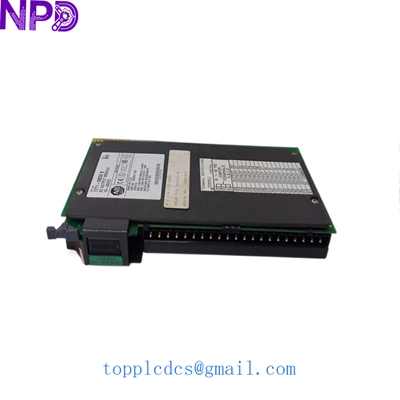
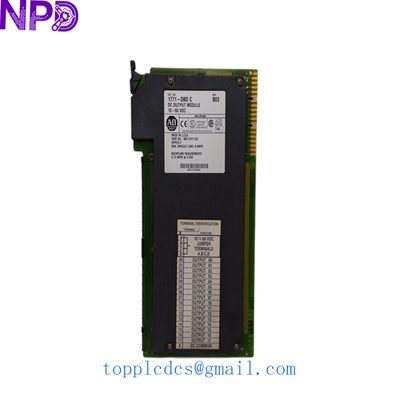
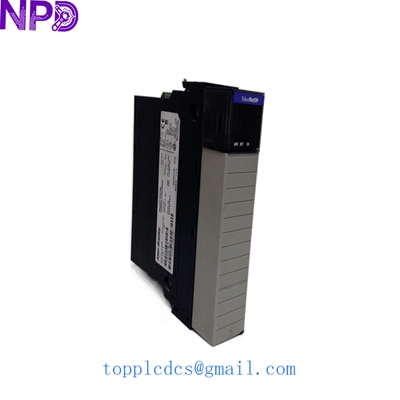
Description
- Model: Allen-Bradley 1747-L552
- Brand: Rockwell Automation / Allen-Bradley (USA)
- Series: SLC 500 Series (SLC 5/05)
- Core Function: High-speed Ethernet-enabled CPU for mid-range automation
- Condition: Original New Surplus (New in Box), Factory Sealed
- Type: Modular Processor Unit
- Key Specs: 32 KB User Memory | Ethernet & RS-232 Ports | Supports 4,096 I/O
- User Memory: 32 KB total (28 KB for words/data, 4 KB for overhead)
- Communication Ports: 1 x Ethernet (RJ45), 1 x RS-232 (9-pin D-shell)
- Ethernet Speed: 10/100 Mbps (Auto-negotiate)
- Max Local I/O: 4,096 discrete points
- Max Chassis Slots: 3 chassis / 30 slots total
- Typical Scan Time: 0.9 ms per 1K of typical instruction mix
- Backup Memory: Flash EPROM (Optional 1747-M11/M12)
- Clock/Calendar: Internal real-time clock and battery backup
- Programming Software: RSLogix 500 (Version 5.0 or higher recommended)
- Operating Temp: 0°C to 60°C (32°F to 140°F)
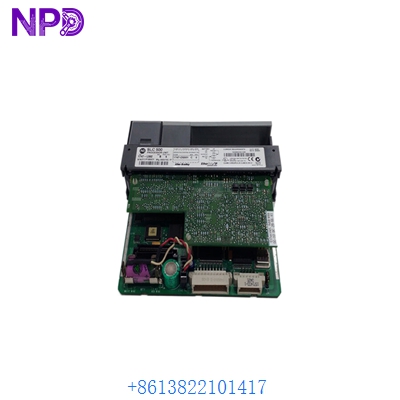
ALLEN BRADLEY 1747-L552
Installation & Configuration Guide
Replacing a 1747-L552 is usually a “plug-and-play” affair, but the Ethernet configuration can trip you up if the IP address isn’t set correctly before the module is slotted into a live network. In my experience, it’s always safer to configure the IP via the serial port first.
Phase 1: Preparation (10 minutes)
⚠️ Safety First:
- Confirm the machine is in a safe “Manual” or “Stop” mode.
- Back up your program: Use RSLogix 500 to pull the current project from the old CPU.
- Check the battery status on the new unit—even “New Surplus” units should have the battery pulled and re-seated to ensure a fresh connection.
Phase 2: Removing the Old CPU
- Turn off the power to the SLC chassis. Never pull this CPU while the rack is powered; you’ll risk frying the backplane or the processor.
- Unplug the Ethernet (RJ45) and Serial (DB9) cables.
- Squeeze the tabs at the top and bottom of the module and pull it straight out of Slot 0.
Phase 3: Configuration & Insertion
- The Jumper Check: Look for the “Protect” jumper on the board. Make sure it matches the position of your original CPU (usually “Program” mode).
- Physical Install: Slide the 1747-L552 into Slot 0 until it clicks.
- Firmware Check: Note the OS version (e.g., OS501). If your program uses specific Ethernet instructions (like MSG instructions to newer Logix controllers), ensure the firmware version on the new unit is compatible.
Phase 4: Power-Up & Comm Path
- Power up the chassis. The “FAULT” light will likely flash red—this is normal for a blank CPU.
- Use the BootP/DHCP Utility or a serial cable (1747-CP3 or 1756-CP3) to assign the static IP address.
- Download the program via RSLogix 500. Once the “RUN” light turns solid green, you’re back in business.
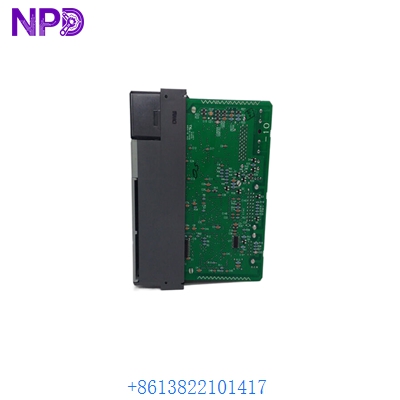
ALLEN BRADLEY 1747-L552
Customer Cases & Industry Applications
Case 1: Water Treatment Plant – Emergency CPU Swap A municipal water treatment facility in the Midwest had a 1747-L552 fail during a power surge. Their SCADA system lost communication with the pump stations immediately. Because the SLC 500 line is discontinued, the local distributor quoted a “modernization project” costing $50,000 and 3 months of downtime. We shipped a New Surplus unit overnight. The plant was back to 100% capacity within 24 hours for a fraction of the cost.
Case 2: Automotive Parts Manufacturer – Strategic Spares An auto-parts supplier still runs six production lines on SLC 5/05 processors. They realized that a single CPU failure could halt their entire Just-In-Time (JIT) delivery schedule. They purchased two of our 1747-L552 units to keep on the shelf. Six months later, one of their lines took a hit. Because the spare was already on-site, the maintenance team swapped it in 15 minutes. Result: Zero fines from the OEM for late delivery.
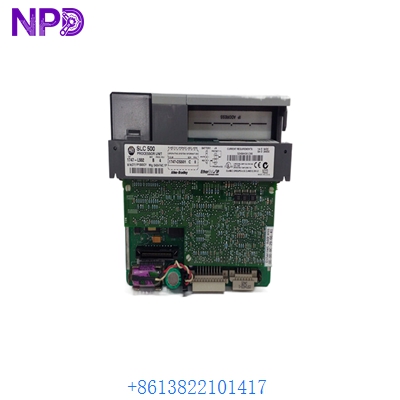
ALLEN BRADLEY 1747-L552
Frequently Asked Questions (FAQ)
Q: Can I replace a 1747-L551 (16K) with this 1747-L552 (32K)? A: Yes, absolutely. The 1747-L552 has more memory, so it is fully “backward compatible.” You just need to change the processor type in your RSLogix 500 project settings before downloading.
Q: This model is discontinued by Rockwell. Where do you get “New” units? A: These are “New Surplus.” They come from canceled projects, excess inventory from large factories, or authorized distributors’ remaining stock. They are not used, not repaired, and have never seen a factory floor. We verify the “Original New” status through physical inspection of the seals and serial number tracking.
Q: What if the firmware version (OS Series) is different? A: Most SLC 5/05 applications are fine with any OS501 series. However, if you are using specific “Ethernet/IP” features found in later Series C modules, let us know. We can check the Series (A, B, or C) of our current stock to match your needs.
Q: Why is the price higher than some units on eBay? A: Honestly, you get what you pay for. Most cheap units online are “pulled” from scrap machines, cleaned up, and sold as “tested.” We provide Original New Surplus with a 12-month warranty and a certified test report. When a $10,000-an-hour production line is down, the reliability of a new part is worth the premium.
Q: Does it come with the battery? A: Yes, every 1747-L552 we ship includes a 1747-BA lithium battery. However, due to shipping regulations on lithium, we sometimes have to ship it inside the unit or in a specific protective package.