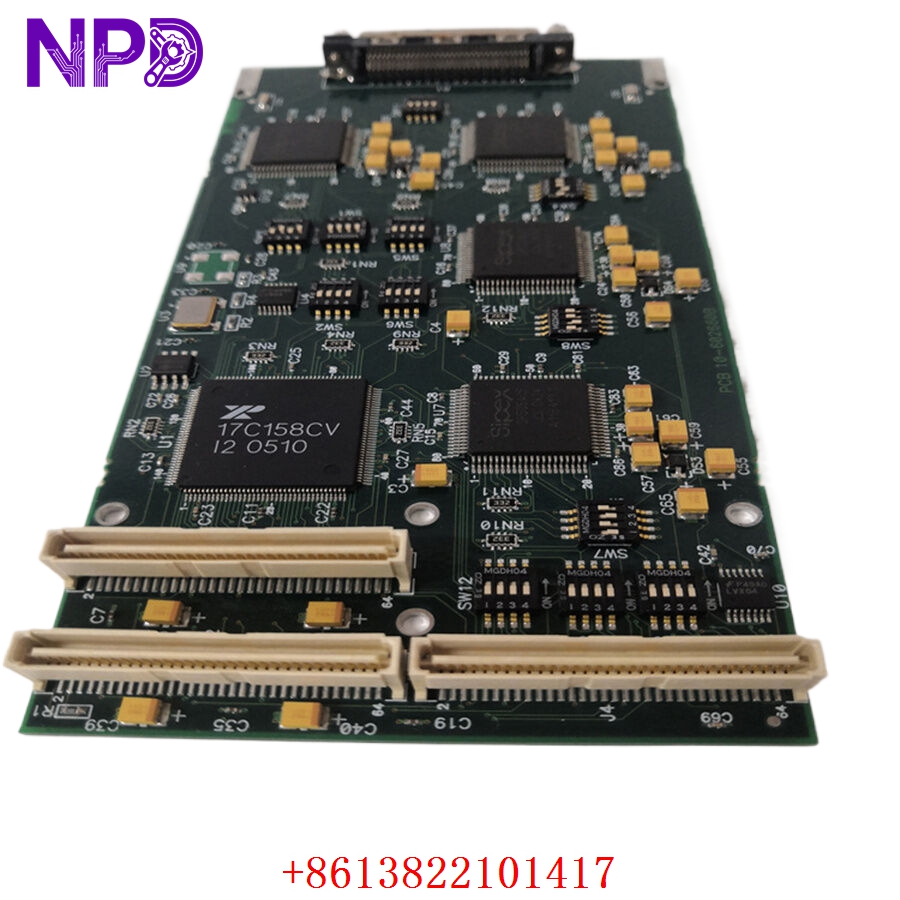

Description
The ALLEN-BRADLEY 1769-L18ERM-BB1B (P/N 199234) is a high-performance integrated controller from the CompactLogix 5370 series. This controller is specifically engineered for mid-sized applications requiring high-speed motion control and integrated safety features. It combines the functionality of a standard PLC with dedicated motion execution capabilities, supporting motion over EtherNet/IP. Its compact form factor makes it ideal for distributed control systems where space-saving and high-speed synchronized axis control are essential.
Technical Specifications
| Parameter | Description |
| Model | 1769-L18ERM-BB1B |
| Part Number | 199234 |
| Manufacturer | Allen-Bradley / Rockwell Automation |
| Motion Support | Integrated Motion on EtherNet/IP |
| Memory | 0.5 MB (Controller) |
| I/O Capability | Built-in 16 Digital Inputs / 16 Digital Outputs |
| Communication | 2 Ethernet Ports (with DLR support) |
| Origin | USA |

Operational Guidelines & Usage
🔹 Startup Sequence
- Ensure the controller is correctly mounted on a DIN rail and that the end cap is installed to terminate the I/O bus.
- Connect the required 24VDC power supply to the designated power terminals.
- Establish communication by connecting the Ethernet port to your local network or programming workstation.
- Power on the device; the status indicators (OK, I/O, RUN) will cycle through a self-diagnostic sequence.
- Once the “OK” LED is solid green, the controller is ready to accept a project download via Studio 5000 software.
🔹 Shutdown Sequence
- Transition the controller to “Program” mode using the Studio 5000 interface to ensure a controlled stop of the motion profiles.
- Save the project and current tag data to your workstation.
- Power down the 24VDC supply.
- Always wait for all internal indicators to extinguish before removing or servicing the unit to prevent short circuits.
🔹 Normal Operational Flow
- The controller scans the ladder logic or structured text program at high speeds.
- It processes integrated motion commands, sending trajectory updates to connected Kinetix drives via EtherNet/IP.
- It updates built-in digital I/O points in real-time to trigger peripheral sensors or actuators.
- Continuous diagnostics monitor the health of the communication network and the status of motion axes.
🔹 Parameter Configuration
- Use Studio 5000 Logix Designer to configure the controller’s backplane and network settings.
- In the “Motion Group” folder, define your axes, drive parameters, and motion profiles.
- Configure the built-in digital I/O points in the “Controller Organizer” to map them to your application tags.
- Perform a “Download” to transfer the configuration and logic to the controller’s non-volatile memory.
🔹 Mode Switching
- Run Mode: The controller actively executes logic and motion programs.
- Program Mode: The controller halts program execution, allowing for configuration changes and code updates.
- Test Mode: Used to debug logic without driving physical axes, allowing for safe program verification.
Common Questions & Answers (Q&A)
💡 Q: What is the benefit of the “ERM” designation in the model number?
A: “ERM” stands for Ethernet, Redundancy (support for Device Level Ring/DLR), and Motion. This indicates that the controller is capable of seamless motion synchronization and can survive a single-point failure in an Ethernet ring topology.
💡 Q: Can the built-in I/O be expanded?
A: Yes. The 1769-L18ERM-BB1B supports the attachment of 1769 Compact I/O modules on the right side of the controller, allowing you to scale the system for larger input/output requirements.
💡 Q: Why is my “Motion Group” showing a fault?
A: A motion group fault usually indicates a communication timeout with a connected drive, an axis following error, or a safety interlock being triggered. Use the “Motion Direct Commands” in Studio 5000 to reset the axis and clear specific error codes.
💡 Q: Is this controller suitable for high-speed synchronized axes?
A: Yes, it supports high-speed point-to-point motion control, making it ideal for packaging, assembly, and small-scale machine automation where precise axis synchronization is required.