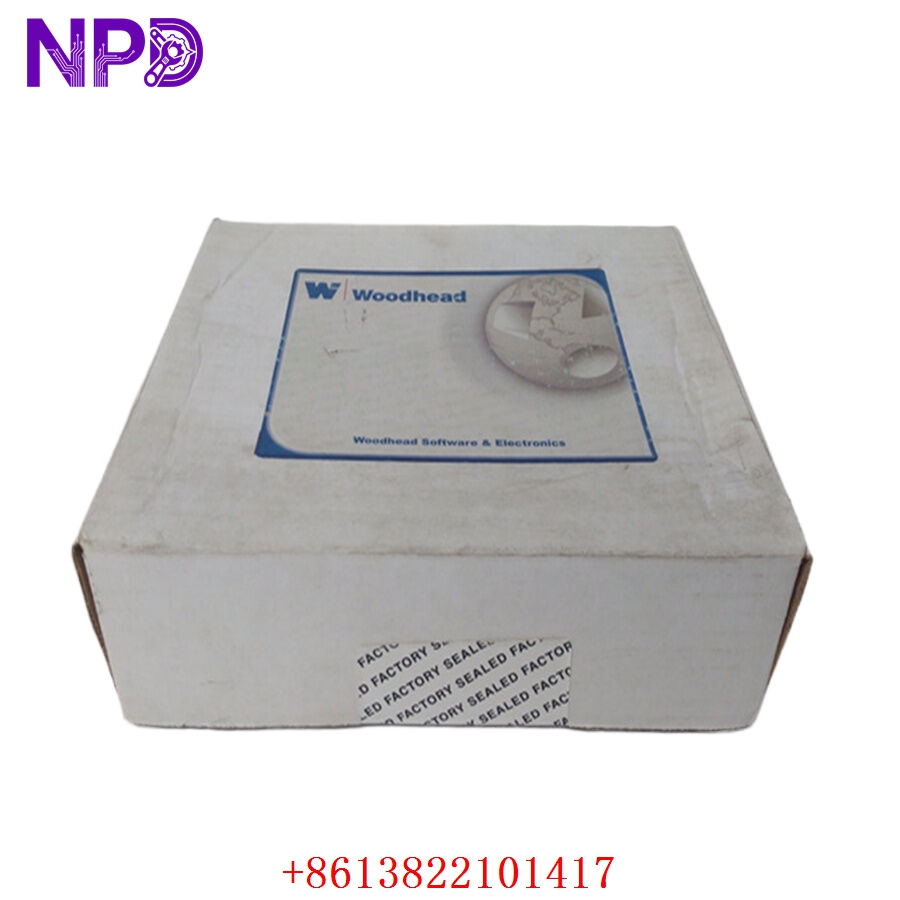

Description
🌐 Product Overview
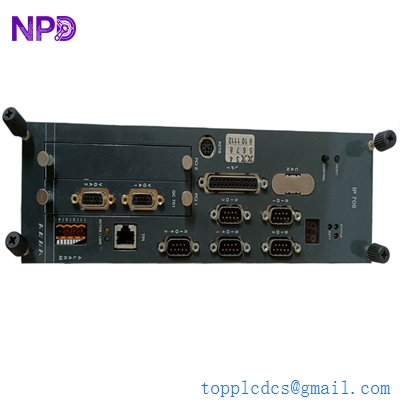
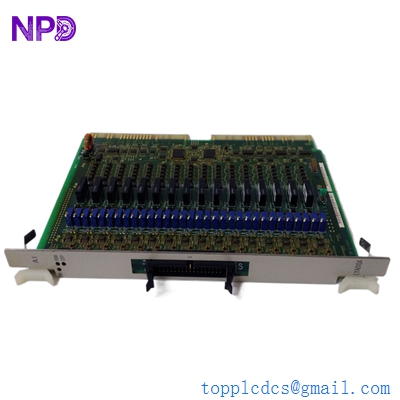
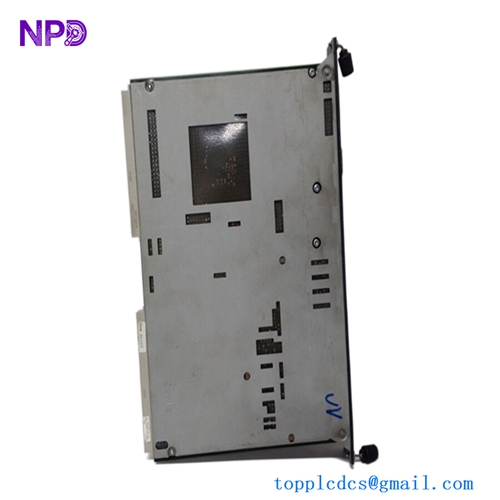
The Alstom MAE99-04 is a high-performance, 8-channel serial interface isolation unit designed to provide robust electrical isolation for sensitive communication signals. It ensures signal integrity in industrial environments by protecting downstream devices from voltage surges, ground loops, and electromagnetic interference (EMI). Its compact architecture and reliability make it an essential component for complex automation and control system infrastructures.

⚙️ Technical Specifications
- Channels: 8 Independent Serial Channels
- Dimensions: 150mm x 100mm x 50mm (Approximate)
- Weight: 0.85 kg
- Origin: France / European Union (Depending on manufacturing batch)
- Isolation Rating: 2500V RMS
- Communication Protocol: RS-232 / RS-485 / RS-422 (Software configurable)
- Power Supply: 24V DC
🚀 Application Fields
- Industrial Automation: Secure communication between PLCs and remote I/O.
- Power Utilities: Isolation for substation control and monitoring equipment.
- Process Control: Protecting sensitive serial sensors in high-noise environments.
- Energy Management: Integration of legacy serial devices into modern digital networks.
📖 Product Instructions
- Installation: Mount the unit on a standard DIN rail. Ensure the device is installed in a well-ventilated enclosure.
- Wiring: Connect the serial inputs to the terminal blocks according to the pinout diagram. Ensure shielded twisted-pair cables are used to minimize external noise.
- Grounding: Properly connect the frame ground to a low-impedance earth point to maximize the effectiveness of the internal isolation barrier.
✅ Initial Startup Checklist
- Verify the input power supply is within the nominal 24V DC range.
- Check that all terminal connections are tight and correctly labeled.
- Confirm that the status LEDs (Power, Data TX/RX) illuminate correctly upon power-up.
- Verify communication handshake protocols match the connected terminal equipment.
🛠️ Maintenance & Care
- Periodic Inspection: Inspect terminal connections annually for signs of corrosion or oxidation.
- Dust Prevention: Ensure the unit remains free of conductive dust by periodically cleaning the enclosure vents with compressed air.
- Firmware: Monitor the manufacturer’s portal for any critical stability updates if applicable.
⚠️ Safety Precautions
- Power Off: Always disconnect the power supply before performing wiring or maintenance.
- ESD Protection: Handle the module with proper Electrostatic Discharge (ESD) precautions.
- Environment: Do not operate the unit beyond its specified temperature or humidity limits to prevent internal component failure.
🔍 Troubleshooting & FAQ
- Q: The Status LEDs are not lighting up. What should I check?
- A: Check the 24V DC power input and ensure the power supply is not short-circuited.
- Q: Communication is intermittent or dropping packets.
- A: Ensure the communication cable shielding is grounded at only one end to avoid ground loops. Check that the baud rate matches between the sender and receiver.
- Q: Is the device hot to the touch?
- A: While the unit generates minimal heat, check that the ambient temperature of the cabinet does not exceed 50°C.