Description
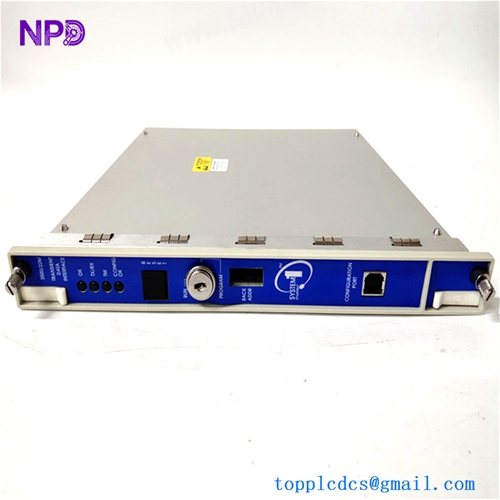
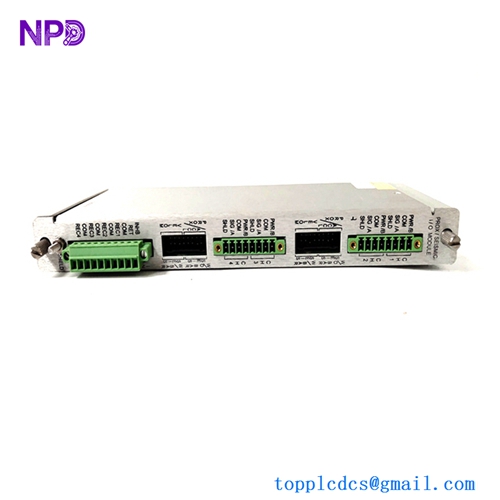
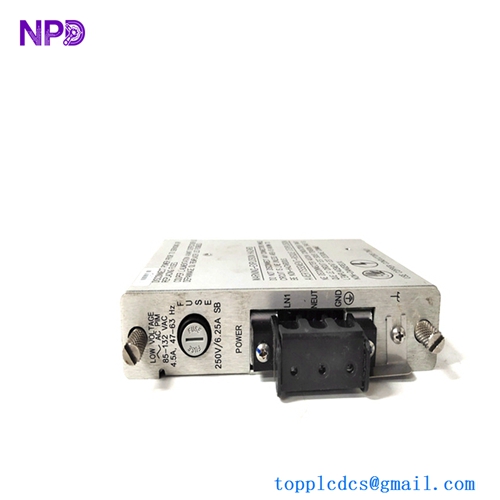
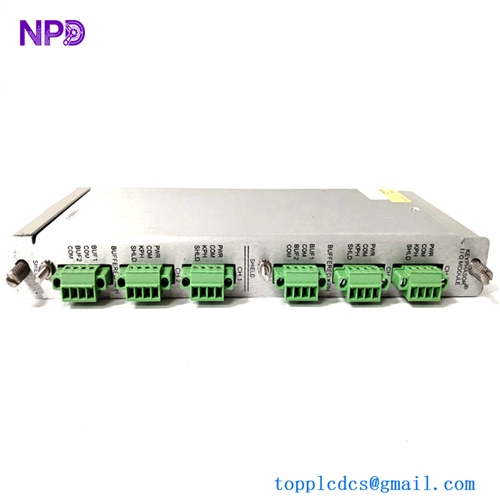
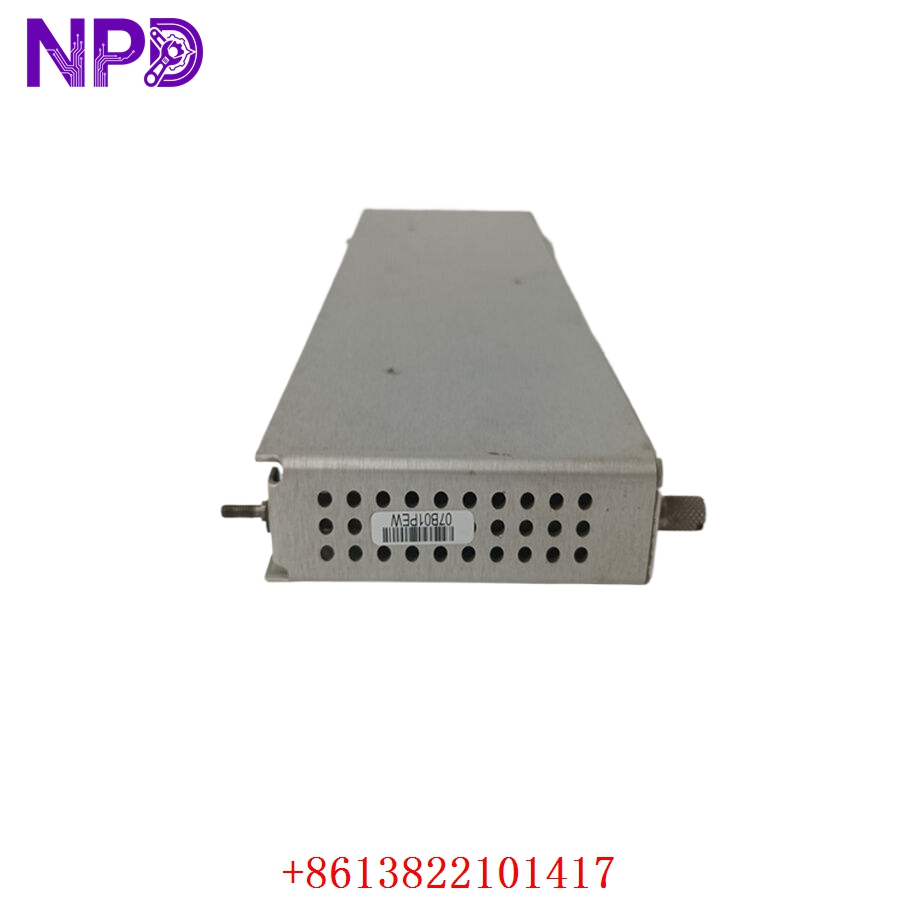
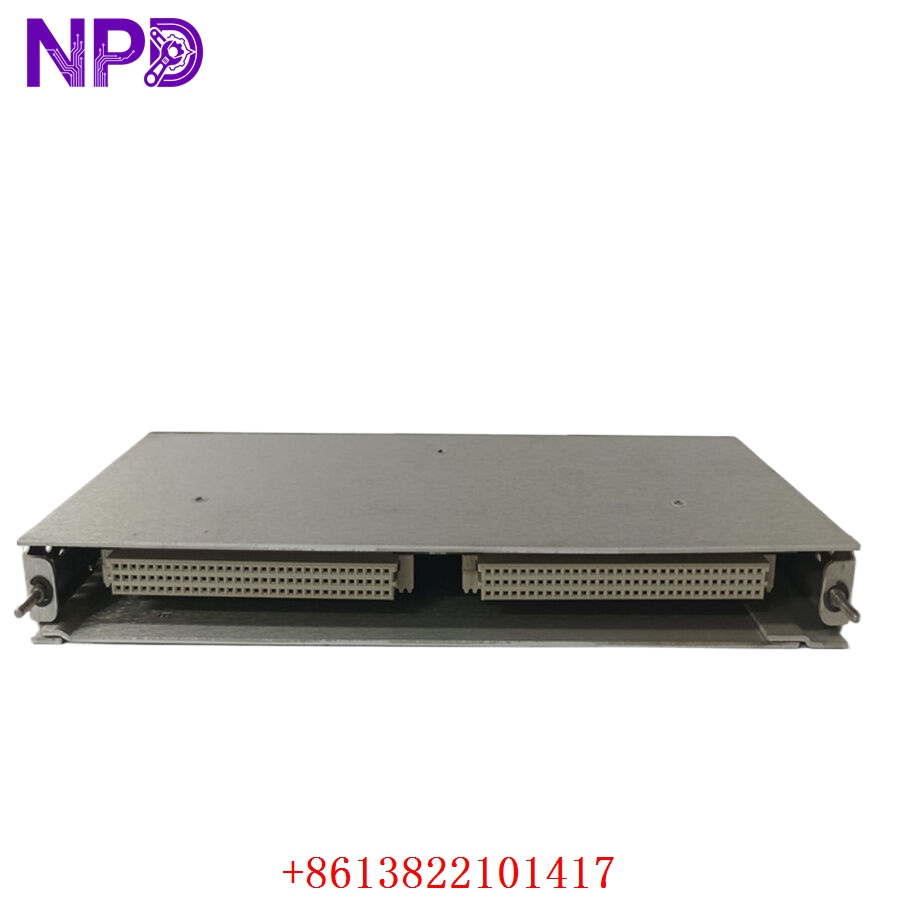
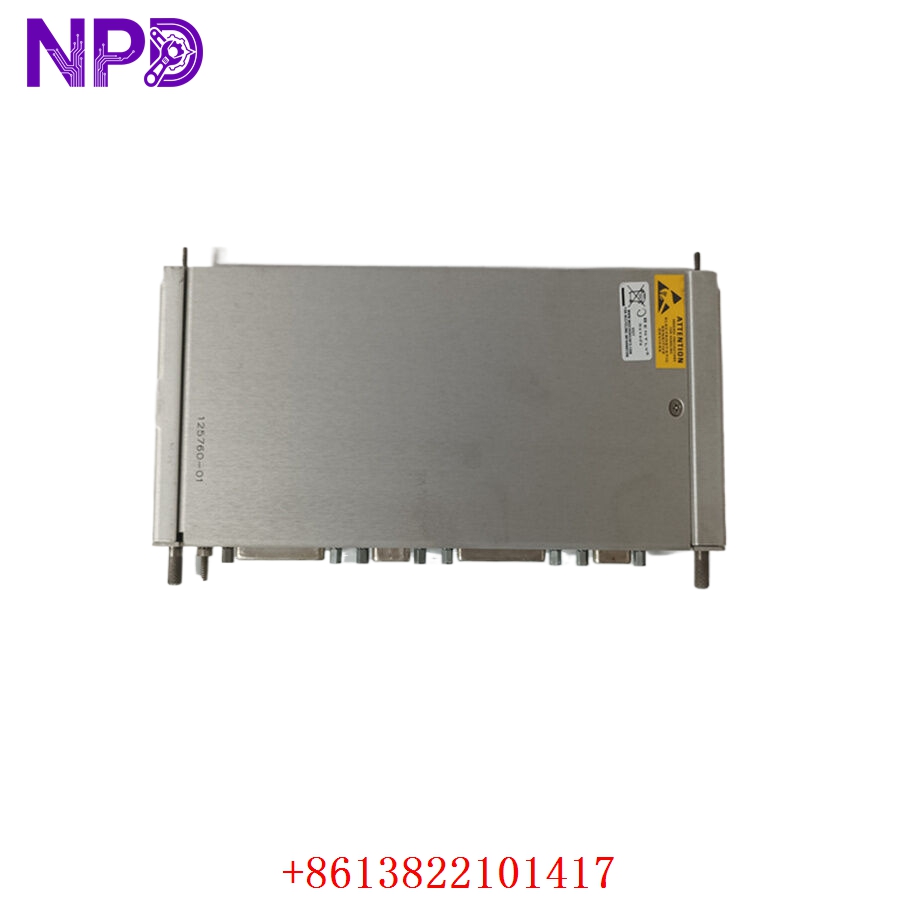
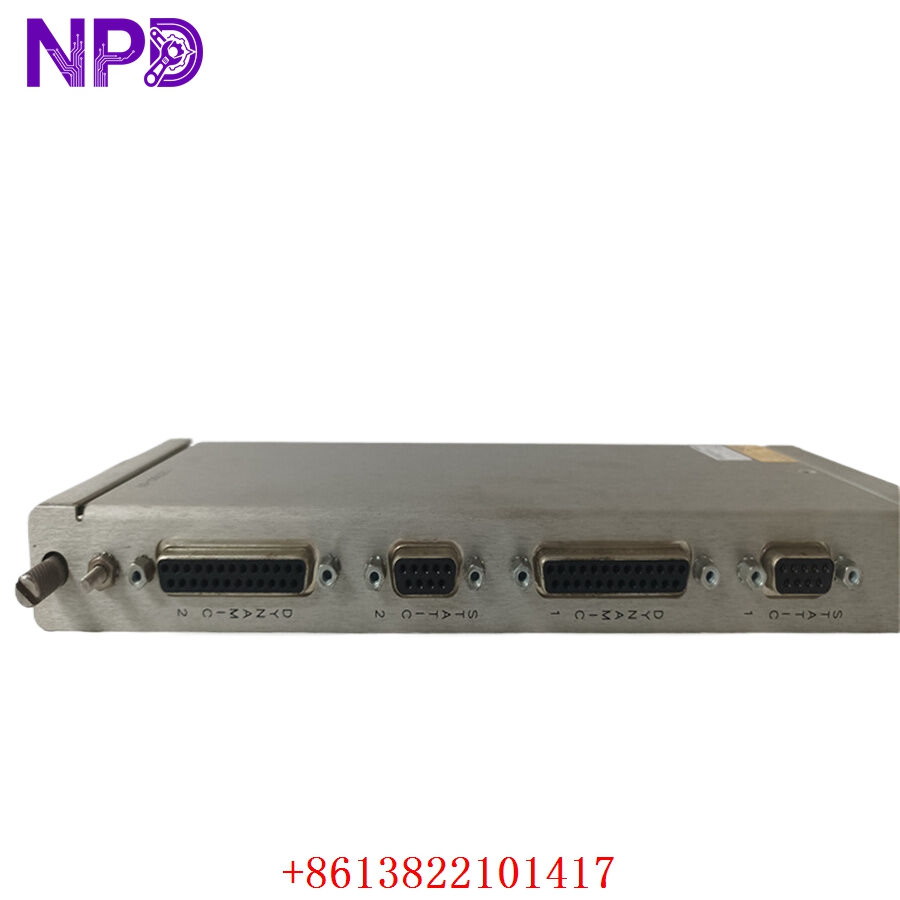
- Model: Bently Nevada 125760-01
- Brand: Bently Nevada / Baker Hughes (USA)
- Series: 3500 Machinery Protection System
- Core Function: Connects 4 proximity probes or velocity sensors to the front 3500/42M monitor card, Original New Surplus condition
- Type: 4-Channel Proximitor I/O Module with Internal Terminations
- Key Specs: 4 Proximitor channels | 4 Buffered Transducer Outputs | 2 Magnetic Pickup channels (Prox/Velom)
- Channel Density: 4 independent sensor channels per I/O card
- Supported Transducers: Proximity probes (3300 XL 5mm/8mm/11mm), Velomitor, or Seismoprobe velocity sensors
- Input Signal Range: -24 V DC to 0 V DC nominal operating window
- Buffered Outputs: 4 front panel coaxial (BNC) connectors, short-circuit protected
- Internal Termination Style: Fixed screw-clamp terminal strip blocks
- Power Consumption: 5.0 W typical maximum load draw from backplane rails
- Isolation Deflection: Structural ground isolation barrier rating of 500 V DC
- Transducer Power Output: -24 V DC (\pm1 V DC) regulated, 40 mA maximum current per channel
- Operating Temperature Limits: -30 °C to +65 °C
- Physical Placement: Mounted directly into the rear slots of the 3500 rack frame
Part 4: Installation & Configuration Guide
Phase 1: Pre-Installation (Estimated Time: 20 minutes)
⚠️ Safety First:
- Contact operations and verify that the machinery protection system’s automatic trip interlocks for the specific slots are safely bypassed in the plant DCS or PLC system.
- If this rack does not feature redundant control networks, be aware that removing a live I/O module could cause intermittent error flags on adjacent monitoring slots.
- Switch off the secondary field power running to the external transducer proximity boxes tied into this specific terminal card.
- Implement standard Lockout/Tagout (LOTO) protocols at the power terminal breaker boxes.
Tool Preparation:
- ESD grounding wrist strap and static-safe handling workspace
- 2.5 mm flathead precision instrument screwdriver
- No. 2 Phillips screwdriver for structural screws
- Fluke 115 Digital Multimeter
- Terminal marker flags and a phone camera
Backup Procedures:
- Boot up your laptop with the 3500 Rack Configuration Software. Save a complete configuration export of the corresponding front 3500/42M monitor card before changing any hardware.
- Take explicit close-up photos of all 4 channels of field wiring on the terminal block strip, noting signal, common, and shield connections.
Phase 2: Removal (Estimated Time: 10 minutes)
Steps:
- Verify with your multimeter that the voltage across the field inputs at the terminal strip reads 0 V DC.
- Carefully loosen the terminal screws and lift the field sensor lines away from the card. Insulate the bare ends with temporary electrical tape.
- Move to the rear of the 3500 chassis and identify the 125760-01 module directly behind its companion front monitor card.
- Unfasten the two captive Phillips mounting screws found at the top and bottom edge flanges of the faceplate.
- Grasp the card extractor tabs firmly and pull them outward to disconnect the card from the primary backplane pins. Slide the module straight out along the chassis tracking lanes.
⚠️ Key Notes:
- Look out for custom grounding jumpers attached to the rear structural framing or chassis ground bars. Re-attaching these ground straps incorrectly during rebuilds can introduce ground loops into the proximity sensor signals.
Phase 3: Installation (Estimated Time: 20 minutes)
Steps:
- ESD Protection: Anchor your anti-static wrist strap before breaking the factory seal on the anti-static packaging of the new surplus 125760-01 card.
- Internal Jumper Matching: Look closely at the internal circuit board layer of the new card. You must match the physical hardware jumpers to your old board settings exactly. These jumpers configure each channel for either a Proximitor (Prox) probe or a Velomitor velocity sensor.
- Chassis Seating: Align the card edges carefully within the rear slots of the 3500 rack framework. Push the card in steadily until the backplane socket interfaces engage completely.
- Secure Hardware: Hand-tighten down the top and bottom captive Phillips screws until the rear faceplate is seated flush.
- Re-wiring Field Signals: Land the field sensor wires back onto the terminal points using your reference photos. Wire the Shield, Common, and Signal lines into their exact slots, ensuring the screws are tight with no stray copper braids exposed.
Self-Check Checklist:
- [ ] Internal hardware jumpers on the new board match the removed card exactly
- [ ] Proximity probe signal polarities (+, -, Shield) match original field wiring
- [ ] Rear slot position matches the corresponding front 3500/42M monitor module
- [ ] No loose hardware or stray wire strands are left near the backplane slots
Phase 4: Power-On & Testing (Estimated Time: 20 minutes)
Pre-Power Checks:
- Probe the isolated terminal lines with your multimeter to check for any unexpected short circuits to ground. Verify that the transducer supply lines show the proper resistance profile before starting up.
Power-On Steps:
- Re-engage the primary power feed loops to the monitoring system rack cabinet.
- Observe System Response: The front-facing 3500/42M card will initialize, scanning the rear I/O board configuration. The green OK LED should turn solid on the front faceplate. If the yellow BYPASS or red NOT OK LED stays lit, verify the internal jumper configurations via software.
- Sensor Supply Verification: Use your multimeter to check the voltage output on the terminal block pins for each channel. It should read a steady -24 V DC, confirming the board is properly powering your field proximity probes.
- Signal Calibration: Hook a portable signal simulator into the front panel coaxial BNC buffered outputs. Check that the displacement gap voltage matches the field physical setting (e.g., -10 V DC bias for a typical 3300 XL probe gap).
- Open your 3500 Rack Configuration software utility. Review the system log to confirm the status reads clear with zero diagnostic tracking errors.
- Remove any temporary interlock overrides on the plant DCS panel once the vibration readouts stabilize for 15 minutes. Log the new serial number into the asset management system.
Part 5: Customer Cases & Industry Applications
Case 1: Vibration Interlock Recovery on a Petrochemical Induced Draft Fan
Situation:
A petrochemical facility in East Asia runs a continuous refining process utilizing a large Induced Draft (ID) fan monitored by a Bently Nevada 3500 safety rack. During an electrical storm, water breached a field junction box, creating a severe ground fault that shorted out the rear I/O terminal module, part number 125760-01, and caused the front 3500/42M card to report a system error.
Task:
The control room lost all visibility on the ID fan’s shaft vibration and gap position, forcing operators into manual monitoring override mode. The facility was running blind without automatic trip protection on a critical asset. Local suppliers quoted a 4 to 6-week factory build time for a replacement card, which would have put the entire plant at risk of an un-planned safety shutdown.
Action:
The plant’s instrument team contacted our urgent response line. We pulled an original new surplus 125760-01 module from our climate-controlled warehouse stock. We configured the channel jumpers to match their 3300 XL proximity sensor profile, ran a full multi-point voltage and signal loop test on our internal 3500 validation rack, and dispatched the module via premium overnight air express.
Result:
- Uptime Preserved: The replacement board reached the site within 16 hours of the initial failure. The instrument crew completed the mechanical swap and landed the field wires in under 25 minutes.
- Safety Restored: The 3500/42M monitor instantly cleared its error codes and resumed real-time shaft vibration monitoring, allowing operations to safely re-engage the automatic safety trip loops.
- Customer Voice: “Honestly, we were in a tough spot with our safety loops offline. Getting an un-used, factory-clean 125760-01 board with verified testing data within hours saved our production timeline.”
Case 2: Turbomachinery Asset Life Extension at a Power Generation Facility
Situation:
A peaking power plant utilizes several legacy gas turbines for grid support during high-demand windows. The machinery protection racks were built over a decade ago using non-redundant Bently Nevada 3500 components. During a routine safety check, engineers found that channel 3 on a rear 125760-01 I/O module was failing to output the necessary -24 V DC excitation voltage, leaving a critical radial vibration probe offline.
Task:
The engineering team needed to replace the worn I/O board before the upcoming high-load season. However, they wanted to avoid a costly upgrade to a completely different monitoring system since the existing rack infrastructure was still working perfectly. They needed an authentic, un-used legacy component that would drop right into their current setup.
Action:
The plant’s procurement team reached out to us to secure a reliable, un-used piece of inventory. We supplied a matching 125760-01 module inside its original, sealed anti-static factory packaging, allowing the customer to confirm the pristine condition of the board before installing it during a planned weekend outage window.
Result:
- Seamless Installation: The maintenance crew matched the internal jumpers to the legacy sensor profile, slid the board into place, and re-terminated the connections. The radial vibration probe came back online instantly with clean, stable signals.
- Strategic Savings: By sourcing an authentic surplus module, the facility avoided an expensive full-system upgrade, extending the service life of their reliable 3500 protection rack while maintaining full compliance with safety standards.
Part 6: Frequently Asked Questions (FAQ)
Q1: What is the purpose of the internal jumpers on the 125760-01 board, and why must they be verified?
A: The 125760-01 is a flexible interface board designed to handle multiple sensor types. The internal physical jumpers determine whether each individual channel is configured for a Proximitor proximity probe (which requires a regulated -24 V DC power supply) or a Velomitor velocity sensor (which uses an alternative current-source profile).
If you install a replacement board without verifying these internal jumpers, you could send the wrong power profile to your field sensors, resulting in incorrect vibration readings, system fault codes, or potential damage to the connected transducers.
Q2: What is the difference between internal terminations and external terminations for 3500 I/O cards?
A: The 125760-01 module is an Internal Termination card. This means it features built-in screw terminal blocks mounted directly on its rear faceplate, allowing you to land your field sensor wires directly onto the module itself.
External termination modules, by contrast, use a high-density ribbon cable that routes signals away from the rack backplane to a separate terminal block strip mounted elsewhere in the cabinet panel. Internal termination cards are generally preferred for simpler, self-contained cabinet layouts because they eliminate the need for extra cabling layers.
Q3: Can I hot-swap the rear 125760-01 I/O card while the front 3500/42M monitor is powered up?
A: No, you should never hot-swap a rear I/O module while the front monitor card is powered and live. While some front-loading 3500 modules support hot-swapping under specific redundant conditions, removing a rear I/O card breaks the field sensor connections and disconnects power lines simultaneously. This abrupt disconnection can cause electrical arcing across the backplane pins, generating data errors or damaging the sensitive processing circuits on the front monitor card. Always power down the corresponding slot before pulling a rear I/O card.
Q4: Why buy a New Surplus Bently Nevada module instead of a cheaper refurbished option online?
A: Refurbished 125760-01 modules are typically salvaged from old, decommissioned industrial plants. Third-party repair shops often just clean the outer terminals or replace stripped screw blocks, leaving old internal isolation components and diodes in place. These aged components can fail unexpectedly when subjected to continuous thermal variations inside a live cabinet.
Our New Surplus units are authentic, un-used modules stored in climate-controlled warehouses. They provide factory-original component lifespans and come backed by a full 12-month warranty, ensuring reliable protection for your high-value machinery without the risks of refurbished hardware.
Q5: How do you verify that the terminal screws and traces are fully functional before shipping?
A: Every 125760-01 module goes through a rigorous quality check on our specialized 3500 series test benches before leaving our facility. We slide the card into a live rack, connect a calibrated signal generator to the terminal blocks, and check multiple points across the input signal range.