
Description
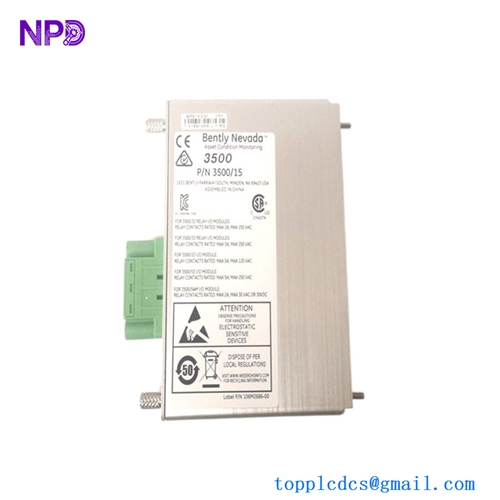
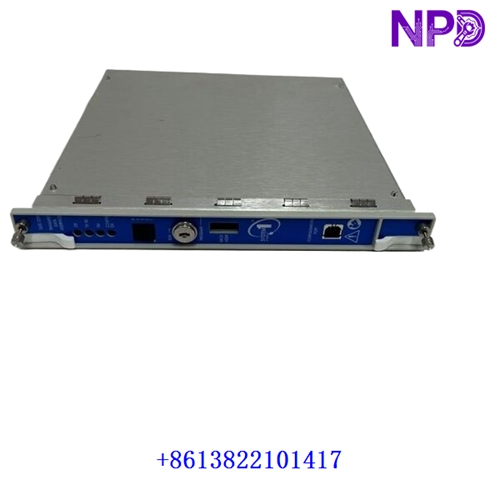
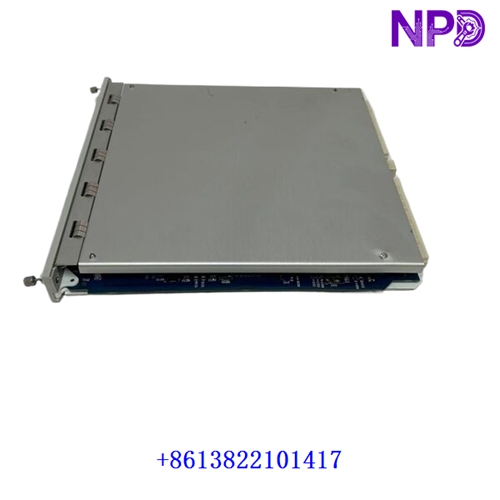
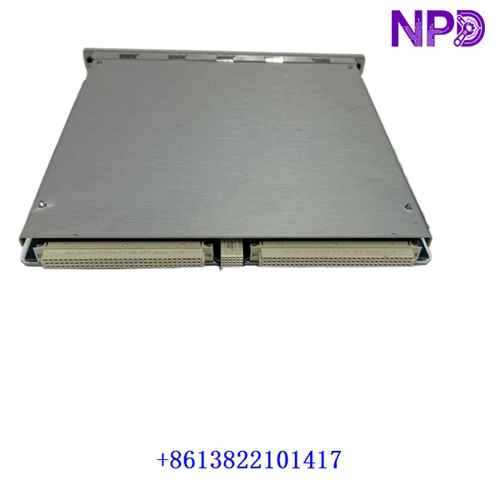
The following parameters outline the core technical specifications and physical characteristics of the Bently Nevada 3500/22M Transient Data Interface module, which acts as the core gateway between the 3500 machinery protection system and software packages like System 1.
- 1. Brand: Bently Nevada
- 2. Model: 3500/22M (Part Number / Ordering Option: 288055-01)
- 3. Series: 3500 Machinery Protection System Platform
- 4. Product Name: Transient Data Interface (TDI) Module (Standard configuration with USB cable / serving as a direct replacement for legacy model 138607-01)
- 5. Place of Origin: United States (USA)
- 6. Physical Status: Factory New / Industrial Hardware Component
- 7. Dimensions:
- TDI Module: 241.3 mm \times 24.4 mm \times 241.8 mm (9.50 in \times 0.96 in \times 9.52 in)
- I/O Module: 241.3 mm \times 24.4 mm \times 99.1 mm (9.50 in \times 0.96 in \times 3.90 in)
- 8. Weight: TDI Module: 0.91 kg (2.0 lbs.); I/O Module: 0.20 kg (0.44 lbs.)
- 9. Original Region: North American Manufacturing Hub
- 10. Power Rating: Operating power consumption of 10.5 Watts
Initial Operation Checklist
- 🔹 Inspect the exterior packaging and anti-static shielding for any transit-induced damage before unboxing.
- 🔹 Verify that part number
288055-01matches system engineering specifications and rack slot layout plans exactly. - 🔹 Ensure the 3500 rack power supply is completely switched off and locked out/tagged out before inserting or removing modules.
- 🔹 Check backplane connector pins and communication terminal blocks for cleanliness, correct alignment, and absence of oxidation.
- 🔹 Confirm proper grounding continuity between the 3500 instrument rack framework and the main plant ground bus.
Daily Maintenance & Servicing
- 🔸 Monitor operating ambient temperatures continuously, ensuring environment conditions remain within standard limits (-30^\circC \le T \le +65^\circC).
- 🔸 Inspect front-panel LED indicators (
OK,TX/RX,TM, andCONFIG OK) regularly to verify operational readiness, trip multiply status, and communication health. - 🔸 Keep rack ventilation pathways unblocked to maintain required natural or forced airflow across the housing framework.
- 🔸 Perform periodic visual checks on Ethernet and serial communication connections to ensure tight seating under plant vibration.
Troubleshooting & Common Issues
- 🔻 Symptom: Module fails to initialize or the front-panel
OKLED remains unlit.Action: Check rack power bus supply rails using a calibrated multimeter and verify that the module is firmly pushed into Slot 1 (adjacent to the power supplies).
- 🔻 Symptom: Loss of network communication with System 1 or configuration software.
Action: Inspect Ethernet cables (10Base-T / 100Base-TX / Fiber options), verify IP configuration settings, and check network switch port activity.
- 🔻 Symptom: Configuration error warnings flagged on startup.
Action: Re-verify rack configuration parameters using the 3500 configuration software and ensure all connected monitor firmware versions match system requirements.
Safety Precautions
- ⚠️ Only certified machinery protection and instrumentation technicians familiar with Bently Nevada 3500 systems should handle installation and configuration tasks.
- ⚠️ Observe strict electrostatic discharge (ESD) prevention protocols, including the mandatory use of grounded wrist straps when handling module circuitry.
- ⚠️ Never insert or extract modules from an active, energized 3500 rack unless proper hot-swap protocols and safety permits are established for the specific installation.
Frequently Asked Questions (Q&A)
- Q1: What is the primary function of the Bently Nevada 3500/22M module?
A1: It serves as the Transient Data Interface (TDI), combining the functions of a traditional Rack Interface Module (RIM) with data collection capabilities to pass steady-state and dynamic waveform data to software like System 1.
- Q2: Which slot does the 3500/22M module occupy in the rack?
A2: Every 3500 rack requires one TDI or RIM, which must always occupy Slot 1 directly adjacent to the power supply modules.
- Q3: What communication options are supported by the 288055-01 assembly?
A3: It supports front-panel USB configuration access, rear-panel Ethernet connections (10Base-T / 100Base-TX autosensing), and optional 100Base-FX fiber-optic configurations.