
Description
Product Core Brief
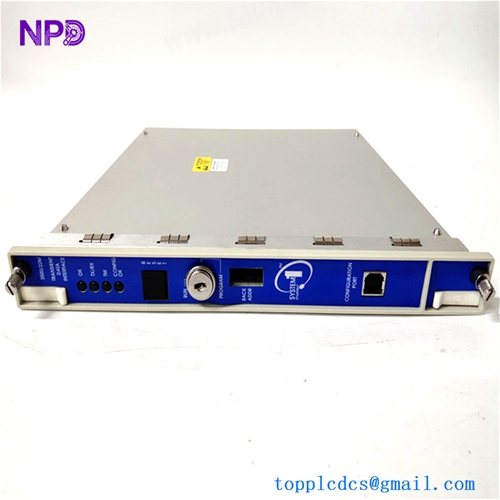
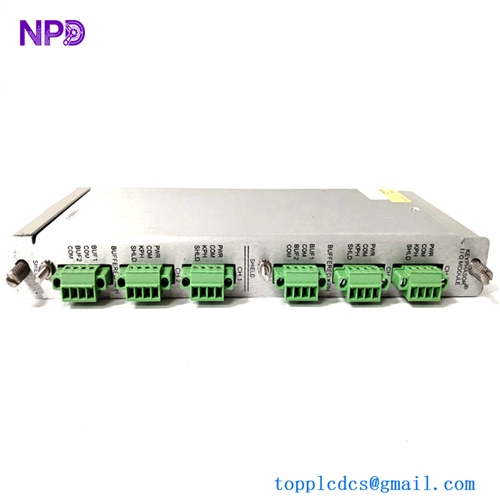
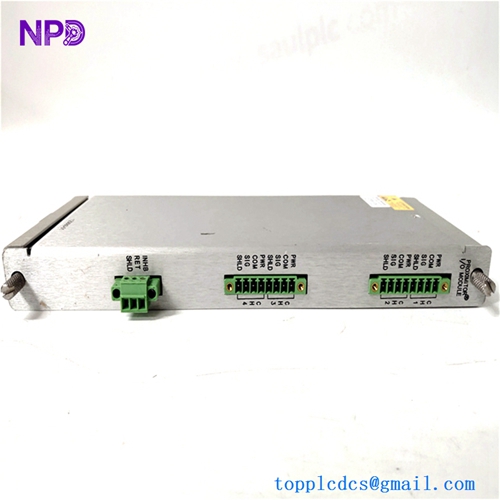
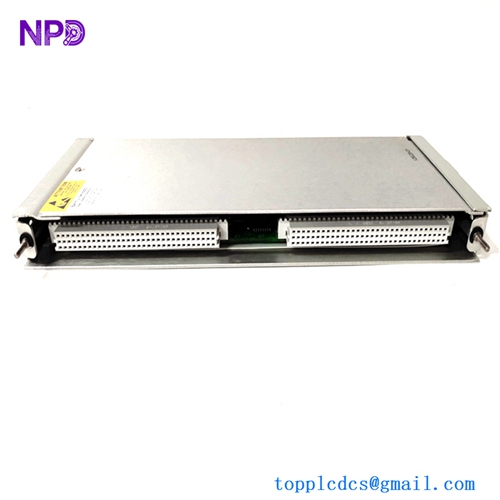
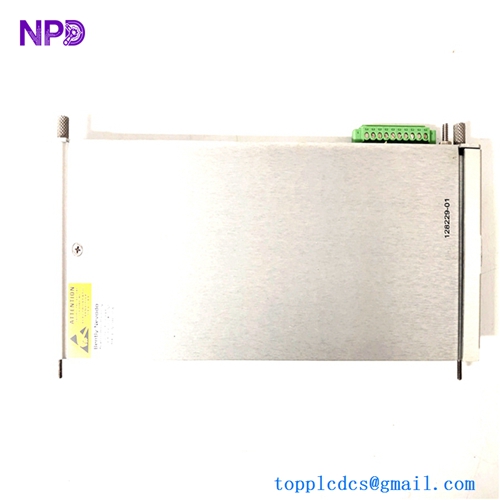
- Model: Bently Nevada 128229-01 (3500/42M)
- Brand: Baker Hughes (formerly GE / Bently Nevada)
- Series: 3500 Machinery Protection System
- Core Function: 4-Channel Monitor for vibration, position, and speed.
- Condition: Brand New Original (New Surplus) / Fully Tested
- Type: Proximitor/Seismic Monitor Module
- Key Specs: 4 Channels Supports Proximitors/Accelerometers SIL 2 Rated
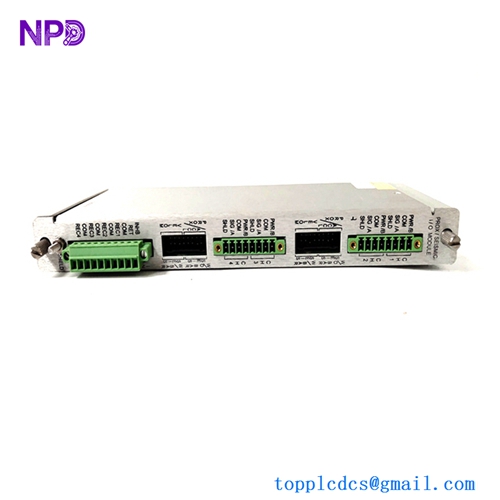
BENTLY 128229-01
Key Technical Specifications
- Number of Channels: 4 independent channels
- Input Signal Type: Proximitor, Seismic, or Accelerometer
- A/D Conversion: 24-bit resolution
- Frequency Response: 0.5 Hz to 30 kHz (application dependent)
- Isolation: 500 Vrms between field wiring and rack logic
- Output Signals: 4 to 20 mA proportional to monitored value
- Buffered Outputs: 4 coaxial connectors on the front panel (1 for each channel)
- Accuracy: Within ±1% of full-scale range
- Power Consumption: 7.7 Watts (typical)
- Data Storage: Non-volatile memory for configuration and event logs
- Operating Temperature: -30°C to +65°C
- Safety Rating: SIL 2 capable when used in approved configurations
Application Scenarios & Pain Points
When you’re dealing with a multi-million dollar turbine or a high-speed compressor, the vibration monitor is your last line of defense against a “catastrophic mechanical event”—which is engineer-speak for the machine tearing itself apart. If a 128229-01 fails, the 3500 rack loses its ability to see what the shaft is doing. In many plants, this triggers an automatic “Blind Shutdown” because running a turbine without vibration protection is a risk no safety manager will take.
Typical Application Scenarios:
- Steam/Gas Turbines – Radial Vibration Using proximity probes to measure the actual orbital movement of the shaft within its bearings.
- Hydraulic Turbines – Axial Thrust Position Monitoring the longitudinal movement of the shaft to prevent the rotor from contacting the stationary casing.
- Large Industrial Fans/Pumps – Casing Vibration Interfacing with seismic sensors (velocity or accelerometers) to detect bearing housing imbalances.
- Gearbox Monitoring Tracking high-frequency mesh frequencies to identify gear tooth wear before a tooth shears off.
Case Study: The Midnight Surge
Background: A natural gas liquefaction plant was running at 95% capacity. During a sudden load change, the surge control system struggled, and the main compressor began to vibrate aggressively. The Problem: The existing 3500/42M module had a faulty internal power regulator on the backplane interface. It started reporting “Circuit Fault,” effectively disabling the Danger Trip logic for that compressor. Solution: We delivered a tested 128229-01 within 18 hours. The site team put the rack into “Configuration” mode, swapped the module, and downloaded the existing channel settings using the 3500 Rack Configuration Software. Result: Total downtime was under one day. Without this spare, the plant would have stayed offline for weeks waiting for a factory-ordered replacement, losing roughly $250,000 in daily production.
Compatible Replacement Models
The 3500/42 series has evolved over the years. Understanding the “M” suffix and the part number is critical for software compatibility.
| Original Model | Replacement Model | Compatibility Level | Key Differences | Change Required |
| 128229-01 | 176449-02 | ✅ Direct | Newer hardware revision of the 3500/42M. | None. Plug and play. |
| 128229-01 | 3500/42 (Non-M) | ❌ Incompatible | Older version, lacks modern DSP features. | Software config will fail. |
| 128229-01 | 3500/40M | ❌ Incompatible | Different input type (Proximitor only). | Hardware mismatch. |
Technical Note: Be aware that the 128229-01 is the main monitor card. If your issue is with the physical wiring terminals, you likely need the I/O module (the card that sits in the back of the rack), which is usually part number 128240-01 (Prox/Seismic I/O) or 135489-01 (I/O with Internal Terminations). I always recommend checking the backplane pins for any signs of arcing or corrosion before sliding in a new monitor.
Troubleshooting Quick Reference
| Symptom | Possible Cause | Correlation | Quick Check | Action |
| “OK” LED Off | Internal Hardware Fail | ✅ High | Check if other modules in the rack are “OK”. | Replace module. |
| “TX/RX” LED Off | Communication Error | ⚠️ Medium | Check the RIM (Rack Interface Module) status. | Inspect backplane seating. |
| “CH FLT” LED On | Field Wiring/Sensor | ❌ Low | Connect a scope to the front “Buffered Output.” | Check probe/gap voltage (-2V to -18V). |
| “BYPASS” LED On | Software Manual Bypass | ❌ Low | Check if “Bypass” is active in the software. | Disable bypass to arm trips. |
| Erratic Readings | Ground Loop / Noise | ⚠️ Medium | Check shield grounding at the I/O module. | Ensure single-point ground. |
The “Old Engineer” Advice: “I’ve seen plenty of guys pull a 3500/42M and wonder why the new one won’t work. Remember: Bently Nevada modules are not fully hot-swappable in the sense that they ‘self-configure.’ You must have the 3500 Rack Configuration Software and the security key (if used) to download the parameters to the new card. If you don’t have the original .project file, you’re going to have a long night manually re-entering alarm setpoints and scale factors. Back up your config before you swap the card!“