
Description
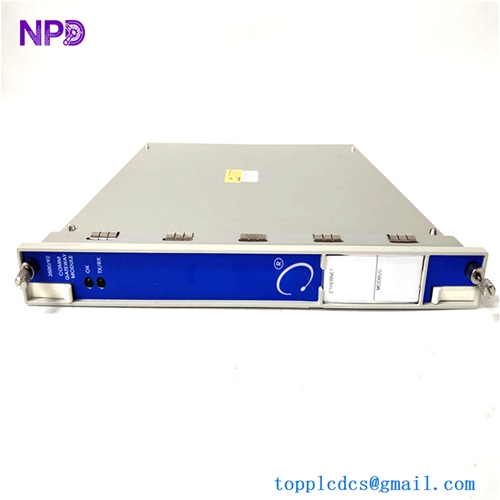
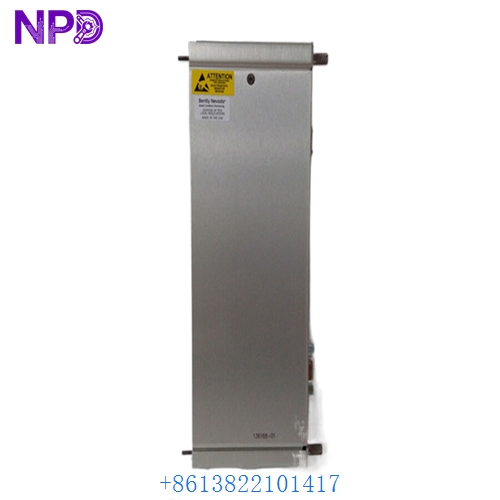
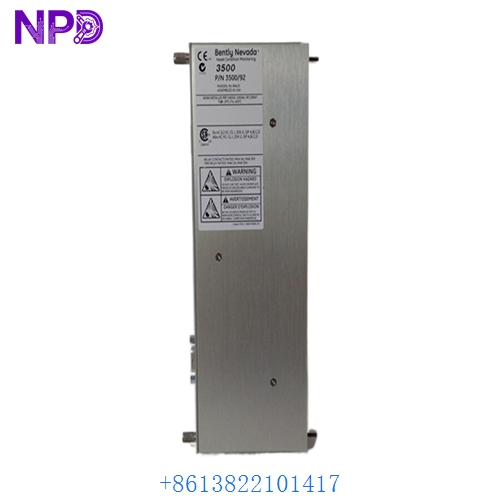
- Model: BENTLY 136188-01
- Brand: Bently Nevada (Baker Hughes)
- Series: 3500 Monitoring System (3500/92)
- Core Function: High-speed communication gateway for EtherNet/IP and Modbus TCP/IP
- Type: Communication Gateway / Interface Module
- Key Specs: Dual Ethernet ports, supports Modbus/TCP, EtherNet/IP, and static IP
- Input Voltage: +5 V DC and +15 V DC (provided via 3500 backplane)
- Power Consumption: 5.0 Watts maximum
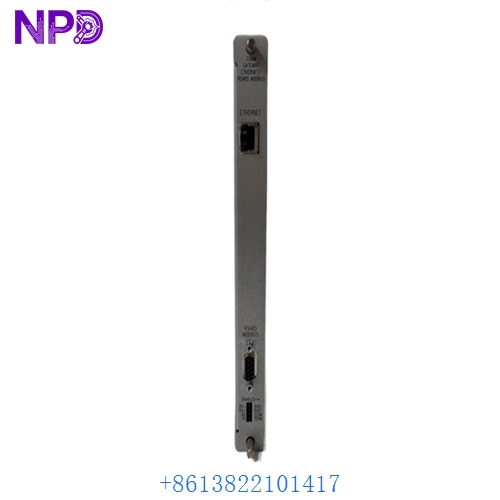
- Ethernet Ports: Two RJ-45 connectors (10/100 Base-T)
- Protocols: EtherNet/IP, Modbus TCP/IP, and Bently Nevada proprietary
- Operating Temperature: -30°C to +65°C (-22°F to +149°F)
- Configuration: Via 3500 Rack Configuration Software
- Isolation: 500 Vrms dielectric strength
- Data Update Rate: Typically < 100ms for standard data sets
- Vibration/Shock: Meets API 670 standards for machinery protection
- LED Indicators: OK, TX/RX (per port), and Module Status
BENTLY 136188-02
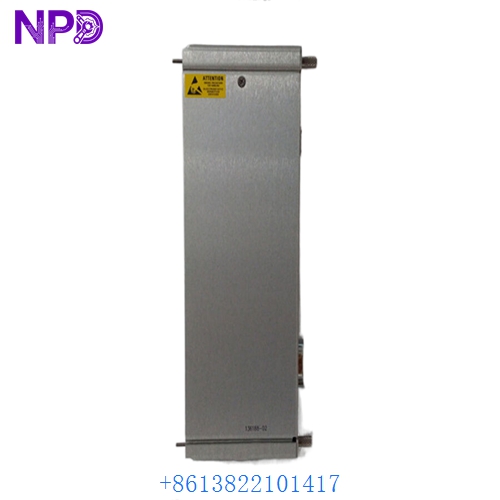
BENTLY 136188-02
Installation & Configuration Guide
Phase 1: Preparation (15 minutes)
⚠️ Critical Note: The 136188-01 is the “bridge” between your protection system and your control system (DCS/PLC). Disrupting this module will cause a loss of data visualization on your HMI, though the 3500 rack will continue to provide local machinery protection.
Checklist:
- Verify the IP address, Subnet Mask, and Gateway of the existing module.
- Have the 3500 Rack Configuration Software (v5.0 or higher recommended) ready on a field laptop.
- Use a Cat5e or Cat6 shielded Ethernet cable for testing.
Phase 2: Hardware Installation (10 minutes)
Steps:
- Identify the Slot: The 136188-01 (3500/92) is usually located in the slots immediately to the right of the Power Supplies or at the far right of the rack.
- Removal: Loosen the top and bottom screws. Use the ejector handles to unseat the old module from the backplane connectors.
- Pin Inspection: Check the backplane for any dust or debris. I’ve found that a quick blast of clean, dry air prevents many “intermittent comms” issues.
- Insertion: Slide the BENTLY 136188-01 into the guide rails. Push until you feel the connector seat firmly. Tighten the screws to finger-tight plus a quarter turn.
Phase 3: Network Configuration (25 minutes)
Getting the Data Flowing:
- Connect: Plug your laptop into the front “Config” port of the 3500/22 (TDI) or directly into the 136188-01 if using a static IP.
- Download Configuration: Open your project file. Navigate to the 3500/92 slot. Ensure the protocol (EtherNet/IP or Modbus) matches your PLC/DCS settings.
- IP Assignment: If this is a new module, you may need to use a BOOTP/DHCP tool or the 3500 software to set the static IP.
- Verification: Ping the module from the control room. Once the “OK” LED is solid green and the “TX/RX” lights are flickering, your data link is restored.
Customer Cases & Industry Applications
Case 1: Petrochemical Plant DCS Link Recovery
Situation: A large refinery in Southeast Asia lost all vibration data on their Honeywell Experion DCS. The local 3500 rack was fine, but the communication gateway had failed. Task: Replace the faulty 136188-01 immediately. The plant was operating “blind” on several critical 5000 HP compressors. Action: We dispatched a New Surplus module via hand-carry service. Result: Within 24 hours of the failure, the new module was installed and configured. The plant avoided a $200k/day “risk-based” production slowdown.
Case 2: System Integration for a New Turbine String
Situation: An EPC contractor was integrating a new steam turbine. The original order for the BENTLY 136188-01 gateway was delayed by the factory for 16 weeks. Task: Find a high-quality, authentic module to meet the commissioning deadline in 14 days. Action: They sourced the module from our inventory. We provided the full test report and serial number for their QA records. Result: Commissioning stayed on schedule. The contractor avoided a “Liquidated Damages” penalty of $10,000 per day of delay.
Frequently Asked Questions (FAQ)
Q: Does the 136188-01 support Modbus TCP? A: Yes. It is a multi-protocol gateway. You can configure it for Modbus TCP or EtherNet/IP depending on what your PLC (like an Allen-Bradley ControlLogix) or DCS requires.
Q: Can I hot-swap this module? A: While Bently Nevada 3500 modules are designed to be hot-swappable, I always recommend “Bypassing” any logic in the DCS first. Swapping the 136188-01 will cause a “Communication Loss” alarm on your SCADA system.
Q: My “OK” LED is flashing green. What’s wrong? A: A flashing green OK LED usually means the module is in “Configuration Mode” or hasn’t received a valid configuration from the software yet. Download your rack settings, and it should turn solid.
Q: How do I verify if this is “New Surplus”? A: Look at the Ethernet ports and the backplane connector. On a used module, you will see “wipe marks” on the gold pins. Our 136188-01 units are pristine. We can also provide the serial number for you to verify the age and origin with the manufacturer.
Q: What is the difference between 136188-01 and the older 3500/92 cards? A: The 136188-01 is the modern Ethernet-based version. Older versions used serial (RS232/485). If you are upgrading from serial to Ethernet, you will need to update your rack configuration and potentially your cabling.