Description
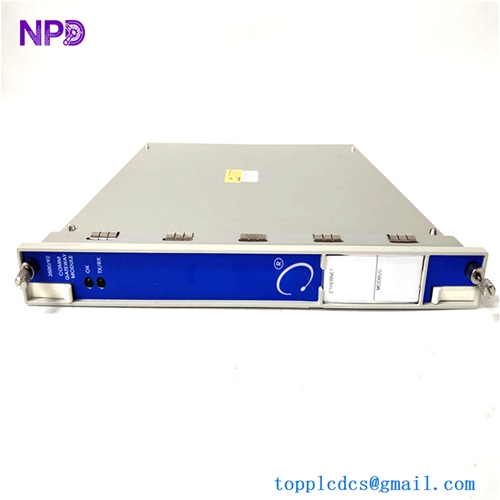
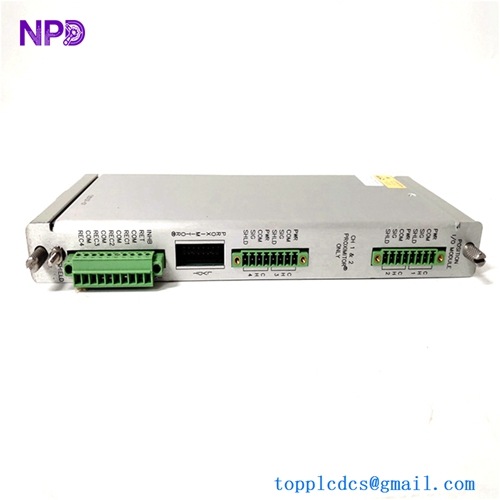
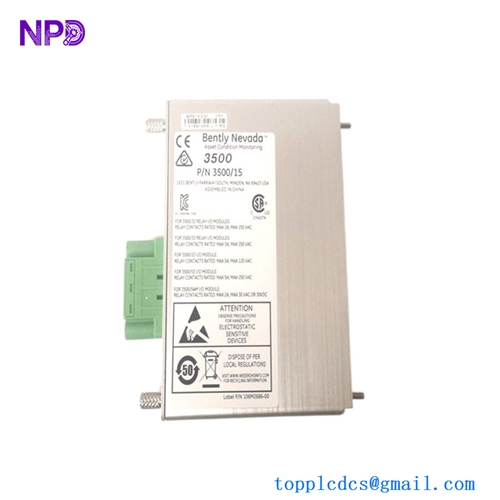
- Model: BENTLY 3500/60 (Common P/N: 163179-01)
- Brand: Bently Nevada (Baker Hughes)
- Series: 3500 Machinery Protection System
- Core Function: 6-channel temperature monitoring for RTDs and Thermocouples
- Type: Temperature Monitor Module
- Key Specs: Supports Type E, J, K, T Thermocouples; 100 Ω Platinum RTDs; 10 Ω Copper RTDs
- Input Channels: 6 independent channels per module
- Input Types: RTD (100 Ω Pt, 10 Ω Cu, 120 Ω Ni) and Thermocouples (E, J, K, T, S, R)
- A/D Resolution: 16-bit
- Accuracy: ± 1°C (± 1.8°F) at room temperature
- Update Rate: 1 second for all 6 channels
- Isolation: 500 Vrms between monitor and backplane
- Alarm Setpoints: 2 levels (Alert and Danger) per channel
- Relay Drive: Drives 3500/32 or 3500/33 relay modules
- Operating Temp: -30°C to +65°C (-22°F to +149°F)
- Power Consumption: Typically 4.0 Watts
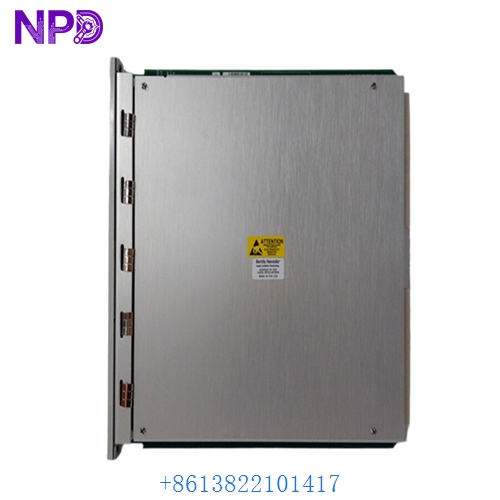
BENTLY 3500/60
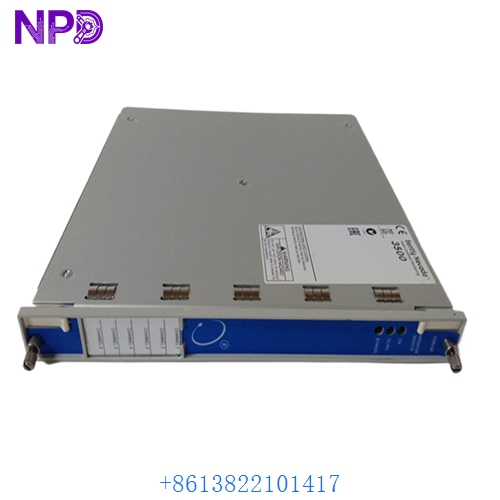
BENTLY 3500/60
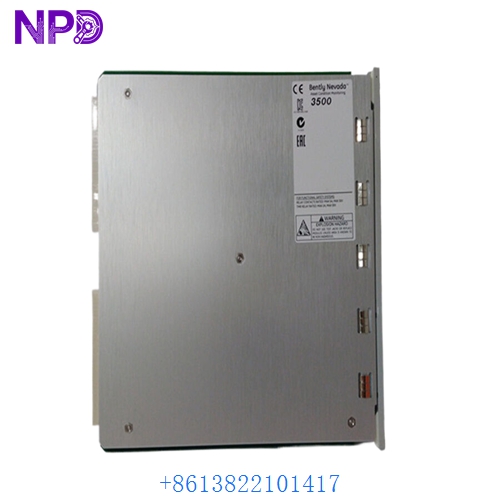
BENTLY 3500/60
Installation & Configuration Guide
Phase 1: Preparation (15 minutes)
⚠️ Safety Warning: Temperature monitoring is vital for protecting bearings and windings from catastrophic failure. Before replacing the 3500/60, verify if your protection logic is set to “Voting” (e.g., 2-out-of-2). If the module is pulled, the rack might initiate a trip depending on your configuration.
Required Items:
- 3500 Rack Configuration Software.
- Small flat-head screwdriver (for I/O terminal blocks).
- Calibrated Temperature Simulator (for loop testing).
Phase 2: Hardware Swapping (10 minutes)
Steps:
- Bypass Alarms: Use the 3500 software to put the rack in “Bypass” or “Program” mode.
- Ejection: Loosen the top and bottom captive screws. Use the ejector tabs to pull the module out.
- I/O Check: The BENTLY 3500/60 consists of the main monitor and an I/O module in the back. Ensure the new monitor is compatible with the existing I/O (Internal or External Termination).
- Insertion: Slide the new module into the rails until the backplane connectors click. Tighten the screws securely to maintain electrical ground.
Phase 3: Software & Calibration (25 minutes)
Validation:
- Sync Configuration: Upload the existing configuration to the new module. Ensure the “Sensor Type” (e.g., Pt100) matches the physical sensors installed on the machine.
- LED Monitoring: The ‘OK’ LED should be solid green. If the ‘TM’ (Terminal Module) light is red, check the wiring on the rear terminal block.
- Live Value Test: Use a simulator to inject a signal (e.g., 138.5 Ω for 100°C) and verify that the 3500/60 reflects the correct value on the rack display or software.
- Final Log: Record the new module’s serial number in your maintenance management system.
Customer Cases & Industry Applications
Case 1: Gas Turbine Bearing Protection
Situation: A power station in the Middle East noticed erratic temperature readings on their GE Frame 9 turbine exhaust. The 3500/60 module was “flickering” its Alert status due to internal component aging. Task: Replace the module during a 4-hour maintenance window. Action: We supplied a New Surplus 163179-01 module from our stock. Result: The replacement was completed in under an hour. The plant avoided a potential “False Trip” that could have cost $250,000 in emergency restart and balancing fees.
Case 2: Steel Mill Motor Reliability
Situation: A major steel mill’s rolling motor (10,000 HP) relied on a BENTLY 3500/60 to monitor winding temperatures. The existing card was damaged by a localized high-voltage transient. Task: Find an immediate replacement to prevent an unscheduled stop of the production line. Action: We shipped the module via “Next Flight Out” service. Result: The module arrived and was installed the same day. The mill manager noted that our 12-month warranty gave them the same confidence as a factory-direct part, but with a 12-week shorter lead time.
Frequently Asked Questions (FAQ)
Q: Can I mix RTDs and Thermocouples on the same 3500/60 module? A: No. In my experience, each module must be configured for a specific type of sensor across all channels. If you have both RTDs and TCs, you will likely need two separate BENTLY 3500/60 modules or specific I/O combinations.
Q: Does it support 3-wire and 4-wire RTDs? A: Yes, it supports 3-wire RTD configurations which are standard in industrial environments to compensate for lead-wire resistance.
Q: My “OK” LED is green, but the “TX/RX” is not flashing. Is it broken? A: Not necessarily. The TX/RX indicates communication with the 3500/22 TDI module. If your rack configuration isn’t actively polling that slot, the lights won’t flash. Check your software “Rack Map” to ensure the slot is enabled.
Q: Why buy “New Surplus” for a safety-critical system? A: Many of our clients find that “New Surplus” is the only way to get parts for systems that are no longer in the “Active” production phase at the factory. Our modules are 100% original, unused, and tested. It’s an insurance policy for your machinery without the 300% markup of some “authorized” emergency channels.
Q: Is the 163179-01 the same as the 3500/60? A: Yes. 163179-01 is the specific part number for the main monitor module of the 3500/60 Temperature Monitor system. Always double-check your I/O module part number as well, as they are sold as a pair in many configurations.