
Description
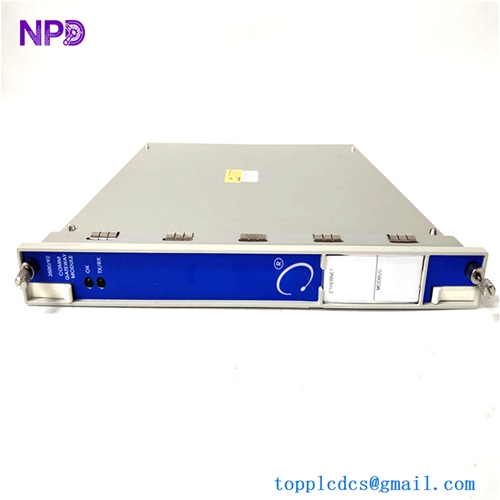
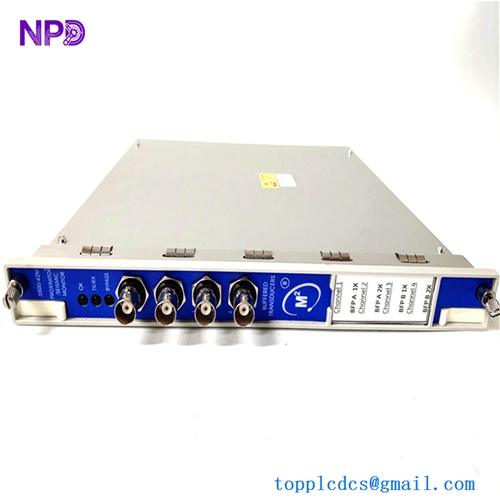
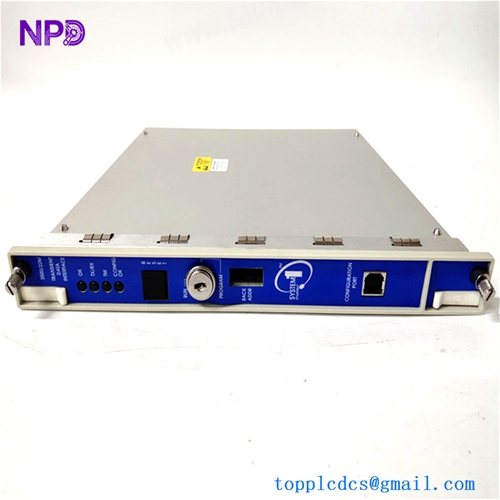
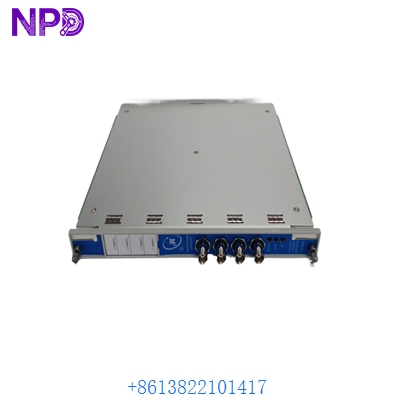
- Model: Bently Nevada 3500/42M (Internal Part Nos: 176449-02, 140734-01)
- Brand: Bently Nevada (Baker Hughes / GE)
- Series: 3500 Series Machinery Protection System
- Core Function: 4-Channel Proximitor/Seismic vibration and thrust monitoring
- Product Type: Monitoring Module (I/O)
- Key Specs: 4 Channels per module Internal/External Termination Proximity & Seismic support
- Channels: 4 independent channels per 3500/42M module
- Input Signals: Proximitor sensors, Accelerometers, Velomitors (Seismic)
- Power Consumption: 7.7 Watts (Typical)
- Signal Processing: High-speed digital signal processing (DSP) for vibration and thrust
- Output Signals: 4 to 20 mA DC recorder outputs (per channel)
- Accuracy: Within ±1% of full-scale range
- Resolution: 0.3% of full-scale
- Protocol: Proprietary Bently Nevada rack bus (communicates with 3500/22M RIM)
- Alarms: Dual setpoints (Alert & Danger) per channel
- Isolation: 500 V DC galvanic isolation
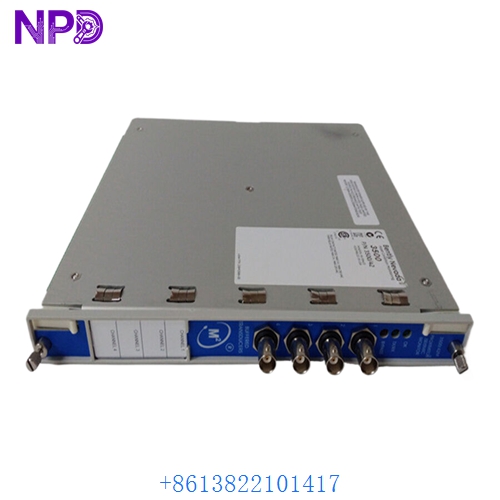
BENTLY 3500/42M
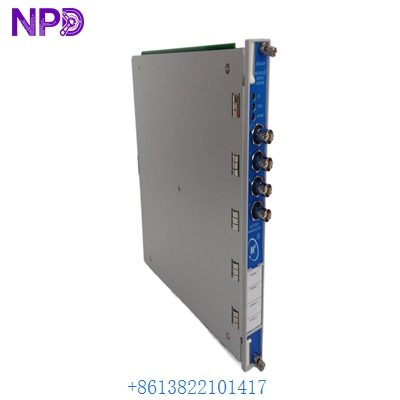
BENTLY 3500/42M
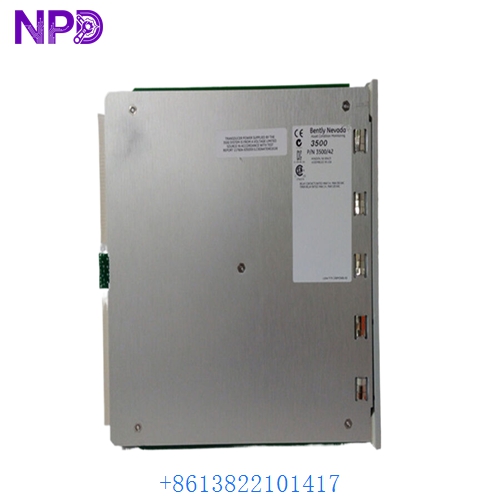
BENTLY 3500/42M
Application Scenarios & Pain Points
The 3500 system is designed to “trip” a machine before it destroys itself. The 3500/42M specifically handles shaft vibration and axial thrust. The biggest pain point I see in the field is “Nuisance Tripping” caused by poorly configured modules or aged components drifting out of calibration. In a refinery or power plant, an accidental trip on a multi-million dollar compressor because of a faulty monitor card can cost upwards of $250,000 in lost production within a single afternoon.
Typical Application Scenarios:
- Steam/Gas Turbines – Radial Vibration Monitoring shaft-to-bearing clearance and vibration to prevent “rubs” at high RPMs.
- Centrifugal Compressors – Thrust Monitoring Ensuring the axial movement of the shaft stays within thousandths of an inch to protect the thrust bearings.
- Critical Pumps – Seismic Monitoring Using accelerometers to monitor casing vibration on large-scale water or oil pumps.
Case Study: The “False Alert” in a Petrochemical Plant
Background: A plant in Singapore was getting intermittent “High Alert” alarms on their 3500 rack. The physical vibration wasn’t changing, but the 3500/42M channel 2 was showing massive spikes.
The Problem: We analyzed the module and found the onboard signal conditioner was failing during high-ambient-temperature periods (mid-afternoon). The board was over 12 years old. The plant couldn’t risk “inhibiting” the alarm, but they couldn’t afford a shutdown to replace the whole rack.
The Solution: We supplied a verified, pre-configured 3500/42M from our inventory. Since the 3500 rack supports hot-swapping (if the rack is configured correctly and “Rack Lock” is managed), the client was able to swap the card in less than 5 minutes during a scheduled maintenance window without taking the machine offline.
The Result: – Outcome: The vibration spikes disappeared instantly.
- Cost Avoided: The plant avoided an emergency shutdown valued at $180,000.
- Client Feedback: “The 42M revision match was perfect. No software headaches.”
Compatible Replacement Models
| Original Model | Replacement Model | Compatibility | Main Difference | Integration Effort |
|---|---|---|---|---|
| 3500/42M | 3500/42 | ⚠️ Software Compatible | The ‘M’ (Multimode) has advanced DSP | Check Rack Config in 3500 Rack Config |
| 3500/42M | 3500/40M | ❌ Incompatible | Proximitor vs. Proximitor/Seismic | Totally different firmware/hardware |
| 3500/42M | Orbit 60 Series | ❌ Incompatible | Next-gen system | Requires total rack replacement |
Troubleshooting Quick Reference
| Symptom | Likely Cause | Board Related? | Quick Check | Action |
|---|---|---|---|---|
| OK LED Off (Red) | Self-test failure / Input fault | ✅ High | Check “Rack Configuration” software status. | If internal self-test failed, replace board. |
| Bypass LED On | Manual Bypass / Config Error | ❌ Low | Is the “Rack Lock” key in the right position? | Check software bypass settings. |
| Channel “Not OK” | Proximitor/Probe Fault | ❌ Low | Measure the Gap Voltage (should be ~ -10V). | Check the probe and extension cable first. |
| Erratic Readings | Loose Terminal Block | ⚠️ Medium | Check the backplane I/O module connections. | Tighten terminal screws or reseat I/O module. |
Integrator’s “Field Tips”:
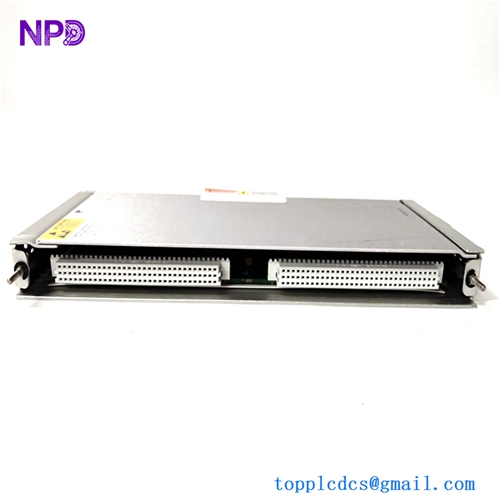
- The “I/O Module” Trap: Remember, the 3500/42M is the front card, but the back I/O module (internal or external termination) must match. If you buy a new monitor card but your backplane I/O is for a different sensor type, it won’t work. Always check the part number on the back of the rack too.
- Configuration Upload: When you plug in a new 42M, it will likely stay in “Bypass” until you upload the configuration from your PC using the 3500 Rack Configuration software. Make sure you have a backup of your .3500 file before you start!
- Hot-Swapping Warning: While the 3500 is technically hot-swappable, I’ve seen boards arc if they aren’t pushed in firmly and straight. Use the ejection levers properly. If the “OK” light doesn’t go green in 30 seconds, pull it out and check the backplane pins.