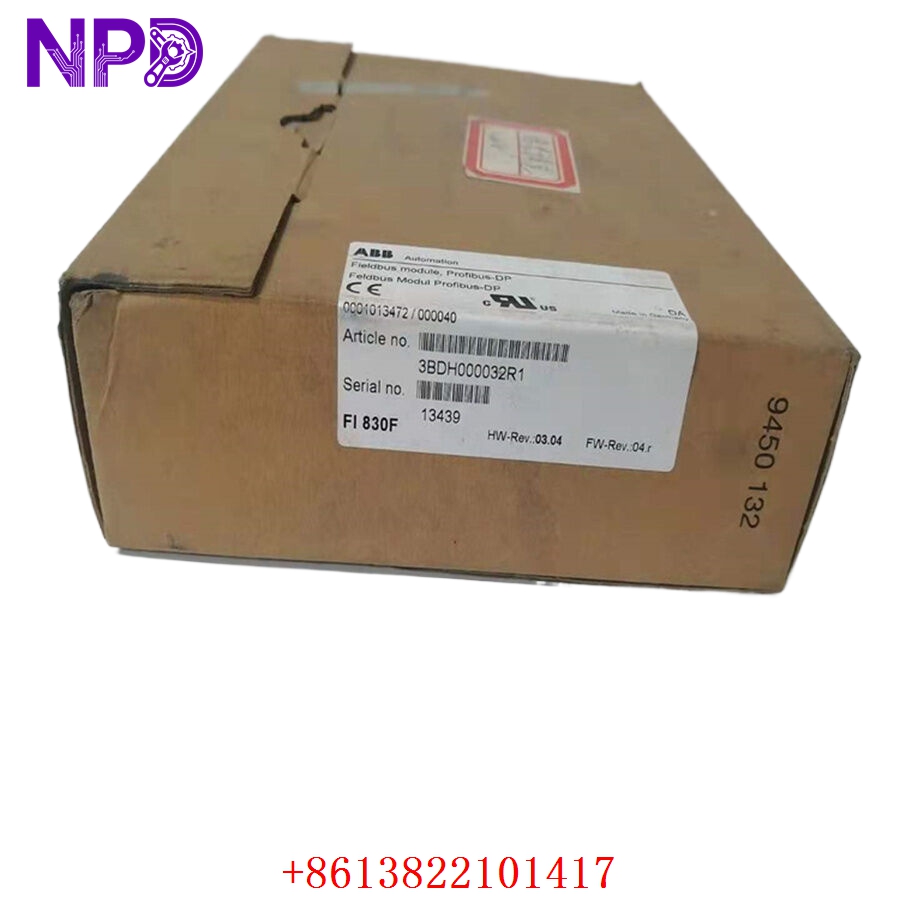

Description
🌐 Product Overview
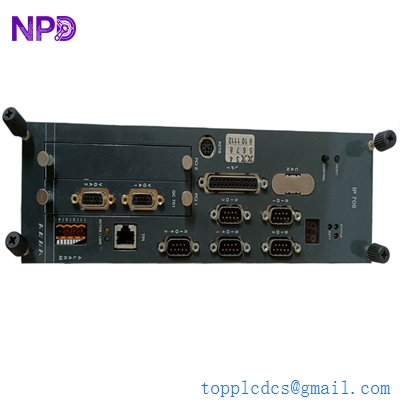
The B&R 2CP100.60-1 is a robust and highly reliable CPU module engineered by B&R Automation to serve as the core processing brain for demanding industrial automation systems. Designed for scalability and precision, this module ensures seamless execution of complex control logic, high-speed data processing, and reliable communication within networked machine environments.
⚙️ Technical Specifications
- Dimensions: 160 mm x 100 mm x 80 mm (approximate standard module footprint)
- Weight: 0.65 kg
- Country of Origin: Austria
- Processor Performance: Optimized for real-time task execution
- Interfaces: Integrated fieldbus and communication ports for seamless integration
- Operating Temperature: Engineered for harsh industrial environments
🏗️ Application Areas
- Packaging machinery automation
- High-speed assembly lines
- CNC and motion control systems
- Modular machine manufacturing
- Process control and monitoring infrastructure

📖 Product Usage Instructions
- Installation: Ensure the module is properly seated in the B&R backplane system. Secure the mechanical locking mechanisms to prevent vibration-induced disconnections.
- Wiring: Always adhere to the provided pinout diagram. Use shielded cables for communication ports to prevent electromagnetic interference.
- Configuration: Utilize the B&R Automation Studio software environment to configure the module, assign IP addresses, and download the control application.
✅ Initial Startup Checklist
- Verify the power supply voltage meets the module’s requirements.
- Confirm all physical connections (power, communication, I/O) are tight and secure.
- Check that the ambient temperature is within the specified operating range.
- Ensure the latest firmware version is installed via Automation Studio.
- Observe the diagnostic LEDs on the front panel during the boot sequence to ensure no error codes are triggered.
🛠️ Daily Maintenance
- Visual Inspection: Regularly check for any signs of dust accumulation or loose cabling.
- Environmental Control: Ensure cabinet cooling fans are operational to prevent overheating.
- Backups: Periodically export and save the current project configuration and application data to an external secure location.
⚠️ Safety Precautions
- Power Off: Always disconnect power before inserting or removing the module.
- Electrostatic Discharge: Use a grounded wrist strap when handling internal components to prevent damage from static electricity.
- Environment: Do not operate the device in explosive or highly corrosive environments without proper protective housing.
🔍 Troubleshooting & FAQ
- Q: The status LED is blinking red. What should I do? A: A red status LED typically indicates a hardware fault or configuration error. Connect to Automation Studio and check the “Diagnostic Buffer” for specific error codes.
- Q: The module is not communicating with the network. A: Verify the physical bus connection and ensure the network topology is correctly configured in the software project.
- Q: Can I perform a “hot-swap” with this module? A: No, the 2CP100.60-1 is not designed for hot-swapping. Always remove power before attempting to remove or install the module.
- Q: How do I perform a factory reset? A: Use the dedicated reset procedure within Automation Studio to clear the user memory and restore default factory settings.