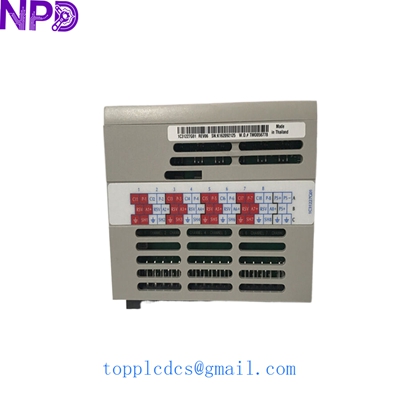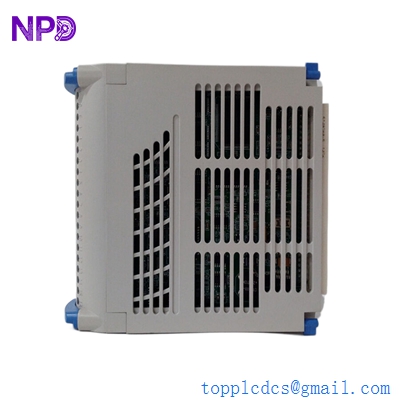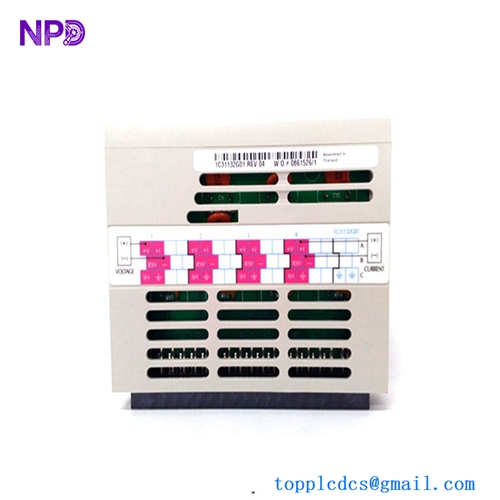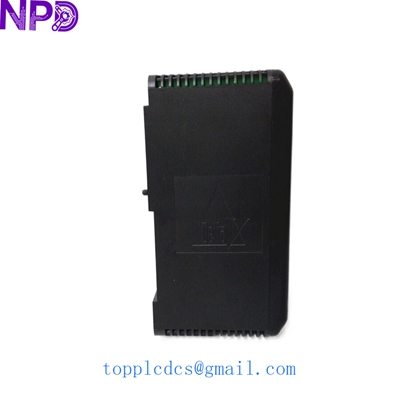

Description
- Model: EMERSON VE3008 (Part No: KJ2005X1-MQ1 / 12P6381X022)
- Brand: Emerson (USA)
- Series: DeltaV M-Series Controller
- Core Function: Distributed Control System (DCS) Processor [Condition: New Surplus]
- Product Type: MQ Controller Module
- Key Specs: 100 Mbps Ethernet | Supports Redundancy | M-Series Interface
| Processor Type | MQ Controller |
| Input Power | 24 V DC (via Power/Controller Carrier) |
| Operating Current | 450 mA Maximum |
| Communication Speed | 10/100 Mbps Full Duplex |
| Local I/O Capacity | Supports up to 64 I/O Modules |
| Redundancy | Supports Active-Standby Redundancy |
| Operating Temperature | -40 °C to +70 °C (-40 °F to 158 °F) |
| Storage Temperature | -40 °C to +85 °C (-40 °F to 185 °F) |
| Relative Humidity | 5% to 95% Non-condensing |
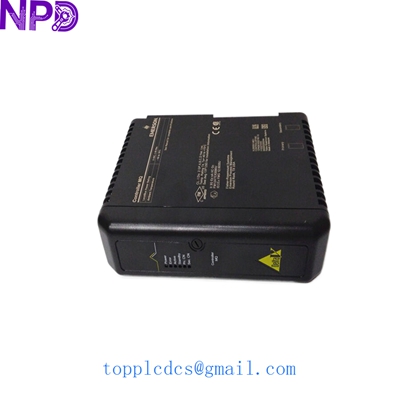
EMERSON VE3008 12P6381X022 KJ2005X1-MQ1
Installation & Configuration Guide
Replacing a DeltaV MQ controller is a critical task. While the system is designed for modularity, the transition between an old processor and a new one requires strict adherence to the DeltaV hardware protocol to avoid database mismatches or system-wide communication loss.
Phase 1: Preparation (Estimated: 20 mins)
⚠️ Safety Warning: Before attempting a replacement, ensure you have a “Hot Backup” or the secondary controller is healthy if running in a redundant pair. If this is a non-redundant standalone controller, production must be stopped. Verify that your current DeltaV software version supports the MQ hardware revision.
Tool Checklist:
- Anti-static wrist strap.
- DeltaV Explorer access (to verify node addresses).
- Smartphone camera: Capture the current LED status and the MAC address/Serial number on the side of the unit.
- Backup of the current Controller Configuration and Library.
Phase 2: Removal of Old Module (Estimated: 10 mins)
- Switch to Standby: If redundant, force a switchover in DeltaV Explorer to ensure the peer controller is active.
- Power Down: While DeltaV supports hot-swapping some I/O, it is professional practice to power down the specific controller carrier if the system architecture allows, specifically for the MQ processor.
- Release the Latches: Press the top and bottom release tabs simultaneously.
- Extract the Module: Pull the VE3008 straight out from the carrier. Be careful not to bend the pins on the backplane connector.
Phase 3: Installation of New Module (Estimated: 15 mins)
- Check Hardware Address: Ensure the new KJ2005X1-MQ1 is recognized by the carrier. The MAC address is fixed, but the Node address is determined by the carrier position.
- Seating the Module: Align the controller with the carrier guide rails. Push firmly until the latches click into place.
- Visual Inspection: Ensure the module is flush with the neighboring power supply or I/O interface. Any tilt will cause intermittent communication errors on the DeltaV Control Network.
Phase 4: Commissioning & Download (Estimated: 30 mins)
- Initial Power-Up: The LEDs will cycle. A flashing green “Run” LED indicates the controller is in a pre-commissioned state.
- Commission the Node: Open DeltaV Explorer, find the “Decommissioned Nodes,” right-click the new MQ controller, and select “Commission.”
- Firmware Verification: DeltaV may prompt for a firmware upgrade to match the system version. Do not interrupt power during this 5-10 minute process.
- Full Download: Perform a “Full Download” to the controller. Once completed, the “Run” LED should turn solid green.
- Redundancy Sync: If applicable, wait for the “Active” and “Standby” statuses to synchronize.
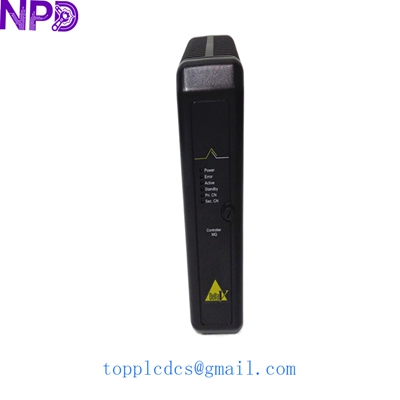
EMERSON VE3008 12P6381X022 KJ2005X1-MQ1
Customer Cases & Industry Applications
Case 1: Power Plant Control Network Recovery
Background: An aging coal-fired power plant in Southeast Asia used the DeltaV M-Series for its turbine bypass control. During a routine maintenance cycle, the primary VE3008 MQ controller failed to reboot, leaving the system running on a single non-redundant standby that was also showing signs of memory degradation.
The Problem: The MQ series is a legacy model. The local distributor quoted a 16-week lead time for a modern replacement kit that would have required a costly and time-consuming software migration.
The Result: The client contacted us for a New Surplus KJ2005X1-MQ1. We shipped the unit via priority express. It arrived in 72 hours. Because it was a direct physical replacement (12P6381X022), the plant engineers swapped it out and performed a download within 45 minutes, restoring full redundancy without any software changes.
Case 2: Pharmaceutical Batch Processing Reliability
Background: A global pharmaceutical firm was experiencing intermittent “Bus Faults” on their DeltaV control segment. Diagnostic logs pointed to an internal backplane communication error within an MQ controller.
The Solution: To avoid risking a batch worth $200,000, they decided to replace the suspect Board immediately. We provided a tested, New Surplus unit from our inventory.
Feedback: The maintenance lead noted: “Finding 12P6381X022 in new condition is getting difficult. Having this on the shelf allowed us to perform a surgical replacement during a scheduled 4-hour window, resolving the bus errors immediately.”
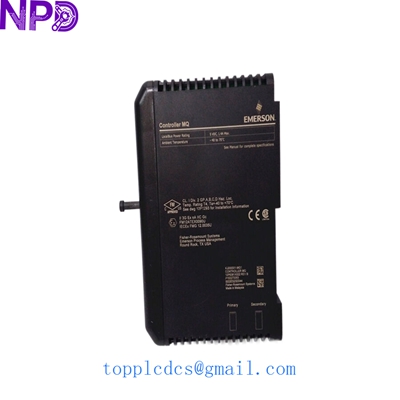
EMERSON VE3008 12P6381X022 KJ2005X1-MQ1
Frequently Asked Questions (FAQ)
Q1: What is the difference between MQ and M5 controllers? A: The MQ controller (VE3008) provides significantly more memory and processing power than the older M5. It is designed to handle more complex control logic and larger I/O counts within the same M-Series footprint.
Q2: Does this unit come with the system software pre-installed? A: No. The controller is shipped with factory firmware. You must use DeltaV Explorer to “Commission” the controller and download your specific project database and the correct firmware version for your system.
Q3: Is the 12P6381X022 revision compatible with older KJ2005X1-MQ1 units? A: Yes. The 12P6381X022 is a specific hardware revision code that is fully compatible with the KJ2005X1-MQ1 family. It is a “form, fit, and function” replacement.
Q4: How do I know if my unit is “New Surplus”? A: Our New Surplus units are unused, sourced from cancelled projects or excess corporate spares. They arrive in the original anti-static packaging. We provide high-resolution photos of the gold fingers and pins prior to shipping to prove there has been no insertion wear.
Q5: What should I do if the “Error” LED stays red after installation? A: First, check the DeltaV Diagnostics utility. A solid red LED often indicates a firmware mismatch or a failure to commission. If the error persists after a firmware flash, it may indicate a backplane/carrier fault.
Suggested Spare Parts Inventory
Maintaining a legacy DeltaV system requires strategic hoarding of these critical components:
- EMERSON VE3007 – MX Controller
- EMERSON VE4001S2T2B1 – AI 8-Channel 4-20mA Module
- EMERSON VE4002S1T2B1 – AO 8-Channel 4-20mA Module
- EMERSON VE4003S2B1 – DI 16-Channel 24V DC Module
- ABB PM866K01 – AC800M Controller
- HONEYWELL CC-PAIH01 – High-Level Analog Input
- TRICONEX 3625 – Digital Output Module
- BENTLY NEVADA 3500/15 – Power Supply
- YOKOGAWA AAI143-S00 – Analog Input
- GE IC695CPU315 – RX3i CPU