Description
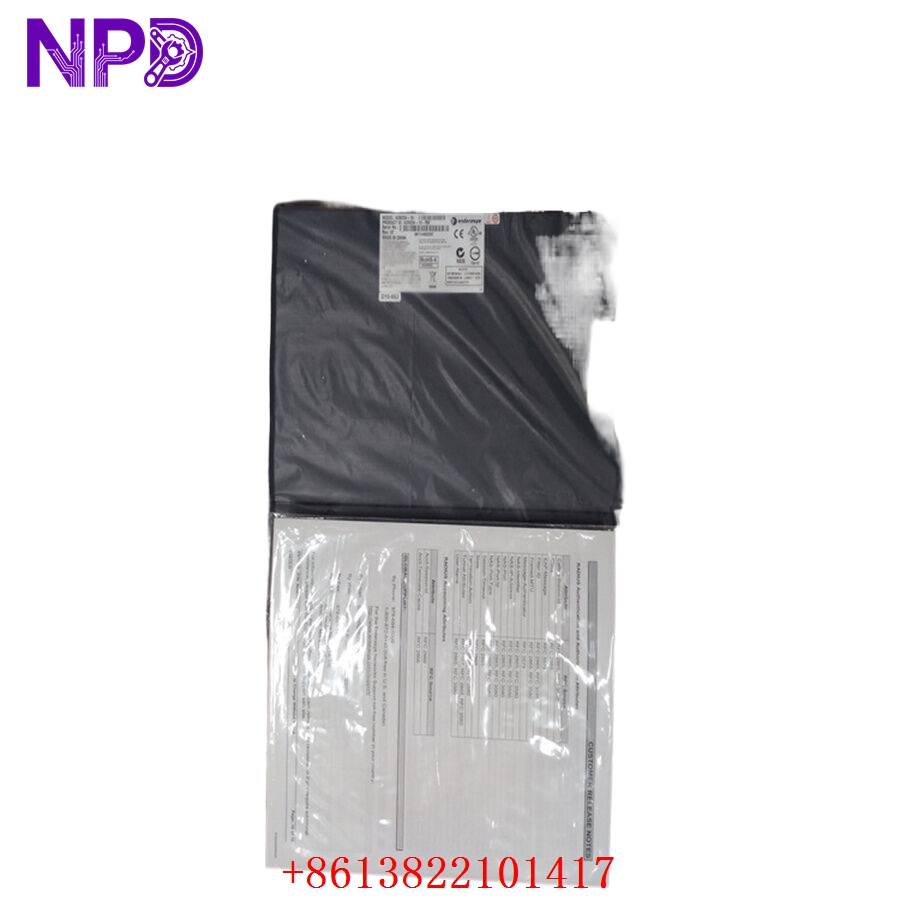
- Brand: Enterasys (Extreme Networks)
- Series: A2 Series Managed Stackable Switches
- Core Function: Provides high-performance Layer 2/3 switching and robust network management for edge deployments
- Product Type: Managed Ethernet Switch
- Key Specs: 16 x 10/100/1000BASE-T ports, SFP combo ports, managed via CLI/SNMP
- Port Configuration: 16 x 10/100/1000 Mbps RJ45 ports
- Uplink Ports: 2 x 1000BASE-X SFP combo ports
- Switching Capacity: 36 Gbps non-blocking switching fabric
- Layer 2 Features: VLAN support (IEEE 802.1Q), QoS (IEEE 802.1p), IGMP Snooping
- Management: CLI, SNMP v1/v2/v3, Web-based management interface
- Power Supply: Internal 100–240 V AC auto-ranging power supply
- Form Factor: 1U Rack-mount
- Operating Temperature: 0°C to 45°C
Application Scenarios & Engineering Pain Points
The A2H254-16-RH is a classic “workhorse” switch often found in factory automation control rooms, local data cabinets, and campus edge networks. The primary engineering challenge with these legacy devices is firmware lifecycle management and port density. When these switches fail, network engineers often face the “proprietary management” hurdle—trying to integrate an aging switch into a modern, centralized network management system (like Extreme Management Center).
Typical Application Scenarios:
- Industrial Automation – Control Network Edge Used to aggregate PLC, HMI, and I/O communication in localized control cabinets.
- Campus Connectivity – Local Distribution Provides high-speed uplink capacity for small workgroups or satellite offices.
- Legacy Infrastructure – Server Room Monitoring Reliable switching for out-of-band management of servers and environmental sensors.
Case Study: Network Edge Resilience in a Warehouse A logistics provider faced a critical switch failure in their automated sorting center, which took down 16 scanners and tracking stations. Their modern IT infrastructure didn’t have immediate capacity for these older RJ45-based devices. By sourcing an A2H254-16 from our surplus inventory, they were able to restore the specific VLAN configurations and port-security policies within one hour, bypassing the need for a total network architectural overhaul during their peak season.
Troubleshooting Quick Reference
If you are seeing network latency or “Port Down” errors, don’t assume the switch is failing immediately. These legacy managed switches often require a simple logic reset.
| Failure Symptom | Possible Cause | Quick Check Method | Recommended Action |
|---|---|---|---|
| No Link Activity | Port/Cable Fault | Swap patch cable; test port | If port stays dark, check VLAN tagging |
| Console Timeout | Management Locked | Try serial console (9600-8-N-1) | Perform hardware factory reset |
| Intermittent Latency | Broadcast Storm | Check SNMP traffic stats | Enable Storm Control / Loop Detection |
| Power/Fan Fault | Overheating | Verify fan operation; clear dust | Clean cabinet intake filters |
Engineer’s Note: ❗ Crucial Advice: If you are deploying this unit after it has been sitting in storage, update the firmware to the latest available version before placing it into production. Legacy A2 series switches have known vulnerabilities in early firmware versions regarding SNMP access and buffer overflows. Always isolate the management VLAN!