
Description
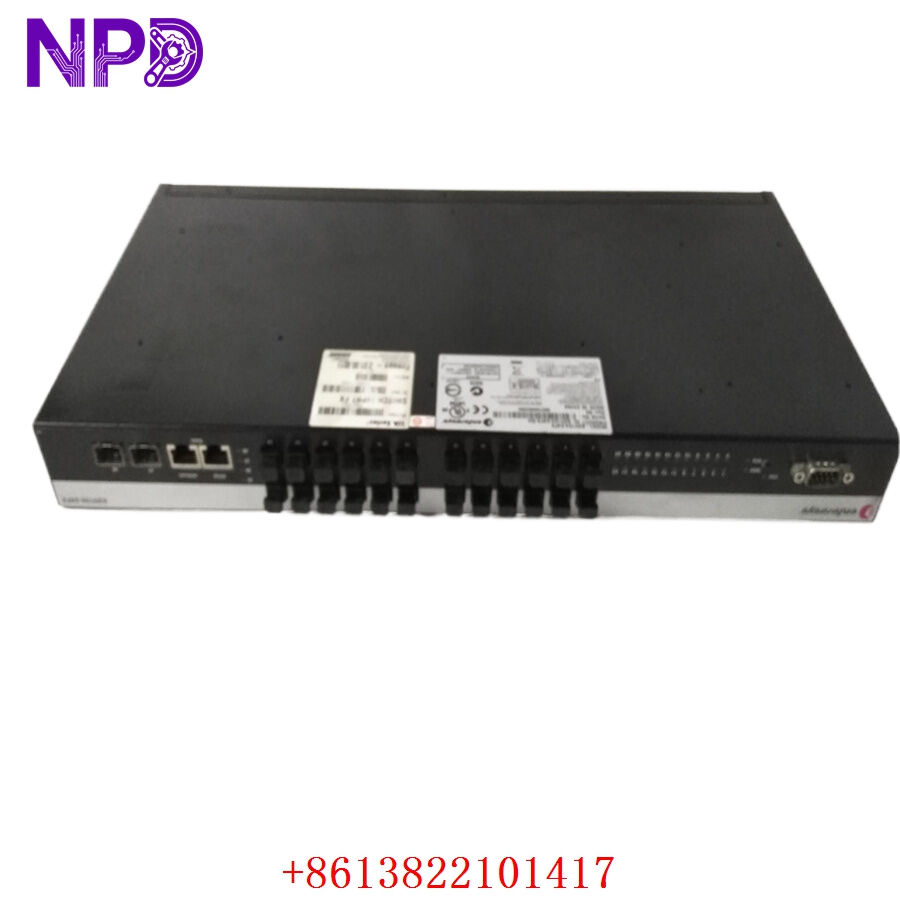
The Enterasys A4H124-24FX is a high-performance, managed Fast Ethernet switch engineered to deliver robust edge-to-core connectivity, high port density, and advanced security features for enterprise and industrial networks. Featuring 24 dedicated fiber-optic Fast Ethernet ports, this unit is purpose-built for long-distance data transmission, high-noise immunity, and secure networking requirements where traditional copper cabling falls short. Equipped with integrated hardware-based switching protocols and multi-layer access control capabilities, it ensures optimal traffic prioritization, high-speed multi-service data handling, and deterministic network performance.
Product Datasheet & Specifications
- Manufacturer: Enterasys Networks (Extreme Networks)
- Part Number: A4H124-24FX
- Product Line: Secure Networks A4 Series
- Total Port Count: 24 Fixed Fiber Ports + 2 Combo Ports + 2 Dedicated Stacking Ports
- Port Type: 100Base-FX (Fast Ethernet Fiber-Optic, SC/SFP dependent)
- Uplink Capabilities: Dual Gigabit Ethernet combo ports for high-capacity uplink expansions
- Switching Capacity: 12.8 Gbps wire-speed forwarding bandwidth
- Forwarding Rate: 9.5 Mpps (Million Packets Per Second)
- MAC Address Table Size: 16,000 entries
- Approximate Dimensions: 44.0 cm x 36.8 cm x 4.4 cm (Standard 1U rackmount form factor)
- Approximate Weight: 4.8 kg (10.58 lbs)
- Country of Origin: United States / Taiwan
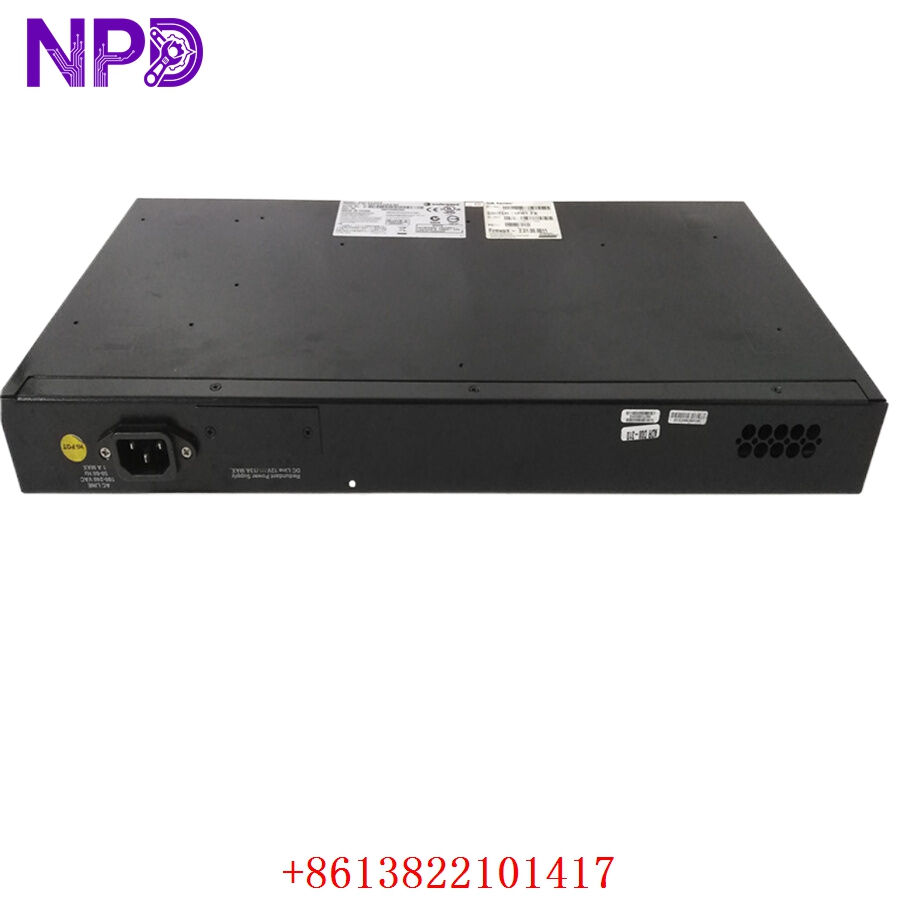
- Operating Input Voltage: 100 V AC to 240 V AC auto-ranging internal power supply
Extreme Networks A4H124-24FX
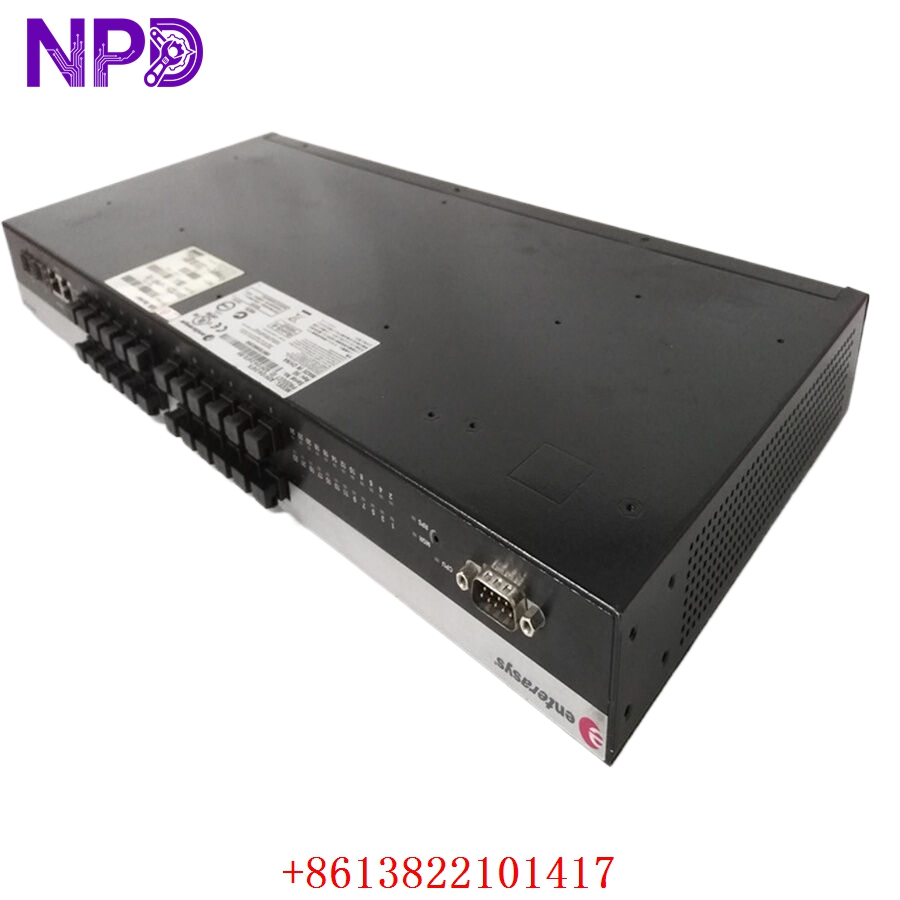
Extreme Networks A4H124-24FX
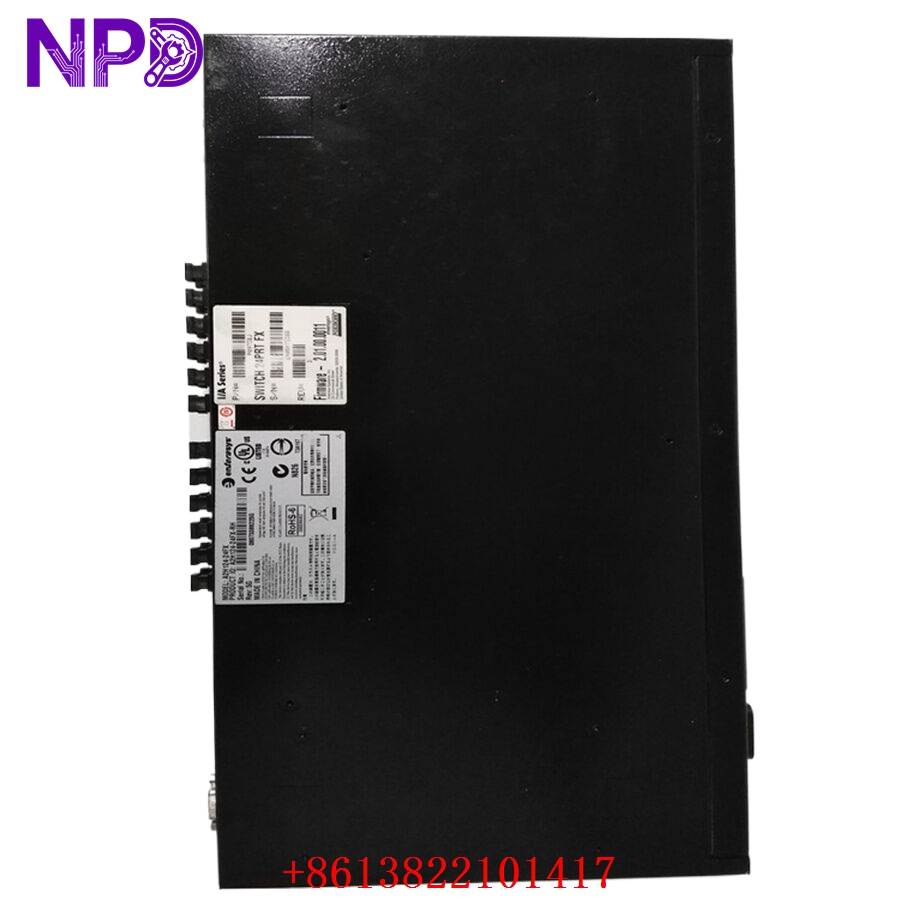
Extreme Networks A4H124-24FX
Key Application Fields
- Industrial Automation Networks: Links localized PLCs, HMI units, and control panels over long-distance fiber backbones to eliminate ground loop voltage risks.
- Petrochemical & Hazardous Facilities: Ideal for oil refineries and offshore platforms where fiber connections avoid spark risks associated with traditional copper wiring.
- Distributed Control Systems (DCS): Connects remote I/O sub-racks across large manufacturing processing floors to a centralized plant control room.
- Energy Substation Monitoring: Used within high-voltage environments because fiber cabling provides complete immunity from severe electromagnetic interference (EMI).
- Campus Security Infrastructure: Coordinates distributed edge connections for high-bandwidth telemetry and traffic monitoring systems.
Product Instructions & Guidelines
- Rack Installation: Secure the mounting brackets to both sides of the switch casing. Slide the assembly into a standard 19-inch electronics rack and tighten the four panel screws securely to ensure electrical grounding.
- Fiber Handling Protocol: Remove the dust caps from the 100Base-FX ports only right before inserting the fiber optic patch cables. Maintain proper fiber bend radiuses to avoid micro-bends that cause signal attenuation.
- Power Synchronization: Insert a standard 3-prong IEC power cord into the rear AC port. For mission-critical control uptime, connect the switch input line directly to an Uninterruptible Power Supply (UPS).
- Stacking Expansion: To expand your network capacity, utilize the dedicated rear stacking ports to combine multiple A4 units into a single logical entity managed through a single IP address.
- Network Configuration: Access the Command Line Interface (CLI) or the secure embedded web interface via the console port to configure parameters like Virtual LANs (VLANs), Quality of Service (QoS) priorities, and Spanning Tree Protocols (STP).
Q&A – Frequently Asked Questions
- Q: What are the main benefits of using 24FX fiber ports over copper RJ45 ports in an industrial setting?
- A: Fiber optic links provide absolute immunity to industrial electromagnetic interference (EMI/RFI), isolate ground loops across long distances, and prevent data corruption caused by heavy proximity motor switchgears.
- Q: Does this switch support Layer 3 routing or is it strictly a Layer 2 device?
- A: The Enterasys A4 series operates primarily as a high-speed Layer 2 managed switch, but it includes basic Layer 3 static routing capabilities to easily segment localized network traffic.
- Q: How do the two “combo” ports on the front panel function?
- A: The combo ports provide flexibility by offering both an RJ45 copper interface and an SFP slot. Using one interface automatically disables the corresponding paired port next to it.
- Q: What steps should be taken if the system status indicator turns solid amber?
- A: A solid amber status light typically points to an internal self-test failure or an environmental over-temperature alert. Check the ambient cabinet temperature and cycle the main power lines to reset the diagnostics.
Recommended Hot Stock Models
- ENTERASYS A4H124-24
- ENTERASYS B5G124-24
- ENTERASYS C5G124-24
- ENTERASYS 7G202-12-04
- ENTERASYS 6G242-40
- EXTREME NETWORKS X440-G2-24t-10GE4
- EXTREME NETWORKS X460-G2-24t-10GE4
- CISCO WS-C2960X-24TS-L
- CISCO WS-C3750X-24T-S
- BARRETT 2019-01-03-01