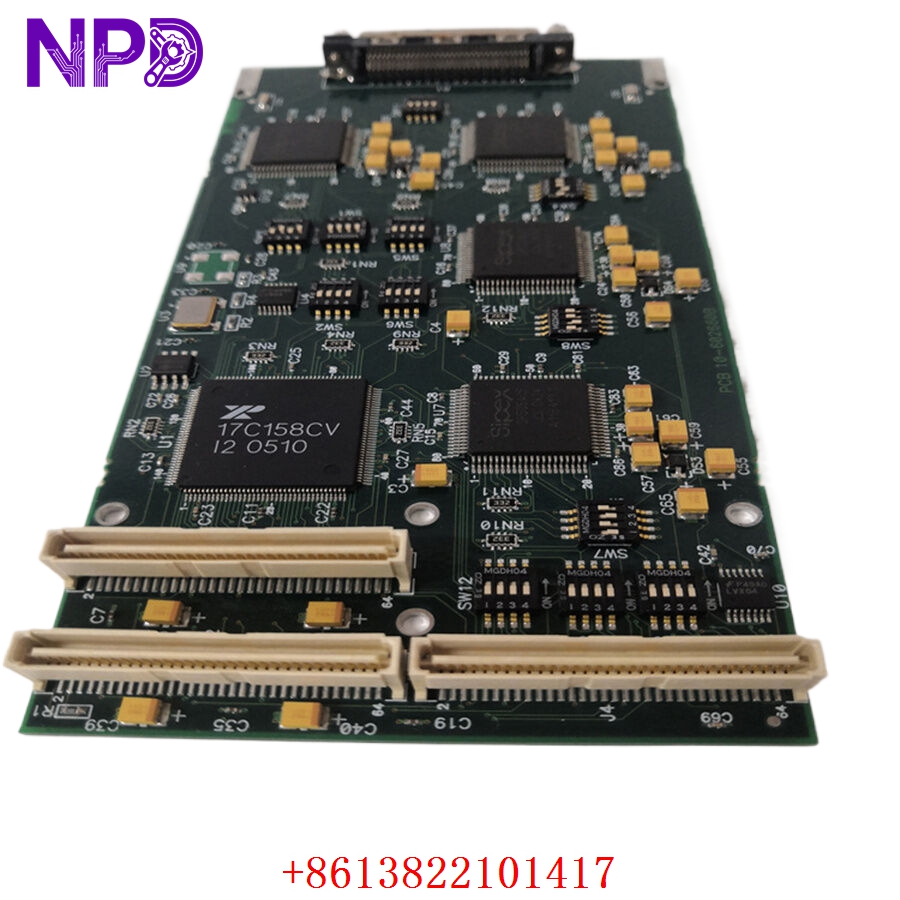

Description
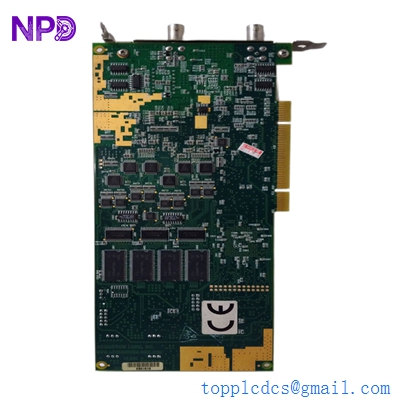
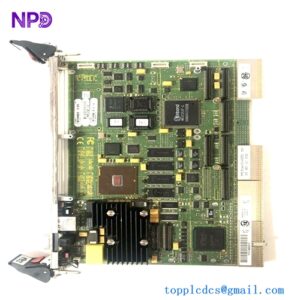
The FANUC A16B-3200-0780 is a high-performance Main A PCB assembly designed for the FANUC R-30iB robot controller series. This board functions as the primary processing and coordination hub, managing the logic, communication, and system-wide synchronization required for precision robotic motion. It acts as the central interface that links various subsystems, including motion control, I/O management, and safety protocols.
📋 Technical Specifications
🔹 Part Number: A16B-3200-0780 (also A16B32000780) 🔹 System Series: FANUC R-30iB Robot Controller 🔹 Type: Main Board / Main A PCB 🔹 Function: Central Robot Control Logic and Signal Processing 🔹 Weight: 0.45 kg (approx.) 🔹 Origin: Japan
🚀 Application Fields
⚡ Industrial Robotic Cell Automation ⚓ Welding and Material Handling Systems 🏭 Manufacturing Assembly Lines ⚙️ Precision Motion Control and CNC Robotics
🛠️ Product Instructions
This board is installed internally within the FANUC R-30iB robot control cabinet. Always utilize a grounded anti-static wrist strap during handling to protect internal circuitry. Align the board carefully with the cabinet’s main backplane before firmly seating the connector. Ensure all locking mechanisms are fully engaged to prevent disconnections caused by vibration during high-speed robotic maneuvers.
⚙️ Communication & Configuration Steps
⚙️ Address Mapping: Internal addressing is handled automatically by the system firmware. Ensure that the backplane interface remains clean and free of oxidation to maintain data link integrity. ⚙️ Station Number: The board is designated as the “Main A” controller; configuration is verified through the FANUC teach pendant or authorized maintenance software. ⚙️ Communication Protocols: The board manages proprietary internal bus traffic. If faults occur, verify that all ribbon cable connections are secure and check for signal interference from external I/O cabling.
🔋 Power-up Debugging Process
✅ Step 1: Verify the stability of the power supply unit (PSU) outputs that feed the main rack. ✅ Step 2: Apply power and monitor the status LEDs on the R-30iB controller cabinet for diagnostic error codes. ✅ Step 3: Use the teach pendant to check the “System Status” screen for boot-up completion. ✅ Step 4: If the system fails to initialize, consult the manufacturer’s manual for LED patterns specific to Main A board errors.
📋 First-time Operation Checklist
✔️ Confirm the part number matches the revision requirements of your specific R-30iB controller. ✔️ Inspect the PCB for any physical damage or shipping stress before mounting. ✔️ Check that all secondary I/O modules are properly seated and connected to the board interface. ✔️ Perform a full diagnostic check via the FANUC software interface to ensure all nodes are recognized.
❓ Frequently Asked Questions (Q&A)
❓ Q: How do I identify a failure in this board? 💡 A: Common indicators include persistent “Communication Fault” alarms, the controller failing to boot, or intermittent loss of connection with the teach pendant. Always inspect internal cables before concluding that the board itself has failed.
❓ Q: Is this board compatible with older FANUC controller models? 💡 A: No. This board is specifically engineered for the R-30iB architecture. Installation in older systems, such as the R-J3iB, will result in incompatibility and potential electrical damage.
❓ Q: Can this PCB be repaired on-site? 💡 A: Due to the complexity of the multi-layer surface-mount technology (SMT), component-level repair should only be performed by certified industrial electronics specialists equipped with professional diagnostic tools.