Description
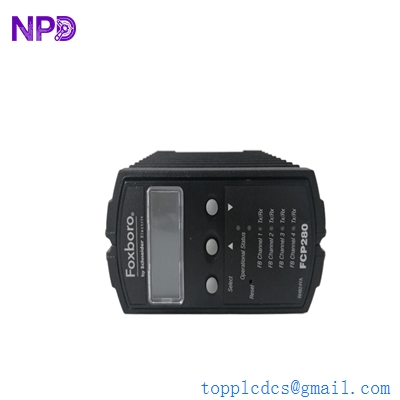
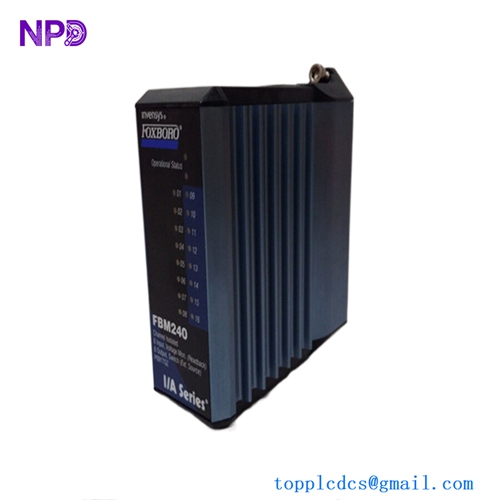
- Model: FOXBORO FBM211 (P0914TN)
- Brand: Foxboro (Schneider Electric)
- Series: I/A Series / EcoStruxure Foxboro DCS
- Core Function: 16-channel analog input for 0-20 mA DC signals
- Type: Fieldbus Module (FBM)
- Key Specs: 16 isolated channels, 0-20 mA range, high-accuracy A/D conversion
- Input Channels: 16 isolated analog input channels
- Input Signal Range: 0 to 20 mA DC (supports 4-20 mA)
- Input Impedance: 250 Ω nominal
- Accuracy: ± 0.03% of span (typical at 25°C)
- Resolution: 15-bit A/D converter
- Isolation: Each channel is galvanically isolated from ground and logic
- Power Consumption: Typically 3 Watts (from the 24 V DC Fieldbus Power)
- Communication: Redundant 2 Mbps HDLC via the Baseplate
- Operating Temperature: -20°C to +70°C (-4°F to +158°F)
- Regulatory Compliance: Class G3 Harsh Environments (ISA Standard S71.04)
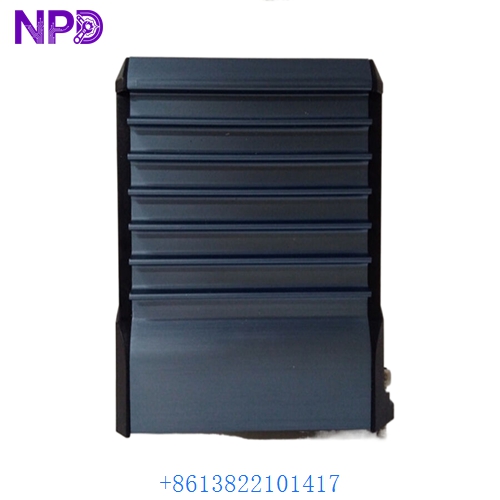
FOXBORO FBM211 P0914TN
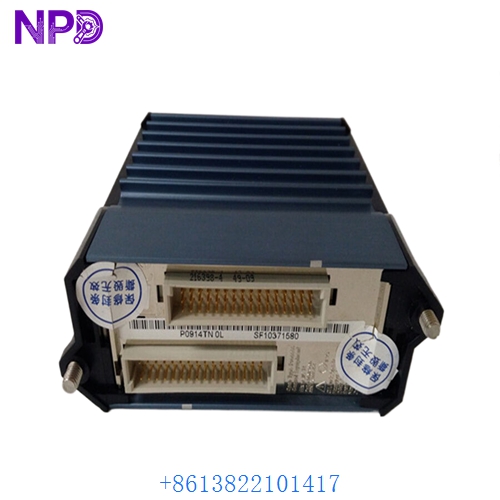
FOXBORO FBM211 P0914TN
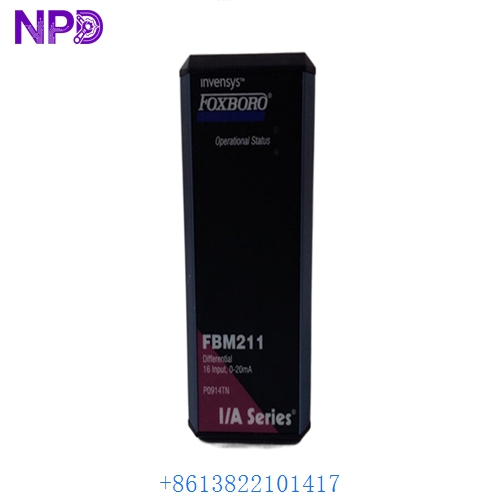
FOXBORO FBM211 P0914TN
Installation & Configuration Guide
Phase 1: Preparation (15 minutes)
⚠️ Safety Protocol: The FBM211 is a critical part of the Foxboro I/A Series. While these modules support “Hot Swapping,” I’ve seen cases where pulling an active module causes a “Module Fail” storm in the Integrated Control Block (ICB). Ensure you have inhibited the associated Compound/Block in the software.
Required Items:
- Grounded anti-static wrist strap.
- Foxboro Integrated Control Configurator (ICC) or Letterpicker software.
- The original “Letterbug” (Address identifier) if not using a new one.
Phase 2: Physical Installation (10 minutes)
Steps:
- Identify the Slot: Locate the correct position on the Modular Baseplate (typically a 2rd or 8th slot configuration).
- Letterbug Transfer: If you are replacing an existing unit, remove the “Letterbug” from the old P0914TN and snap it into the back of the new module. This defines the hardware address.
- Alignment: Align the FOXBORO FBM211 P0914TN with the guide pins on the baseplate.
- Seating: Push the module firmly onto the baseplate connectors and tighten the two captive screws. Do not use power tools; hand-tight is sufficient.
Phase 3: Software Initialization (20 minutes)
The Validation Process:
- LED Status:
- READY (Green): The module has passed self-test.
- OPERATIONAL (Green): The module is communicating with the CP (Control Processor).
- Download Configuration: If the “Failsafe” LED is on, you may need to re-download the FBM configuration from the engineering station.
- Loop Check: Inject a 12 mA signal at the field terminal. Verify that the “Raw Data” in the I/A Station shows 50% or 12.00 mA.
Customer Cases & Industry Applications
Case 1: Refineries – Crude Unit Stability
Situation: A refinery in Texas had a failed FBM211 controlling pressure transmitters on a crude tower. The OEM lead time was 10 weeks due to supply chain constraints. Task: Find an immediate FOXBORO FBM211 P0914TN to restore 16 critical measurement points. Action: We shipped a New Surplus unit via Priority Overnight. Result: The site engineer swapped the module during a shift change. The unit returned to “Operational” status in 15 minutes. Total downtime cost avoided: Estimated $80,000 in throughput.
Case 2: Water Treatment Facility Upgrade
Situation: A municipality was expanding their SCADA system and needed to add more analog inputs to an existing Foxboro 200 Series rack. Task: Add 16 new 4-20 mA loops for flow and level monitoring without upgrading the entire DCS platform. Action: We provided two P0914TN modules from our inventory, which were from a cancelled municipal project. Result: The client saved 40% compared to factory list prices and received the parts in 3 days instead of 3 months.
Frequently Asked Questions (FAQ)
Q: Can the FBM211 provide power to the transmitters (2-wire)? A: No. The FBM211 is a “sink” module. It measures current but does not provide loop power. You will need an external 24 V DC power supply or a different module (like the FBM201) if you need the module to power the sensors.
Q: What is the difference between FBM211 and FBM201? A: The FBM201 provides 8 channels of 0-20 mA with loop power. The FBM211 provides 16 channels but requires external loop power. If you have high-density needs and external power, the P0914TN is much more cost-effective.
Q: My “Failsafe” LED is Red. What should I do? A: This usually indicates a firmware mismatch or a hardware failure during boot-up. Try reseating the module first. If the error persists, check the “System Management” display on your Foxboro station for a specific error code.
Q: Why buy “New Surplus” for an I/A Series system? A: Foxboro hardware is known for lasting 20-30 years. However, finding “New-in-Box” parts for the older 200 series is getting harder. Our New Surplus P0914TN units offer the reliability of a new part (clean contacts, fresh capacitors) at a fraction of the cost of a migration to a newer platform.
Q: Is the “Letterbug” included? A: No. Letterbugs are usually specific to your plant’s addressing scheme. You should reuse the Letterbug from your old module or order a new one (P0904MT series) separately.