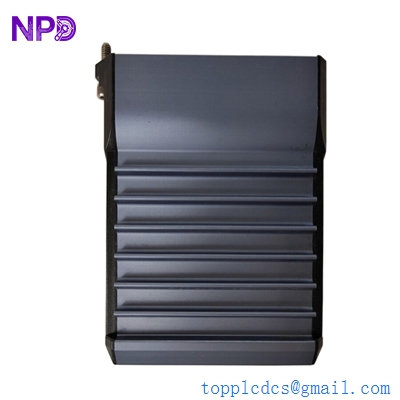

Description
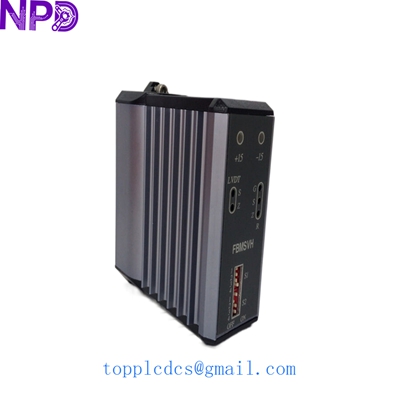
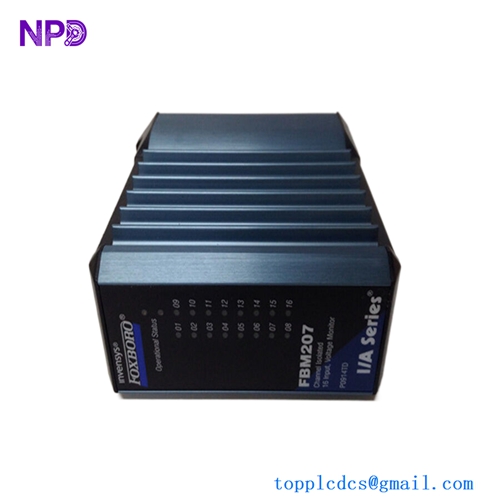
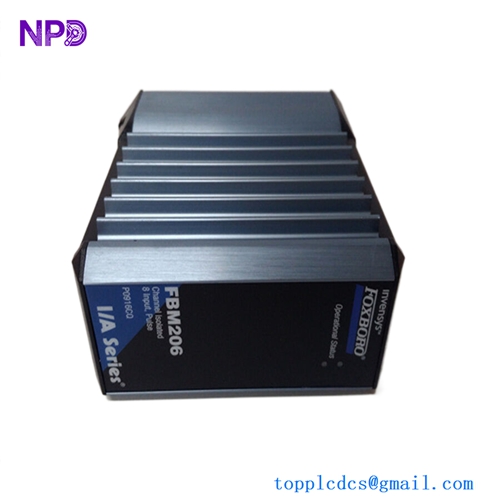
- Model: Foxboro FBM230 (P0926GU)
- Brand: Foxboro (Schneider Electric)
- Series: I/A Series / EcoStruxure Foxboro DCS
- Core Function: 24-channel discrete input interface for monitoring switches and contacts.
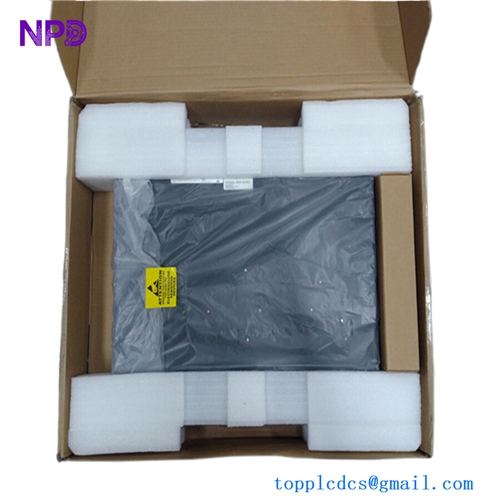
- Condition: Brand New Surplus (New in Box/Open Box for Inspection).
- Product Type: Discrete Input Field Bus Module (FBM).
- Key Specs: 24 Input Channels | 24V DC Voltage | Redundant/Non-Redundant Support.

FOXBORO FBM230 P0926GU
Key Technical Specifications
- Input Channels: 24 isolated discrete inputs
- Input Voltage: 24V DC (nominal)
- Input Current: 2.2 mA (typical per channel)
- Logic Threshold: Logic 1 (High) > 15V DC; Logic 0 (Low) < 5V DC
- Isolation: 600V AC between inputs and communication logic
- Module Power Consumption: 3W (maximum)
- Mounting: DIN rail via Modular Baseplate (P0926KE/P0926HF)
- Communication: Twinaxial or Fiber Optic via Baseplate
- Filter Time: Configurable (typically 4ms to 512ms)
- Operating Temp: 0°C to +60°C (Standard)
Installation & Configuration Guide
Phase 1: Pre-Installation (Preparation)
Safety Checklist:
- Check the Baseplate: Ensure the baseplate pins are straight. In my experience, a single bent pin on a P0926KE baseplate can cause intermittent “Module Fail” alarms that are a nightmare to troubleshoot.
- Verify Voltage: Confirm the field power supply is a clean 24V DC. High ripple voltage can cause “chattering” on digital inputs.
- Static Protection: Always use a grounded wrist strap. The FBM230 internal logic is sensitive to ESD (Electrostatic Discharge).
Phase 2: Removing the Old Module
- Identify the Lettering: On Foxboro systems, the FBM position (e.g., FBM 01) is critical. Label the module before removal.
- Unscrew the Fasteners: Use a flat-head screwdriver to loosen the two captive screws (top and bottom).
- Extraction: Pull the module straight out from the baseplate. Do not rock it side-to-side, as this stresses the backplane connectors.
Phase 3: Hardware Installation
- Set the Lettering (If Applicable): Some older baseplates require physical address settings, but most modern I/A series handle this via the slot position.
- Seating the Module: Align the module with the guide rails. Push firmly until the module is flush with the baseplate.
- Tightening: Hand-tighten the screws, then give them a 1/4 turn with a screwdriver. Over-tightening can crack the plastic housing.
Phase 4: System Integration (Software)
- I/A Series Letterpress/Integrated Control Configurator (ICC):
- Open your configuration tool.
- Check the “Module Status.” The new P0926GU should transition from
OFFLINEtoOPERATIONAL.
- Verify Input Mapping: Go to the Compound/Block and check the
BIN(Binary Input) values. - Live Test: Toggle a field switch (e.g., a limit switch) and verify the bit changes state in the FoxView or Control HMI.
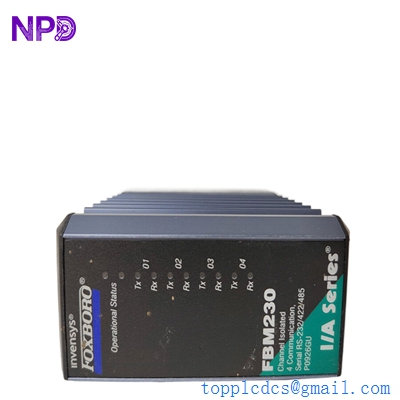
FOXBORO FBM230 P0926GU
Customer Cases & Industry Applications
Case 1: Chemical Plant “Ghost” Alarm Resolution A chemical processing facility in Texas was plagued by intermittent “Input Open” alarms on their reactor cooling system. They were using a 15-year-old FBM230. After testing, we found internal optocoupler degradation. We supplied a New Surplus P0926GU from our inventory. Because it was a direct replacement, the client swapped it during a 10-minute maintenance window without needing to re-download the control strategy. The “ghost” alarms vanished immediately.
Case 2: Power Plant Upgrade Bridge A utility provider was planning a full DCS migration to EcoStruxure in 2027 but needed to keep their existing I/A Series rack alive. A lightning strike fried several DI modules. Instead of being forced into a premature (and expensive) 200k system upgrade, they purchased three P0926GU modules from our “Last-time-buy” stock. This 5,000 investment bought them the three years they needed to stay on schedule for their capital expenditure plan.
Frequently Asked Questions (FAQ)
Q: Is P0926GU the same as the P0926HM? A: No. While they belong to the same family, the P0926GU is the RoHS-compliant version (lead-free). In 99% of systems, they are functionally identical and interchangeable, but for regulated industries (like Pharma), the P0926GU is the preferred modern standard.
Q: Can I use this in a Redundant Configuration? A: Yes. The FBM230 supports redundancy when installed on a redundant baseplate. If one module fails, the twin module takes over the 24-channel processing without a bump in the process.
Q: What is the “Lettering” on the front? A: The “Lettering” is the hardware identifier. If you are replacing an existing unit, ensure you note the ID so the system recognizes the new hardware in the same logical slot.
Q: Why is your price lower than the Schneider Electric list price? A: We specialize in New Surplus. These are modules that were purchased for large projects but never installed, or held as “Insurance Stock” by plants that have since upgraded. You get the exact same OEM quality without the “factory-order” markup or the 12-week lead time.
Q: Do you provide the terminal blocks? A: This listing is for the P0926GU module only. If you need the TA (Termination Assembly) or the cable (P0916CP), please let us know; we usually have those in stock as well.