Description
Product Specifications
-
Origin: United States (USA)
-
Weight: 0.65 lbs (0.30 kg)
-
Dimensions: 4.0 inches x 1.75 inches x 4.5 inches
-
Communication Rate: 10/100 Mbps (Auto-sensing)
-
Protocol Support: Ethernet (TCP/IP), supporting various integration drivers for third-party device connectivity.
-
Power Consumption: 3 Watts (Maximum)
-
Environment: G3 Harsh Environment compliant
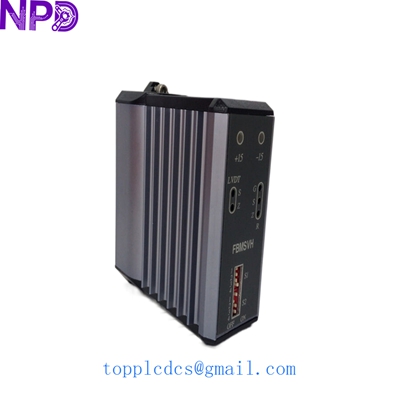
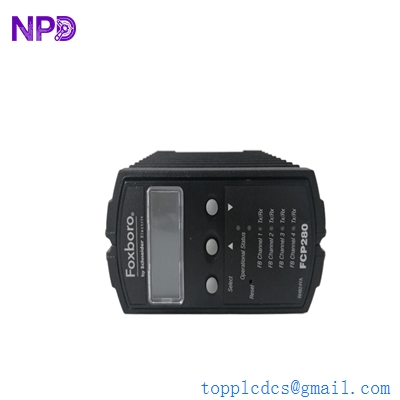
The FOXBORO FBM233 P0926GX is a specialized Ethernet Device Integrator designed to bridge the Foxboro EcoStruxure DCS with external Ethernet-ready devices such as PLCs, motor control centers, and power monitors. Functioning as a high-speed gateway, the P0926GX allows the control system to access remote data via standard TCP/IP protocols without sacrificing the deterministic performance of the internal Fieldbus. Its hardware architecture is optimized for low-latency data throughput, ensuring that variables from integrated third-party systems are updated in the DCS database with the speed and reliability required for real-time process control.
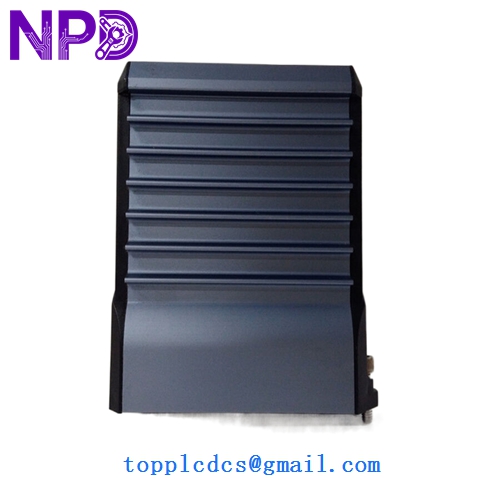
FOXBORO FBM233 P0926GX
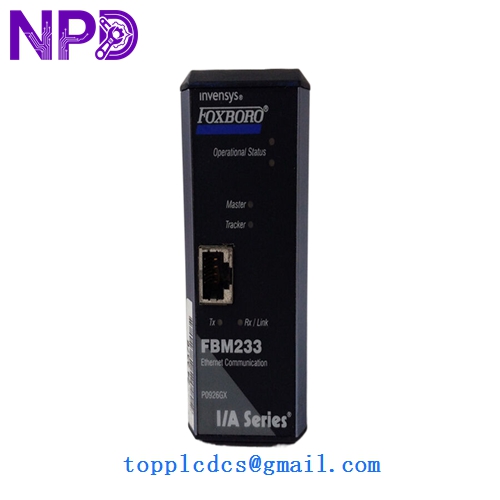
FOXBORO FBM233 P0926GX
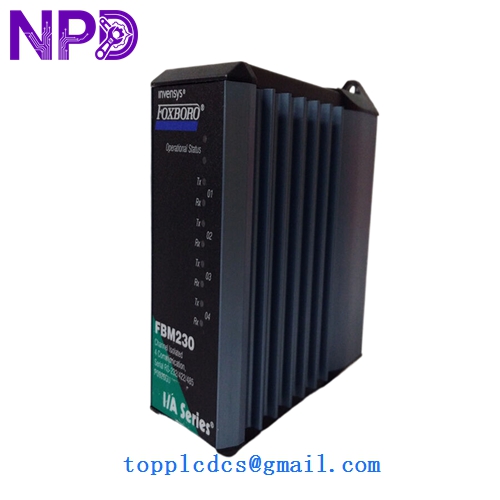
FOXBORO FBM233 P0926GX
Model Comparison: FBM233 P0926GX vs. Similar Models
The FBM233 (P0926GX) is the dual-port Ethernet successor to the older FBM230 and FBM231 serial/single-port modules. Unlike the FBM232, which focuses on specific point-to-point connections, the FBM233 is built for high-bandwidth networked environments and offers superior memory capacity for managing larger device descriptors. The “GX” suffix denotes a specific revision level that provides enhanced cybersecurity features and updated internal firmware compared to earlier “AA” or “GA” versions, making it the standard choice for modern Ethernet-based field integration.
Operational Guidelines
-
Module Placement: Install the FBM233 into a 200 Series Baseplate; ensure the locking screws are properly torqued to maintain the G3 environmental seal and electrical continuity.
-
Redundancy Setup: For mission-critical integration, use a pair of FBM233 modules in a redundant baseplate configuration to prevent data loss in the event of a single module or cable failure.
-
Network Segregation: To ensure optimal performance and security, connect the FBM233 to a dedicated control network switch rather than a shared corporate IT network.
-
Diagnostic Monitoring: Utilize the Foxboro System Manager to monitor the “READY” and “OPERATIONAL” LEDs; a flashing red “FAIL” light typically indicates a MAC address conflict or a failure to initialize the integration driver.