Description
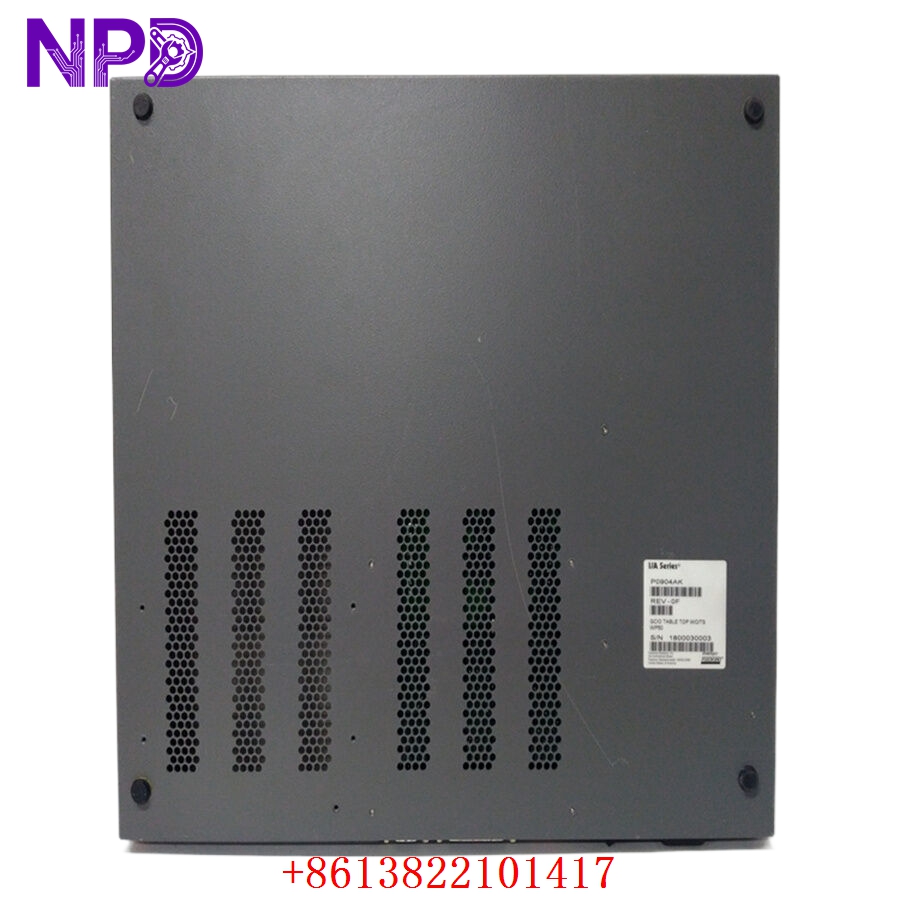
- Model: Foxboro P0904AK
- Brand: Foxboro by Schneider Electric
- Series: I/A Series (DIN Rail Mounted)
- Core Function: Intelligent Power Module for Fieldbus Module (FBM) baseplates
- Condition: Brand New Surplus (Original New), Non-refurbished
- Type: Power Supply / Power Management Module
- Key Specs: 24 V DC Input Redundancy Support Diagnostic Reporting
- Input Voltage: 24 V DC (±5%)
- Input Current: Depends on total load of connected FBMs
- Output: Regulated power distribution via Baseplate
- Status Indicators: READY, FAIL, and Power Status LEDs
- Monitoring: Reports voltage levels and health via the Fieldbus
- Isolation: Input-to-output and input-to-ground isolation
- Mounting: Vertical or horizontal DIN rail baseplate installation
- Operating Temperature: -20 °C to +70 °C (-4 °F to +158 °F)
- Certification: UL, CSA, CE, and ATEX for Zone 2 environments
- Dimensions: Standard 200 Series FBM footprint
FOXBORO P0904AK
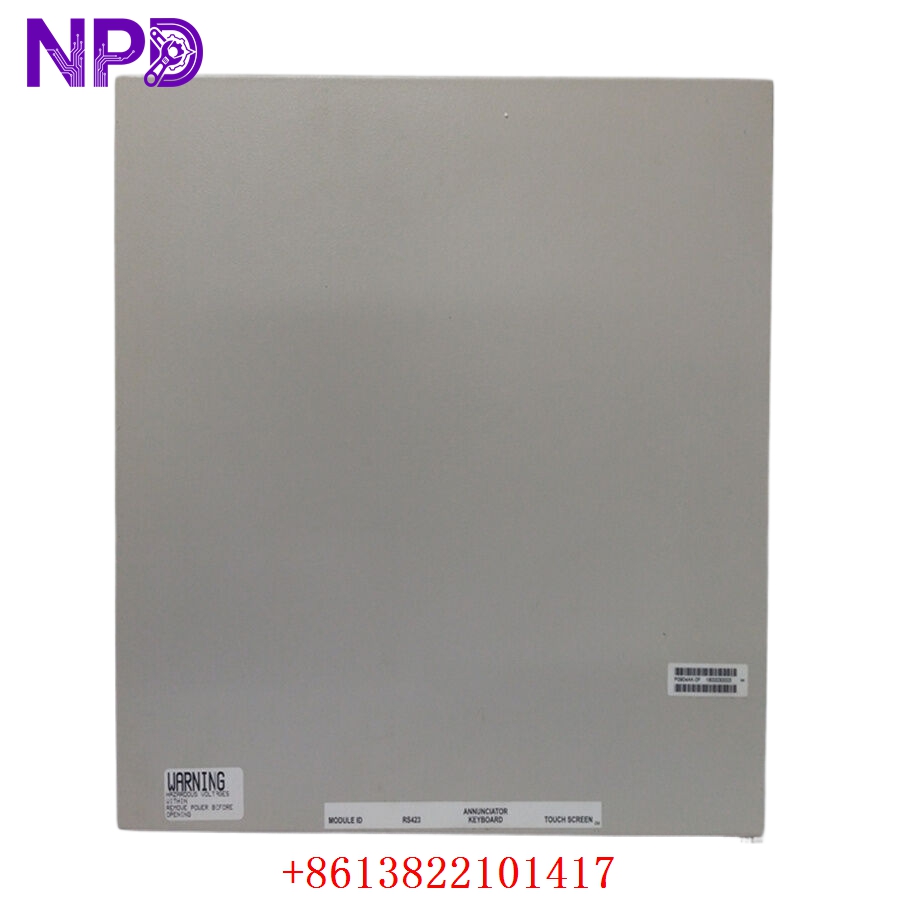
FOXBORO P0904AK
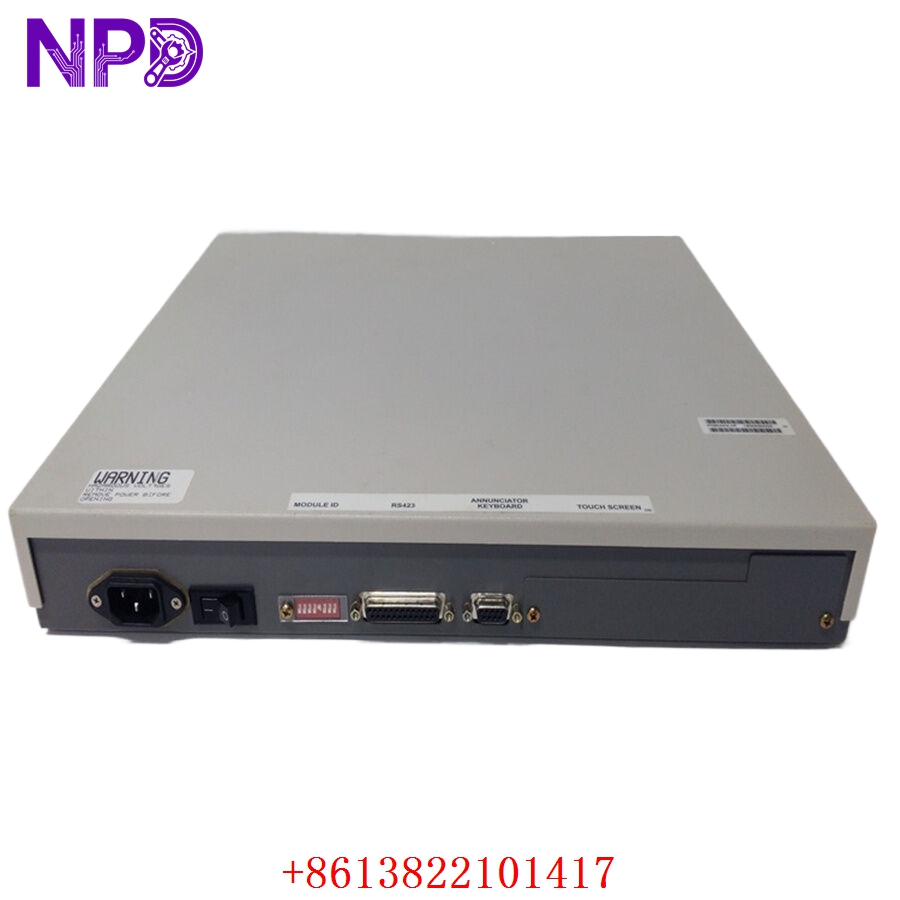
FOXBORO P0904AK
Installation & Configuration Guide
Phase 1: Preparation (10 Minutes)
⚠️ Safety First:
- Verify that your primary and secondary 24 V DC feeds are stable and not fluctuating.
- Confirm the P0904AK is compatible with your specific baseplate (typically used in 2-position or 8-position FBM baseplates).
- Ensure the plant operators are aware of the power module maintenance, even if the system is redundant.
Tools & Protection:
- ESD wrist strap (The internal diagnostic chips are static-sensitive).
- A digital multimeter to check the 24 V DC bus at the terminal blocks.
Phase 2: Removal (5 Minutes)
- Unlatching: Use your fingers to pull the top and bottom red or black plastic latches outward.
- Extraction: Slide the old P0904AK out of the baseplate.
- Connector Check: Inspect the baseplate’s female connector for any dust or signs of electrical arcing (blackening). Clean if necessary.
Phase 3: Installation (15 Minutes)
- Alignment: Line up the module with the baseplate guides. The module is keyed to prevent incorrect insertion.
- Seating: Push the module firmly until the latches snap back into the locked position.
- Security: Ensure the module is flush with the baseplate to maintain a consistent connection on the redundant power bus.
Phase 4: Power-On & Testing (20 Minutes)
- LED Sequence:
- READY (Green): Should turn solid once internal checks are complete.
- FAIL (Red): Should remain OFF. If lit, check for input voltage issues.
- System Verification: Use FoxView or System Manager to verify the module’s ID and status. It should show as “Operational” without any “Redundancy Lost” errors.
- Load Check: Ensure all downstream FBMs powered by this P0904AK are successfully initialized and reporting data.
Customer Cases & Industry Applications
Case 1: Restoring Redundancy in a Chemical Plant
Situation: A chemical plant in Texas had one of two P0904AK modules fail during a power surge. The system stayed up, but they were running without power redundancy—a high-risk scenario. Task: The customer needed a brand-new replacement immediately to restore the safety margin. Action: We shipped a New Surplus P0904AK from our warehouse the same afternoon. Result: The module was installed the following day. The plant restored full power redundancy before the next storm cycle, avoiding a potential “single-point-of-failure” shutdown.
Case 2: Upgrading “Used” Inventory to “New Surplus”
Situation: An offshore platform maintenance team found that their “emergency” spare P0904AK was actually a used unit with corroded pins. Task: To maintain offshore safety standards, they required a certified “Original New” unit with 12 months of warranty. Action: We provided two factory-sealed units with serial numbers that were verifiable. Result: The customer successfully passed their safety audit and now relies on us for their critical Foxboro I/A Series inventory.
Frequently Asked Questions (FAQ)
Q: Can I replace a P0904AK with a P0904HA? A: While both are power modules, they are often used in different baseplate configurations or series. You should always match the exact part number (P0904AK) to ensure the diagnostic logic and current ratings match your existing system.
Q: Does this module require a software license to activate? A: No. The P0904AK is a hardware component. Once installed, the Foxboro system will recognize the hardware ID and begin monitoring it automatically, provided it matches the system’s hardware configuration.
Q: What happens if the READY light flashes? A: A flashing READY light usually indicates the module is in a “Self-Test” mode or is waiting for communication from the Fieldbus. If it continues to flash for more than 2 minutes, it may indicate a firmware mismatch or a baseplate communication error.
Q: Is it okay to buy “New Surplus” for a part that is 5-10 years old? A: Absolutely. In fact, for legacy Foxboro systems, “New Surplus” is the gold standard. Unlike refurbished units, these have never been through thousands of heat cycles, meaning the capacitors and monitoring circuits are in “zero-hour” condition.
Q: Do you provide a certificate of origin? A: Yes, we can provide commercial invoices and packing lists that detail the origin and condition. If you require specific compliance documents for customs, please let us know at the time of inquiry.