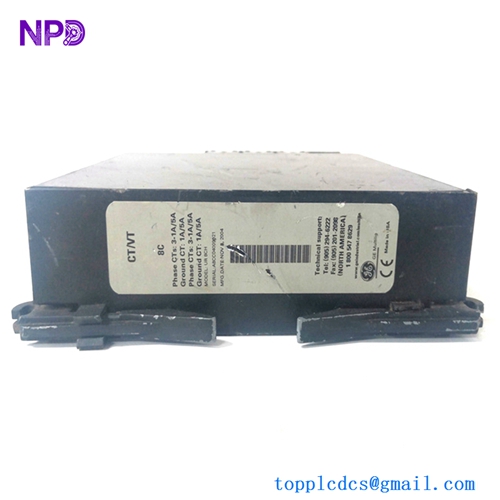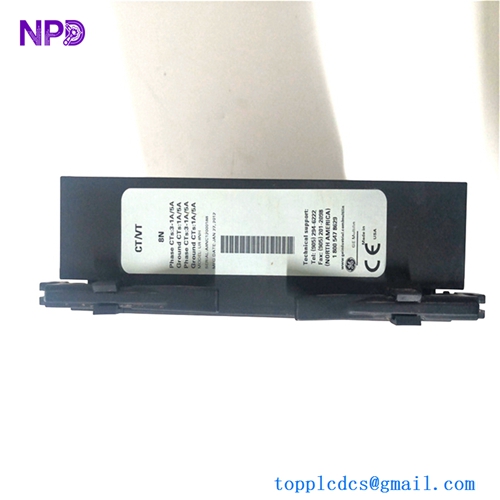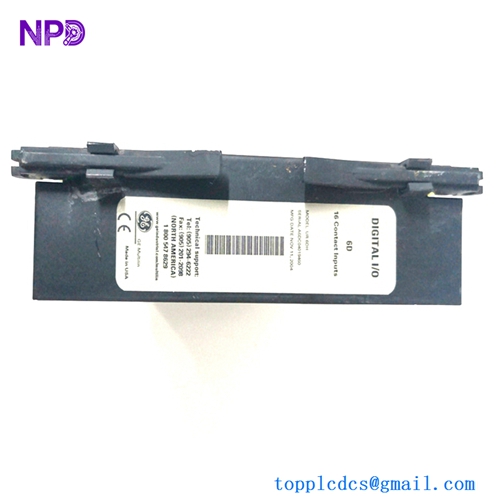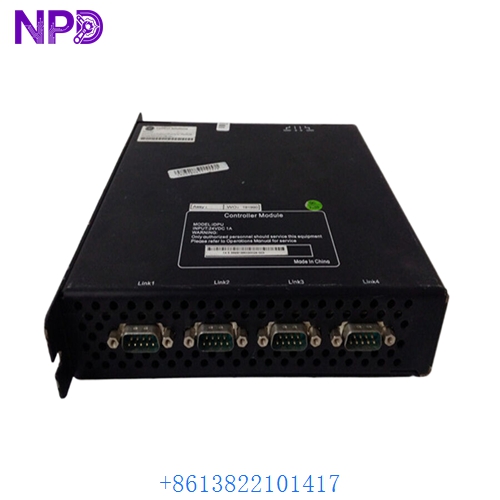

Description
- Model: GE 369B1860G0028
- Brand: General Electric (GE)
- Series: Mark VIe Control Systems
- Core Function: High-density digital control and logic processing
- Product Type: Printed Circuit Board (PCB) / Logic Controller
- Key Specs: 24 V DC Logic IONet Redundancy FPGA-based Processing
- Input Voltage: 24 V DC Nominal (18-30 V range)
- Processor: High-speed RISC architecture for real-time logic
- Communication: Triple redundant IONet (Ethernet-based)
- Operating Temp: -30°C to +65°C (-22°F to 149°F)
- Configuration: Managed via GE ToolboxST Software
- Mounting: Direct plug-in for Mark VIe Control Racks
- I/O Capacity: High-density digital signal processing
- Diagnostics: On-board LED indicators (Run, Fail, Status, Link)
- Isolation: Galvanic isolation between logic and field circuits
- Compliance: Certified for hazardous industrial environments
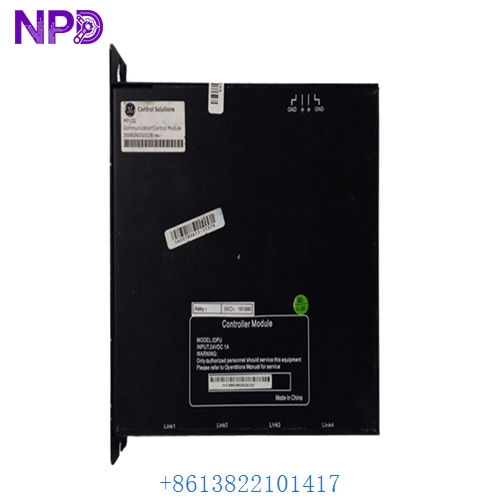
GE 369B1860G0028
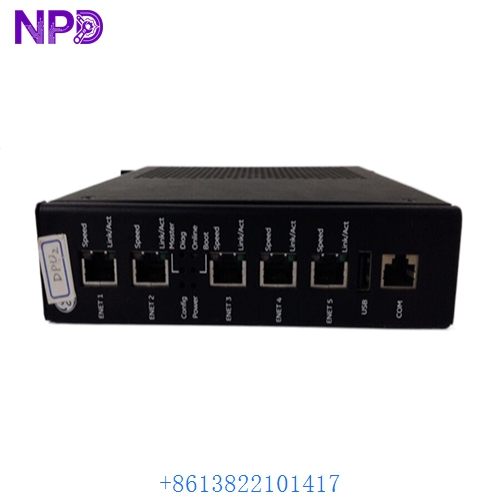
GE 369B1860G0028
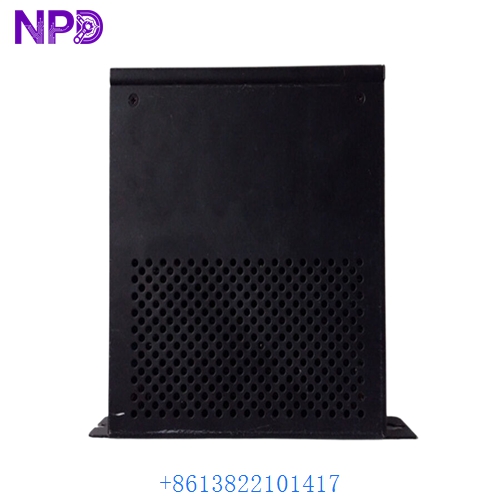
GE 369B1860G0028
Application Scenarios & Pain Points
In a 7FA Gas Turbine setup, the 369B1860G0028 board acts as the critical brain for voting logic. When one of these boards starts throwing “Heartbeat Lost” or “TMR Mismatch” alarms, your system loses its redundancy. If you’re running a 2-out-of-3 voting architecture and this board fails, you are one glitch away from a total turbine trip. For many older plants, the primary pain point isn’t just the hardware failure—it’s finding the exact “G” revision that matches their existing baseline without a 16-week lead time from the OEM.
Typical Application Scenarios:
- Gas Turbine Governor Control Used to execute high-speed fuel regulation and frequency control loops in GE Frame 6, 7, and 9 turbines.
- Steam Turbine Protection Systems Manages the logic for Emergency Trip Systems (ETS) where failure to react in milliseconds is not an option.
- BOP (Balance of Plant) Integration Coordinates auxiliary systems like lubrication oil skids and cooling water pumps within the broader DCS.
Case Study: The 48-Hour Restoration in Southeast Asia
Background: A combined-cycle plant in Thailand faced a “Processor Stalled” alarm on their ‘R’ core. The 369B1860G0028 board had suffered a capacitor failure due to high humidity.
The Problem: The plant was in a critical peak-load period. The local distributor had zero stock of the G0028 revision, only offering the newer G0029 with a 10-day shipping estimate.
The Solution: We verified our stock, confirmed the hardware revision matched the client’s “as-built” drawings, and performed a 24-hour burn-in test on our simulator. The board was air-freighted and arrived at the site within 36 hours of the initial failure.
The Result: – Operational Impact: The turbine remained online in a degraded (dual) mode until the board arrived, avoiding a forced outage.
- Cost Avoided: Estimated $120,000 in grid non-compliance penalties.
Compatible Replacement Models
| Original Model | Replacement Model | Compatibility | Key Differences | Integration Effort |
|---|---|---|---|---|
| 369B1860G0028 | 369B1860G0029 | ✅ Direct Replace | Updated SMT components | Drop-in; minor firmware check |
| 369B1860G0028 | 369B1860G0015 | ⚠️ Software Compatible | Slower clock speed | Requires ToolboxST logic re-binding |
| 369B1860G0028 | IS200 series | ❌ Incompatible | Different Form Factor | Full rack migration required |
Troubleshooting Quick Reference
| Symptom | Potential Cause | Board Related? | Quick Check | Action |
|---|---|---|---|---|
| FAIL LED (Red) | Hardware Self-Test Error | ✅ High | Check Diagnostic Buffer for “RAM Error” | Replace the board immediately |
| RUN LED Blinking | Configuration Mismatch | ⚠️ Medium | Verify Firmware version in ToolboxST | Download the correct application code |
| IONet Link Down | Port Failure / Bad SFP | ⚠️ Medium | Swap the fiber/ethernet cable | If port remains dark, comms chip is dead |
| All LEDs Dark | Power Supply Fault | ❌ Low | Measure 24V DC at the backplane | Check the rack power distribution |
Integrator’s “Field Tips”:
- Check the Jumpers! I’ve seen seasoned engineers pull their hair out because a replacement 369B1860G0028 wouldn’t talk to the controller. 90% of the time, the hardware ID jumpers on the back were set to the default factory position instead of the site-specific address. Take a photo of the old board first!
- Firmware Binding: When you swap the board, the system will likely flag a “Firmware Mismatch.” Don’t just click “Upgrade All.” If your plant is running on an older Baseline, you must downgrade the new board to match the existing environment to maintain TMR synchronization.
- Airflow is Life: These boards run hot. If you’re replacing a board that looks “toasted” (discolored PCB), check your cabinet fans. Replacing the board without fixing the cooling is just a temporary band-aid.