
Description
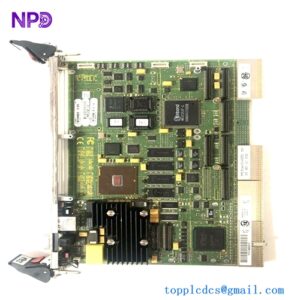
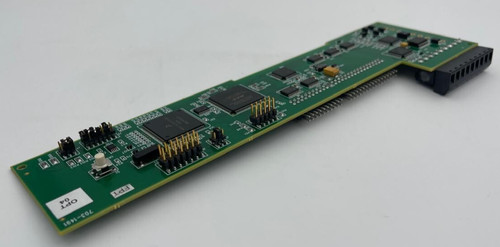
The GE 703-1491-00 is a specialized Printed Circuit Board (PCB) utilized within legacy General Electric industrial control systems. These boards are typically categorized as “utility” or “interface” cards that manage specific signal routing, power distribution, or local logic processing within a larger control rack. Given its part number sequence, it is frequently found in GE’s older generation of power distribution equipment, excitation control racks, or instrumentation interface modules.
📋 Technical Specifications
| Parameter | Specification |
|---|---|
| Product Name | Industrial Control PCB |
| Part Number | 703-1491-00 |
| Core Function | Signal routing, interface, or auxiliary logic processing |
| Compatibility | Legacy GE industrial control platforms |
| Construction | Multi-layer PCB with through-hole and surface-mount components |
| Mounting Style | Card-edge or backplane-mounted |
| Environment | Designed for industrial cabinets (non-sealed) |
🚀 Integration and Application
This board is typically integrated into larger control systems as a secondary component. Common roles include:
- Analog Signal Conditioning: Filtering or isolating inputs before they reach the main controller.
- Logic Bridging: Connecting auxiliary relay status signals to the main PLC or DCS I/O backplane.
- Power Regulation: Managing local 5V/12V/24V power distribution for secondary sensors within a module.
⚠️ Maintenance and Handling Note
As a legacy component, handling the 703-1491-00 requires specific care to prevent damage to sensitive traces:
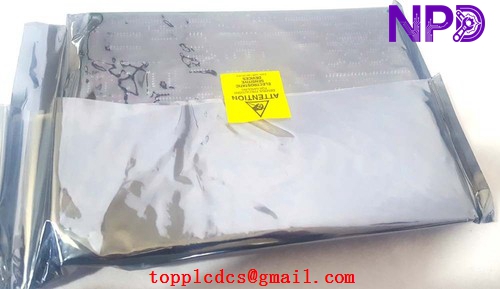
- Electrostatic Discharge (ESD): This board is highly susceptible to ESD damage. Always handle it using a grounded wrist strap and keep it in an anti-static bag when not installed.
- Component Age: Due to the age of these boards, check for “leaking” electrolytic capacitors or signs of heat-stressed solder joints. If a board has been in storage for a long time, it is recommended to perform a visual inspection for oxidation on the gold-plated contact fingers.
- Contact Cleaning: Before installation, ensure the edge connector fingers are clean. Use a non-residue electronic contact cleaner if signs of tarnish are present.