
Description
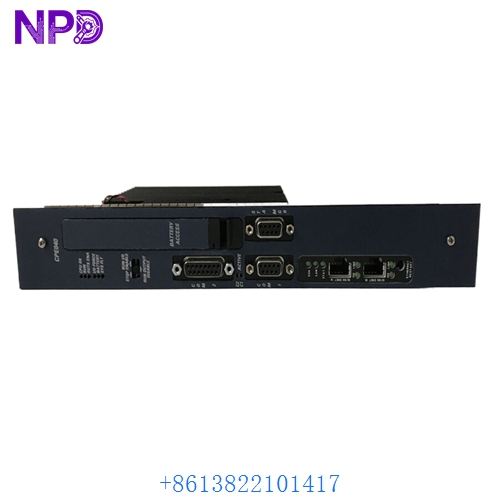
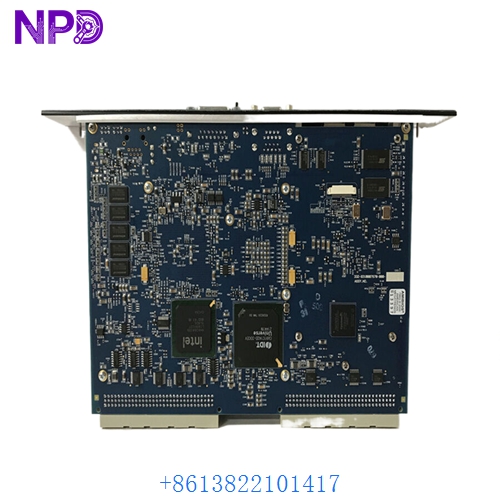
- Model: GE IC698CPE040
- Brand: GE Fanuc / Emerson (PACSystems)
- Series: PACSystems RX7i
- Core Function: High-performance Central Processing Unit (CPU)
- Product Type: Controller Module
- Key Specs: 1.8 GHz Intel Pentium M 64 MB User Memory 3x Ethernet Ports
- Processor: 1.8 GHz Intel Pentium M
- User Memory: 64 MB (Battery-backed RAM)
- Flash Memory: 64 MB (Non-volatile storage)
- Communication Ports:
- 3x 10/100 Ethernet ports (RJ-45)
- 1x RS-232 (Station Manager port)
- 1x RS-485 (Serial port)
- Floating Point: Native hardware support for complex math
- VME Compatibility: Supports VME64 Standard
- I/O Support: Up to 32,000 bits (Discrete) and 32,000 words (Analog)
- Current Draw: 5.1 Amps at +5 V DC
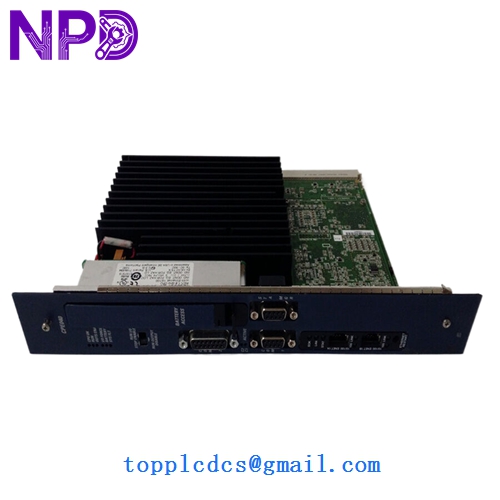
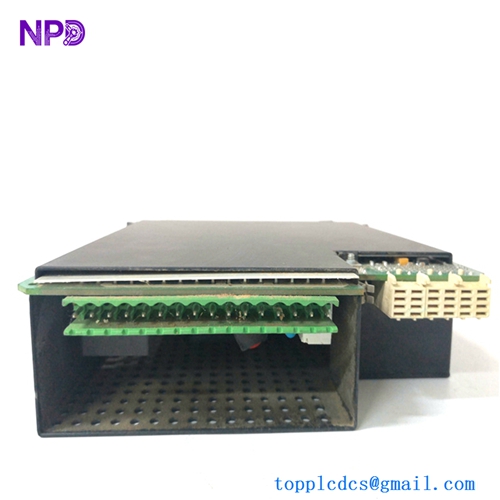
GE IC698CPE040
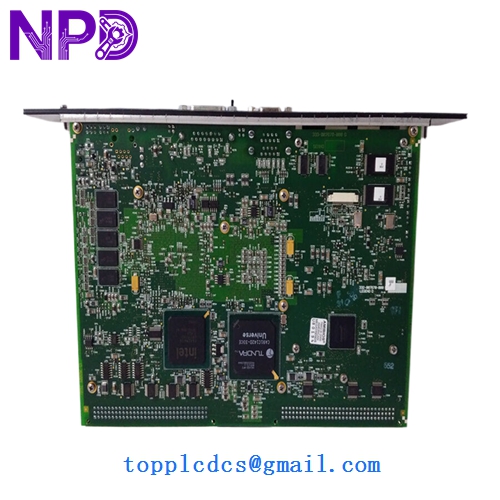
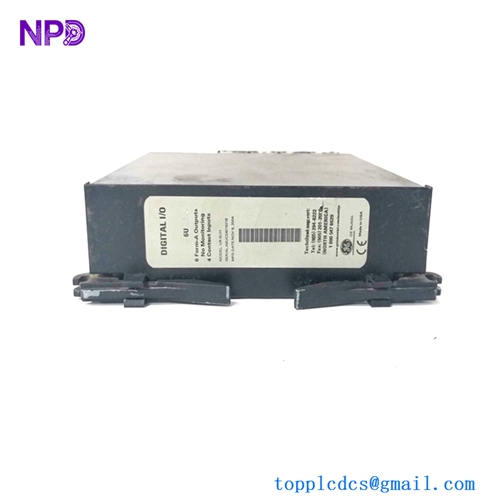
GE IC698CPE040
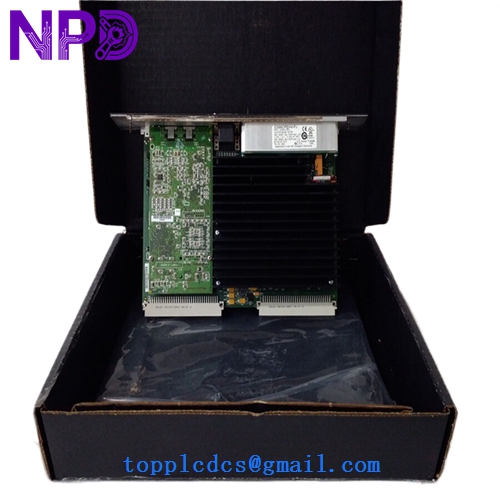
GE IC698CPE040
Application Scenarios & Pain Points
The IC698CPE040 is the powerhouse of the RX7i family. Built on a VME64 backplane, it was designed for high-end applications that require massive data throughput and complex calculations—think turbine control, high-speed material handling, or large-scale utility management. However, the RX7i line is now largely mature/legacy. In my experience, the biggest pain point for engineers is the transition from older Series 90-70 systems to RX7i, or dealing with the significant heat generated by this 1.8 GHz processor in older, poorly ventilated cabinets.
Typical Application Scenarios:
- Large Scale Power Generation Acting as the main controller for balance-of-plant (BOP) systems where high-speed floating-point math is required for PID loops.
- Metals & Mining – Rolling Mills Managing high-speed synchronized motion control across VME-based I/O racks.
- Oil & Gas – Pipeline Compressor Stations Handling thousands of I/O points across distributed Ethernet-based drops.
- Retrofit for Series 90-70 Serving as a high-performance upgrade for existing 90-70 VME racks while preserving existing I/O hardware.
Case Study: The “Thermal Throttling” Mystery
Background: A manufacturing plant in the Midwest was seeing “CPU Watchdog” timeouts on their main RX7i rack every afternoon around 3:00 PM. The system would lock up, requiring a full power cycle.
Problem: The IC698CPE040 is a 1.8 GHz chip in a PLC form factor; it generates a lot of heat. We discovered that the cabinet’s cooling fans had failed, and the internal temperature was hitting 60°C. The CPU was thermally protecting itself, essentially “dying” to save the silicon.
Solution: We provided a replacement IC698CPE040 (as the original was eventually damaged by the heat) and installed a new cabinet heat exchanger.
Result: – Uptime Restored: The 3:00 PM shutdowns disappeared.
- Longevity: The system has been stable for over two years since the swap.
- Engineer’s Insight: “If you are running a CPE040, you are running a laptop processor in a metal box. Check your air filters every month, or you’ll be buying a new CPU every summer.”
Compatible Replacement Models
The RX7i line has several CPU variants. The CPE040 is near the top of the performance bracket.
| Original Model | Replacement Model | Compatibility | Note |
|---|---|---|---|
| IC698CPE040 | IC698CPE040 | ✅ Exact Match | 1.8 GHz / 64MB Memory. |
| IC698CPE040 | IC698CPE030 | ⚠️ Software | 700 MHz / 32MB Memory. Slower; check memory usage. |
| IC698CPE040 | PACSystems RX3i | ❌ Incompatible | Completely different backplane (PNC vs VME). Requires migration. |
Troubleshooting Quick Reference
| Symptom | Possible Cause | Relation | Quick Check | Action |
|---|---|---|---|---|
| “OK” LED Off | Power/HW Fault | ✅ High | Check +5V and +3.3V rack voltages. | If power is okay, replace CPU. |
| Ethernet No Link | Port Config | ⚠️ Med | Connect via Serial Station Manager to check IP. | Reset IP via Proficy Machine Edition. |
| “BAT” LED On | Battery Dead | ✅ High | Check the lithium battery in the CPU tray. | Replace battery while powered to keep memory. |
| System “Freezing” | Overheating | ✅ High | Check front panel for excessive heat or fan failure. | Improve cabinet cooling immediately. |
❗ Pro Tip: The Battery Replacement
Unlike some smaller PLCs, the IC698CPE040 consumes its battery fairly aggressively if the rack is powered down frequently. Always replace the battery while the rack is powered on. If you pull the battery while the power is off, you will lose your user program and the hardware configuration, turning a 5-minute maintenance task into a 2-hour recovery session.
Handling & Configuration:
This CPU is a VME card. When inserting it, ensure the top and bottom ejector handles are fully clicked into place. If they aren’t, the multi-pin VME backplane connector might not seat correctly, leading to “Backplane Comm Errors” or sporadic reboots. Also, ensure your Proficy Machine Edition software version supports the firmware on the CPE040—version 5.0 or higher is generally required for this model.