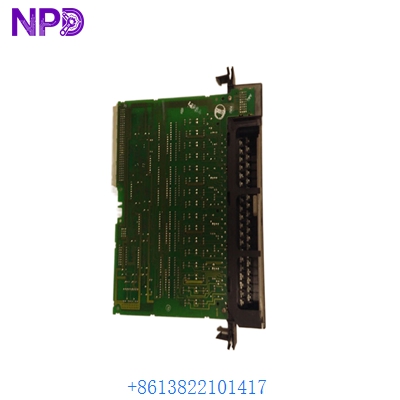
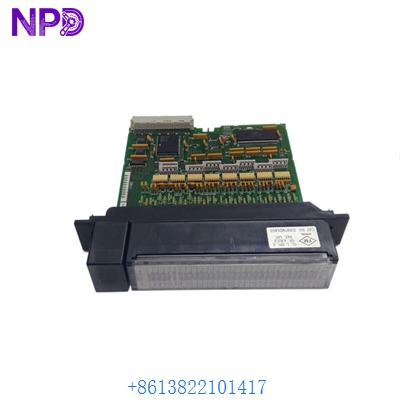
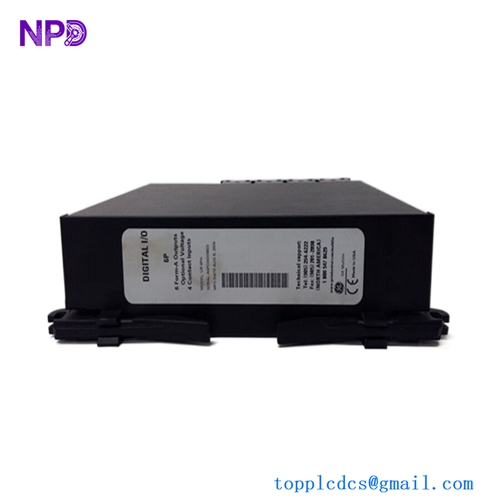
Description
- Model: GE IC698CRE030-EE
- Brand: GE Fanuc / Emerson (USA)
- Series: PACSystems RX7i
- Core Function: High-performance controller with integrated redundancy for mission-critical automation
- Condition: Original New Surplus (New in Box), Factory Sealed
- Type: Redundancy Central Processing Unit (CPU)
- Key Specs: 700 MHz Pentium III | 64 MB User Memory | 2 x Ethernet Ports
- Microprocessor: Intel Pentium III, 700 MHz (High-speed logic execution)
- User Memory: 64 MB User RAM (Battery-backed)
- Non-volatile Flash: 64 MB for OS and program storage
- Embedded Communications: 2 x 10/100 Mbps Ethernet ports, 1 x RS-232, 1 x RS-485
- Redundancy Support: Integrated hardware-based bumpless transfer
- Backplane Architecture: VME64 (Backward compatible with Series 90-70 I/O)
- Performance: 0.03 ms per 1K of Boolean logic instructions
- Battery: IC698ACC701 (Required for data retention)
- Software Support: Proficy Machine Edition (PME) Version 5.5 or higher
- Current Draw: 4.4 Amps @ +5V DC (Maximum)
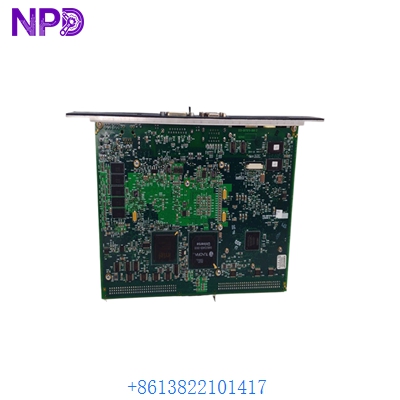
GE IC698CRE030-EE
Installation & Configuration Guide
In my experience, the IC698CRE030-EE is the “brain” of high-availability power plants and infrastructure projects. The “-EE” suffix indicates the enhanced Ethernet version. The trickiest part isn’t the physical install—it’s synchronizing the IP addresses between the Primary and Secondary CPUs so they don’t fight for control of the network.
Phase 1: Preparation (20 minutes)
⚠️ Safety First:
- High-availability systems often control critical equipment. Ensure you have a manual override or “Safe State” bypass in place before swapping the CPU.
- Confirm your firmware version in PME. If the two CPUs in a redundant pair have mismatched firmware, the secondary unit will stay in “Hardware Mismatch” and won’t take over if the primary fails.
- Verify your 24V and 5V power rails. A 700 MHz CPU pulls significantly more current than older Series 90-70 modules.
Phase 2: Hardware Installation
- Battery Connection: Plug in the lithium battery (ACC701) to the CPU before sliding it into the rack. Without the battery, you’ll lose your program the second you cycle power.
- Rack Placement: The IC698CRE030-EE must be placed in Slot 1 of the RX7i rack (next to the power supply).
- Fiber Synchronization: If you are using CPU-to-CPU redundancy, connect the high-speed fiber sync cables to the dedicated ports on the front faceplate.
Phase 3: Configuration (Proficy Machine Edition)
- In PME, select the IC698CRE030 as the target.
- Redundancy Setup: Assign one CPU as “Active” and the other as “Standby.”
- Ethernet Logic: Set a unique IP for each CPU’s management port, but use a “Floating IP” for the SCADA/HMI communication so the transition is invisible to the operator.
- Download the project to both CPUs.
Phase 4: Verification & Switchover Test
- Observe the “RUN” and “OK” LEDs. Both should be solid green.
- Check the “SYNC” LED—it must be on for the redundancy to be active.
- The Real Test: While the system is running in a controlled environment, pull the Ethernet cable or power from the Primary CPU. The IC698CRE030-EE should transfer control to the Secondary unit in less than 1 scan cycle (bumpless).
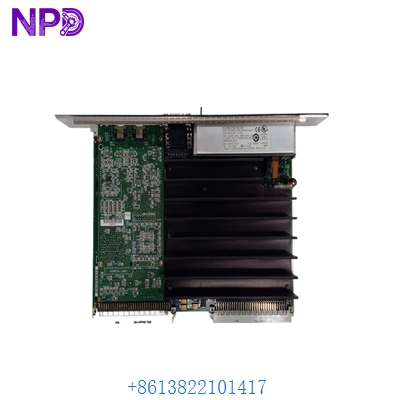
GE IC698CRE030-EE
Customer Cases & Industry Applications
Case 1: Natural Gas Pipeline – Replacing a Lightning-Damaged CPU A compressor station on a major gas pipeline in North America took a surge that partially fried the Ethernet ports on their Primary IC698CRE030-EE. The system was running on the single Secondary unit, meaning they were one fault away from a total pipeline shutdown. We provided an Original New Surplus unit within 48 hours. Result: Redundancy was restored, and the pipeline operator avoided a potential $200,000-per-hour downtime event.
Case 2: Municipal Water Plant – Upgrading from Series 90-70 A large city water treatment facility wanted to upgrade their processing power without replacing their entire field I/O. They swapped their old 90-70 CPUs for the IC698CRE030-EE while keeping their existing IC697 I/O racks. Result: Logic execution speed improved by 10x, and they gained modern Ethernet connectivity while saving over $100,000 by not replacing their field wiring.
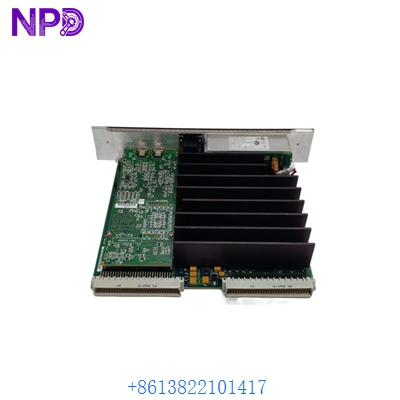
GE IC698CRE030-EE
Frequently Asked Questions (FAQ)
Q: What does the “-EE” suffix specifically mean? A: It stands for “Enhanced Ethernet.” This version has improved stack stability and better throughput for high-traffic networks compared to the standard CRE030.
Q: Can I mix a CRE030 and a CRE030-EE in a redundant pair? A: Technically, it might work, but it is not recommended. For the most stable bumpless transfer, you should always use identical hardware revisions and firmware versions.
Q: My “OK” light is flashing. What does that mean? A: A flashing “OK” light usually means the CPU has passed its power-on self-test but doesn’t have a valid configuration/program yet. Download your PME project, and it should turn solid green.
Q: How long does the battery last in a IC698CRE030-EE? A: Typically 1-2 years if the rack is powered off frequently, or up to 5 years if the rack is always on. We recommend replacing the battery every 2 years as part of preventive maintenance.
Q: Is “New Surplus” safe for such a critical component? A: Absolutely. We understand that this CPU controls the “heart” of your system. Every IC698CRE030-EE we ship is in its original factory packaging with seals intact. We also perform a backplane diagnostic and Ethernet ping test before shipping to ensure the module is 100% operational.